nextjs components
v5.2.0

警告
該項目無法積極維護。
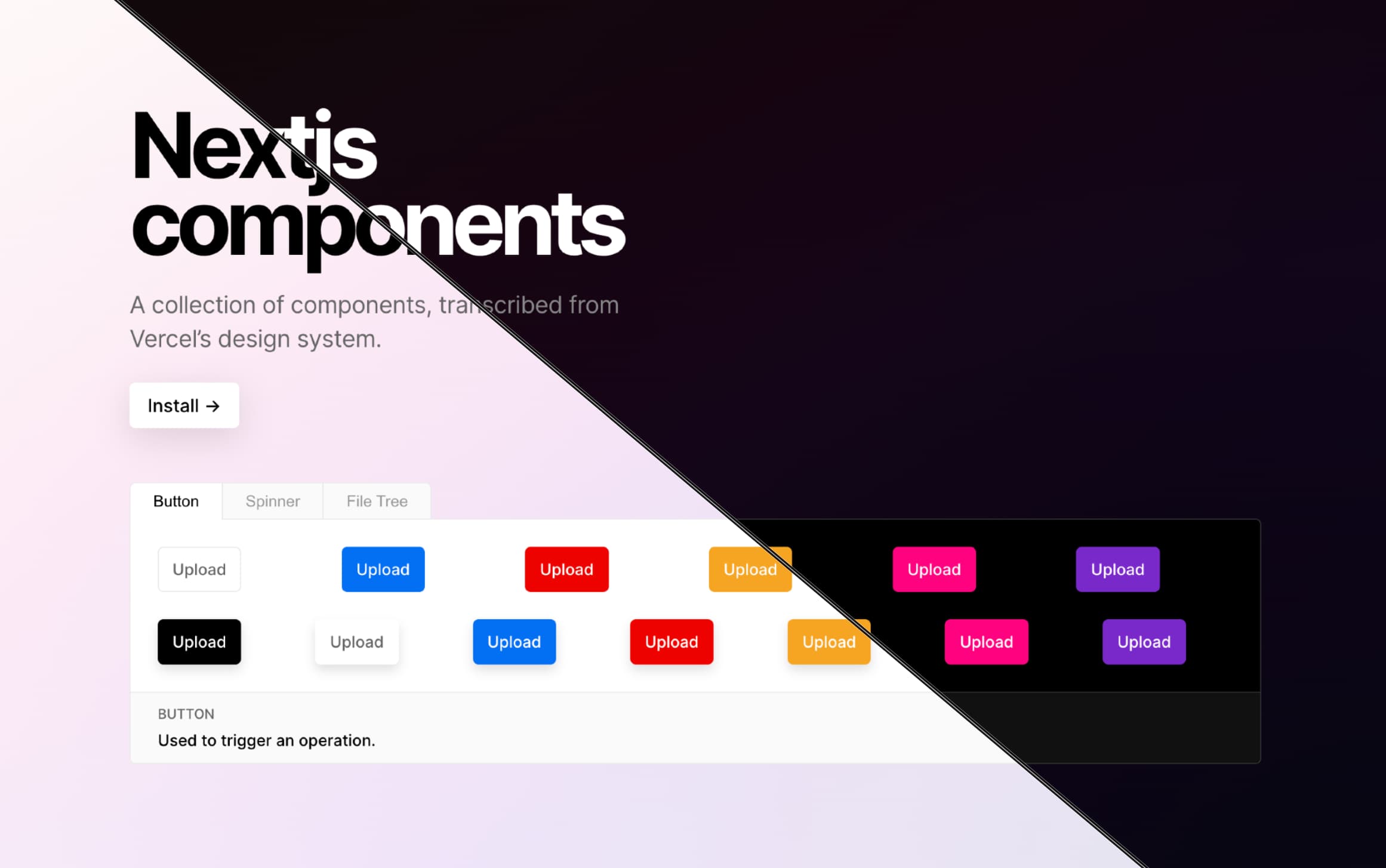
從https://vercel.com/design轉錄的React組件集合。 1
博客文章,來自2022年1月9日
 # with npm
npm i nextjs-components
# with yarn
yarn add nextjs-components該項目需要轉移以與您的下一個.js應用程序一起使用。建議使用Next.JS 13.1.0的內置模塊tranpilation。 (直到Next.js 13.1.0 , next-transpile-modules處理此用例。)
 // next.config.js

/**
 * @type {import('next').NextConfig}
 */
const nextConfig = {
  reactStrictMode : true ,
  pageExtensions : [ "tsx" , "ts" ] ,
  swcMinify : true ,
  transpilePackages : [ "nextjs-components" ] ,
} ;

module . exports = nextConfig ; 使用下一個13的app目錄
 "use client" ;

// ./app/layout.tsx
import { ThemeContextProvider } from "nextjs-components/src/contexts/ThemeContext" ;
import "nextjs-components/src/styles/globals.css" ;

export default function RootLayout ( { children } ) {
  return (
    < html lang = "en" >
      < body >
        < ThemeContextProvider > { children } </ ThemeContextProvider >
      </ body >
    </ html >
  ) ;
}使用傳統的自定義_app.tsx
 // ./pages/_app.tsx
import {
  ThemeContextProvider ,
  ToastArea ,
  ToastsProvider ,
} from "nextjs-components" ;
import "nextjs-components/src/styles/globals.css" ;

function App ( { Component , pageProps } ) {
  return (
    < ThemeContextProvider >
      < ToastsProvider >
        < Component { ... pageProps } />
        < ToastArea />
      </ ToastsProvider >
    </ ThemeContextProvider >
  ) ;
}

export default App ;
查看文檔網站以獲取更多示例!
警告
丟棄的create-react-app支持。
在較舊的版本中,支持使用create-react-app用法。但是,從>=v1.0.0開始,刪除了預構建/dist文件夾。
這與vercel↩








