nextjs components
v5.2.0

경고
이 프로젝트는 적극적으로 유지되지 않습니다.
https://vercel.com/design에서 전사 된 React 구성 요소 모음. 1
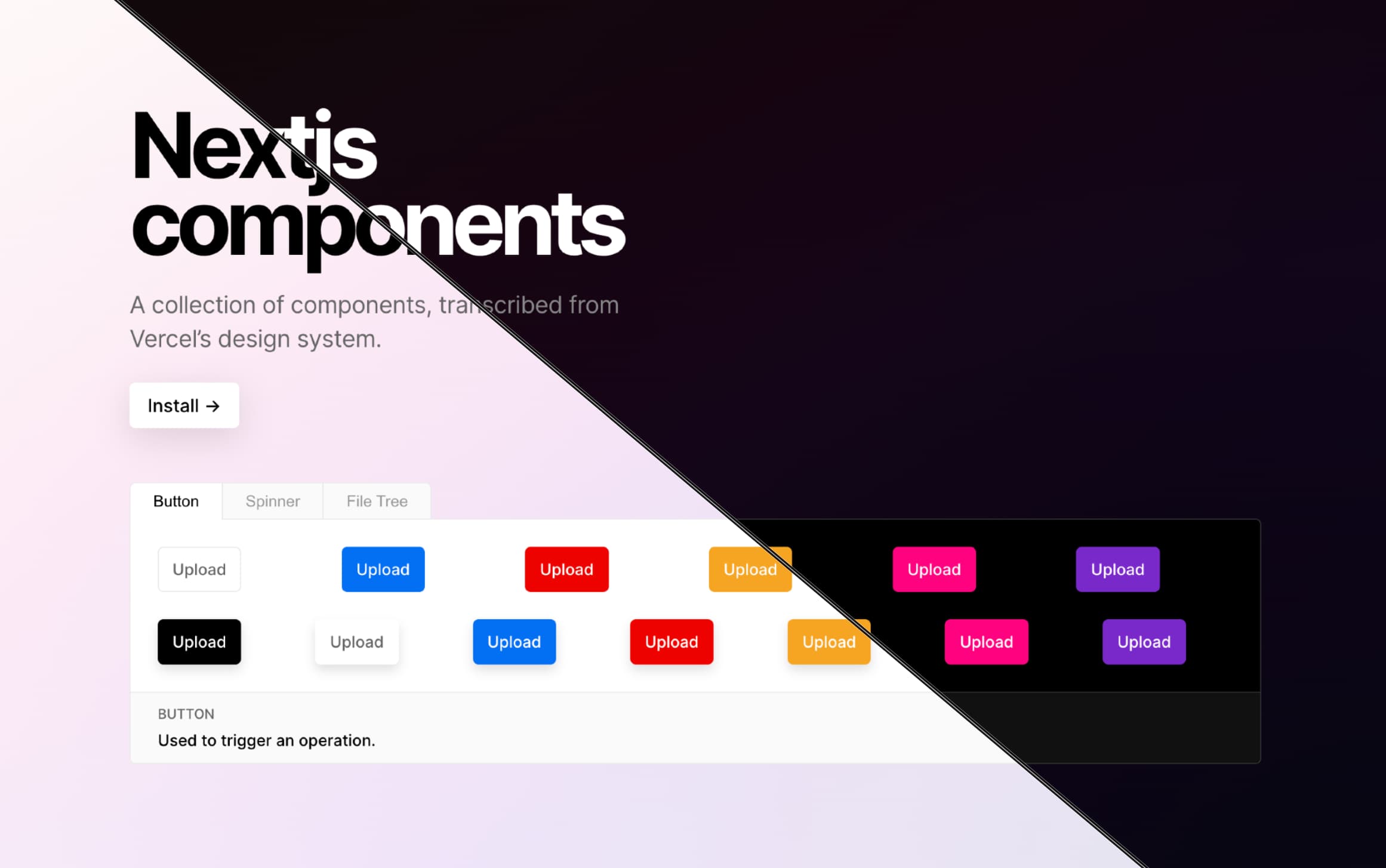
01/09/2022의 블로그 게시물
 # with npm
npm i nextjs-components
# with yarn
yarn add nextjs-components 이 프로젝트는 Next.js 응용 프로그램과 함께 작동하도록 변환해야합니다. JS 13.1.0 '의 내장 모듈 Tranpilation을 사용하는 것이 좋습니다. (다음까지 JS 13.1.0 까지, next-transpile-modules 이 사용 사례를 처리했습니다.)
 // next.config.js

/**
 * @type {import('next').NextConfig}
 */
const nextConfig = {
  reactStrictMode : true ,
  pageExtensions : [ "tsx" , "ts" ] ,
  swcMinify : true ,
  transpilePackages : [ "nextjs-components" ] ,
} ;

module . exports = nextConfig ; 다음 13의 app 디렉토리 사용
 "use client" ;

// ./app/layout.tsx
import { ThemeContextProvider } from "nextjs-components/src/contexts/ThemeContext" ;
import "nextjs-components/src/styles/globals.css" ;

export default function RootLayout ( { children } ) {
  return (
    < html lang = "en" >
      < body >
        < ThemeContextProvider > { children } </ ThemeContextProvider >
      </ body >
    </ html >
  ) ;
}
전통적인 사용자 정의 _app.tsx 사용
 // ./pages/_app.tsx
import {
  ThemeContextProvider ,
  ToastArea ,
  ToastsProvider ,
} from "nextjs-components" ;
import "nextjs-components/src/styles/globals.css" ;

function App ( { Component , pageProps } ) {
  return (
    < ThemeContextProvider >
      < ToastsProvider >
        < Component { ... pageProps } />
        < ToastArea />
      </ ToastsProvider >
    </ ThemeContextProvider >
  ) ;
}

export default App ;
더 많은 예를 보려면 문서 사이트를 확인하십시오!
경고
READ create-react-app 지원.
이전 버전에서는 create-react-app 사용한 사용이 지원되었습니다. 그러나 >=v1.0.0 에서 사전 구축 /dist 폴더가 삭제되었습니다.
이것은 vercel ↩와 제휴하지 않습니다








