shell linter
v0.6.0

使用ShellCheck對Shell腳本進行靜態分析的GitHub動作。
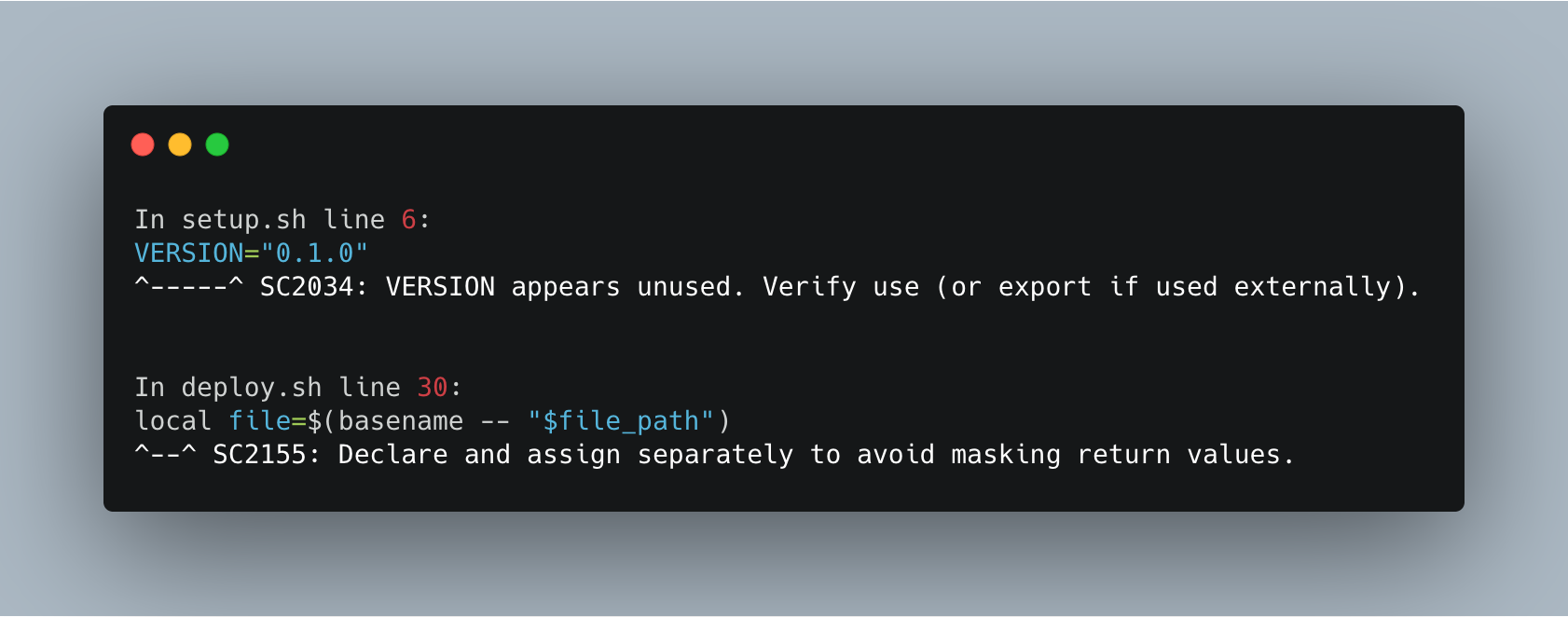
Shell Linter可以以各種方式執行靜態分析。默認情況下,它在您的項目中掃描了所有ShellCheck支持的Shell腳本(SH/BASH/DASH/KSH)。但是,您可以使用path參數來掃描特定文件或文件夾,或使用exclude-paths參數將文件或文件夾排除在掃描中。使用Shell Linter,您還可以指定使用severity參數的最小錯誤嚴重性。特定用例以及示例如下:
 jobs :
  lint :
    runs-on : ubuntu-latest
    steps :
      - name : Checkout code
        uses : actions/checkout@v1
      - name : Run ShellCheck
uses : azohra/shell-linter@latest - name : Run ShellCheck
uses : azohra/shell-linter@latest
with :
path : " setup.sh " - name : Run ShellCheck
uses : azohra/shell-linter@latest
with :
path : " setup,deploy.sh " - name : Run ShellCheck
uses : azohra/shell-linter@latest
with :
path : " src " - name : Run ShellCheck
uses : azohra/shell-linter@latest
with :
path : " src/*.sh " - name : Run ShellCheck
uses : azohra/shell-linter@latest
with :
exclude-paths : " src/setup.sh,tests/unit_tests " 請注意, exclude-paths僅接受相對於您項目的根目錄的路徑。但是,請勿在路徑開頭中包括./ 。
為了排除文件夾,它的內容遞歸提供了文件夾的路徑,而無需a / 。在上面的示例中,路徑tests/unit_tests上的整個文件夾將被排除在覆蓋範圍之外。
      - name : Run ShellCheck
        uses : azohra/shell-linter@latest
        with :
          path : " src/*.sh "
severity : " error " - name : Run ShellCheck
uses : azohra/[email protected]path選修的。執行棉絨檢查特定文件或文件夾。預設: .
exclude-paths選修的。從ShellCheck掃描中排除文件和文件夾。
severity選修的。指定要考慮[樣式,信息,警告,錯誤]的錯誤嚴重程度。默認值: style
根據MIT許可條款,該軟件可作為開源。







