shell linter
v0.6.0

使用ShellCheck对Shell脚本进行静态分析的GitHub动作。
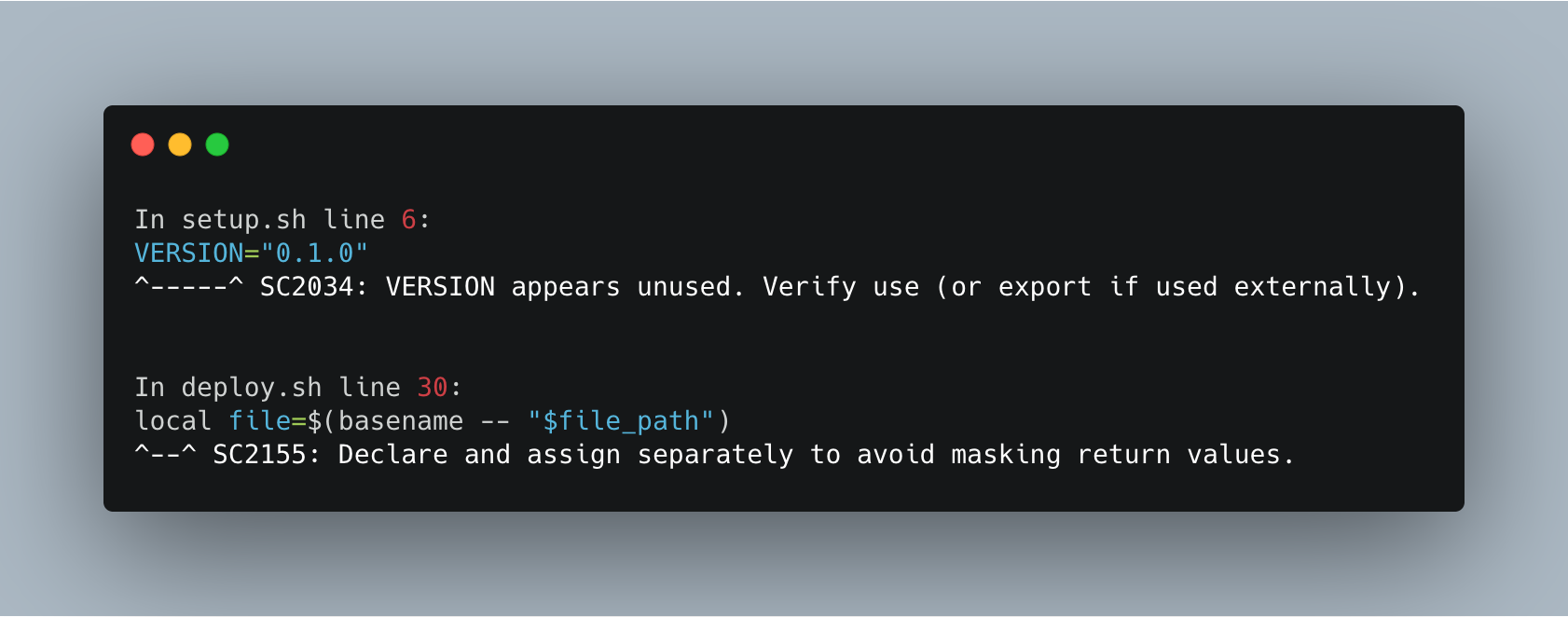
Shell Linter可以以各种方式执行静态分析。默认情况下,它在您的项目中扫描了所有ShellCheck支持的Shell脚本(SH/BASH/DASH/KSH)。但是,您可以使用path参数来扫描特定文件或文件夹,或使用exclude-paths参数将文件或文件夹排除在扫描中。使用Shell Linter,您还可以指定使用severity参数的最小错误严重性。特定用例以及示例如下:
 jobs :
  lint :
    runs-on : ubuntu-latest
    steps :
      - name : Checkout code
        uses : actions/checkout@v1
      - name : Run ShellCheck
uses : azohra/shell-linter@latest - name : Run ShellCheck
uses : azohra/shell-linter@latest
with :
path : " setup.sh " - name : Run ShellCheck
uses : azohra/shell-linter@latest
with :
path : " setup,deploy.sh " - name : Run ShellCheck
uses : azohra/shell-linter@latest
with :
path : " src " - name : Run ShellCheck
uses : azohra/shell-linter@latest
with :
path : " src/*.sh " - name : Run ShellCheck
uses : azohra/shell-linter@latest
with :
exclude-paths : " src/setup.sh,tests/unit_tests " 请注意, exclude-paths仅接受相对于您项目的根目录的路径。但是,请勿在路径开头中包括./ 。
为了排除文件夹,它的内容递归提供了文件夹的路径,而无需a / 。在上面的示例中,路径tests/unit_tests上的整个文件夹将被排除在覆盖范围之外。
      - name : Run ShellCheck
        uses : azohra/shell-linter@latest
        with :
          path : " src/*.sh "
severity : " error " - name : Run ShellCheck
uses : azohra/[email protected]path选修的。执行棉绒检查特定文件或文件夹。默认: .
exclude-paths选修的。从ShellCheck扫描中排除文件和文件夹。
severity选修的。指定要考虑[样式,信息,警告,错误]的错误严重程度。默认值: style
根据MIT许可条款,该软件可作为开源。







