react content loader
v7.0.2


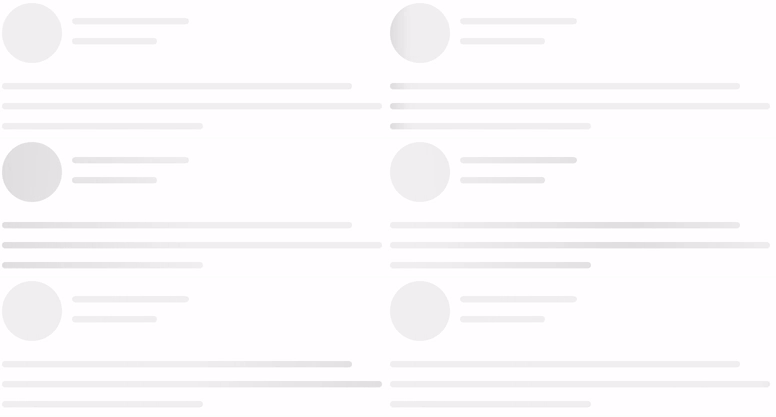
由SVG驅動的組件輕鬆創建佔位持有人加載(例如Facebook的卡加載)。
npm i react-content-loader --saveyarn add react-content-loadernpm i react-content-loader react-native-svg --saveyarn add react-content-loader react-native-svgJSdelivr的CDN
有兩種方法可以使用它:
1。預設,請參見示例:
 import ContentLoader , { Facebook } from 'react-content-loader'

const MyLoader = ( ) => < ContentLoader />
const MyFacebookLoader = ( ) => < Facebook />
2。自定義模式,請參閱在線工具
 const MyLoader = ( ) => (
  < ContentLoader viewBox = "0 0 380 70" >
    { /* Only SVG shapes */ }
    < rect x = "0" y = "0" rx = "5" ry = "5" width = "70" height = "70" />
    < rect x = "80" y = "17" rx = "4" ry = "4" width = "300" height = "13" />
    < rect x = "80" y = "40" rx = "3" ry = "3" width = "250" height = "10" />
  </ ContentLoader >
)還不清楚嗎?在codesandbox.io上查看此工作示例,或嘗試“動手”組件可編輯的演示,然後從bit.dev安裝它
react-content-loader可以與React Antial的使用方式與具有相同導入的Web版本相同:
1。預設,請參見示例:
 import ContentLoader , { Facebook } from 'react-content-loader/native'

const MyLoader = ( ) => < ContentLoader />
const MyFacebookLoader = ( ) => < Facebook />
2。自定義模式
要創建自定義加載器,有一個重要的區別:由於React Native沒有任何用於SVG組件的本機模塊,因此有必要從React-Native-SVG導入形狀,或使用react-content-loader的命名導出rect和circle import:
 import ContentLoader , { Rect , Circle } from 'react-content-loader/native'

const MyLoader = ( ) => (
  < ContentLoader viewBox = "0 0 380 70" >
    < Circle cx = "30" cy = "30" r = "30" />
    < Rect x = "80" y = "17" rx = "4" ry = "4" width = "300" height = "13" />
    < Rect x = "80" y = "40" rx = "3" ry = "3" width = "250" height = "10" />
  </ ContentLoader >
) 道具名稱和類型 | 環境 | 描述 |
|---|---|---|
animate?: boolean默認為 true | 反應dom 反應天然 | 選擇false的動畫 |
title?: string默認 Loading... | 僅反應DOM | 它用於描述它是什麼元素。 使用 '' (空字符串)刪除。 |
baseUrl?: string默認為空字符串 | 僅反應DOM | 如果您使用<base url="/" />文檔<head/>則需要。該道具常用於: <ContentLoader baseUrl={window.location.pathname} />將用相對路徑填充SVG屬性。相關#93。 |
speed?: number默認為 1.2 | 反應dom 反應天然 | 動畫速度在幾秒鐘內。 |
viewBox?: string默認為 undefined | 反應dom 反應天然 | 使用Viewbox Props設置自定義查看框值, 有關如何使用它的更多信息, 閱讀文章如何擴展SVG。 |
gradientRatio?: number默認為 1.2 | 僅反應DOM | 動畫梯度的寬度是視框寬度的一小部分。 |
rtl?: boolean默認為 false | 反應dom 反應天然 | 內容左右。 |
backgroundColor?: string默認為 #f5f6f7 | 反應dom 反應天然 | 用作動畫的背景。 |
foregroundColor?: string默認為 #eee | 反應dom 反應天然 | 用作動畫的前景。 |
backgroundOpacity?: number默認為 1 | 反應dom 反應天然 | 背景不透明度(0 =透明,1 =不透明) 用於解決野生動物園中的問題 |
foregroundOpacity?: number默認為 1 | 反應dom 反應天然 | 動畫不透明度(0 =透明,1 =不透明) 用於解決野生動物園中的問題 |
style?: React.CSSProperties默認為 {} | 僅反應DOM | |
uniqueKey?: string默認為隨機唯一ID | 僅反應DOM | 使用相同的prop鍵的值 這將解決SSR上的不一致之處,請參閱此處的更多信息。 |
beforeMask?: JSX.Element默認為null | 反應dom 反應天然 | 在內容之前定義自定義形狀, 在這裡查看更多。 |
查看所有現場選項
 import { Facebook } from 'react-content-loader'

const MyFacebookLoader = ( ) => < Facebook /> 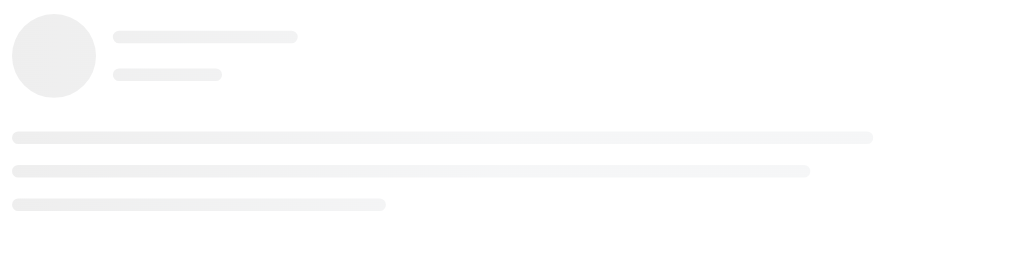
 import { Instagram } from 'react-content-loader'

const MyInstagramLoader = ( ) => < Instagram /> 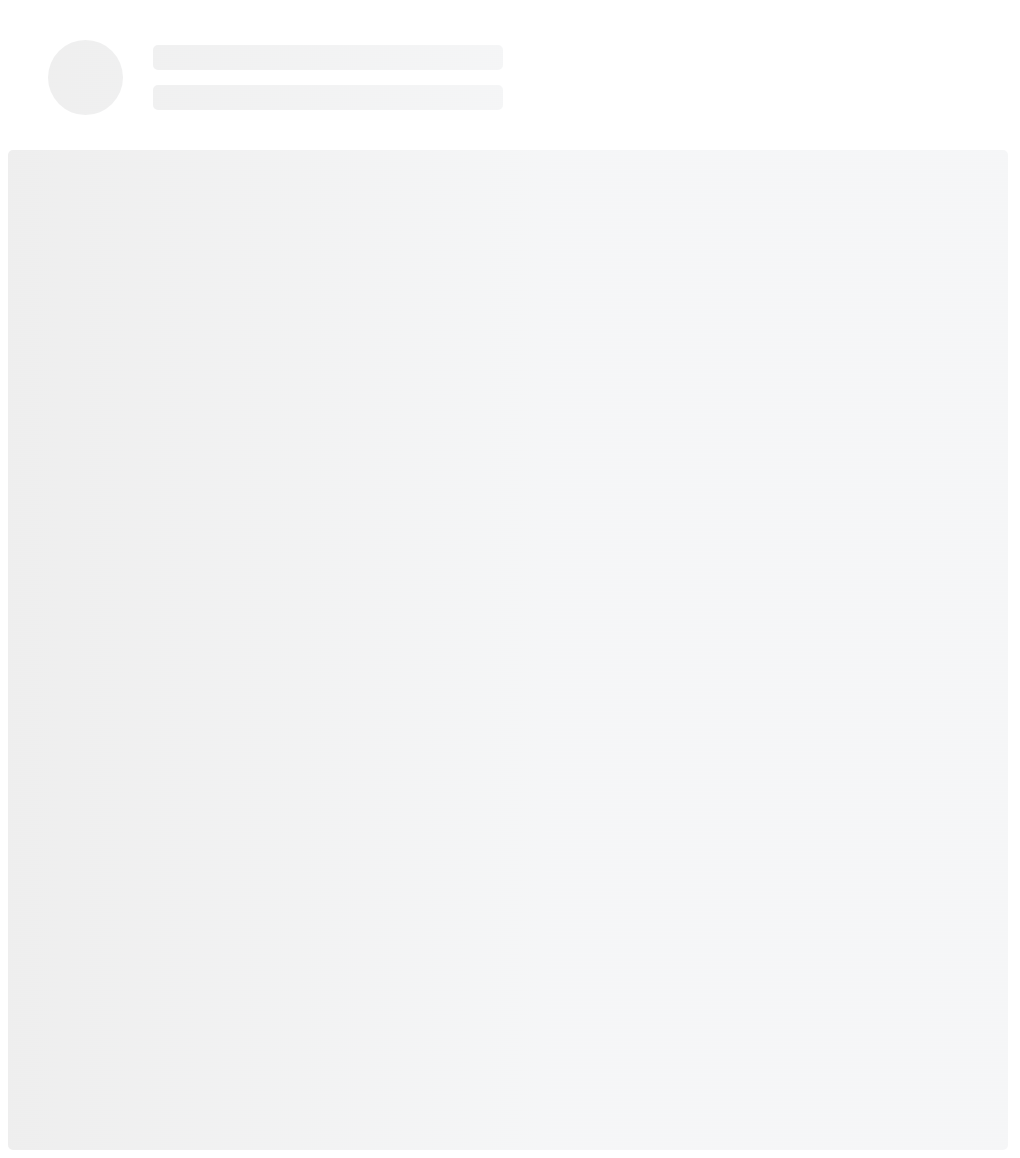
 import { Code } from 'react-content-loader'

const MyCodeLoader = ( ) => < Code /> 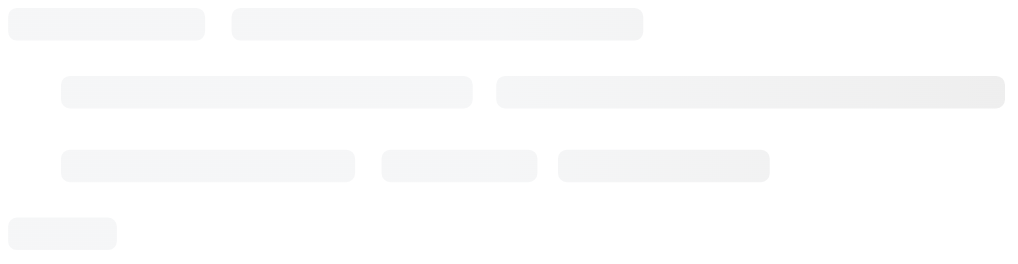
 import { List } from 'react-content-loader'

const MyListLoader = ( ) => < List /> 
 import { BulletList } from 'react-content-loader'

const MyBulletListLoader = ( ) => < BulletList /> 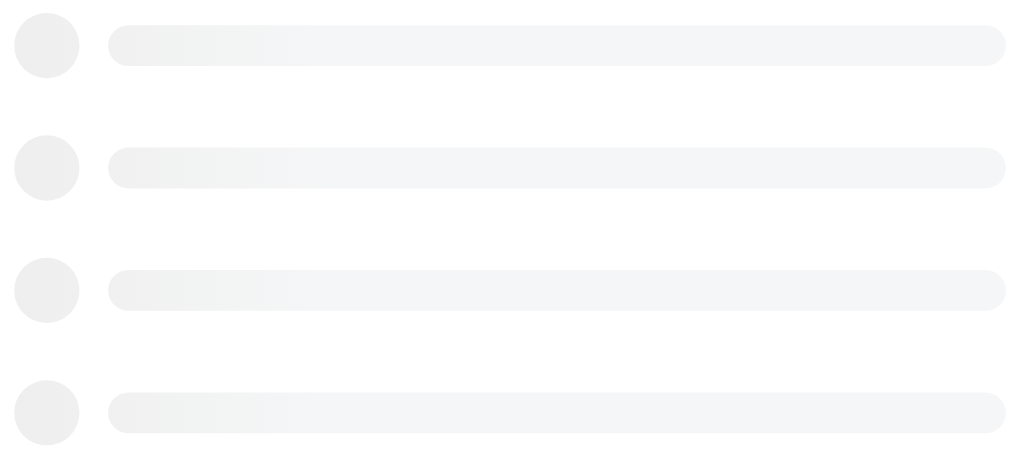
對於自定義模式,請使用在線工具。
 const MyLoader = ( ) => (
  < ContentLoader
    height = { 140 }
    speed = { 1 }
    backgroundColor = { '#333' }
    foregroundColor = { '#999' }
    viewBox = "0 0 380 70"
  >
    { /* Only SVG shapes */ }
    < rect x = "0" y = "0" rx = "5" ry = "5" width = "70" height = "70" />
    < rect x = "80" y = "17" rx = "4" ry = "4" width = "300" height = "13" />
    < rect x = "80" y = "40" rx = "3" ry = "3" width = "250" height = "10" />
  </ ContentLoader >
) 
為了避免出乎意料的行為,該軟件包沒有意見的設置。因此,如果需要響應迅速,請記住,包裝的輸出是常規的SVG,因此它只需要相同的屬性即可成為常規的SVG響應迅速,這意味著:
 import { Code } from 'react-content-loader'

const MyCodeLoader = ( ) => (
  < Code
    width = { 100 }
    height = { 100 }
    viewBox = "0 0 100 100"
    style = { { width : '100%' } }
  />
) 由於主要組件生成隨機值以將SVG元素的ID與背景樣式匹配,因此在SSR:SERVER和CLINES的情況下,ID的隨機值將兩次生成兩次,它可能會遇到意外錯誤並在渲染上進行無與倫比的警告;或在快照測試的情況下:在第一場比賽中並重新運行測試。
要修復它,請設置uniqueKey ,然後ID將不再是隨機的:
 import { Facebook } from 'react-content-loader'

const MyFacebookLoader = ( ) => < Facebook uniqueKey = "my-random-value" /> 當使用rgba作為backgroundColor或foregroundColor值時,Safari不尊重Alpha通道,這意味著顏色將是不透明的。為了防止這種情況,不要使用rgba值進行backgroundColor / foregroundColor ,而是使用rgb等效物,而是將Alpha通道值移至backgroundOpacity / foregroundOpacity穩定性。
 { /* Opaque color in Safari and iOS */ }
< ContentLoader
  backgroundColor = "rgba(0,0,0,0.06)"
  foregroundColor = "rgba(0,0,0,0.12)" >


{ / _ Semi-transparent color in Safari and iOS _ / }
< ContentLoader
    backgroundColor = "rgb(0,0,0)"
    foregroundColor = "rgb(0,0,0)"
    backgroundOpacity = { 0.06 }
    foregroundOpacity = { 0.12 } >
在包含SVG元素的頁面上使用基本標籤無法渲染,看起來像一個黑匣子。只需從<head />中刪除基本HREF標籤,就可以解決問題。
請參閱:#93 /109
舊瀏覽器不支持SVG中的動畫(兼容性列表),如果您的項目必須支持IE,例如,請示例以下幾種方法來確保瀏覽器支持SVG Animate:
window.SVGAnimateElementdocument.implementation.hasFeature("http://www.w3.org/TR/SVG11/feature#SVG-Animation", "1.1")分叉存儲庫,然後克隆它
$ git clone [email protected]:YourUsername/react-content-loader.git && cd react-content-loader
$ npm i :安裝依賴項;
$ npm run build :生產構建;
$ npm run dev :運行故事書以查看您的更改;
$ npm run test :運行所有測試:類型檢查,Web和本機上的單元測試;
$ npm run test:watch :觀看單元測試;
由於React Native不支持符號鏈接(要將依賴關係鏈接到另一個文件夾),並且由於沒有操場可以檢查您的貢獻(例如Storybook),因此建議在本地運行該項目的策略:
yarn add react-content-loader react-native-svgreact-content-loader指向僅克隆的項目,例如: import ContentLoader, { Rect, Circle } from './react-content-loader/native'提交消息應遵循“提交消息約定”,因此,可以自動生成ChangElogs。提交消息會在提交時自動驗證。如果您不熟悉“提交消息約定”,則可以使用YARN COMMIT(或npm run commit )而不是Git Commit,這提供了用於生成適當提交消息的交互式CLI。
麻省理工學院





