react content loader
v7.0.2


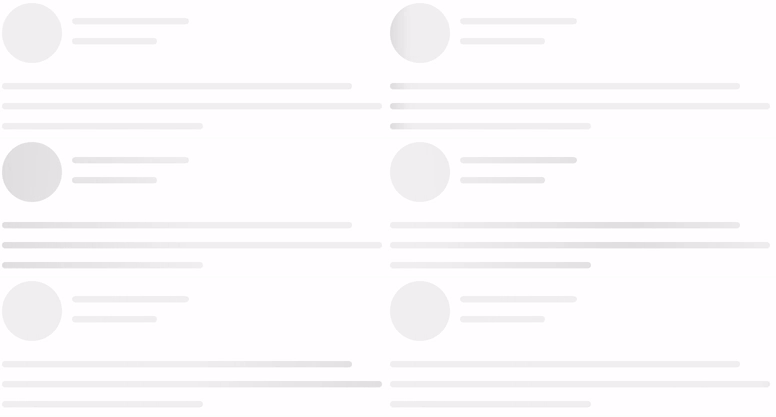
由SVG驱动的组件轻松创建占位持有人加载(例如Facebook的卡加载)。
npm i react-content-loader --saveyarn add react-content-loadernpm i react-content-loader react-native-svg --saveyarn add react-content-loader react-native-svgJSdelivr的CDN
有两种方法可以使用它:
1。预设,请参见示例:
 import ContentLoader , { Facebook } from 'react-content-loader'

const MyLoader = ( ) => < ContentLoader />
const MyFacebookLoader = ( ) => < Facebook />
2。自定义模式,请参阅在线工具
 const MyLoader = ( ) => (
  < ContentLoader viewBox = "0 0 380 70" >
    { /* Only SVG shapes */ }
    < rect x = "0" y = "0" rx = "5" ry = "5" width = "70" height = "70" />
    < rect x = "80" y = "17" rx = "4" ry = "4" width = "300" height = "13" />
    < rect x = "80" y = "40" rx = "3" ry = "3" width = "250" height = "10" />
  </ ContentLoader >
)还不清楚吗?在codesandbox.io上查看此工作示例,或尝试“动手”组件可编辑的演示,然后从bit.dev安装它
react-content-loader可以与React Antial的使用方式与具有相同导入的Web版本相同:
1。预设,请参见示例:
 import ContentLoader , { Facebook } from 'react-content-loader/native'

const MyLoader = ( ) => < ContentLoader />
const MyFacebookLoader = ( ) => < Facebook />
2。自定义模式
要创建自定义加载器,有一个重要的区别:由于React Native没有任何用于SVG组件的本机模块,因此有必要从React-Native-SVG导入形状,或使用react-content-loader的命名导出rect和circle import:
 import ContentLoader , { Rect , Circle } from 'react-content-loader/native'

const MyLoader = ( ) => (
  < ContentLoader viewBox = "0 0 380 70" >
    < Circle cx = "30" cy = "30" r = "30" />
    < Rect x = "80" y = "17" rx = "4" ry = "4" width = "300" height = "13" />
    < Rect x = "80" y = "40" rx = "3" ry = "3" width = "250" height = "10" />
  </ ContentLoader >
) 道具名称和类型 | 环境 | 描述 |
|---|---|---|
animate?: boolean默认为 true | 反应dom 反应天然 | 选择false的动画 |
title?: string默认 Loading... | 仅反应DOM | 它用于描述它是什么元素。 使用 '' (空字符串)删除。 |
baseUrl?: string默认为空字符串 | 仅反应DOM | 如果您使用<base url="/" />文档<head/>则需要。该道具常用于: <ContentLoader baseUrl={window.location.pathname} />将用相对路径填充SVG属性。相关#93。 |
speed?: number默认为 1.2 | 反应dom 反应天然 | 动画速度在几秒钟内。 |
viewBox?: string默认为 undefined | 反应dom 反应天然 | 使用Viewbox Props设置自定义查看框值, 有关如何使用它的更多信息, 阅读文章如何扩展SVG。 |
gradientRatio?: number默认为 1.2 | 仅反应DOM | 动画梯度的宽度是视框宽度的一小部分。 |
rtl?: boolean默认为 false | 反应dom 反应天然 | 内容左右。 |
backgroundColor?: string默认为 #f5f6f7 | 反应dom 反应天然 | 用作动画的背景。 |
foregroundColor?: string默认为 #eee | 反应dom 反应天然 | 用作动画的前景。 |
backgroundOpacity?: number默认为 1 | 反应dom 反应天然 | 背景不透明度(0 =透明,1 =不透明) 用于解决野生动物园中的问题 |
foregroundOpacity?: number默认为 1 | 反应dom 反应天然 | 动画不透明度(0 =透明,1 =不透明) 用于解决野生动物园中的问题 |
style?: React.CSSProperties默认为 {} | 仅反应DOM | |
uniqueKey?: string默认为随机唯一ID | 仅反应DOM | 使用相同的prop键的值 这将解决SSR上的不一致之处,请参阅此处的更多信息。 |
beforeMask?: JSX.Element默认为null | 反应dom 反应天然 | 在内容之前定义自定义形状, 在这里查看更多。 |
查看所有现场选项
 import { Facebook } from 'react-content-loader'

const MyFacebookLoader = ( ) => < Facebook /> 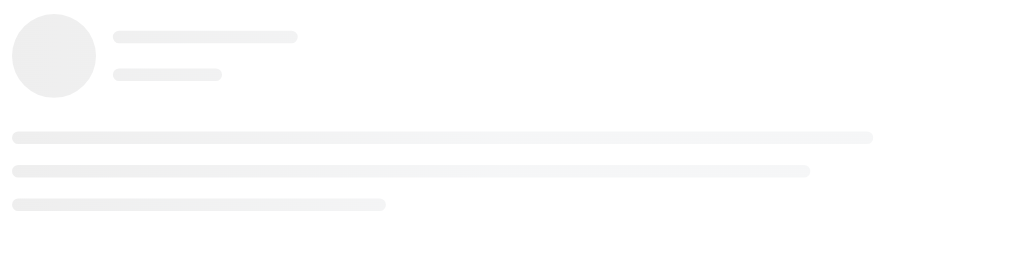
 import { Instagram } from 'react-content-loader'

const MyInstagramLoader = ( ) => < Instagram /> 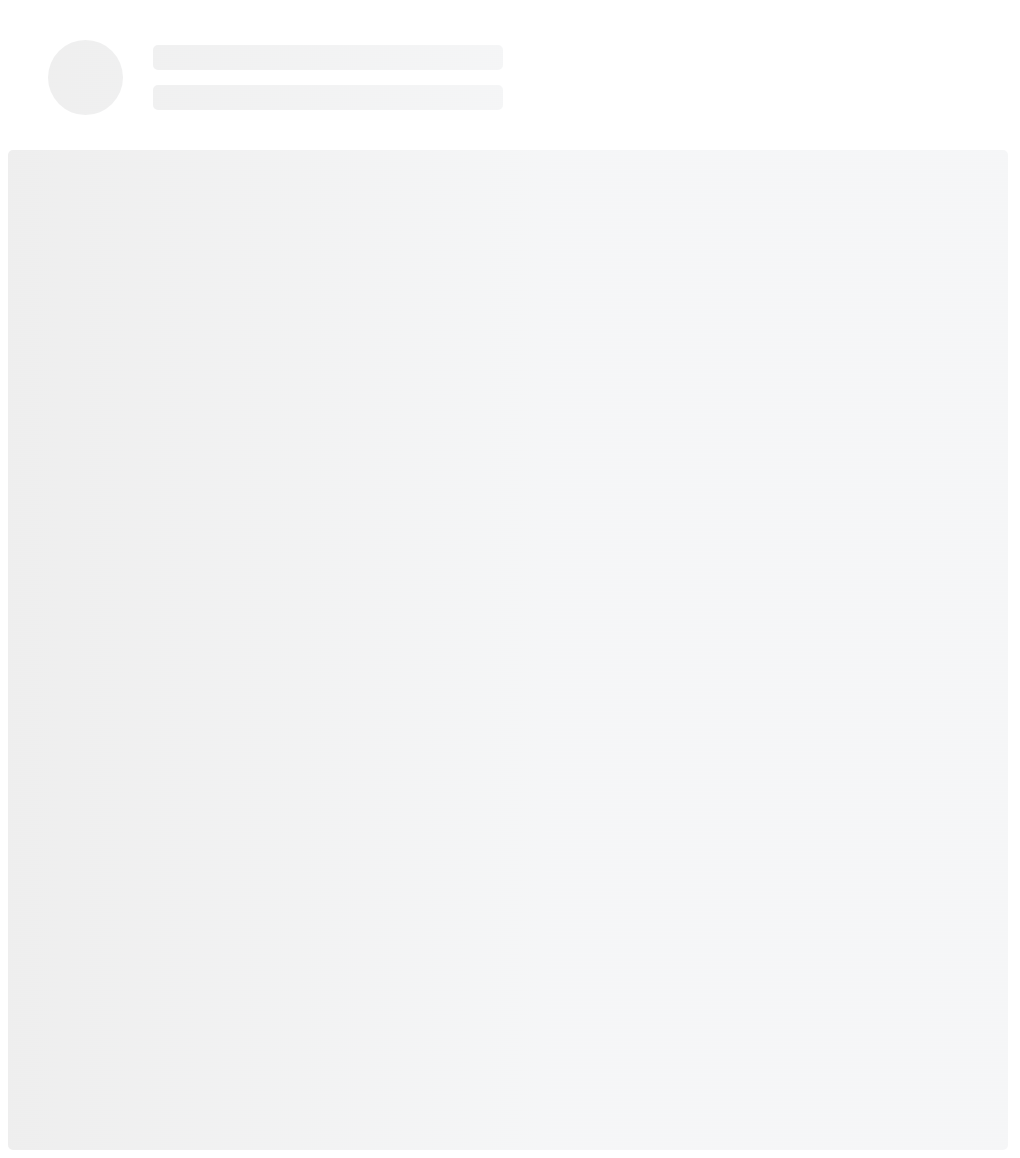
 import { Code } from 'react-content-loader'

const MyCodeLoader = ( ) => < Code /> 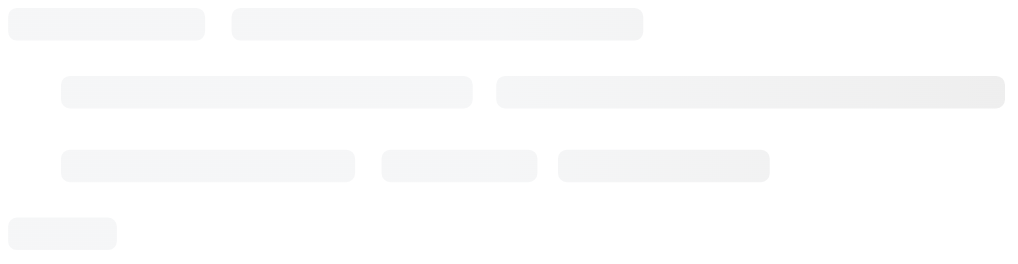
 import { List } from 'react-content-loader'

const MyListLoader = ( ) => < List /> 
 import { BulletList } from 'react-content-loader'

const MyBulletListLoader = ( ) => < BulletList /> 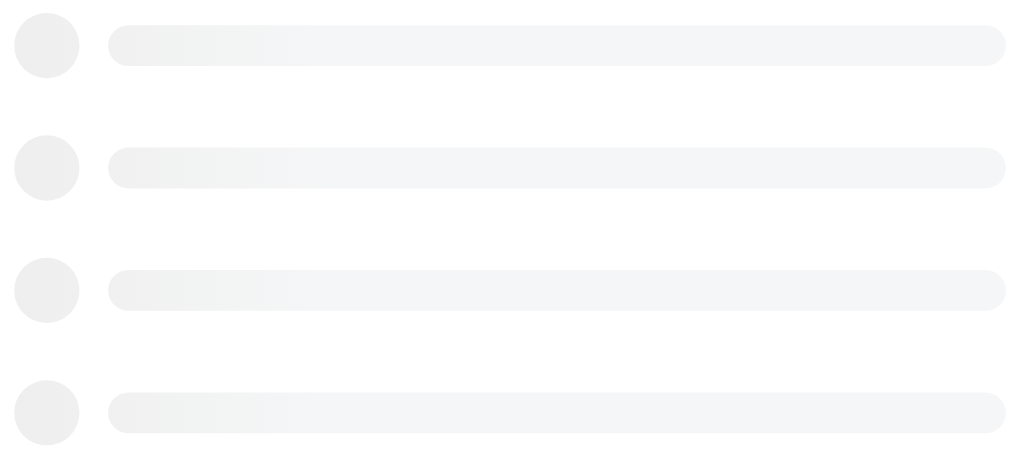
对于自定义模式,请使用在线工具。
 const MyLoader = ( ) => (
  < ContentLoader
    height = { 140 }
    speed = { 1 }
    backgroundColor = { '#333' }
    foregroundColor = { '#999' }
    viewBox = "0 0 380 70"
  >
    { /* Only SVG shapes */ }
    < rect x = "0" y = "0" rx = "5" ry = "5" width = "70" height = "70" />
    < rect x = "80" y = "17" rx = "4" ry = "4" width = "300" height = "13" />
    < rect x = "80" y = "40" rx = "3" ry = "3" width = "250" height = "10" />
  </ ContentLoader >
) 
为了避免出乎意料的行为,该软件包没有意见的设置。因此,如果需要响应迅速,请记住,包装的输出是常规的SVG,因此它只需要相同的属性即可成为常规的SVG响应迅速,这意味着:
 import { Code } from 'react-content-loader'

const MyCodeLoader = ( ) => (
  < Code
    width = { 100 }
    height = { 100 }
    viewBox = "0 0 100 100"
    style = { { width : '100%' } }
  />
) 由于主要组件生成随机值以将SVG元素的ID与背景样式匹配,因此在SSR:SERVER和CLINES的情况下,ID的随机值将两次生成两次,它可能会遇到意外错误并在渲染上进行无与伦比的警告;或在快照测试的情况下:在第一场比赛中并重新运行测试。
要修复它,请设置uniqueKey ,然后ID将不再是随机的:
 import { Facebook } from 'react-content-loader'

const MyFacebookLoader = ( ) => < Facebook uniqueKey = "my-random-value" /> 当使用rgba作为backgroundColor或foregroundColor值时,Safari不尊重Alpha通道,这意味着颜色将是不透明的。为了防止这种情况,不要使用rgba值进行backgroundColor / foregroundColor ,而是使用rgb等效物,而是将Alpha通道值移至backgroundOpacity / foregroundOpacity稳定性。
 { /* Opaque color in Safari and iOS */ }
< ContentLoader
  backgroundColor = "rgba(0,0,0,0.06)"
  foregroundColor = "rgba(0,0,0,0.12)" >


{ / _ Semi-transparent color in Safari and iOS _ / }
< ContentLoader
    backgroundColor = "rgb(0,0,0)"
    foregroundColor = "rgb(0,0,0)"
    backgroundOpacity = { 0.06 }
    foregroundOpacity = { 0.12 } >
在包含SVG元素的页面上使用基本标签无法渲染,看起来像一个黑匣子。只需从<head />中删除基本HREF标签,就可以解决问题。
请参阅:#93 /109
旧浏览器不支持SVG中的动画(兼容性列表),如果您的项目必须支持IE,例如,请示例以下几种方法来确保浏览器支持SVG Animate:
window.SVGAnimateElementdocument.implementation.hasFeature("http://www.w3.org/TR/SVG11/feature#SVG-Animation", "1.1")分叉存储库,然后克隆它
$ git clone [email protected]:YourUsername/react-content-loader.git && cd react-content-loader
$ npm i :安装依赖项;
$ npm run build :生产构建;
$ npm run dev :运行故事书以查看您的更改;
$ npm run test :运行所有测试:类型检查,Web和本机上的单元测试;
$ npm run test:watch :观看单元测试;
由于React Native不支持符号链接(要将依赖关系链接到另一个文件夹),并且由于没有操场可以检查您的贡献(例如Storybook),因此建议在本地运行该项目的策略:
yarn add react-content-loader react-native-svgreact-content-loader指向仅克隆的项目,例如: import ContentLoader, { Rect, Circle } from './react-content-loader/native'提交消息应遵循“提交消息约定”,因此,可以自动生成ChangElogs。提交消息会在提交时自动验证。如果您不熟悉“提交消息约定”,则可以使用YARN COMMIT(或npm run commit )而不是Git Commit,这提供了用于生成适当提交消息的交互式CLI。
麻省理工学院





