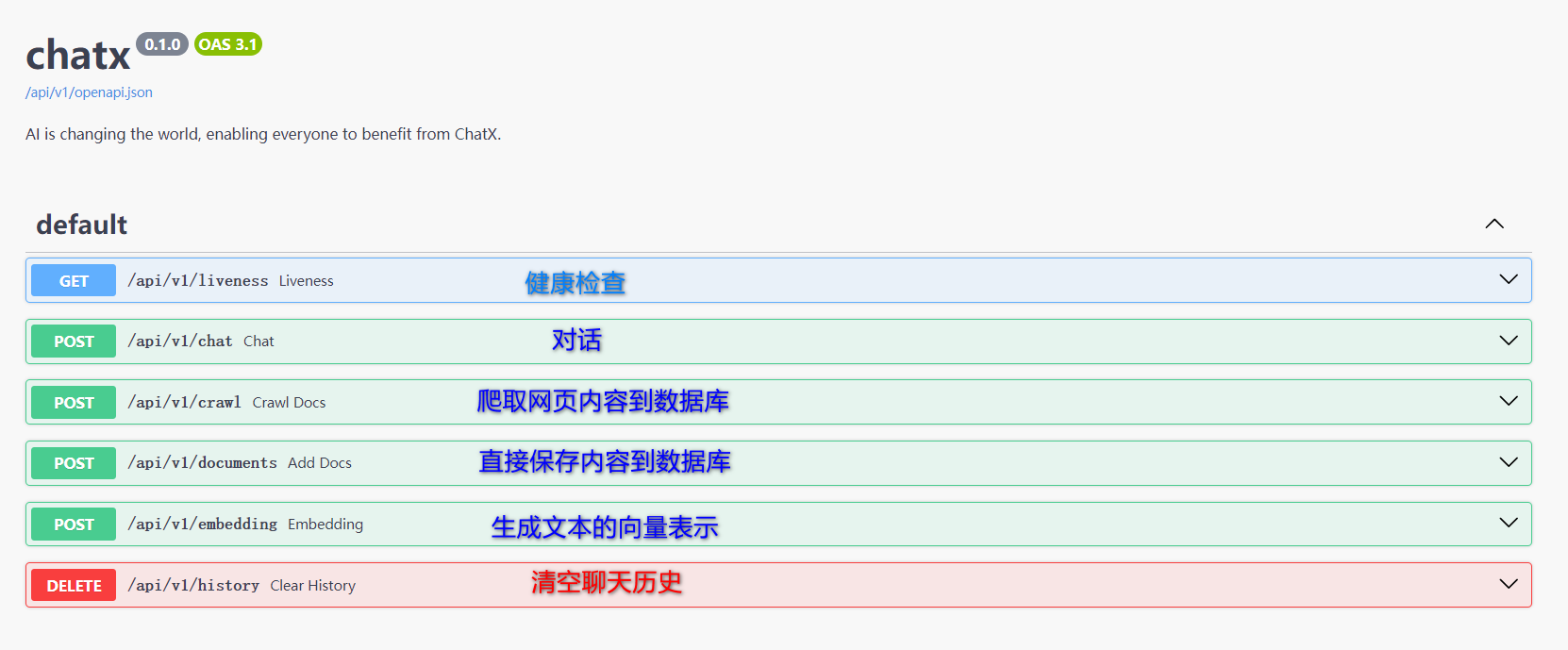
chatx
v1.0.0

一個可以不斷學習的AI聊天機器人, 並致力於讓每個人都能夠從AI中受益.
docker run --name my-postgres
  -e POSTGRES_PASSWORD=postgres
  -p 5432:5432
  -v ./pgsql/data:/var/lib/postgresql/data
  -d pgvector/pgvector:pg16
替換.env文件中CONNECTION選項
參考鏈接替換.env文件中DASHSCOPE_API_KEY選項
參考鏈接
這部分是可選的,但可能對新學Python 的用戶有用。
通常來說, 虛擬環境可以解決包衝突和多版本Python等問題, conda是管理包和環境的一種選擇. 在Linux上,可以從這裡下載Miniconda, 並按照說明進行安裝。
wget https://repo.anaconda.com/miniconda/Miniconda3-latest-Linux-x86_64.sh
bash Miniconda3-latest-Linux-x86_64.sh
設置鏡像源
conda config --add channels https://mirrors.tuna.tsinghua.edu.cn/anaconda/pkgs/free/
conda config --add channels https://mirrors.tuna.tsinghua.edu.cn/anaconda/pkgs/main/
conda config --add channels https://mirrors.tuna.tsinghua.edu.cn/anaconda/cloud/pytorch/
conda config --add channels https://mirrors.tuna.tsinghua.edu.cn/anaconda/cloud/menpo/
conda config --add channels https://mirrors.tuna.tsinghua.edu.cn/anaconda/cloud/bioconda/
conda config --add channels https://mirrors.tuna.tsinghua.edu.cn/anaconda/cloud/msys2/
conda config --add channels https://mirrors.tuna.tsinghua.edu.cn/anaconda/cloud/conda-forge/
conda config --set show_channel_urls yes
創建帶有Python 3.11(>=3.9)的Chatx虛擬環境
conda create -n chatx_py311 python==3.11 -y激活虛擬環境
conda activate chatx_py311git clone https://github.com/WujiLab/chatx.git
cd chatxconda install poetry -y
poetry installmkdir -p ~ /.pip
cat > ~ /.pip/pip.conf << EOF
[global]
trusted-host = mirrors.aliyun.com
index-url = http://mirrors.aliyun.com/pypi/simple/
EOF
pip install poetry
poetry installalembic upgrade headpython server/apiserver.pyChatx 採用MIT 許可證開源。





