walltheme
1.0.0

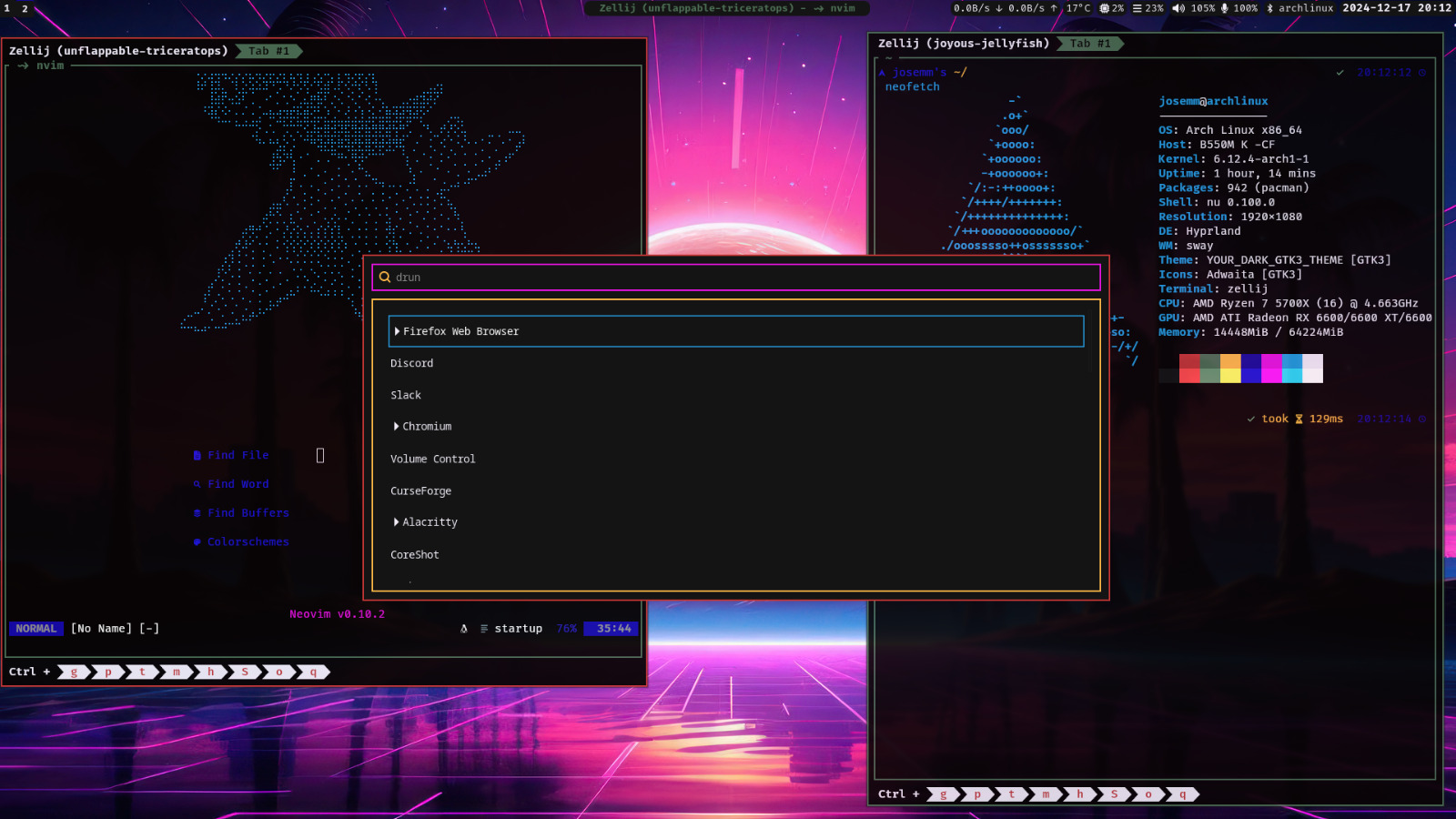
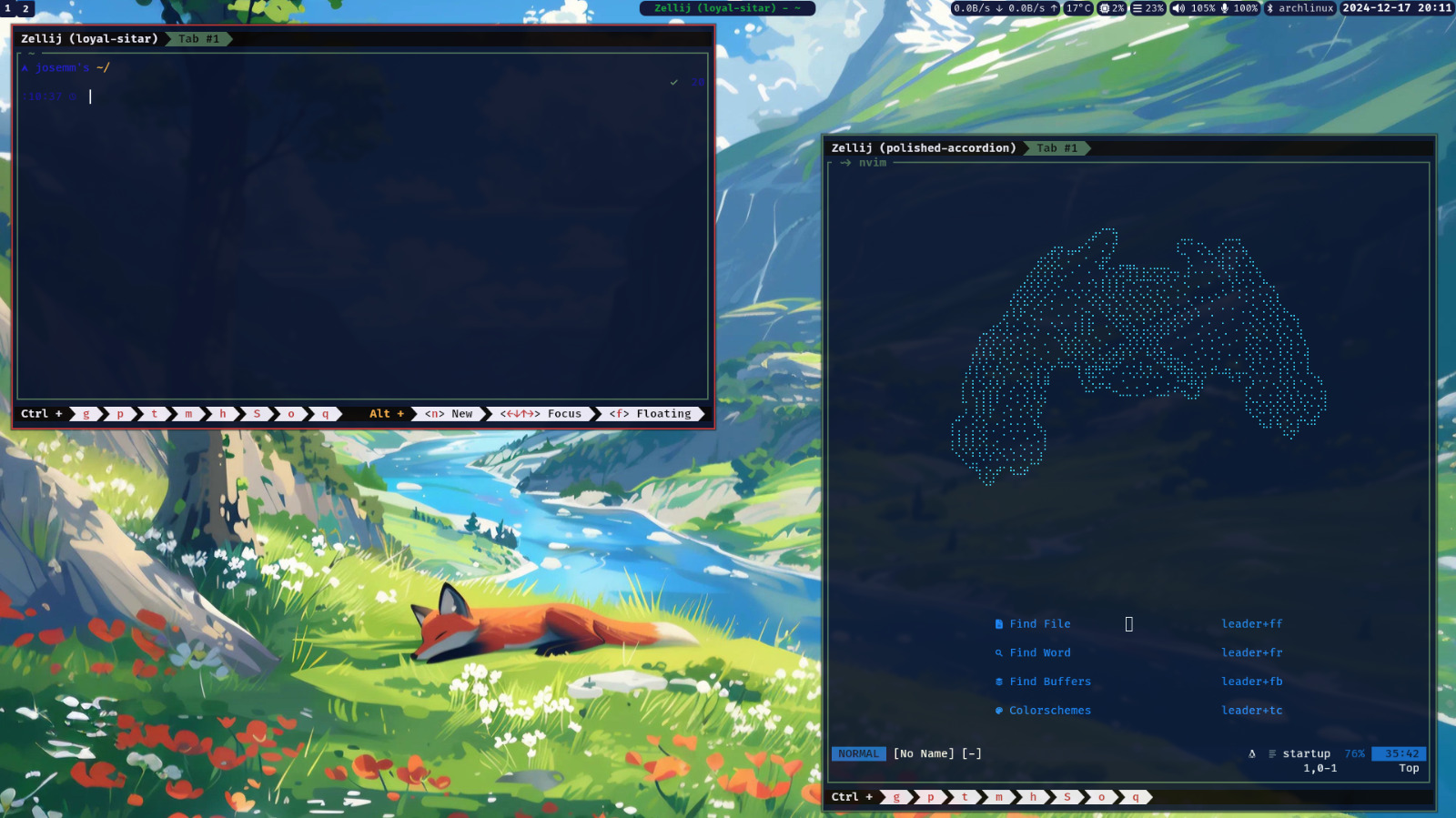
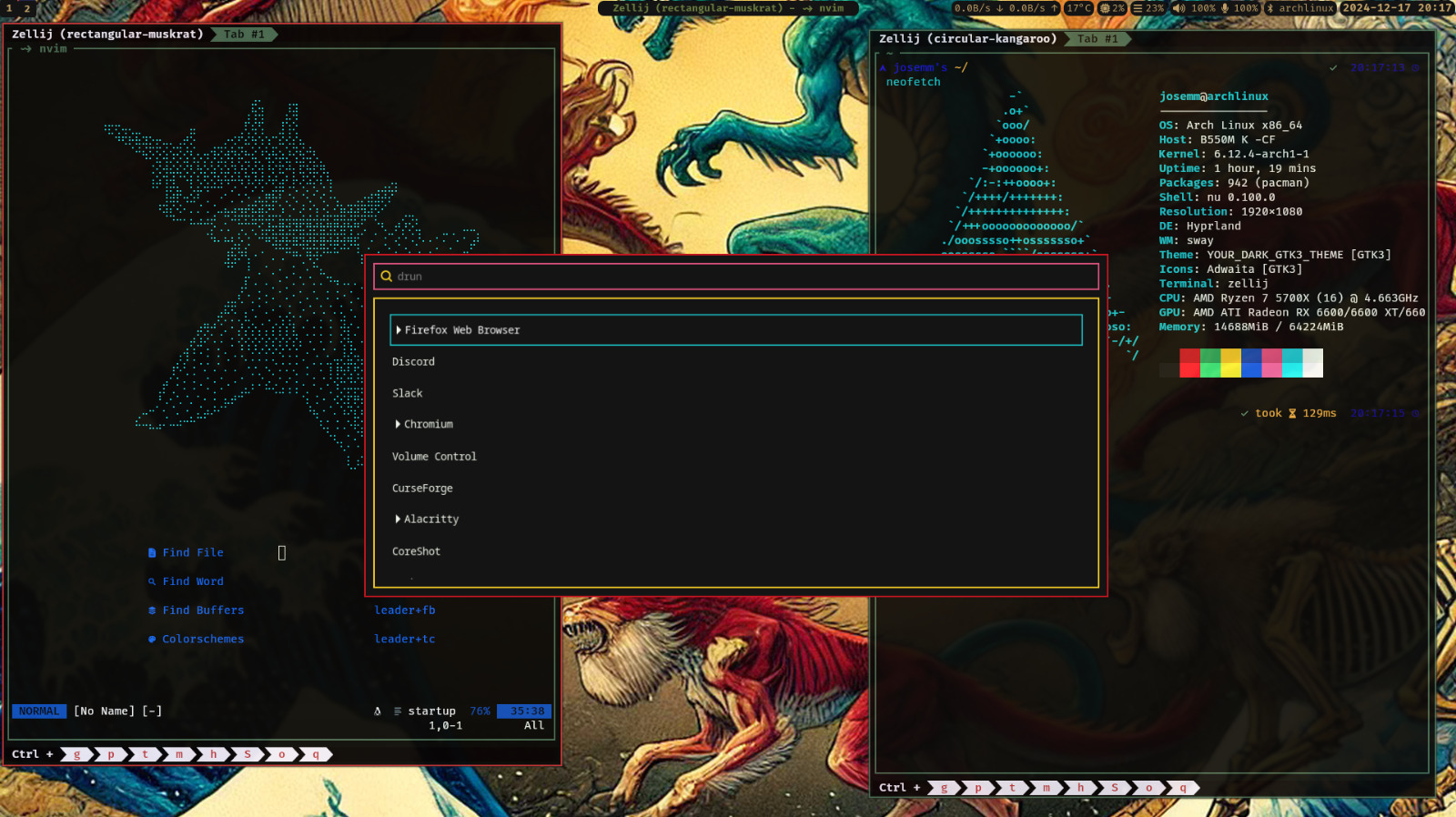
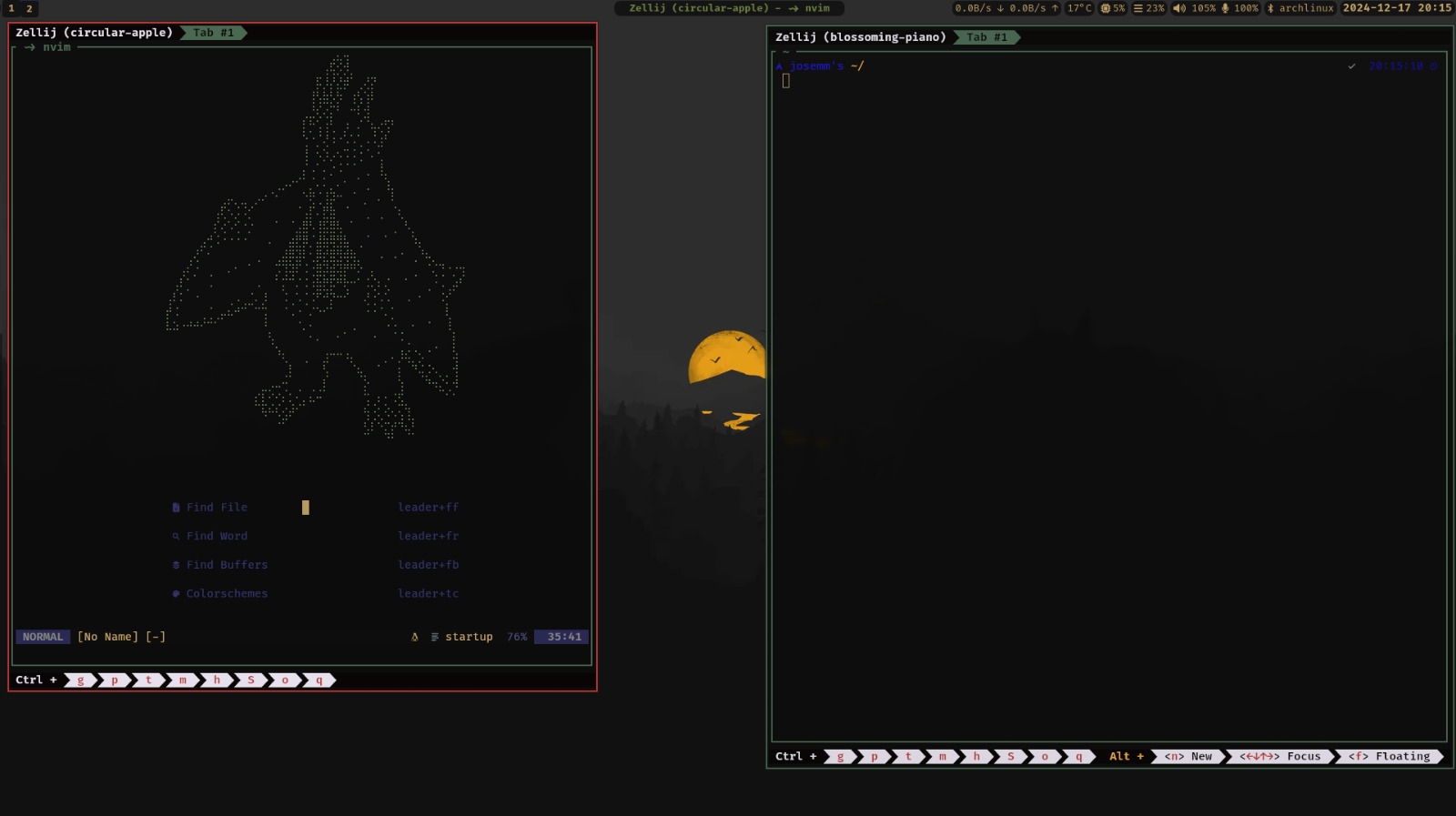
Walltheme是在Rust中實現的終端主題生成器。它從圖像中提取顏色,並將其應用於預定義的模板,以生成終端模擬器,文本編輯器和其他應用程序的主題。該工具支持所有標準顏色(黑色,紅色,白色等),並包含專門針對Zellij的額外橙色。
Walltheme配備了幾個模板和示例腳本,以促進自定義。
 # Clone the repository
mkdir -p ~ /.cache/walltheme/ && mkdir -p ~ /.config/walltheme/templates
git clone https://github.com/JoseMM2002/walltheme.nvim.git
cd walltheme
# Build the project
cargo install --path . 生成一個主題:
walltheme < image-path >walltheme ~ /Pictures/wallpaper.png此命令從wallpaper.png中提取顏色,使用~/.config/walltheme/templates的模板生成配置文件,然後將它們保存到~/.cache/walltheme/ 。
Walltheme使用模板格式化生成的主題文件。佔位符被提取的顏色代替。此模板是由車把生成的。
 #{{black_hex}}
#{{red_hex}}
#{{green_hex}}
#{{blue_hex}}
rgb{{black_rgb}}
rgb{{red_rgb}}
rgb{{green_rgb}}
rgb{{blue_rgb}}
rgba{{black_rgba}}
rgba{{red_rgba}}
rgba{{green_rgba}}
rgba{{blue_rgba}}
如果模板還需要某些配置作為oh-my posh的括號,則可以使用以下語法:
{{keep "info to keep betwwen braces"}}
Walltheme包括:
模板位於templates/目錄中。要使用它們,請將所需模板複製到~/.config/walltheme/templates/並根據需要進行修改。
您可以通過創建或修改位於~/.config/walltheme/config config文件來自定義walltheme。該文件允許您微調主題生成的行為,包括調色板設置和閾值。
[ general ]
mix_factor = 0.7 # from 0 to 1
distance_threshold = 0.5 # from 0 to 1
palette_quality = 16 # from 1 to 255
palette_max_colors = 8 # from 1 to 255
brighter_factor = 0.8 # from 0 to 1
bright_min = 20 # from 0 to 255
opacity_target = 50 # from 0 to 255
stdout_template = " colors.sh "mix_factor :混合顏色的混合因子。distance_threshold :顏色距離過濾的閾值。palette_quality :調色板提取的質量。palette_max_colors :提取的最大顏色數量。brighter_factor :調節顏色亮度的因素。bright_min :最小亮度閾值。stdout_template :標準輸出的模板。opacity_target :顏色的目標不透明度。您可以設置這些選項以適合您的偏好和工作流程。
我的設置的一個示例是在scripts/examples/目錄中。它包括一個腳本,該腳本設置牆紙並為小貓,韋巴爾和Zellij生成主題。
為了將其與Neovim集成,我製作了一個使用生成的主題來設置Colorscheme的插件。您可以找到它walltheme.nvim
歡迎捐款!隨時打開問題或提交拉動請求。
git checkout -b feature/your-feature 。git commit -m "Add your feature" 。git push origin feature/your-feature 。該項目已根據MIT許可獲得許可。有關更多詳細信息,請參見許可證文件。
特別感謝Pywal等工具和終端主題社區的靈感。