walltheme
1.0.0

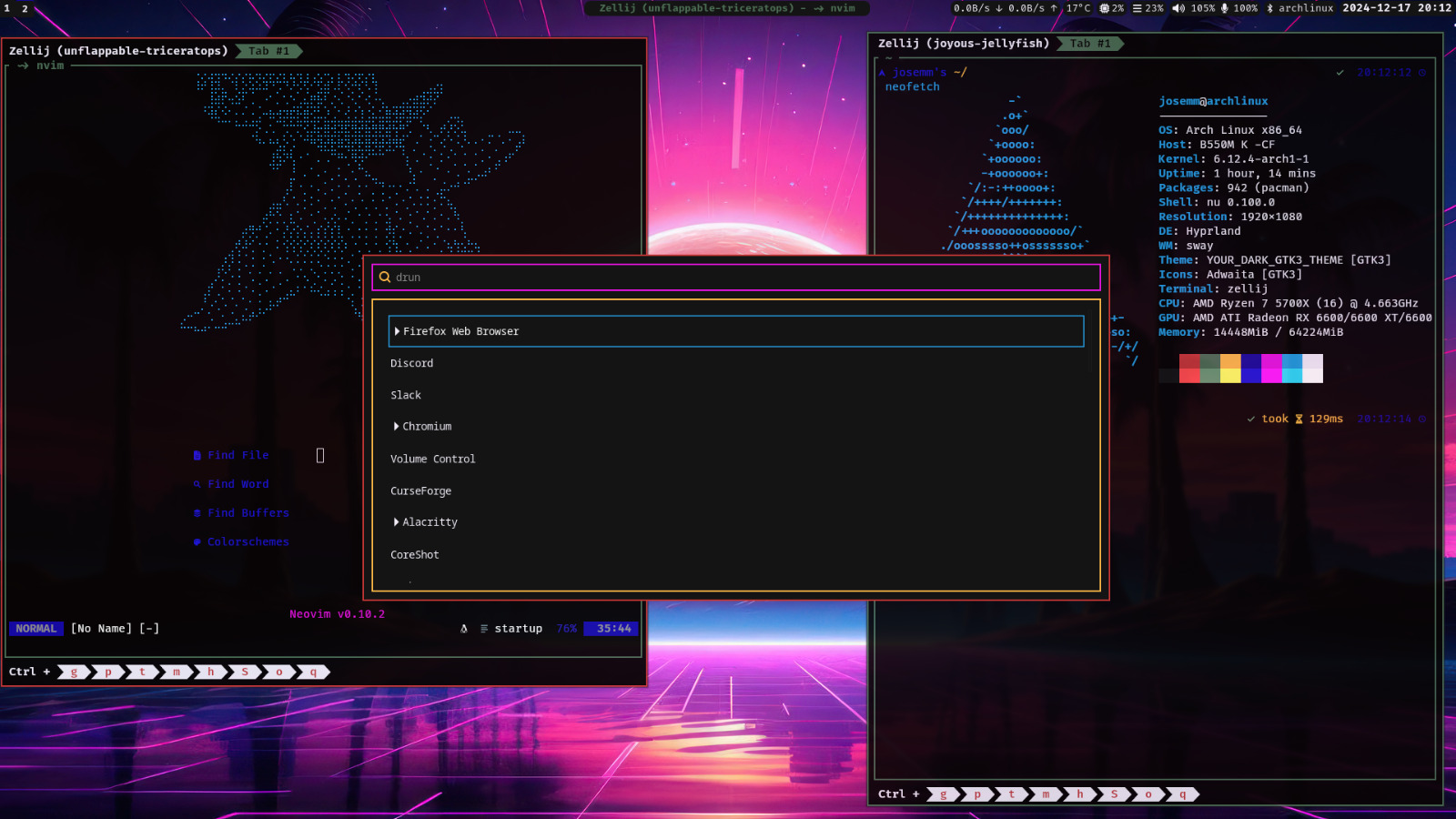
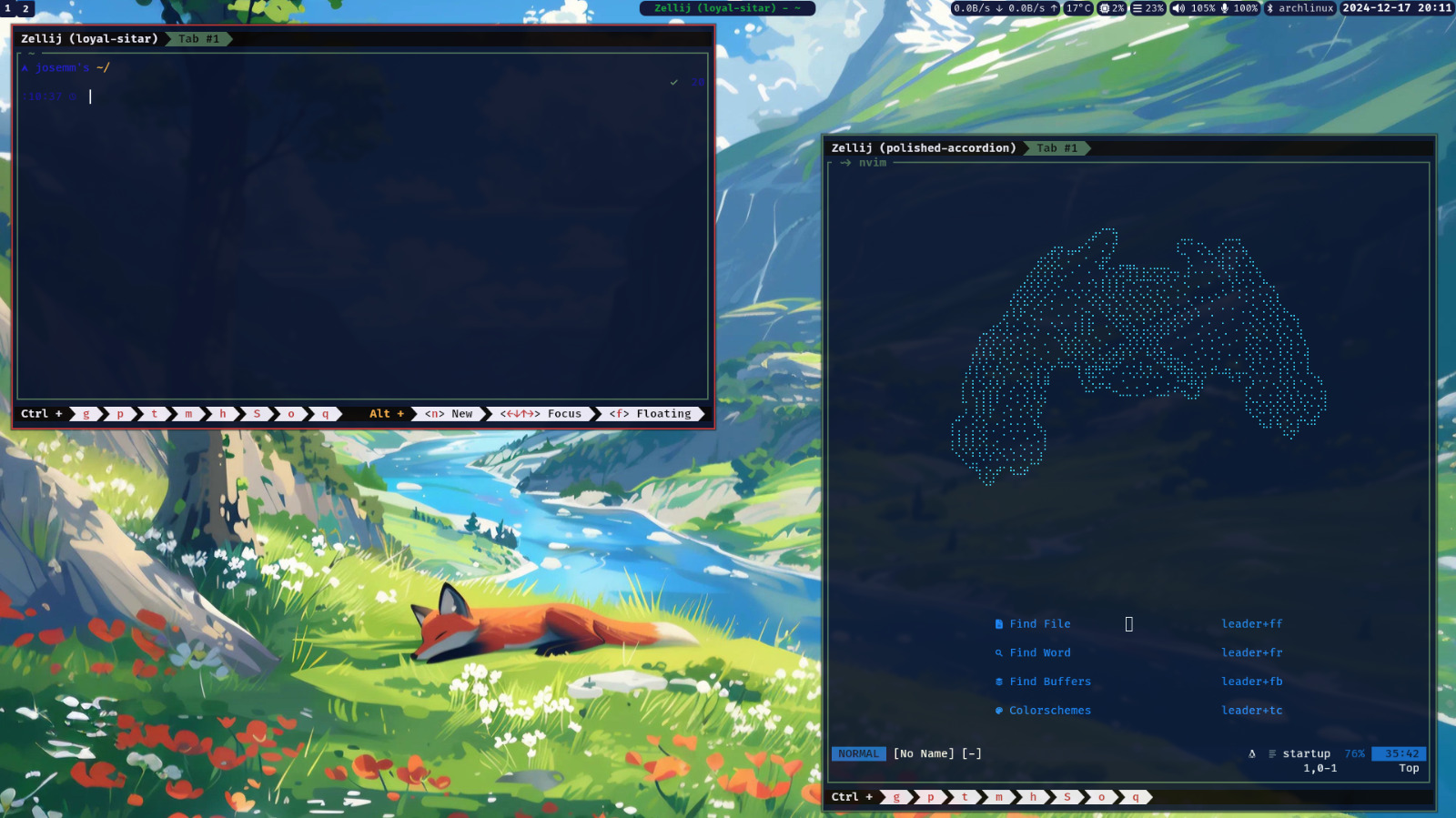
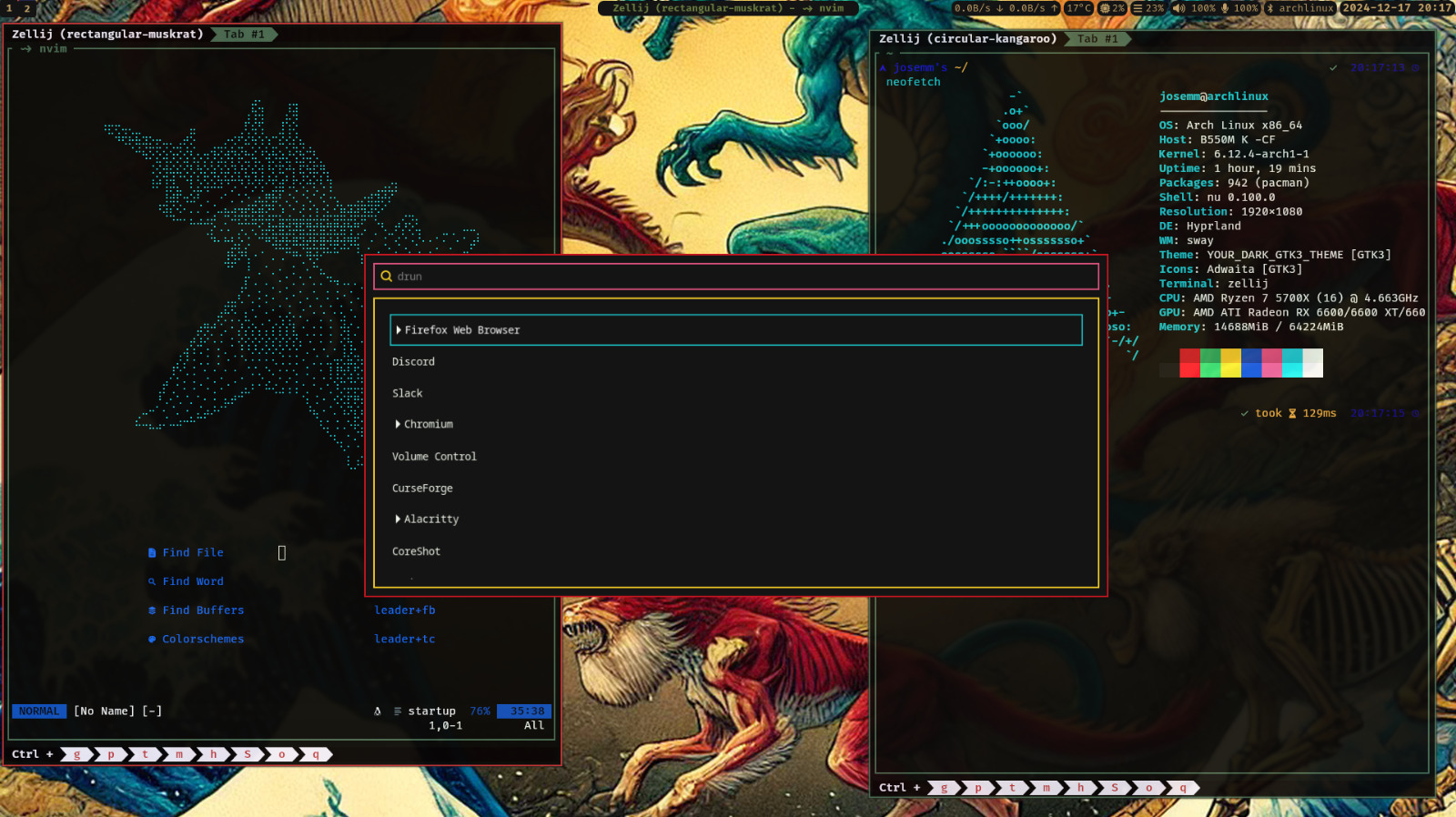
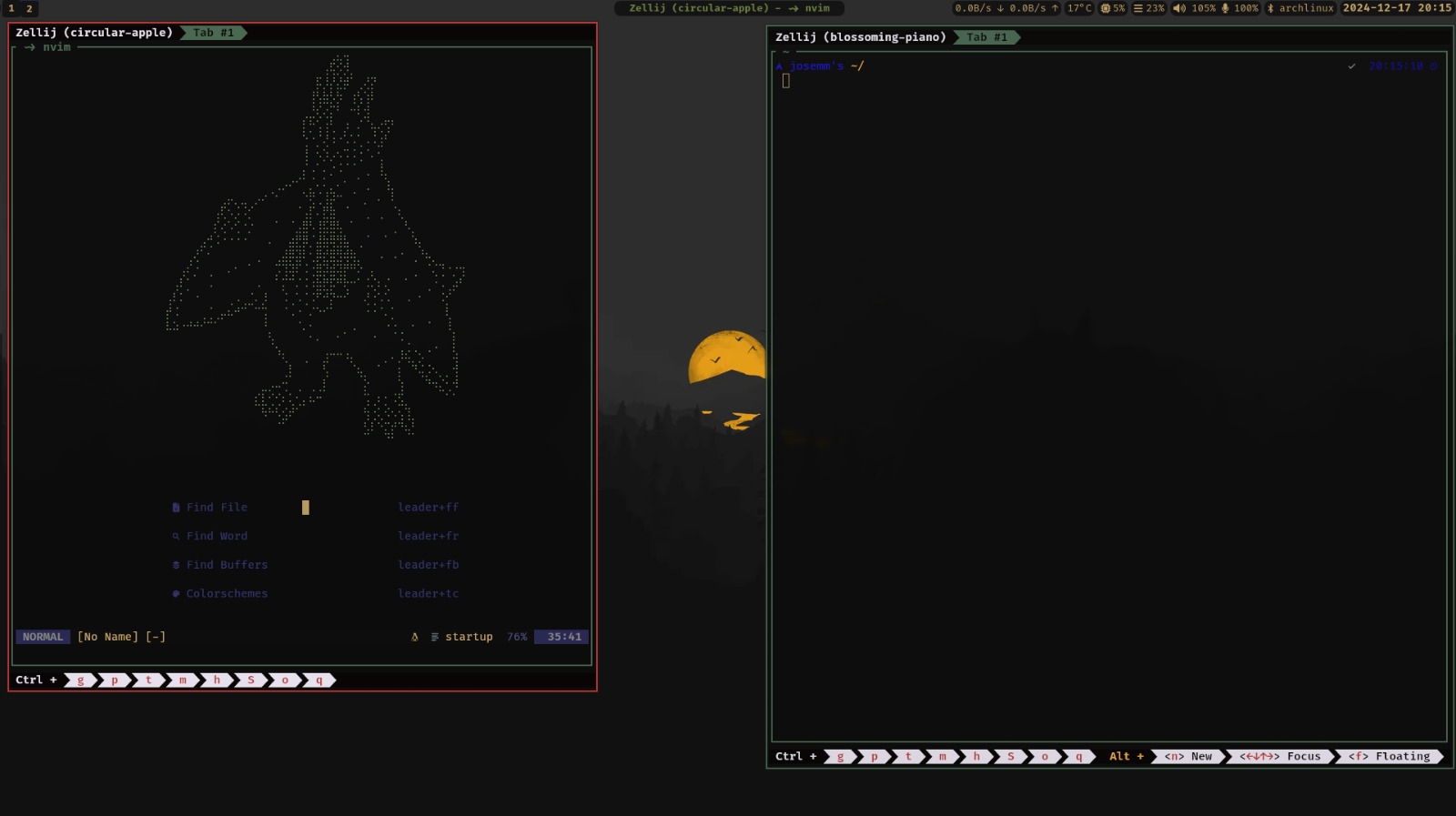
Walltheme is a terminal theme generator implemented in Rust. It extracts colors from an image and applies them to predefined templates to generate themes for terminal emulators, text editors, and other applications. The tool supports all standard colors (black, red, white, etc.), and includes an extra orange color specifically for Zellij.
Walltheme comes with several templates and example scripts to facilitate customization.
# Clone the repository
mkdir -p ~/.cache/walltheme/ && mkdir -p ~/.config/walltheme/templates
git clone https://github.com/JoseMM2002/walltheme.nvim.git
cd walltheme
# Build the project
cargo install --path .To generate a theme:
walltheme <image-path>walltheme ~/Pictures/wallpaper.pngThis command extracts colors from wallpaper.png, generates config files using templates from ~/.config/walltheme/templates and saves them into ~/.cache/walltheme/.
Walltheme uses templates to format the generated theme files. Placeholders are replaced with extracted colors. This templates are generated by handlebars.
#{{black_hex}}
#{{red_hex}}
#{{green_hex}}
#{{blue_hex}}
rgb{{black_rgb}}
rgb{{red_rgb}}
rgb{{green_rgb}}
rgb{{blue_rgb}}
rgba{{black_rgba}}
rgba{{red_rgba}}
rgba{{green_rgba}}
rgba{{blue_rgba}}
if the template also needs braces for some configs as oh-my-posh, you can use the following syntax:
{{keep "info to keep betwwen braces"}}
Walltheme includes templates for:
Templates are located in the templates/ directory. To use them, copy the desired template to ~/.config/walltheme/templates/ and modify it as needed.
You can customize Walltheme by creating or modifying a config file located at ~/.config/walltheme/config. This file allows you to fine-tune the behavior of the theme generation, including palette settings and thresholds.
[general]
mix_factor = 0.7 # from 0 to 1
distance_threshold = 0.5 # from 0 to 1
palette_quality = 16 # from 1 to 255
palette_max_colors = 8 # from 1 to 255
brighter_factor = 0.8 # from 0 to 1
bright_min = 20 # from 0 to 255
opacity_target = 50 # from 0 to 255
stdout_template = "colors.sh"mix_factor: Mix factor for blending colors.distance_threshold: Threshold for color distance filtering.palette_quality: Quality of the palette extraction.palette_max_colors: Maximum number of colors to extract.brighter_factor: Factor to adjust color brightness.bright_min: Minimum brightness threshold.stdout_template: Template for standard output.opacity_target: Target opacity for colors.You can set these options to suit your preferences and workflow.
An example for my setup is in the scripts/examples/ directory. It includes a script that sets the wallpaper and generates themes for Kitty, Waybar, and Zellij.
To integrate this with NeoVim, I had made a plugin that uses the generated theme to set the colorscheme. You can find it walltheme.nvim
Contributions are welcome! Feel free to open an issue or submit a pull request.
git checkout -b feature/your-feature.git commit -m "Add your feature".git push origin feature/your-feature.This project is licensed under the MIT License. See the LICENSE file for more details.
Special thanks to tools like Pywal and inspiration from terminal theming communities.