Avocado
1.0.0

現代PlayStation 1仿真器。
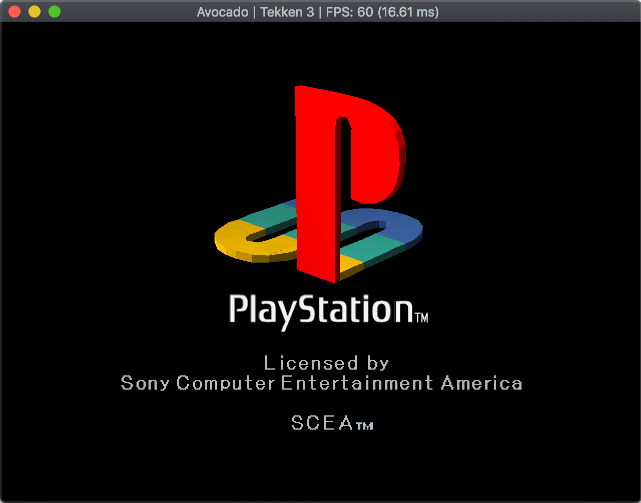
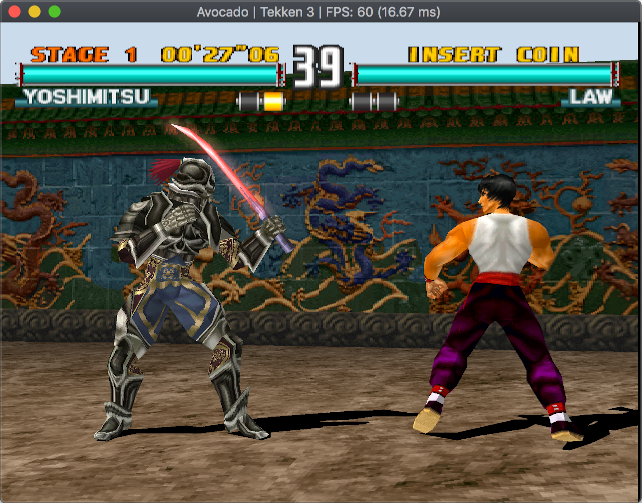
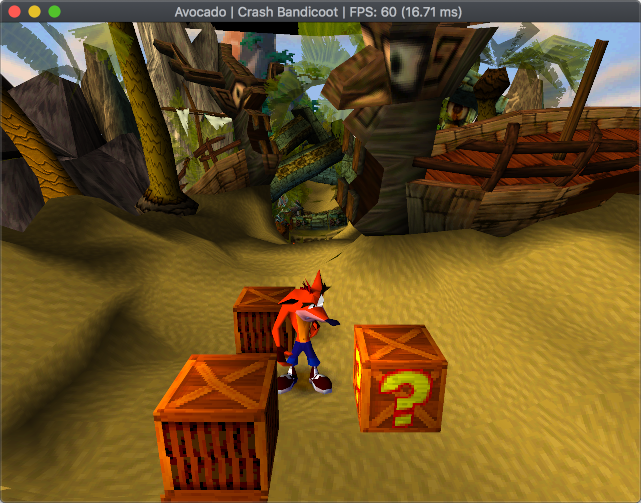
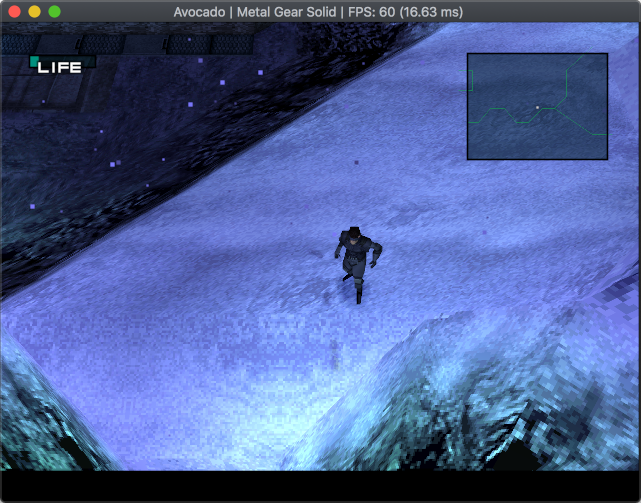
如果您有任何疑問,只需在Twitter(@JaczeKanski)上抓住我或創建問題。還有Discord服務器。
請參閱鱷梨兼容性列表
16.11.2021- .VGS,.gme,.vmp存儲卡格式支持,拖動和drop加載存儲卡
28.06.2020- .ECM格式支持
16.09.2019-保存狀態
5.09.2019-振動支撐
2.09.2019-反機械琴和LibCrypt受保護的遊戲支持
13.03.2019-合併MDEC(視頻解碼器)支持
8.12.2018-創建的兼容性列表WebApp
19.11.2018-添加.CHD文件支持
9.11.2018 - XA-ADPCM (streaming audio) and Red Book audio support - music should play in most games, SPU samples interpolation (sounds less harsh), Pitch modulation support (used by few games), refactored CDROM reading and cue parsing subsystems, various fixes, hardware (OpenGL) rendering
27.08.2018-支持數字控制器,DualShock(無振動)和鼠標。支持兩個控制器(目前沒有多任務)
19.08.2018-存儲卡支持
11.08.2018-局部SPU實施 - 聲音工作
完整列表:鱷梨製造
| 建造 | 地位 | 下載 |
|---|---|---|
| Linux | 發展 | |
| macos | 發展 | |
| 安卓 | 發展 | |
| Windows 64位,Visual Studio 2019 | 發展 | |
| Windows 32位,Visual Studio 2019 | 發展 | |
| Windows 64位,Visual Studio 2017 | ||
| Windows 32位,Visual Studio 2017 |
儘管這種模擬器正在早期開發中,但仍可以運行一些3D遊戲。遊戲兼容性列表
目前,音頻很難同步到NTSC(60Hz)(運行PAL遊戲將使音頻口吃)。計時器實現無法正常運行(遊戲無法以錯誤的速度啟動或運行)。啟動後不久,許多遊戲都不會啟動或崩潰。
鱷梨專注於支持相對現代的硬件(2010年和前鋒)和非差異OS。
仿真器當前是單線程 - 如果您擁有多核CPU,則不會從中受益。單線性能是真正重要的。
目前,鱷梨需要OpenGL 3.1。將來將取消此限制以進行軟件渲染。
鱷梨需要data/bios目錄中的真實控制台的BIOS。 (使用File->Open Avocado directory以在系統上找到目錄)在第一次運行中需要選擇BIOS ROM。可以在Options->BIOS或修改config.json文件下更改ROM。
要加載一個.cue/.bin/.img/.chd/.ecm或.exe/.psexe/.psf/.minipsf文件,只是拖放並刪除它。
帶有libcrypt保護的PAL遊戲需要其他子渠道信息 - 從redump下載適當的文件.SBI或.LSD文件,將其與遊戲圖像相同的文件夾中,並確保具有與.cue/.bin/...文件相同的名稱。
在選項 - >控制器菜單下配置控件。
要求:
第一個構建:
 git clone --recursive https://github.com/JaCzekanski/Avocado.git
cd Avocado
premake5 vs2019

# Open avocado.sln with Visual Studio, make sure that Release build is selected, build it
如果出現問題,請參見AppVeyor.yml。
更新:
 git pull && git submodule update --init --recursive
premake5 vs2019

# Open avocado.sln, build it
要求:
第一個構建:
 sudo apt update
sudo apt install libsdl2-dev
git clone --recursive https://github.com/JaCzekanski/Avocado.git
cd Avocado
premake5 gmake
make config=release_x64 -j4

# Running
./build/release_x64/avocado
如果出現問題,請參見.ci/linux/build.sh。
更新:
 git pull && git submodule update --init --recursive
premake5 gmake
make config=release_x64 -j4
要求:
第一個構建:
 brew update
brew install sdl2
git clone --recursive https://github.com/JaCzekanski/Avocado.git
cd Avocado
premake5 gmake
make config=release_x64 -j4

# Running
./build/release_x64/avocado.app
有關問題的情況,請參見.ci/macos/build.sh。
更新:
 git pull && git submodule update --init --recursive
premake5 gmake
make config=release_x64 -j4
使用GitHub問題跟踪器來提交錯誤。請附加遊戲ID,屏幕截圖/視頻,BIOS和構建版本。
在創建錯誤問題之前,請參閱遊戲兼容性列表。







