Avocado
1.0.0

现代PlayStation 1仿真器。
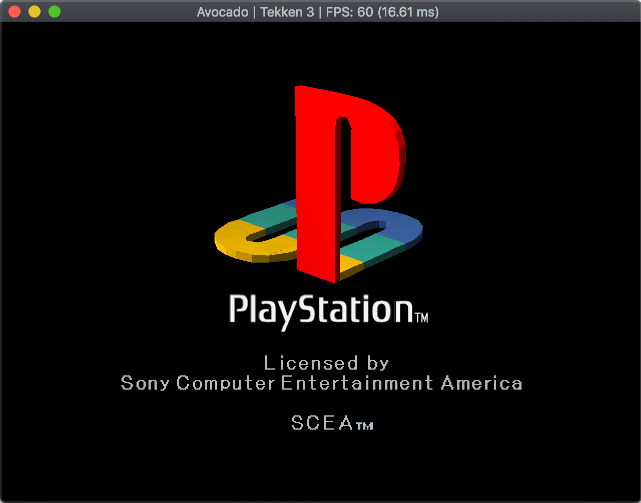
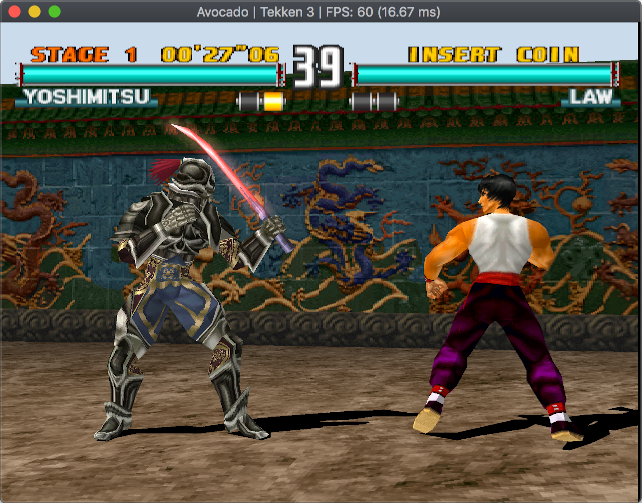
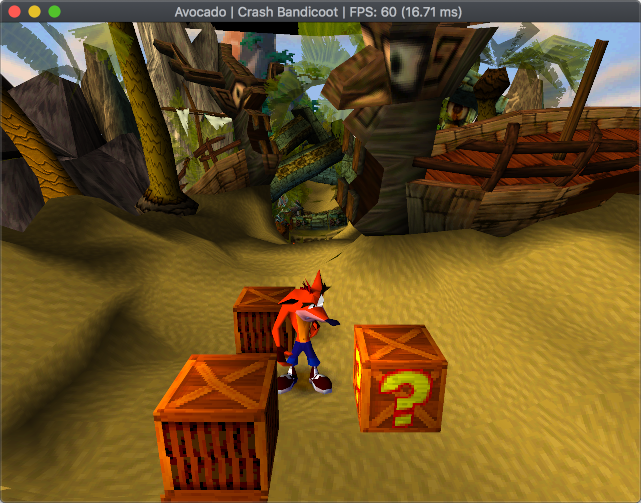
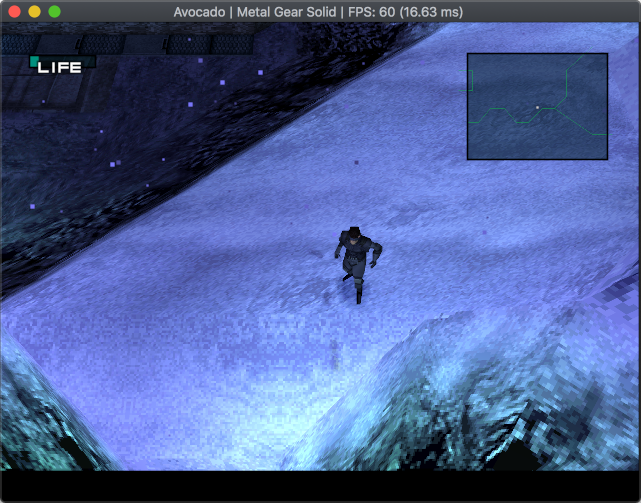
如果您有任何疑问,只需在Twitter(@JaczeKanski)上抓住我或创建问题。还有Discord服务器。
请参阅鳄梨兼容性列表
16.11.2021- .VGS,.gme,.vmp存储卡格式支持,拖动和drop加载存储卡
28.06.2020- .ECM格式支持
16.09.2019-保存状态
5.09.2019-振动支撑
2.09.2019-反机械琴和LibCrypt受保护的游戏支持
13.03.2019-合并MDEC(视频解码器)支持
8.12.2018-创建的兼容性列表WebApp
19.11.2018-添加.CHD文件支持
9.11.2018 - XA-ADPCM (streaming audio) and Red Book audio support - music should play in most games, SPU samples interpolation (sounds less harsh), Pitch modulation support (used by few games), refactored CDROM reading and cue parsing subsystems, various fixes, hardware (OpenGL) rendering
27.08.2018-支持数字控制器,DualShock(无振动)和鼠标。支持两个控制器(目前没有多任务)
19.08.2018-存储卡支持
11.08.2018-局部SPU实施 - 声音工作
完整列表:鳄梨制造
| 建造 | 地位 | 下载 |
|---|---|---|
| Linux | 发展 | |
| macos | 发展 | |
| 安卓 | 发展 | |
| Windows 64位,Visual Studio 2019 | 发展 | |
| Windows 32位,Visual Studio 2019 | 发展 | |
| Windows 64位,Visual Studio 2017 | ||
| Windows 32位,Visual Studio 2017 |
尽管这种模拟器正在早期开发中,但仍可以运行一些3D游戏。游戏兼容性列表
目前,音频很难同步到NTSC(60Hz)(运行PAL游戏将使音频口吃)。计时器实现无法正常运行(游戏无法以错误的速度启动或运行)。启动后不久,许多游戏都不会启动或崩溃。
鳄梨专注于支持相对现代的硬件(2010年和前锋)和非差异OS。
仿真器当前是单线程 - 如果您拥有多核CPU,则不会从中受益。单线性能是真正重要的。
目前,鳄梨需要OpenGL 3.1。将来将取消此限制以进行软件渲染。
鳄梨需要data/bios目录中的真实控制台的BIOS。 (使用File->Open Avocado directory以在系统上找到目录)在第一次运行中需要选择BIOS ROM。可以在Options->BIOS或修改config.json文件下更改ROM。
要加载一个.cue/.bin/.img/.chd/.ecm或.exe/.psexe/.psf/.minipsf文件,只是拖放并删除它。
带有libcrypt保护的PAL游戏需要其他子渠道信息 - 从redump下载适当的文件.SBI或.LSD文件,将其与游戏图像相同的文件夹中,并确保具有与.cue/.bin/...文件相同的名称。
在选项 - >控制器菜单下配置控件。
要求:
第一个构建:
 git clone --recursive https://github.com/JaCzekanski/Avocado.git
cd Avocado
premake5 vs2019

# Open avocado.sln with Visual Studio, make sure that Release build is selected, build it
如果出现问题,请参见AppVeyor.yml。
更新:
 git pull && git submodule update --init --recursive
premake5 vs2019

# Open avocado.sln, build it
要求:
第一个构建:
 sudo apt update
sudo apt install libsdl2-dev
git clone --recursive https://github.com/JaCzekanski/Avocado.git
cd Avocado
premake5 gmake
make config=release_x64 -j4

# Running
./build/release_x64/avocado
如果出现问题,请参见.ci/linux/build.sh。
更新:
 git pull && git submodule update --init --recursive
premake5 gmake
make config=release_x64 -j4
要求:
第一个构建:
 brew update
brew install sdl2
git clone --recursive https://github.com/JaCzekanski/Avocado.git
cd Avocado
premake5 gmake
make config=release_x64 -j4

# Running
./build/release_x64/avocado.app
有关问题的情况,请参见.ci/macos/build.sh。
更新:
 git pull && git submodule update --init --recursive
premake5 gmake
make config=release_x64 -j4
使用GitHub问题跟踪器来提交错误。请附加游戏ID,屏幕截图/视频,BIOS和构建版本。
在创建错误问题之前,请参阅游戏兼容性列表。







