vscode vlang
v0.1.15

為 Visual Studio Code 提供 V 語言支援。
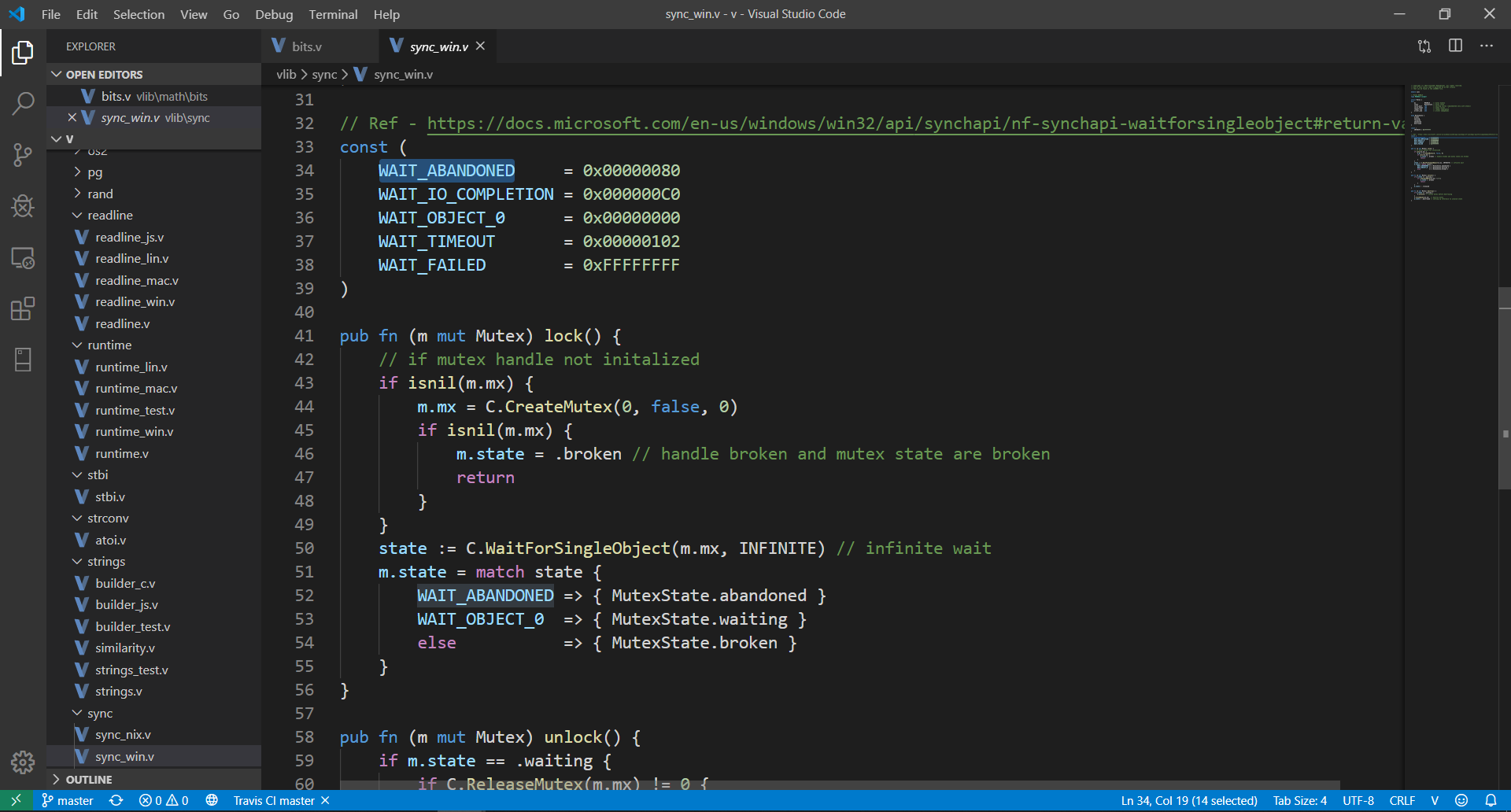
首先,您需要安裝 Visual Studio Code >= 1.40 。在命令選項板 ( Cmd+Shift+P ) 中選擇Install Extensions並選擇V 。或者,您可以從 Marketplace 安裝該擴充功能。現在在 VS Code 中開啟任何.v 、 .vsh 、 .vv檔。
注意:使用此擴充功能時,建議在 Visual Studio Code 中開啟Auto Save ( File -> Auto Save )。
V: Run current fileV: Format current fileV: Build an optimized executable from current fileV: Show V versionV: Update VLSV: Restart VLS您可以從命令選項板 ( Cmd+Shift+P ) 存取上述所有命令。
麻省理工學院





