vscode vlang
v0.1.15

ให้การสนับสนุนภาษา V สำหรับโค้ด Visual Studio
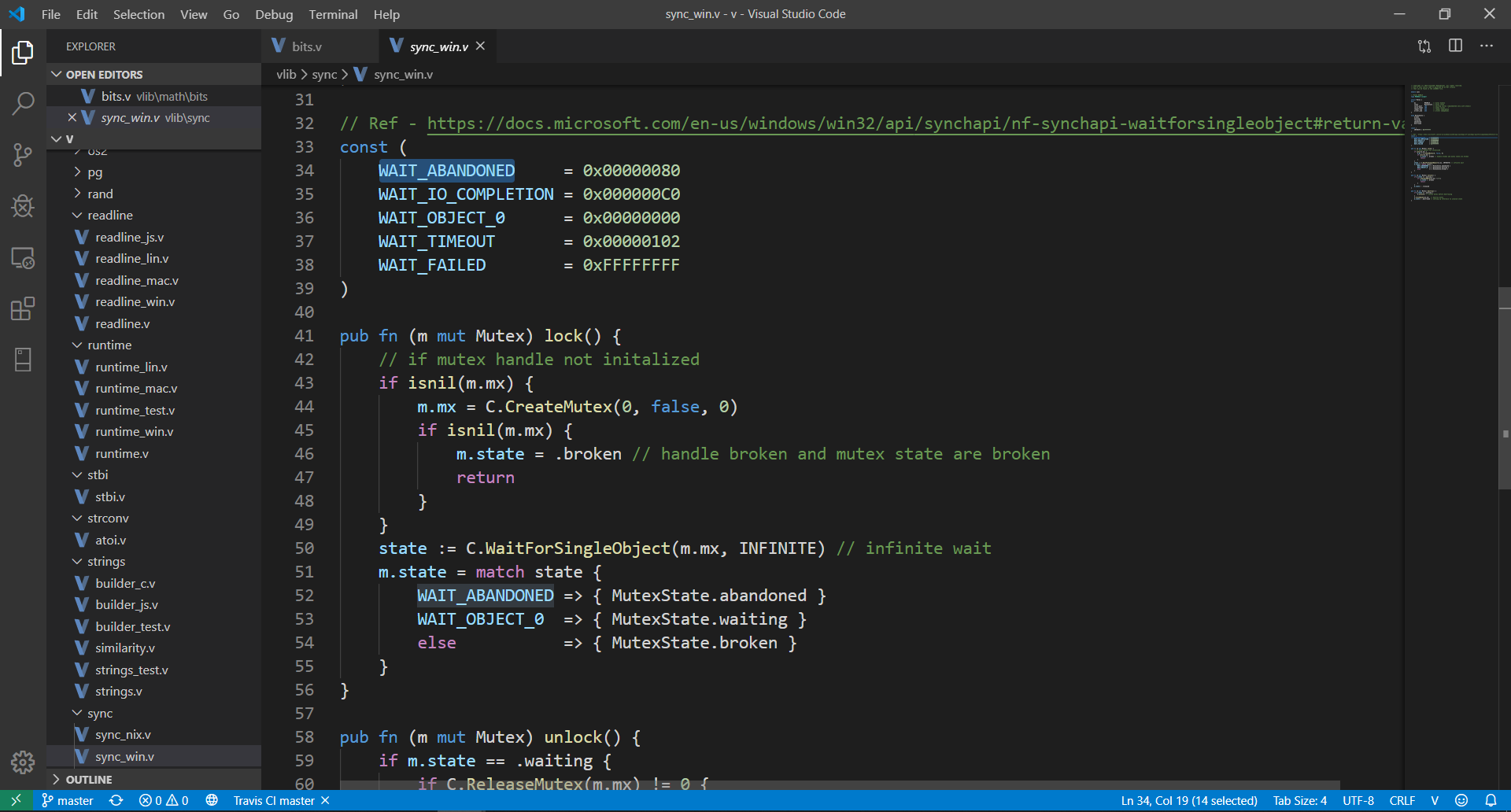
ก่อนอื่นคุณจะต้องติดตั้ง Visual Studio Code >= 1.40 ในแผงคำสั่ง ( Cmd+Shift+P ) เลือก Install Extensions และเลือก V หรือคุณสามารถติดตั้งส่วนขยายจาก Marketplace ได้ ตอนนี้เปิดไฟล์ .v , .vsh , .vv ใน VS Code
หมายเหตุ : ขอแนะนำให้เปิด Auto Save ใน Visual Studio Code ( File -> Auto Save ) เมื่อใช้ส่วนขยายนี้
V: Run current fileV: Format current fileV: Build an optimized executable from current fileV: Show V versionV: Update VLSV: Restart VLS คุณสามารถเข้าถึงคำสั่งข้างต้นทั้งหมดได้จากชุดคำสั่ง ( Cmd+Shift+P )
เอ็มไอที





