imagetext py
Character Bound text wrapping

如果您发现这个库有用,请考虑离开星星
ImageText利用RustType进行字体解析,而小型skia进行绘画。它具有简单的API,可让您轻松绘制文本。
目前,Imagetext-Py在我测试过的大多数情况下确实击败了枕头,但是我很快就会设置一些基准。
注意:在运行时,表情符号被从Internet中获取和缓存,因此您需要Internet连接才能使用它们。使用本地表情符号图像的能力将很快添加。
pip install imagetext-py from PIL import Image
from imagetext_py import *
# supports fonts with fallbacks
FontDB . LoadFromDir ( "." )
font = FontDB . Query ( "coolvetica japanese" )
# create a canvas to draw on
cv = Canvas ( 512 , 512 , ( 255 , 255 , 255 , 255 ))
# paints are used to fill and stroke text
black = Paint . Color (( 0 , 0 , 0 , 255 ))
rainbow = Paint . Rainbow (( 0.0 , 0.0 ), ( 256.0 , 256.0 ))
# if a font doesn't have a glyph for a character, it will use the fallbacks
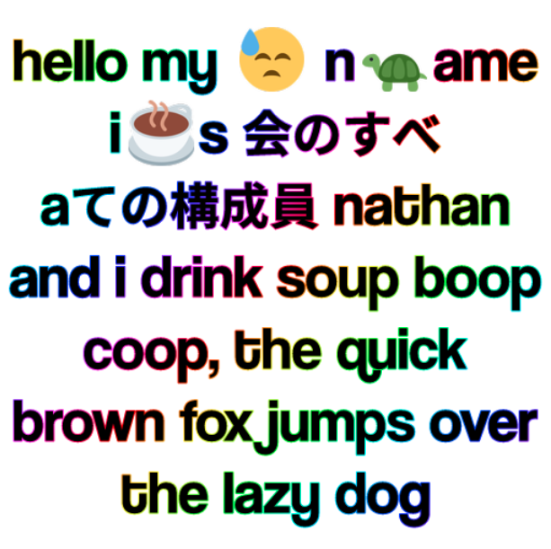
text = "hello my ? n?ame i☕s 会のすべ aての構成員 nathan and i drink soup boop coop, the quick brown fox jumps over the lazy dog"
draw_text_wrapped ( canvas = cv , # the canvas to draw on
text = text ,
x = 256 , y = 256 , # the position of the text
ax = 0.5 , ay = 0.5 , # the anchor of the text
size = 67 , # the size of the text
width = 500 , # the width of the text
font = font ,
fill = black ,
align = TextAlign . Center ,
stroke = 2.0 , # the stroke width (optional)
stroke_color = rainbow ,
draw_emojis = True ) # the stroke color (optional)
# you can convert the canvas to a PIL image
im : Image . Image = cv . to_image ()
im . save ( "test.png" )
# or you can just get the raw bytes
dimensions , bytes = cv . to_bytes ()
# you can also save directly to a file
cv . save ( "test.png" )产生此图像:
 from PIL import Image
from imagetext_py import *

FontDB . SetDefaultEmojiOptions ( EmojiOptions ( parse_discord_emojis = True ))
FontDB . LoadFromDir ( "." )

font = FontDB . Query ( "coolvetica japanese" )

with Image . new ( "RGBA" , ( 512 , 512 ), "white" ) as im :
    with Writer ( im ) as w :
        w . draw_text_wrapped (
            text = "hello from python ? lol, <:blobpain:739614945045643447> "
                 "ほまみ <:chad:682819256173461522><:bigbrain:744344773229543495> "
                 "emojis workin" ,
            x = 256 , y = 256 ,
            ax = 0.5 , ay = 0.5 ,
            width = 500 ,
            size = 90 ,
            font = font ,
            fill = Paint . Color (( 0 , 0 , 0 , 255 )),
            align = TextAlign . Center ,
            stroke = 2.0 ,
            stroke_color = Paint . Rainbow (( 0.0 , 0.0 ), ( 256.0 , 256.0 )),
            draw_emojis = True
        )
    im . save ( "test.png" )
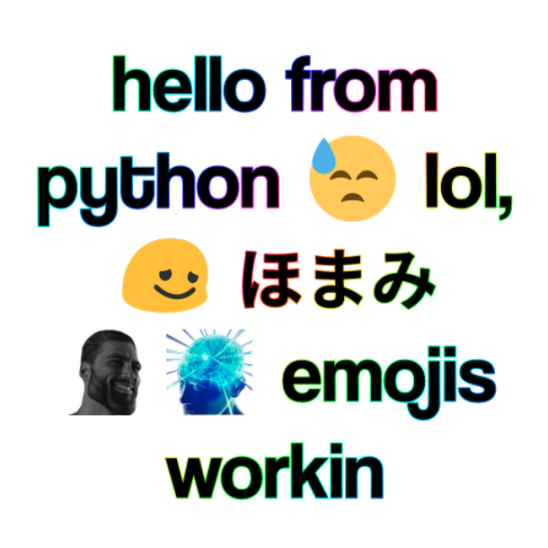
产生此图像: