ninecat ui
1.0.0

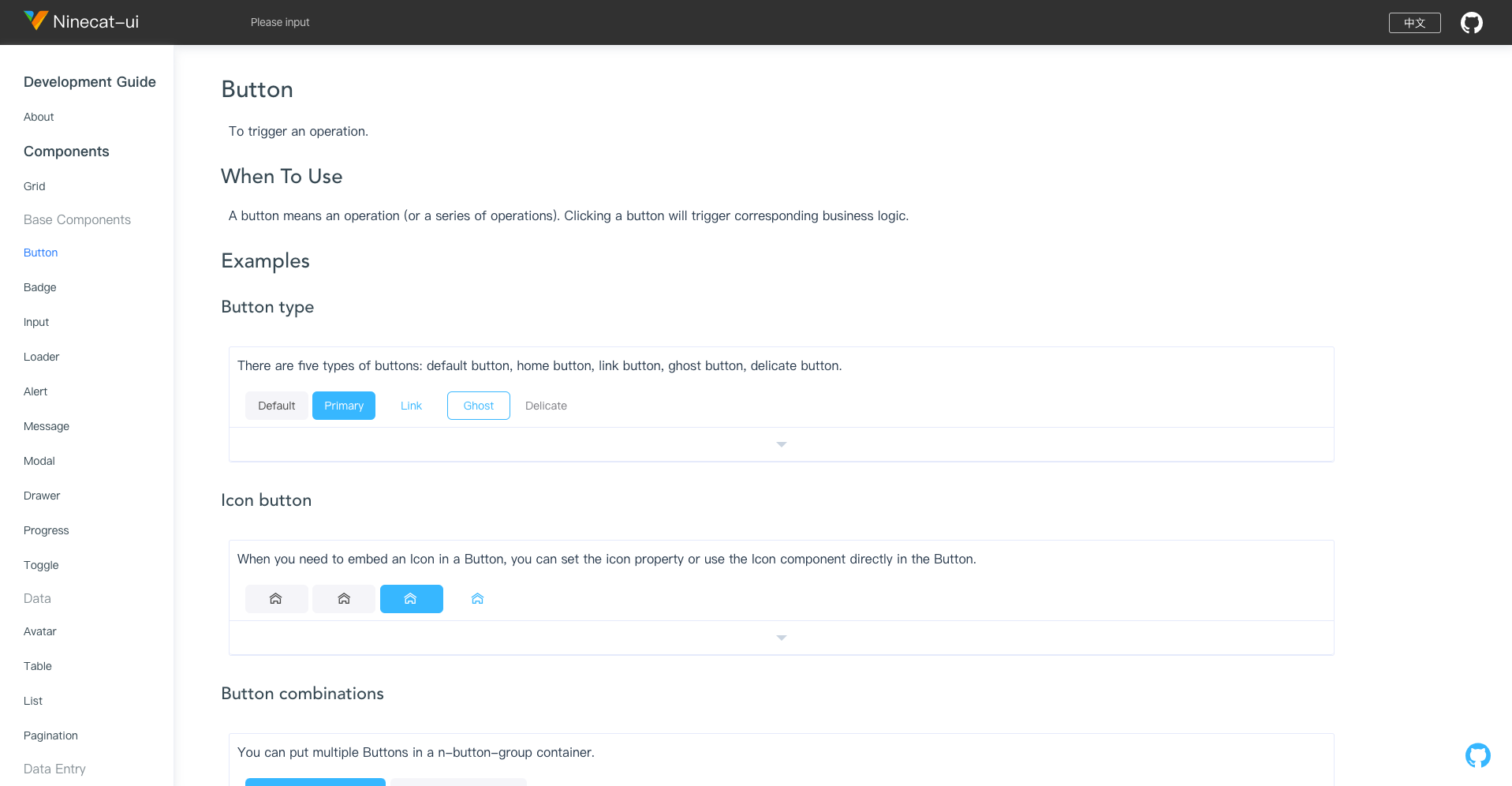
英语| 简体中文
使用NPM
npm install ninecat-ui --S使用纱线
yarn add ninecat-ui import { createApp } from 'vue'
import App from './App.vue'
import ninecat from 'ninecat-ui'
const app = createApp ( App ) ;
app
. use ( ninecat )
. mount ( '#app' ) 支持所有主要的现代浏览器。
边缘 | Firefox | 铬合金 | 野生动物园 |
|---|---|---|---|
| > = 14 | > = 45 | > = 49 | > = 10 |
克隆本地
$ git clone https://github.com/ninecat-ui/ninecat-ui.git
$ cd ninecat-ui
$ yarn install
$ yarn start
使用VUE3重构组件((需要帮助)
使用QQ扫描QR码以加入讨论组