flutter_gl
1.0.0

DART通过DART:FFI跨平台调用OpenGL API。为OpenGl提供纹理窗口小部件的颤动。
支持iOS,Android,Web,MacOS,Windows
Linux todo
由三_ dart使用
API类似于WebGL
仅支持FBO的支持。然后将FBO纹理共享到本地侧。
import 'package:flutter_gl/flutter_gl.dart';
 int width = 200;
int height = 200;
num dpr = 1.0;

flutterGlPlugin = FlutterGlPlugin();

Map<String, dynamic> _options = {
    "width": width,
    "height": height,
    "dpr": dpr,
    "antialias": true,
    "alpha": false
};
await flutterGlPlugin.initialize(options: _options);

// on web this need called after web canvas dom was added to document
await flutterGlPlugin.prepareContext();

// you can get gl by
gl = flutterGlPlugin.gl;

// then you can call OpenGL ES API by gl like
gl.clearColor(0.0, 0.0, 0.0, 1.0);
gl.clear(gl.COLOR_BUFFER_BIT);

// use this method to notify Flutter update Texture Widget
// sourceTextue is a texture which bind to FBO framebuffer
flutterGlPlugin.updateTexture(sourceTexture);
DART列表转换为FFI指针需要模因副本。
克隆或下载此仓库
 cd flutter_gl/flutter_gl/example

flutter run
启动插件时,请与threeegl保存共享OpenGL上下文,
ThreeEgl.setContext("shareContext", shareEglEnv.eglContext);
因此,您可以使用threegl lib获得它,然后与“ ShareContext”共享OpenGL上下文
shareContext = ThreeEgl.getContext("shareContext");
对于ios,密钥是3 ...
eAGLShareContext = ThreeEgl.getContext(key: 3);
不需要 ?只是webgl
不支持立即获得共享上下文
检查示例项目复制示例/android/app/libs/aars/threeegl.aar到您的应用程序Android Project相同路径
更改Minsdkversion 24
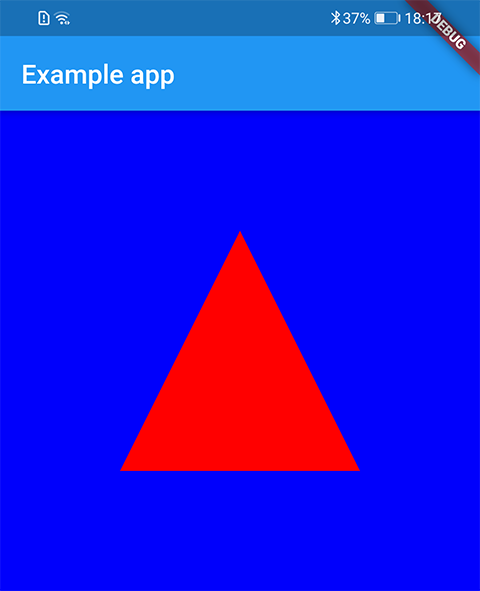
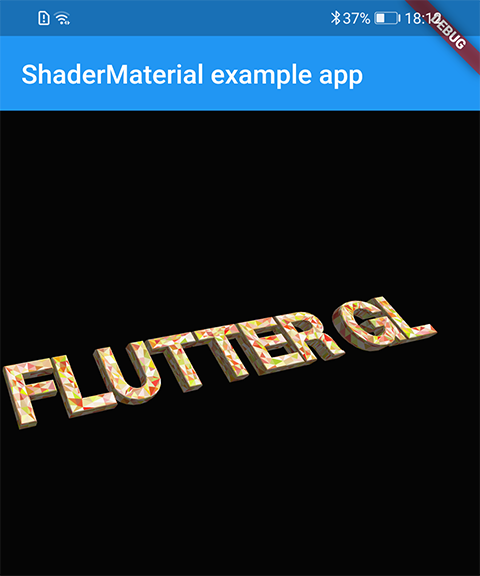
提交任何问题,错误或功能请求。
请拉请请求!







