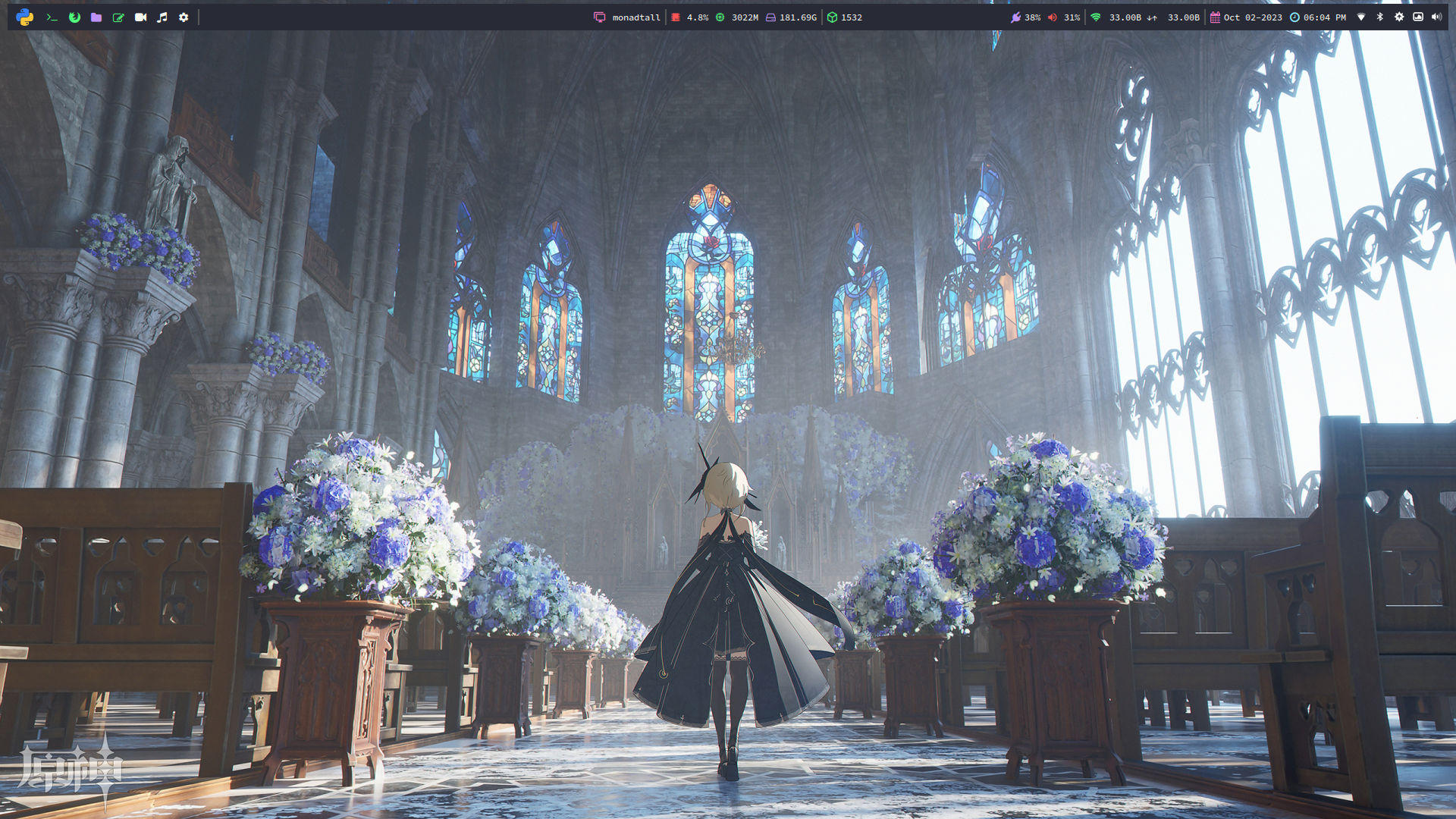
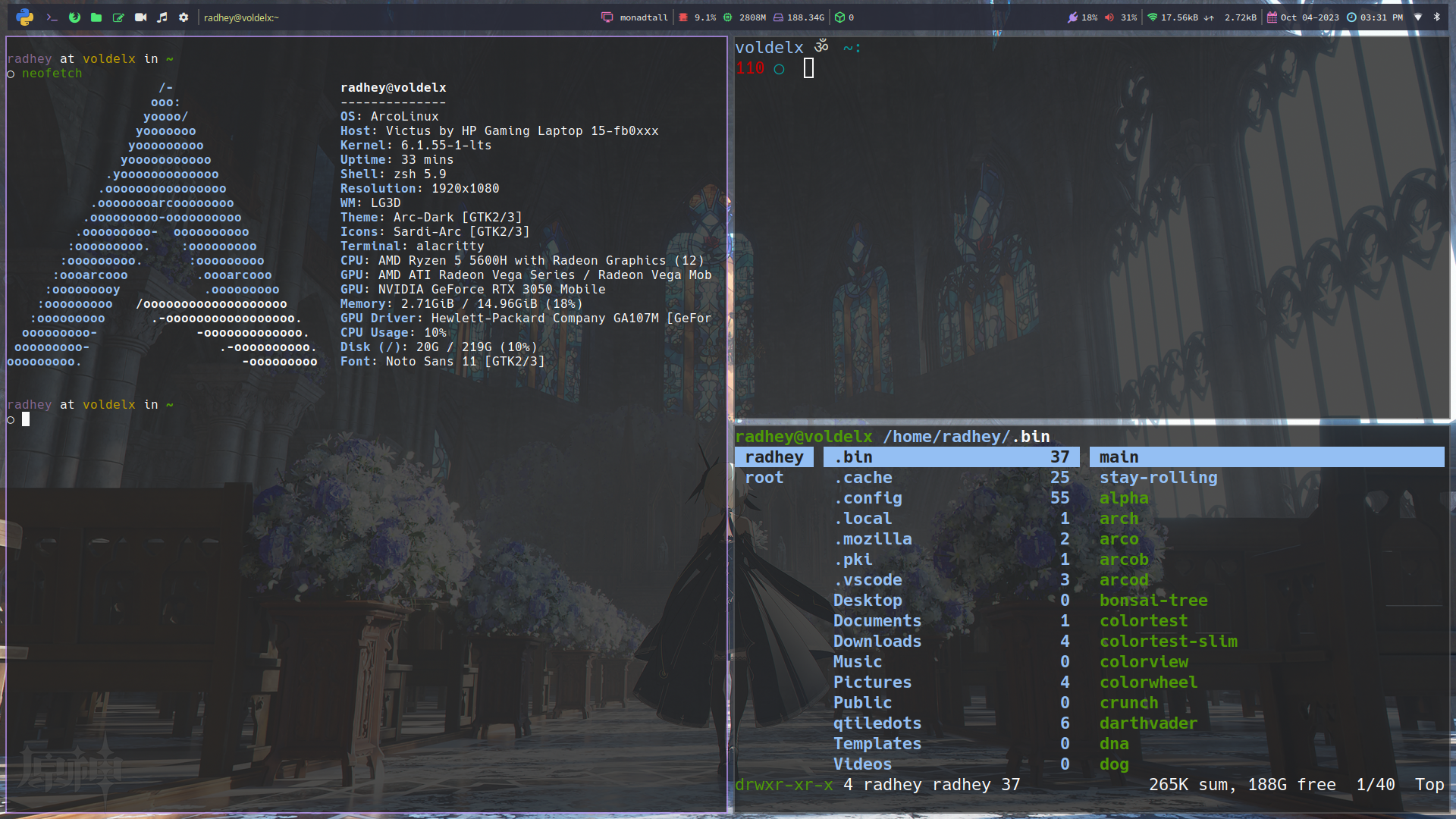
qtiledots
1.0.0

该存储库包含QTILE窗口管理器的配置文件。配置文件以Python编写,位于~/.config/qtile/ Directory中。
要使用这些配置文件,您需要在系统上安装QTILE和一些依赖性。您可以通过运行以下命令来安装它:
yay -Syu base-devel qtile python-psutil pywal-git feh picom-arian8j2-git dunst zsh playerctl brightnessctl kitty pfetch thunar rofi ranger cava pulseaudio alsa-utils neovim vim git ly google-chrome xrander network-manager-applet pavucontrol --noconfirm --neededgit clone https://github.com/ronniedroid/getnf.git && cd getnf
./install.sh然后运行
getnf要使用这些配置文件,只需将此存储库的内容复制到您的~/.config/qtile/ Directory。然后,通过按mod + control + r重新启动QTILE。
git clone https://github.com/jR4dh3y/qtiledots
cd qtiledots
cp -R ./. ~ /就是这样!现在,您应该使用这些配置文件进行QTILE的工作安装。如果您有任何疑问或问题,请随时在此存储库上打开问题。