qtiledots
1.0.0

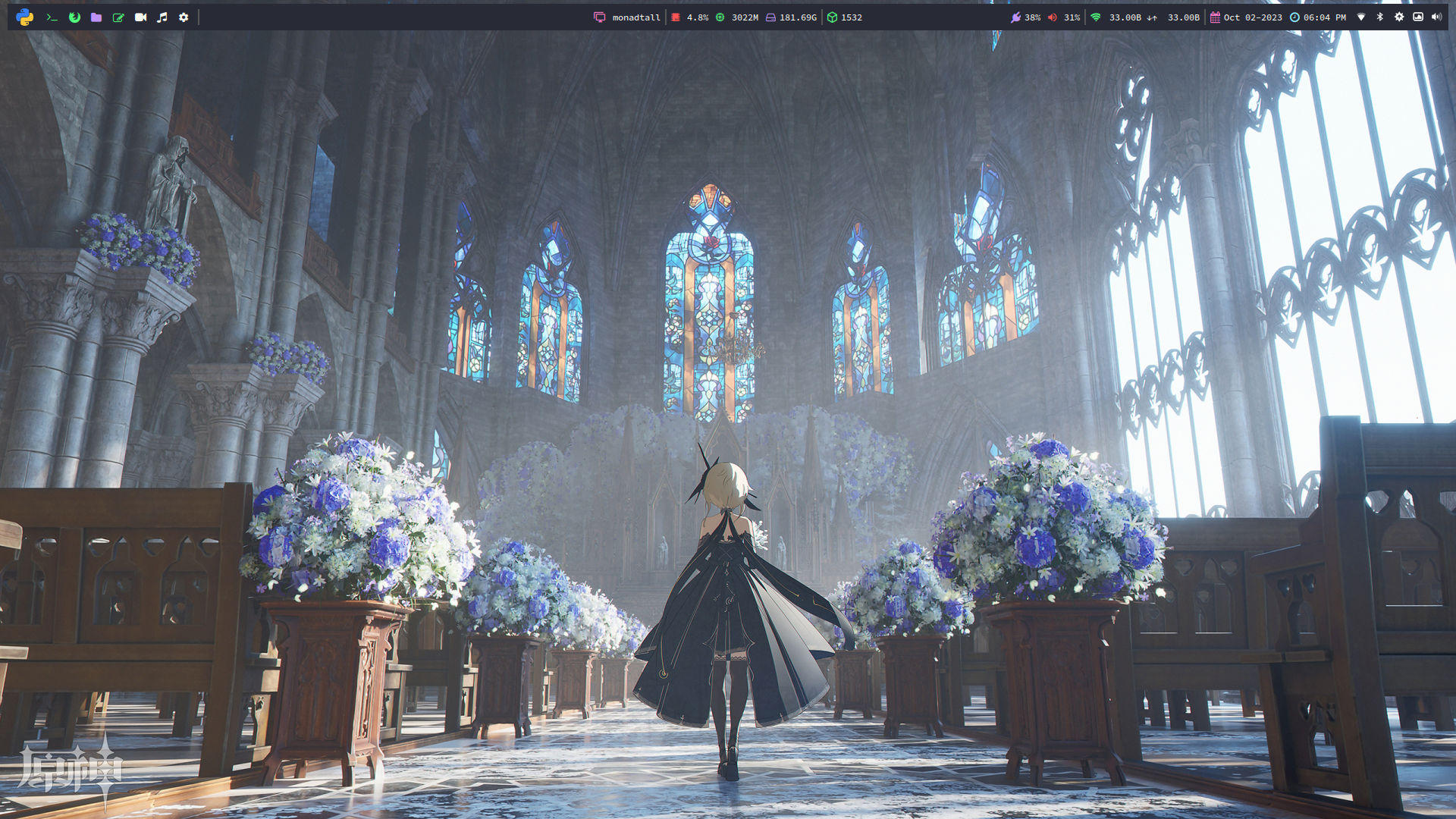
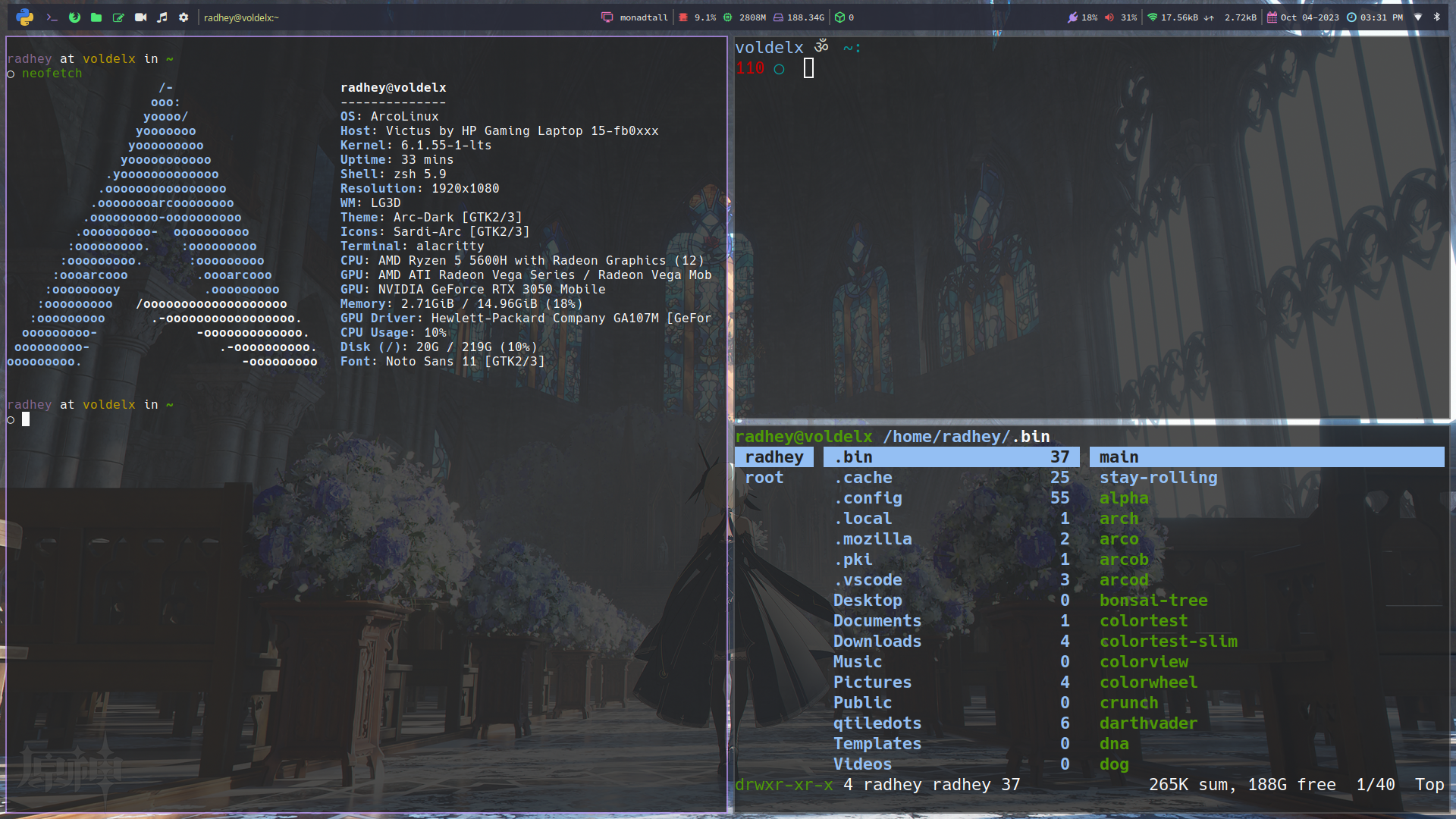
This repository contains the configuration files for the Qtile window manager. The configuration files are written in Python and are located in the ~/.config/qtile/ directory.
To use these configuration files, you need to have Qtile and some dependences installed on your system. You can install it by running the following command:
yay -Syu base-devel qtile python-psutil pywal-git feh picom-arian8j2-git dunst zsh playerctl brightnessctl kitty pfetch thunar rofi ranger cava pulseaudio alsa-utils neovim vim git ly google-chrome xrander network-manager-applet pavucontrol --noconfirm --neededgit clone https://github.com/ronniedroid/getnf.git && cd getnf
./install.shthen run
getnfTo use these configuration files, simply copy the contents of this repository to your ~/.config/qtile/ directory. Then, restart Qtile by pressing mod + control + r.
git clone https://github.com/jR4dh3y/qtiledots
cd qtiledots
cp -R ./. ~/That's it! You should now have a working installation of Qtile with these configuration files. If you have any questions or issues, please feel free to open an issue on this repository.