Lazuli
1.0.0

Lazuli是针对AVR微控制器的先发制人多任务RTO(实时操作系统/内核)。它允许在AVR微控制器上的实时上下文中编程和运行多个独立的任务。 Lazuli RTO在其基本配置中的内存足迹较低(ROM <4千键,<200个字节的静态RAM)。 Lazuli RTO可用于开发具有强大实时限制或需求多任务处理的嵌入式应用程序或固件。
AVR MCU被广泛用于嵌入式工业设备和应用中,也已知在Arduino板上使用。在Lazuli RTOS的顶部编写的应用程序以及业余爱好者的创作。
Lazuli RTOS以其源代码表格分发,旨在构建并与您自己的最终可执行文件静态链接。这使得内核可以静态配置,并受益于编译器优化。
该项目在https://github.com/randruc/lazuli上托管
目前,Lazuli内核提供以下功能:
SCHED_RR )printf()实现Lazuli项目具有非常具体的目标,使其与众不同。这些都是:
Lazuli RTOS目前运行在Atmega328p MCU上(在Arduino上使用),但应容易移植到其他AVR平台。
尽管Lazuli倾向于达到高度的代码质量和稳定性,但它不适合安全系统,因为它未通过这些特定用途进行认证。有关什么是安全 - 关键系统的更多信息,请阅读https://en.wikipedia.org/wiki/safety-critical_system
该项目的文档可以在https://lazuli.readthedocs.io/en/latest/上阅读
可以在https://randruc.github.io/lazuli/doxygen/latest/上读取API文档
使用两种不同的工具来记录该项目:
sphinx从重组文本编写的文件中生成用户文档。来源在文档/目录中。doxygen API文档。 使用Lazuli RTO的示例程序可以在目录示例程序中找到。
这里显示了经典的闪烁LED。嵌入式系统的Hello世界。人们对Lazuli API的介绍进行了大量评论。
 #include <stdint.h>

#include <Lazuli/lazuli.h>
#include <Lazuli/sys/arch/AVR/registers.h>

/*
 * This is the Blink task. It simply blinks the built-in LED on Arduino
 * platforms.
 * This task is scheduled in real-time. It is configured to blink with an exact
 * period of 1 second.
 */
void
Blink ()
{
  /* On the Arduino, this pin corresponds to the built-in LED */
  const uint8_t ledPin = 0x20 ;

  DDRB |= ledPin ;   /* Set the pin to be an output pin        */
  PORTB &= ~ ledPin ; /* The initial state of the pin will be 0 */

  /* Now this is the main loop of this task */
  for (;;) {
    /* Wait for the next real-time activation of the task */
    Lz_Task_WaitActivation ();

    PINB |= ledPin ; /* Toggle the pin */
  }
}

void
main ( void )
{
  /* Allocate a configuration object on the stack                      */
  Lz_TaskConfiguration configuration ;

  /* Initialize the configuration object with default values           */
  Lz_TaskConfiguration_Init ( & configuration );

  /* Configure the Blink task to be cyclic real-time (RMS scheduling)  */
  configuration . schedulingPolicy = CYCLIC_RT ;

  /* The Blink task has a period of 25 time slices.                    */
  /* Our platform has a 16 MHz clock, and the system clock resolution  */
  /* frequency is configured to 50 Hz. This is an arbitrary value that */
  /* can be configured by the user.                                    */
  /* With a system clock resolution frequency set to 50 Hz, the system */
  /* clock period is then 1 / 50 = 0.02 second.                        */
  /* So 0.02 * 25 = 0.5 second, which corresponds to the half period   */
  /* of our task.                                                      */
  configuration . period = 25 ;

  /* The Blink task has a completion of 10 time slices (arbitrary here */
  /* because our task does almost nothing).                            */
  configuration . completion = 10 ;

  /* Register the Blink task to run with the parameters above          */
  Lz_RegisterTask ( Blink , & configuration );

  /* Run the system                                                    */
  Lz_Run ();
}Lazuli对任何其他现有代码都不依赖。您可以简单地编写自己的代码,构建系统,将其上传到目标MCU,然后运行!
要使用Lazuli开发,强烈建议使用Lazuli Docker图像。您将从完整的开发环境中受益,并提供所有必要的工具。
Lazuli RTO带有一个完整的容器化开发环境,作为Docker图像。该图像包括使用Lazuli RTO构建自己项目所需的所有工具。它包括编译器和链接器,构建工具,二进制实用程序,人页面等。
可以从https://hub.docker.com/r/randruc/lazuli提取官方的Lazuli Docker图像
阅读有关如何在官方文档中设置开发环境的更多信息:https://lazuli.readthedocs.io/en/latest/set_up_environment.html
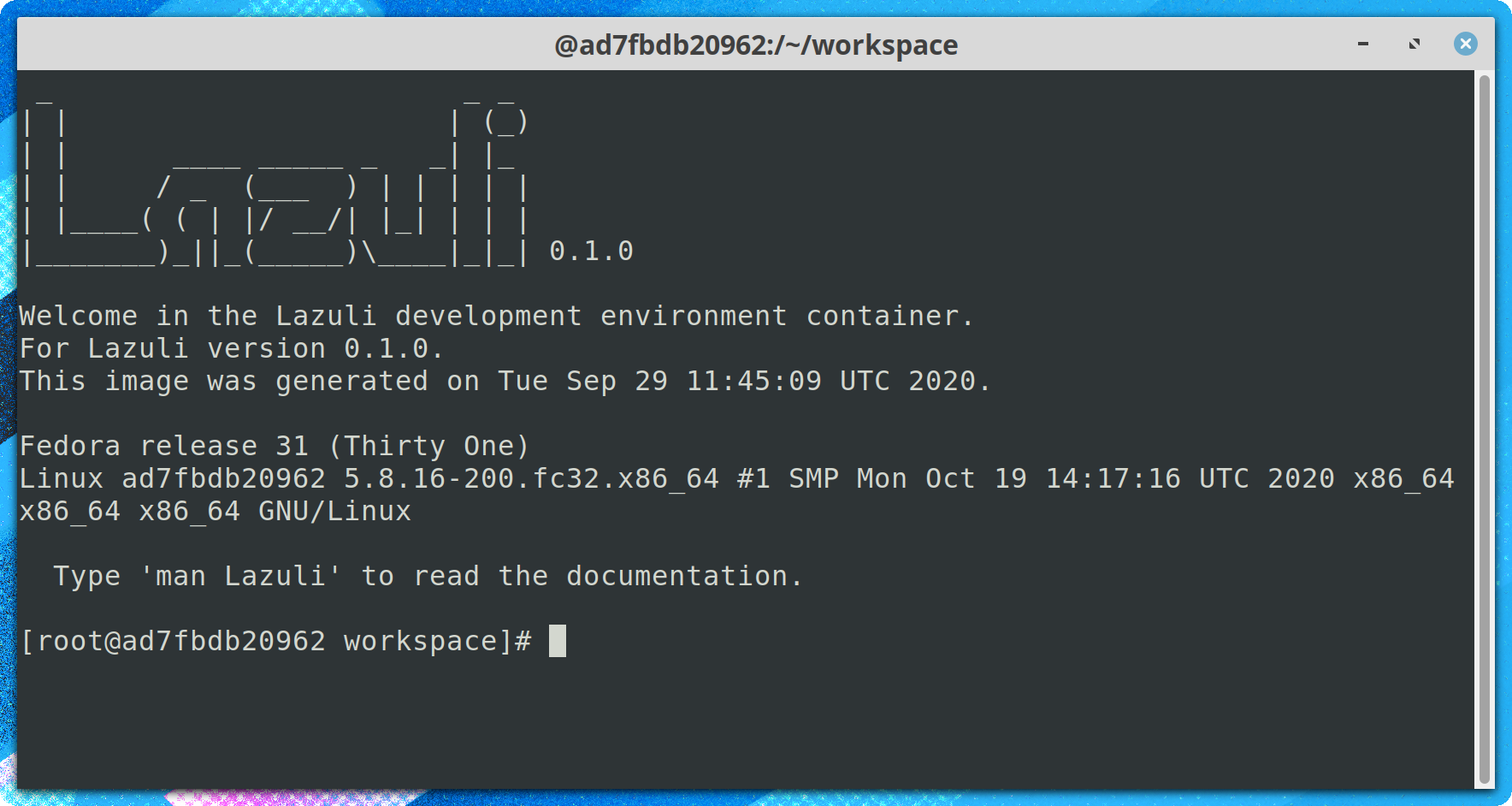 Lazuli开发环境容器启动
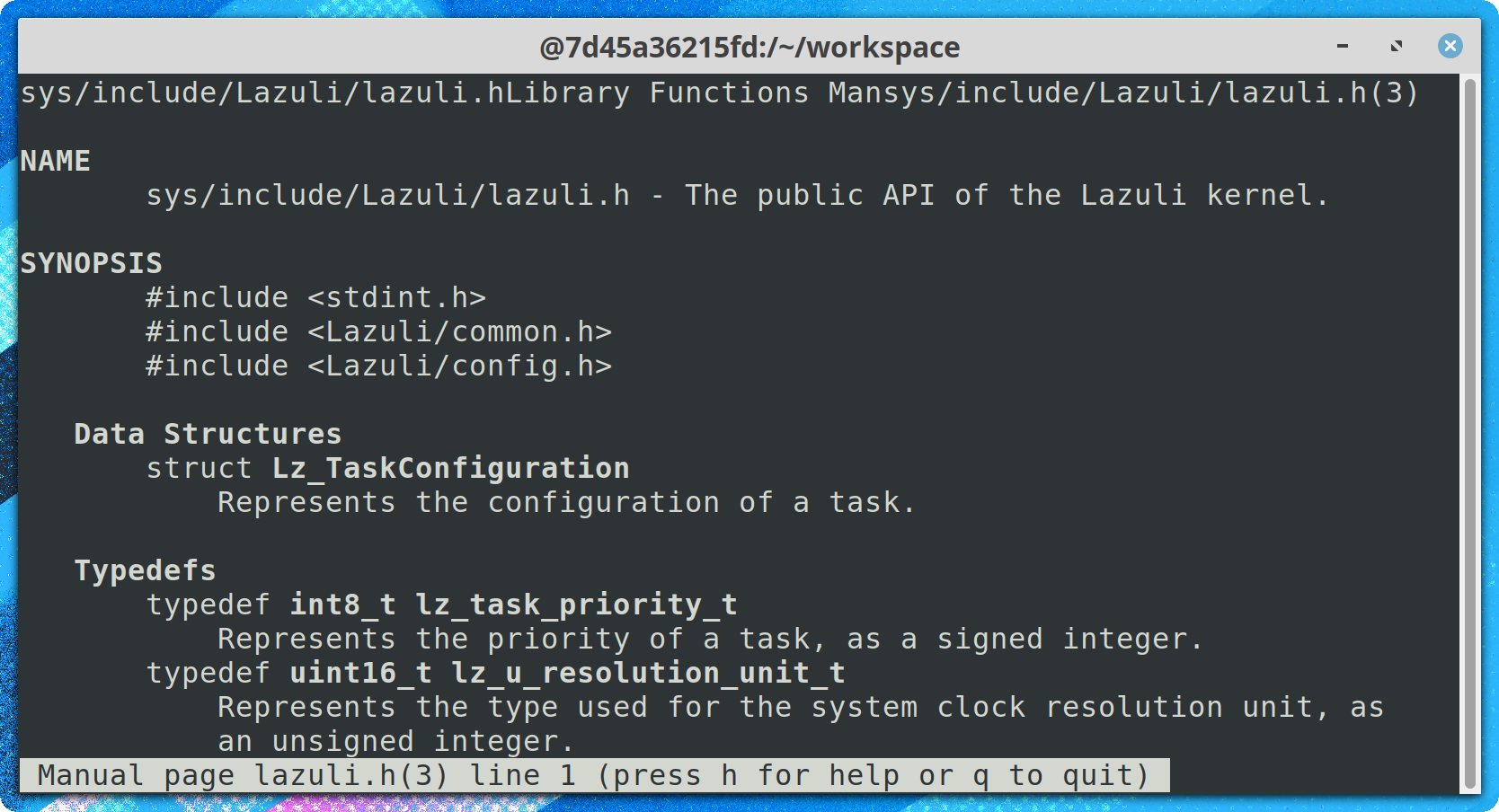 Lazuli开发环境容器中的人页面
Lazuli内核是完全可配置的。构建系统依赖于CMAKE。借助ccmake ,也可以在控制台中进行交互进行配置。
在官方文档中阅读更多信息:https://lazuli.readthedocs.io/en/latest/developing_your_project.html
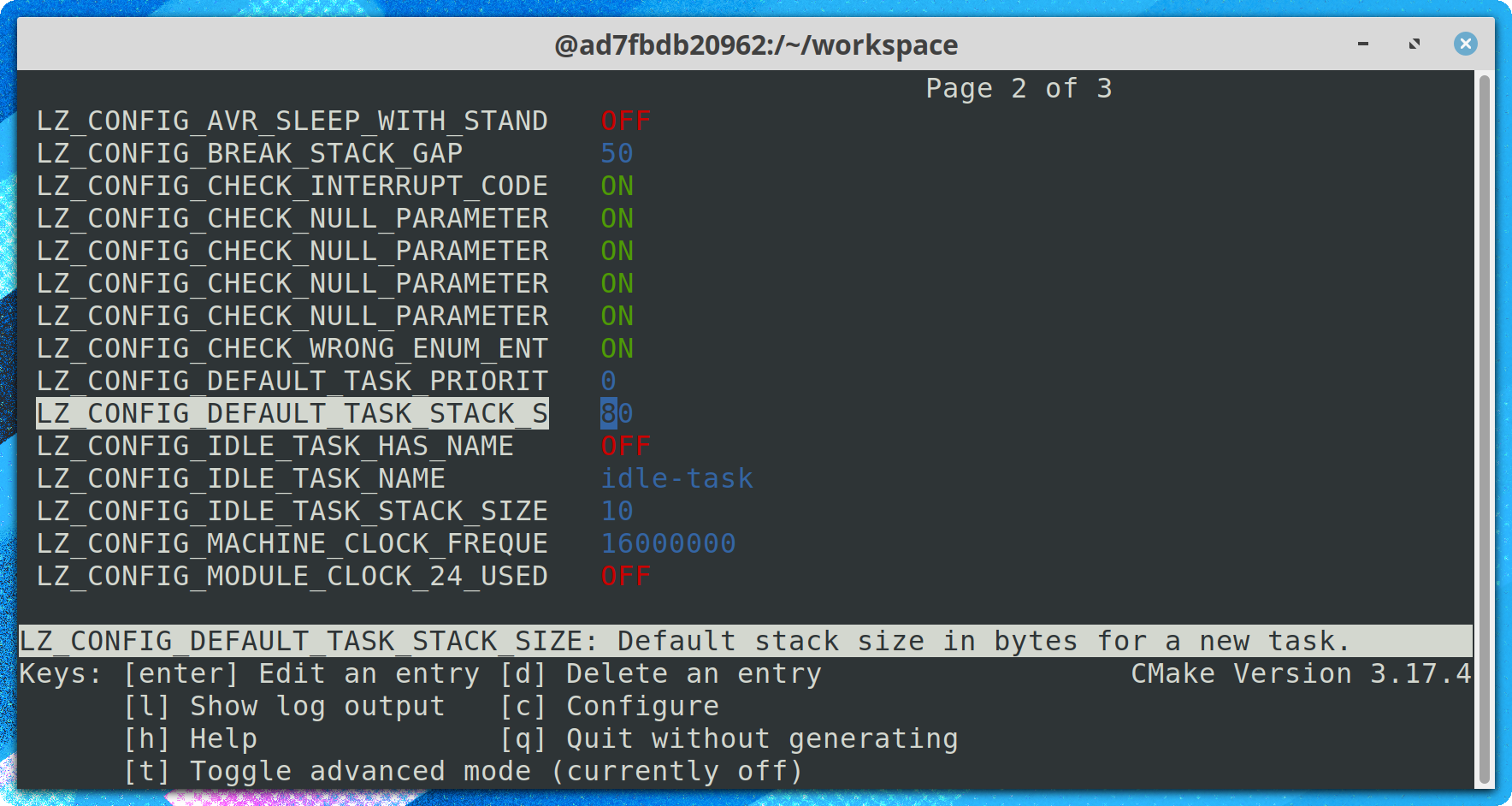 使用CCMAKE配置
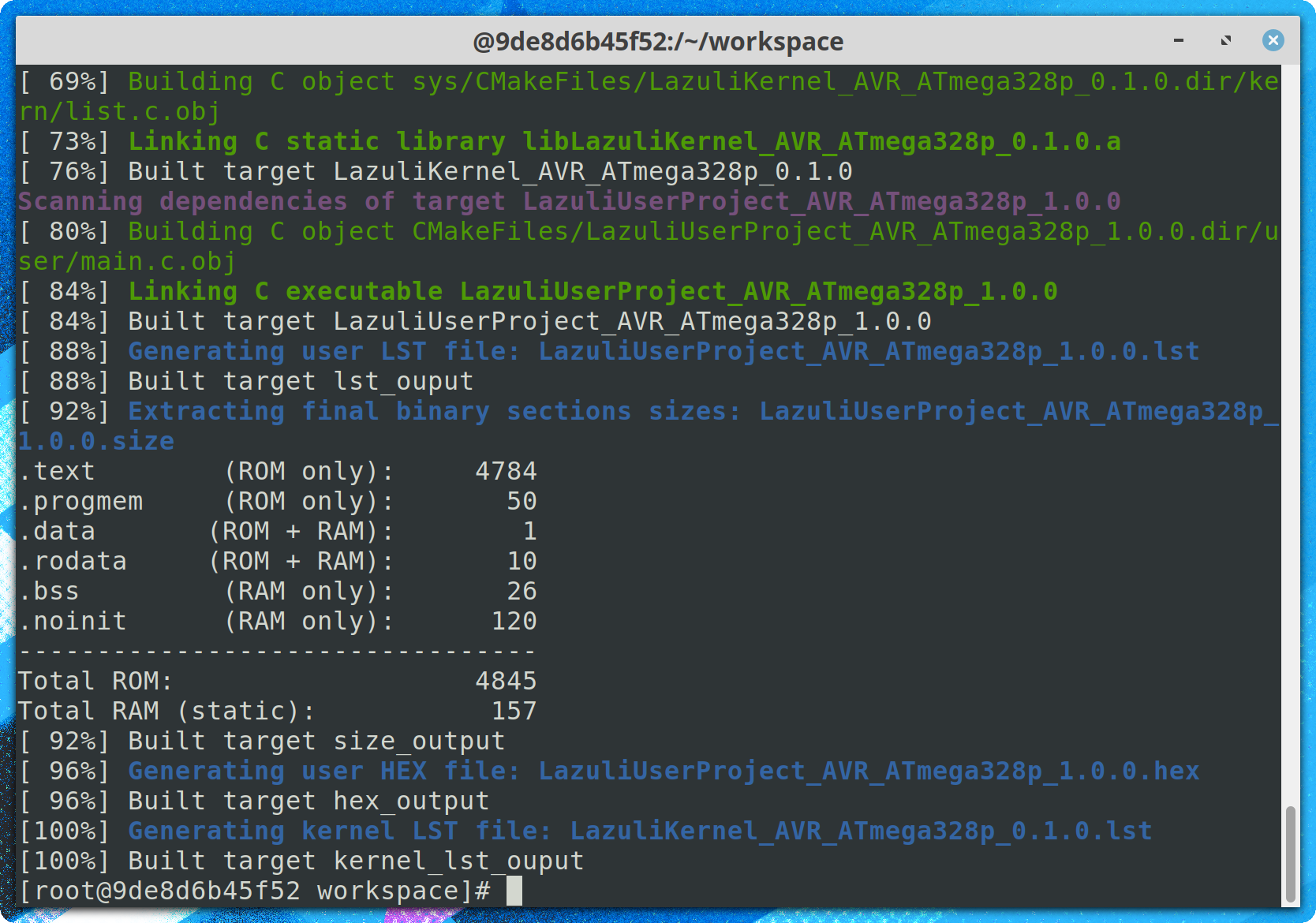 使用CMAKE建造
在AVR MCUS上, avrdude可用于将最终二进制载荷上传到目标机器。脚本脚本/avr/upload.sh可以使用。它将十六进制文件作为参数。
与串行线的相互作用可以在GNU screen的帮助下完成。脚本脚本/serial.sh可用于与USB串行线进行交互。
该项目的Issues选项卡(https://github.com/randruc/lazuli/issues)必须用于报告故障排除或提出建议。
欢迎捐款!
该项目托管在GitHub(https://github.com/randruc/lazuli)上,Github用于管理所有内容:拉出请求,问题等。您希望修复错误,实现或建议新功能,或解决错误/拼写错误/拼写错误:欢迎任何类型的贡献!
阅读有关如何在官方文档中做出贡献的更多信息:https://lazuli.readthedocs.io/en/latest/kernel/kernel/contributing.html
您还可以使用项目选项卡的Issues来提出问题,建议不编码或您想要的任何内容!
所有项目仅根据GNU通用公共许可证v3.0分发。该许可证的完整副本可在文件许可证/gpl-3.0-only.txt中获得。





