core flash
1.0.0

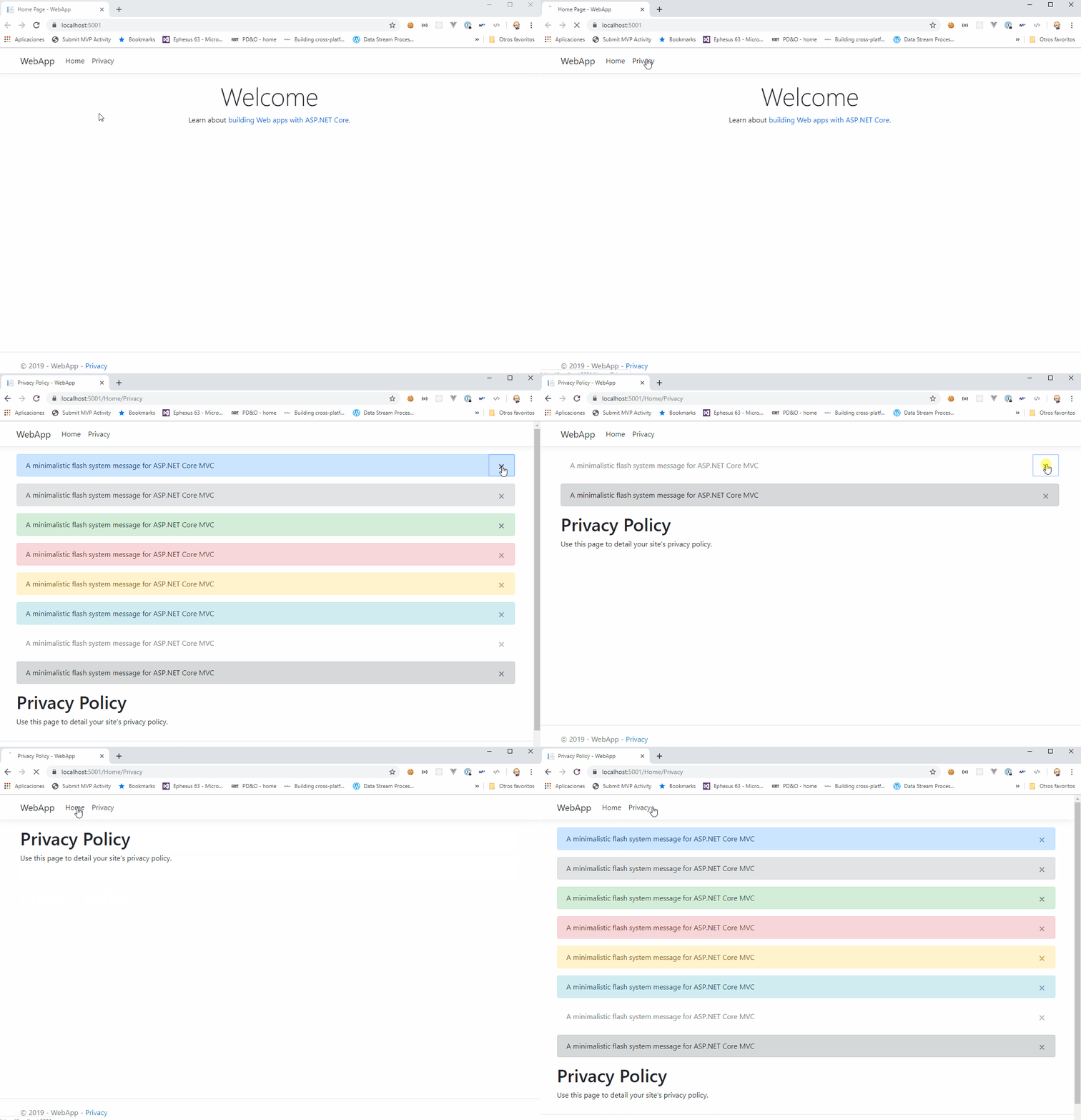
ASP.NET MVC核心的简约闪存消息系统,以基于Bootstrap警报的操作之间提供上下文反馈消息
您应该安装core.flash:
Install-Package Core.Flash
来自Package Manager控制台的此命令将下载和安装Core.Flash和所有必需的依赖项。
在您的启动类中注册Core.Flash Services
 public void ConfigureServices ( IServiceCollection services )
{
    services
      . AddFlashes ( )
      . AddMvc ( ) ;
}一旦您注册了Core.Flash Services,就可以在控制器中注入Iflasher接口:
 public HomeController ( IFlasher f )
{
    this . f = f ;
}并调用闪存方法传递类型和消息:
 public IActionResult YourAction ( )
{
    f . Flash ( Types . Success , "Flash message system for ASP.NET MVC Core" , dismissable : true ) ;
    f . Flash ( Types . Danger , "Flash message system for ASP.NET MVC Core" , dismissable : false ) ;
    return RedirectToAction ( "AnotherAction" ) ;
}将core.flash taghelper添加到您的_viewimports.cs
 @using Core . Flash . Web
@addTagHelper * , Microsoft . AspNetCore . Mvc . TagHelpers
@addTagHelper * , Core . Flash将taghelper添加到您的_layout.cs
< div class =" container body-content " >
< div flashes > </ div >
@RenderBody()
< hr />
< footer >
< p > © 2017 </ p >
</ footer >
</ div >core.flash使用引导警报。
_ copyright©2017 lurumad贡献者







