core flash
1.0.0

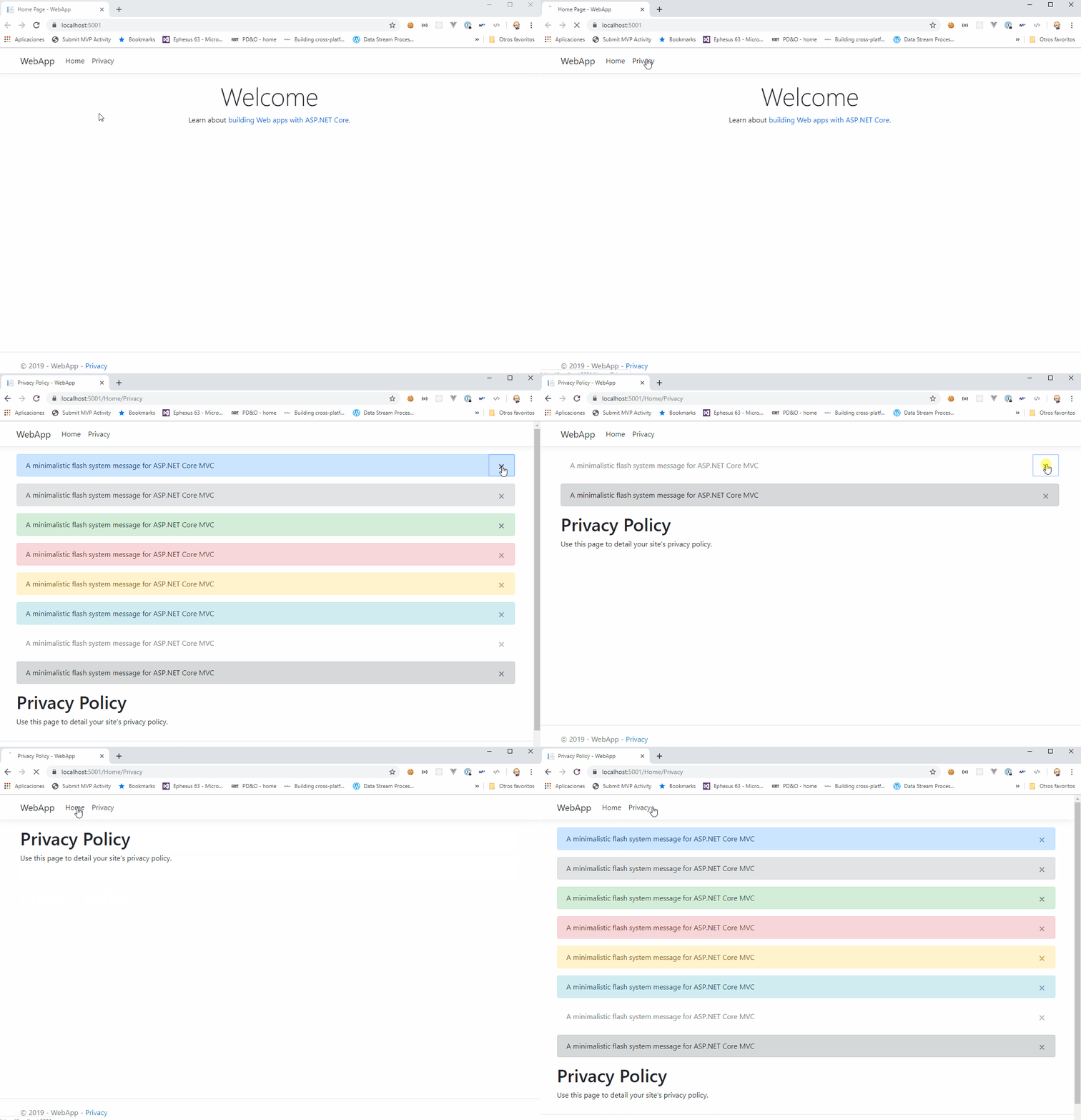
ระบบข้อความแฟลชที่เรียบง่ายสำหรับ ASP.NET MVC Core เพื่อให้ข้อความตอบรับเชิงบริบทระหว่างการกระทำตามการแจ้งเตือน bootstrap
คุณควรติดตั้ง core.flash:
Install-Package Core.Flash
คำสั่งนี้จาก Package Manager Console จะดาวน์โหลดและติดตั้ง core.flash และการอ้างอิงที่จำเป็นทั้งหมด
ลงทะเบียน Core.flash Services ในชั้นเรียน เริ่มต้น ของคุณ
 public void ConfigureServices ( IServiceCollection services )
{
    services
      . AddFlashes ( )
      . AddMvc ( ) ;
}
เมื่อคุณได้รับการลงทะเบียน Core.flash Services คุณสามารถฉีดอินเทอร์เฟซ iflasher ในคอนโทรลเลอร์ของคุณ:
 public HomeController ( IFlasher f )
{
    this . f = f ;
}
และวิธีการโทร แฟลช ผ่านประเภทและข้อความ:
 public IActionResult YourAction ( )
{
    f . Flash ( Types . Success , "Flash message system for ASP.NET MVC Core" , dismissable : true ) ;
    f . Flash ( Types . Danger , "Flash message system for ASP.NET MVC Core" , dismissable : false ) ;
    return RedirectToAction ( "AnotherAction" ) ;
}
เพิ่ม core.flash taghelper ไปยัง _viewimports.cs ของคุณ
 @using Core . Flash . Web
@addTagHelper * , Microsoft . AspNetCore . Mvc . TagHelpers
@addTagHelper * , Core . Flash
เพิ่ม taghelper ลงใน _layout.cs ของคุณ
< div class =" container body-content " >
< div flashes > </ div >
@RenderBody()
< hr />
< footer >
< p > © 2017 </ p >
</ footer >
</ div >core.flash ใช้การแจ้งเตือน bootstrap
_Copyright © 2017 Lurumad ผู้มีส่วนร่วม







