uform
v3 for 3 platforms ?️??


从64到768维度的多模式嵌入•1B参数聊天
短文•图像•视频剪辑•长文档
ONNX•Coreml•Pytorch
Python•JavaScript•Swift
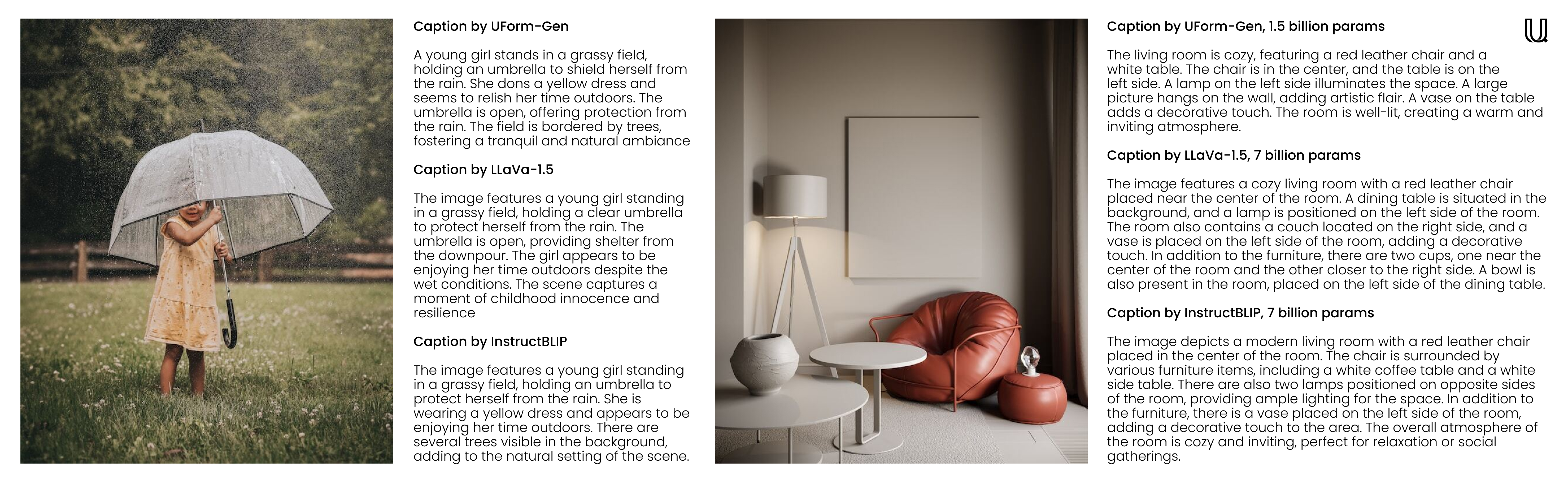
欢迎来到Uform,这是一个多式联运库,它具有高效的用途。 Uform Tiny嵌入模型将帮助您跨各种语言理解和搜索视觉和文本内容。另一方面,Uform小型生成模型不仅支持对话和聊天用例,而且非常适合快速图像字幕和视觉询问回答(VQA)。借助紧凑的自定义预训练的变压器型号,它可以从您的服务器农场到智能手机运行。
f32到i8下降嵌入而不会失去太多召回。为了准确性和速度基准,请参阅评估页面。
| 模型 | 参数 | 语言 | 建筑学 |
|---|---|---|---|
uform3-image-text-english-large ? | 365 m | 1 | 12层BERT,VIT-L/14 |
uform3-image-text-english-base | 143 m | 1 | 4层BERT,VIT-B/16 |
uform3-image-text-english-small ? | 79 m | 1 | 4层BERT,VIT-S/16 |
uform3-image-text-multilingual-base | 206m | 21 | 12层BERT,VIT-B/16 |
| 模型 | 参数 | 目的 | 建筑学 |
|---|---|---|---|
uform-gen2-dpo ? | 1.2 b | 聊天,图像字幕,VQA | QWEN1.5-0.5B,VIT-H/14 |
uform-gen2-qwen-500m | 1.2 b | 聊天,图像字幕,VQA | QWEN1.5-0.5B,VIT-H/14 |
uform-gen | 1.5 b | 图像字幕,VQA | Llama-1.3b,VIT-B/16 |
首先, pip install uform 。然后,加载模型:
 from uform import get_model , Modality

processors , models = get_model ( 'unum-cloud/uform3-image-text-english-small' )

model_text = models [ Modality . TEXT_ENCODER ]
model_image = models [ Modality . IMAGE_ENCODER ]
processor_text = processors [ Modality . TEXT_ENCODER ]
processor_image = processors [ Modality . IMAGE_ENCODER ]
嵌入图像:
 import requests
from io import BytesIO
from PIL import Image

image_url = 'https://media-cdn.tripadvisor.com/media/photo-s/1b/28/6b/53/lovely-armenia.jpg'
image = Image . open ( BytesIO ( requests . get ( image_url ). content ))
image_data = processor_image ( image )
image_features , image_embedding = model_image . encode ( image_data , return_features = True )
嵌入查询:
 text = 'a cityscape bathed in the warm glow of the sun, with varied architecture and a towering, snow-capped mountain rising majestically in the background'
text_data = processor_text ( text )
text_features , text_embedding = model_text . encode ( text_data , return_features = True )
有关更多详细信息,请查看:
生成模型与
 from transformers import AutoModel , AutoProcessor

model = AutoModel . from_pretrained ( 'unum-cloud/uform-gen2-dpo' , trust_remote_code = True )
processor = AutoProcessor . from_pretrained ( 'unum-cloud/uform-gen2-dpo' , trust_remote_code = True )

prompt = 'Question or Instruction'
image = Image . open ( 'image.jpg' )

inputs = processor ( text = [ prompt ], images = [ image ], return_tensors = 'pt' )

with torch . inference_mode ():
     output = model . generate (
        ** inputs ,
        do_sample = False ,
        use_cache = True ,
        max_new_tokens = 256 ,
        eos_token_id = 151645 ,
        pad_token_id = processor . tokenizer . pad_token_id
    )
prompt_len = inputs [ 'input_ids' ]. shape [ 1 ]
decoded_text = processor . batch_decode ( output [:, prompt_len :])[ 0 ]
有关更多详细信息,请查看:
根据应用程序,可以将嵌入到较小的数字表示的情况下,而不会失去太多召回。在几乎所有情况下,建议您从f32转换为f16 ,除非您在没有半精确支持的情况下运行非常旧的硬件。也可以通过线性缩放切换到i8 ,但在较大的收藏集中,将在数百万可搜索条目的较大集合中召回。同样,对于高维嵌入(512或768),一种常见的策略是将它们量化为单位表示形式以进行更快的搜索。
 import numpy as np

f32_embedding : np . ndarray = model . encode_text ( text_data , return_features = False )
f16_embedding : np . ndarray = f32_embedding . astype ( np . float16 )
i8_embedding : np . ndarray = ( f32_embedding * 127 ). astype ( np . int8 )
b1_embedding : np . ndarray = np . packbits (( f32_embedding > 0 ). astype ( np . uint8 ))
量化的替代方法是使用Matryoshka嵌入,其中嵌入将嵌入切成较小的部分,并以层次结构方式进行搜索。
 import numpy as np

large_embedding : np . ndarray = model . encode_text ( text_data , return_features = False )
small_embedding : np . ndarray = large_embedding [:, : 256 ]
tiny_embedding : np . ndarray = large_embedding [:, : 64 ]
这两种方法都由Usearch Vector-Search引擎和SIMSIMD Numerics库在本地支持。在处理小型集合(最多数百万个条目)并寻找低延迟的余弦距离计算时,您可以使用SIMSIMD实现5 x-2500x的性能改善,numpy,scipy和Vanilla Python。
 from simsimd import cosine , hamming

distance : float = cosine ( f32_embedding , f32_embedding ) # 32x SciPy performance on Apple M2 CPU
distance : float = cosine ( f16_embedding , f16_embedding ) # 79x SciPy performance on Apple M2 CPU
distance : float = cosine ( i8_embedding , i8_embedding ) # 133x SciPy performance on Apple M2 CPU
distance : float = hamming ( b1_embedding , b1_embedding ) # 17x SciPy performance on Apple M2 CPU
同样,当处理大型收藏(每台服务器多达数十亿个条目)并寻找高通量搜索时,您可以使用USEarch对FAISS和其他矢量搜索解决方案实现100倍的性能改善。这里有几个例子:
 from usearch . index import Index

f32_index = Index ( ndim = 64 , metric = 'cos' , dtype = 'f32' ) # for Matryoshka embeddings
f16_index = Index ( ndim = 64 , metric = 'cos' , dtype = 'f16' ) # for Matryoshka embeddings
i8_index = Index ( ndim = 256 , metric = 'cos' , dtype = 'i8' ) # for quantized embeddings
b1_index = Index ( ndim = 768 , metric = 'hamming' , dtype = 'b1' ) # for binary embeddingsPytorch是一个重度依赖,特别是如果您在边缘或物联网设备上运行时。使用Vanilla ONNX运行时,可以显着减少内存消耗和部署延迟。
$ conda create -n uform_torch python=3.10 -y
$ conda create -n uform_onnx python=3.10 -y
$ conda activate uform_torch && pip install -e " .[torch] " && conda deactivate
$ conda activate uform_onnx && pip install -e " .[onnx] " && conda deactivate
$ du -sh $( conda info --envs | grep ' uform_torch ' | awk ' {print $2} ' )
> 5.2G    ~ /conda/envs/uform_torch
$ du -sh $( conda info --envs | grep ' uform_onnx ' | awk ' {print $2} ' )
> 461M    ~ /conda/envs/uform_onnx
对于模型和运行时,大部分重量都可以进一步降低至100 MB。您可以选择众多支持的ONX执行提供商之一,其中包括XNNPACK,CUDA和TENSORRT用于NVIDIA GPU,INTEL上的OpenVino,Windows上的DirectML,AMD上的ROCM,AMD上的ROCM,Apple设备上的Coreml等等。
生成模型可用于命令行中的类似聊天经验。为此,您可以使用uform-chat CLI工具,该工具可在Uform软件包中使用。
$ pip install uform
$ uform-chat --model unum-cloud/uform-gen2-dpo --image=zebra.jpg
$ uform-chat --model unum-cloud/uform-gen2-dpo
>     --image= " https://bit.ly/3tIVg9M "
>     --device= " cuda:0 "
>     --fp16




