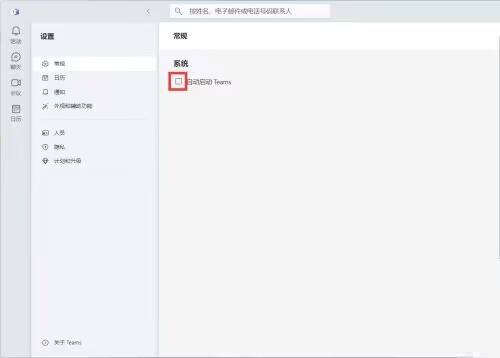
Some friends don’t like the automatic startup function of Microsoft Teams and want to know if there is a way to turn it off. In response to this problem, the following is a tutorial on how to turn off the automatic startup of Microsoft Teams . Friends who are interested should come and take a look.
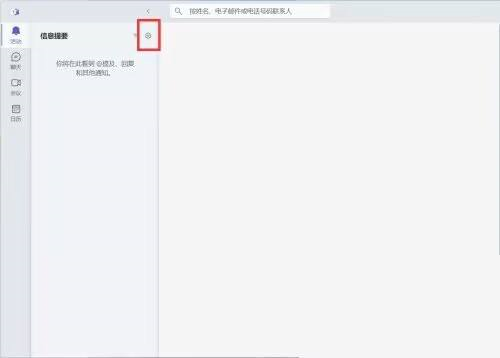
1. First click [Settings] on the page (as shown in the picture).
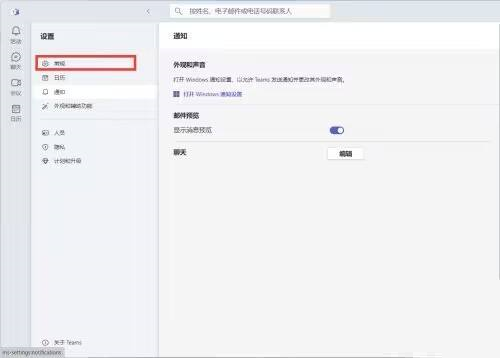
2. Then find [General] in the list and click to open (as shown in the picture).
3. Finally, find [Automatically start Teams] in the list and click [Uncheck] (as shown in the picture).