Microsoft Teams is an office software. Many friends don’t know how to set banner notifications in Microsoft Teams. Here is a tutorial on how to set banner notifications in Microsoft Teams . Friends who need it, come and take a look.
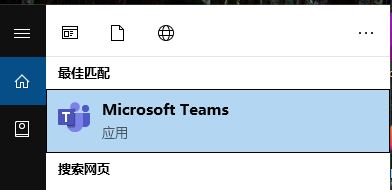
1. Double-click the desktop icon or click the start menu to open Microsoft Teams and log in.
2. Click [Activities] on the left and click the settings icon.

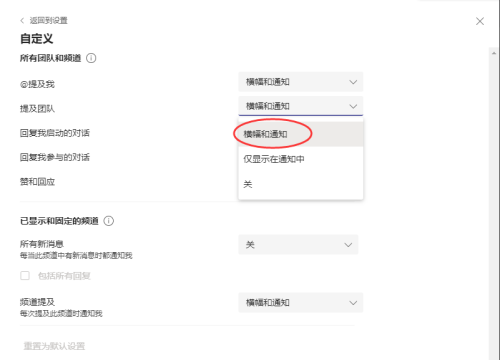
3. Find the team and channel and click [Customize].

4. Set [Banner and Notification] according to your own needs; after the setting is successful, new notifications will appear as banner pop-ups.