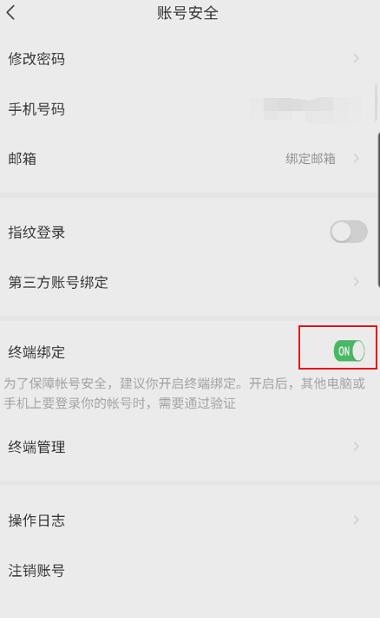
EZVIZ Cloud Video supports terminal binding. How to enable EZVIZ Cloud Video terminal binding has troubled many friends. Now I will introduce to you how to enable EZVIZ Cloud Video terminal binding. Let’s take a look!

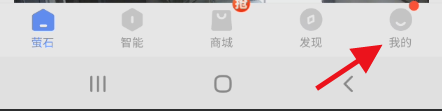
1. First open EZVIZ Cloud Video and click My to enter.
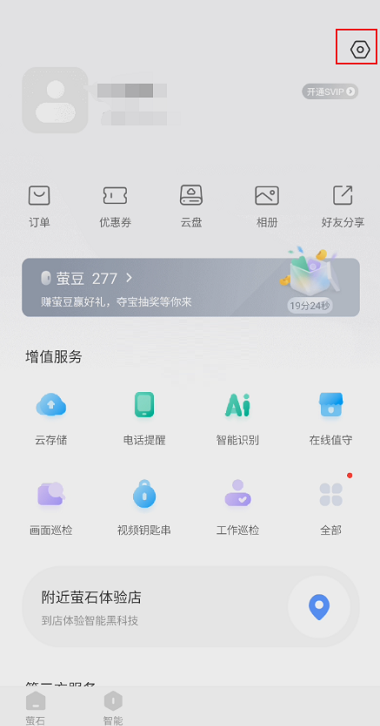
2. Then enter my page, select Settings and click to enter.
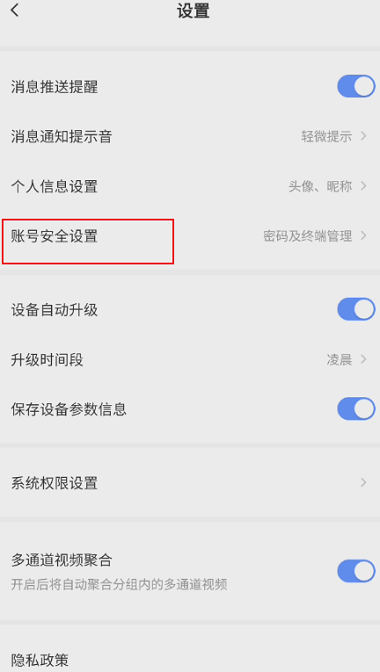
3. Then enter settings, select account security settings and click to enter.
4. Finally enter account security and click the button on the right side of terminal binding to turn it on.