
Many friends are asking how to add mosaic in 2345Kantuwang. In response to this problem, here is a tutorial on how to add mosaic in 2345Kantuwang . Friends who need it, come and take a look.

1. We first use 2345Kantuwang to open the picture that needs to be added with mosaic, as shown in the figure.
2. Then we left-click the icon button.

3. Then we left-click "Picture Beautification".

4. At this time, the picture will pop up as shown in the figure. Click the corresponding option as needed.

5. Next we left-click "Mosaic".

6. Drag to change the brush size.
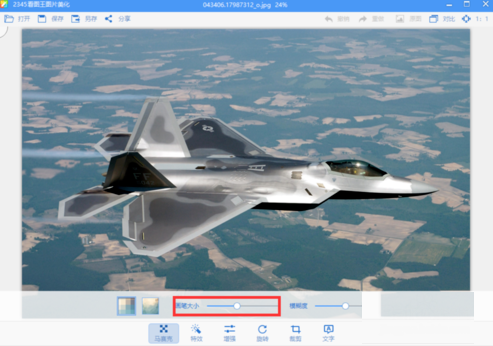
7. Drag again to change the blur.
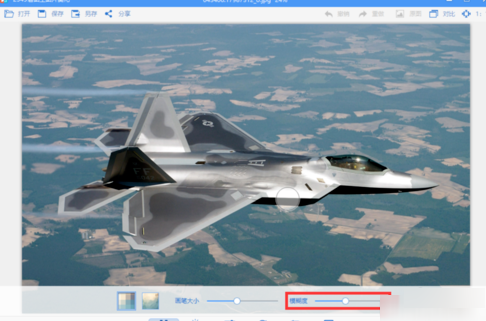
8. The last step is to draw on the picture.
