I believe many people are using CAD Viewer software in their office work, but do you know how to set the view mode in CAD Viewer?

1. Open the mobile application [CAD Viewer] and enter the [Homepage] interface.

2. On the [Homepage] page, click [Avatar].

3. On the [Avatar] page, click [Settings].
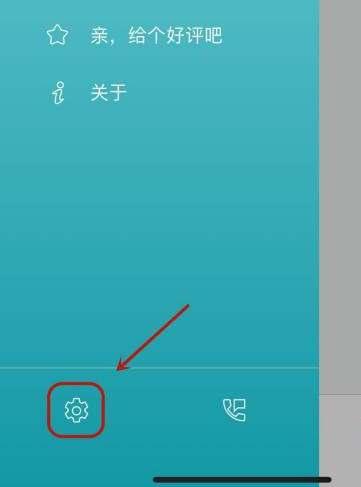
4. In the [Settings] page, click [Open Picture Mode].

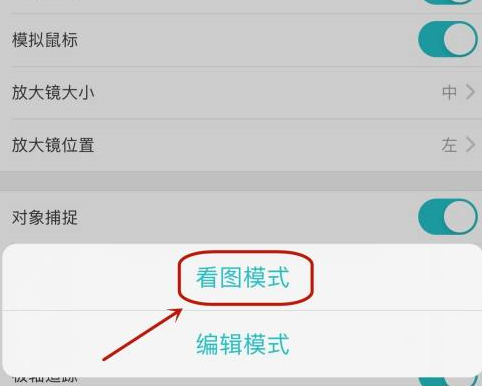
5. On the [Open Picture Mode] page, click [View Picture Mode].