
This article brings you the ComfyUI Flux Inpaint local redrawing operation process and the required model download address. Follow Evo to learn ComfyUI and get started easily.
Step 1: Enter ComfyUI to select Flux and click Flux lnpaint
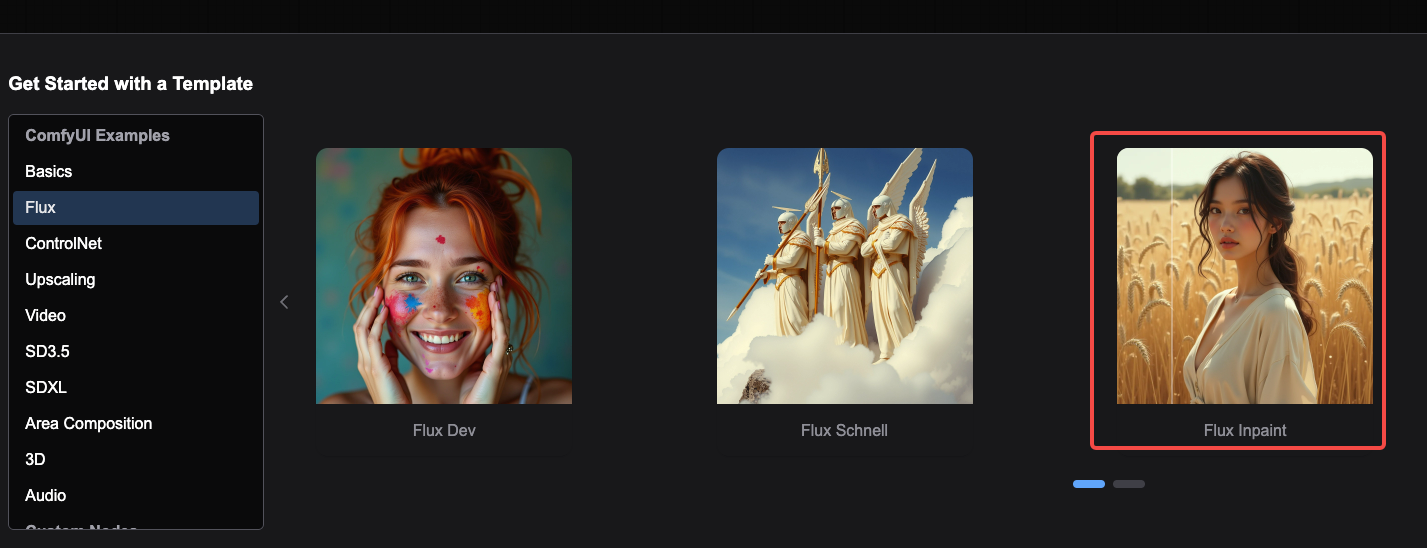
Entering the workflow, if you want this process to run, you need four models ( demonstrate only download the basic models required for the workflow. If you have other needs, you can replace them according to your own situation) . The download methods of these four models are as follows:
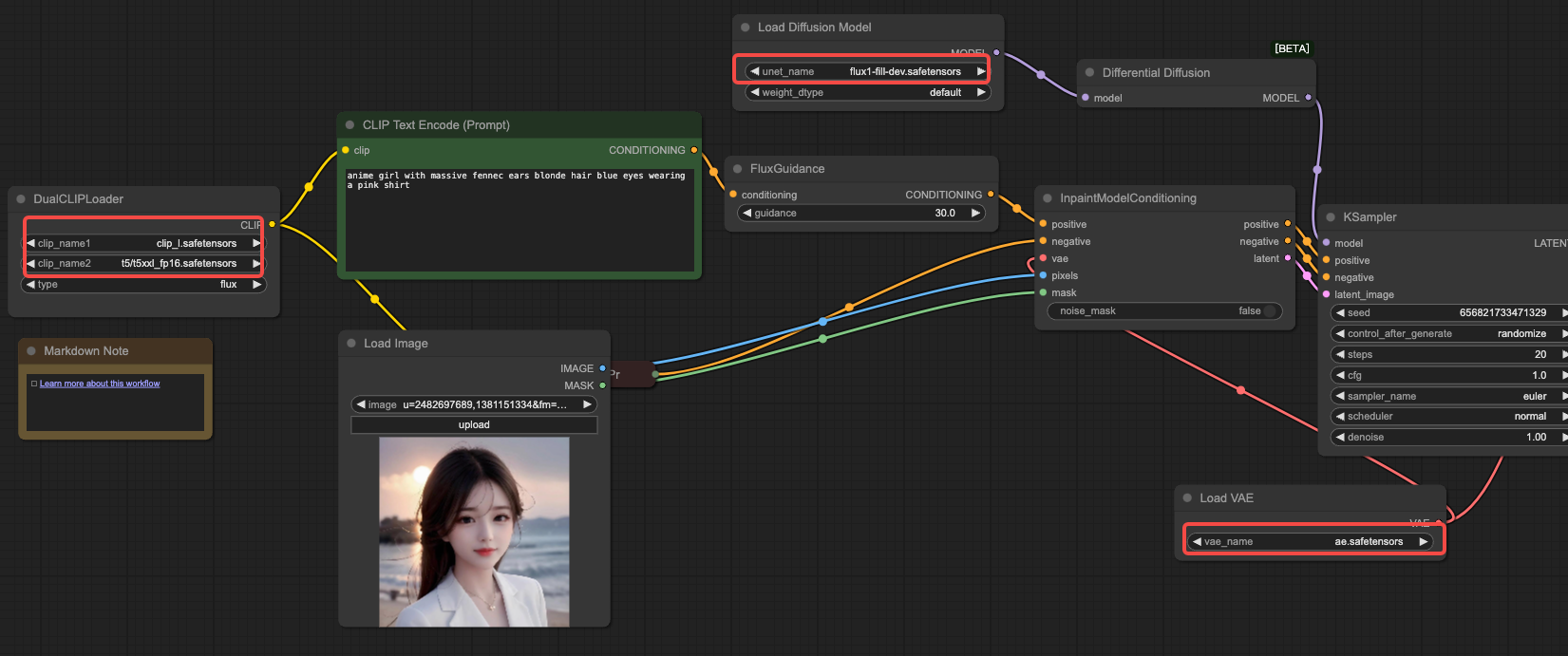
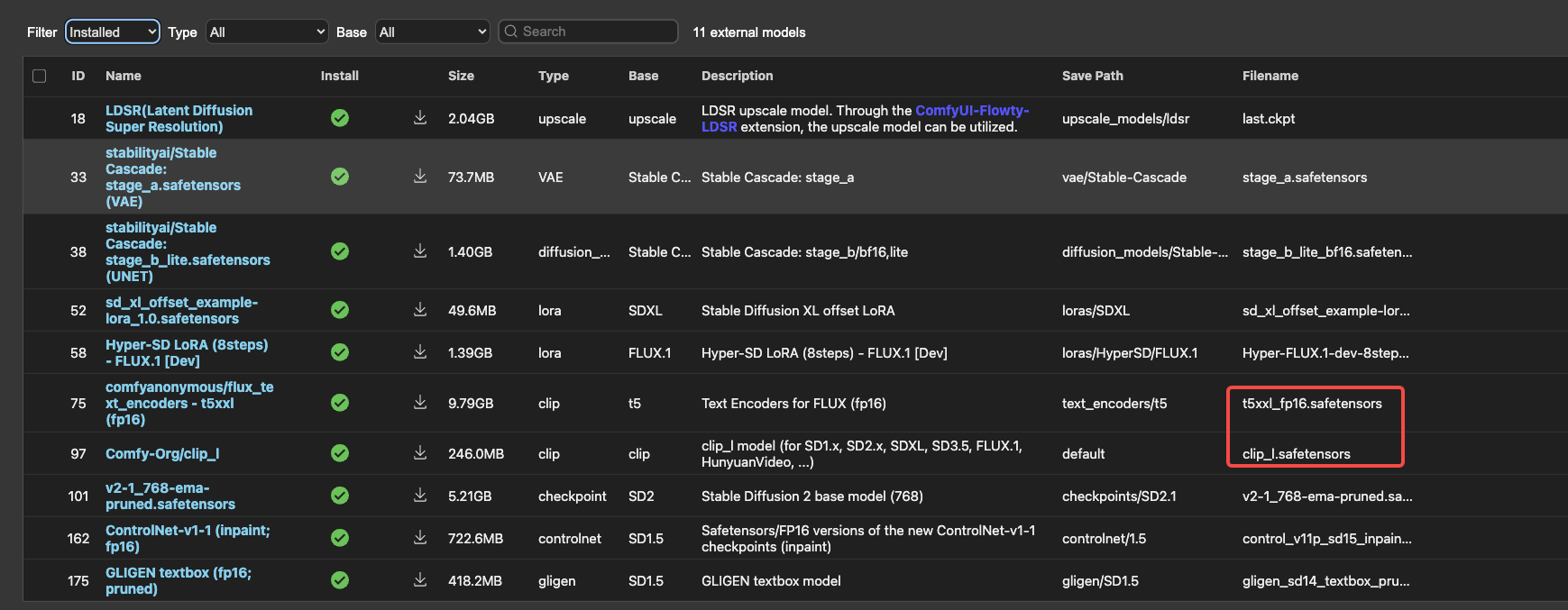
(1) The clip dual model can be found in Manager>Model Manager search
(2)、剩下的两个模型需要再网上搜索获取到,分别是flux1-fill-dev.safetensors download 和ae. safetensors vae download ,根据下图找到下载对应模型即可。
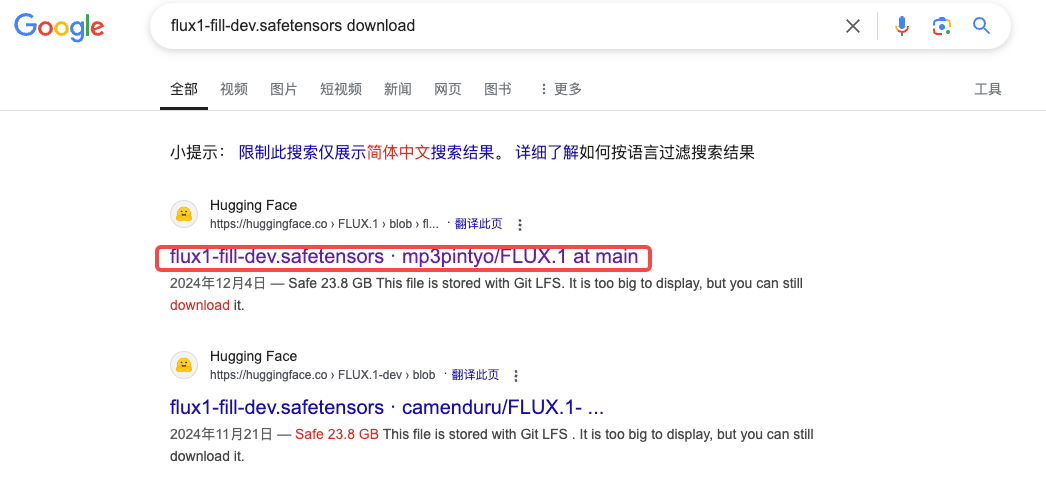
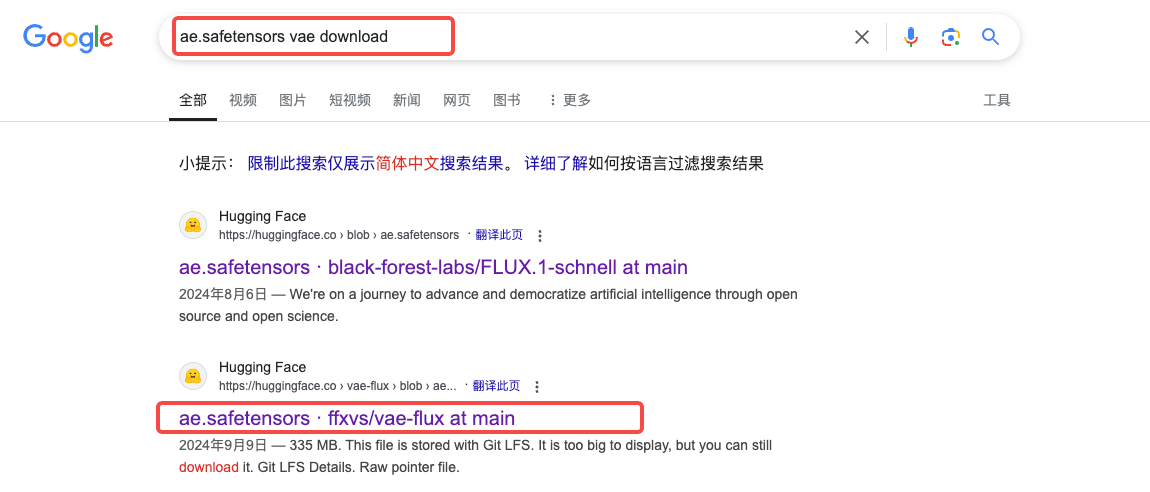
Click to enter the interface and click download
(3) Put the downloaded model into the corresponding folder, ComfyUI>Models>unet/vae
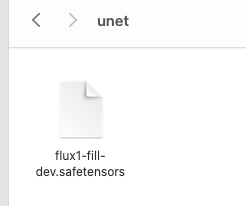
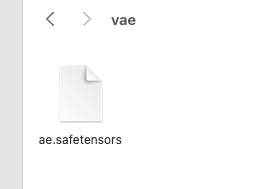
Note: The software needs to be restarted when installing the model
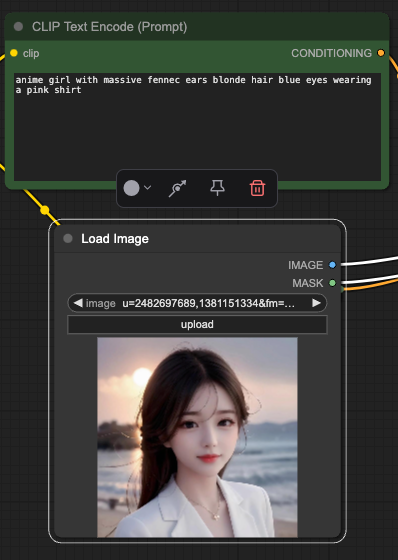
Step 2: Enter copy and upload pictures
Step 3: Click Queue to generate, and wait for a few minutes to generate the rendering.
The demo part has been completed, and players can change the parameters and models according to their needs, and see you next time.