
In the process of watching videos at station a, there may be a lot of repeated barrages in some videos. At this time, we can block the repeated barrages and add blocking words! So how does Station A block barrage keywords? Below, the editor will introduce to you how to set up acfun barrage blocking words. I hope it will be helpful to you.

1. First enter the acfun main interface and click My on the lower right.

2. Then in the interface as shown in the picture, scroll down and click Settings.

3. Click Barrage Blocking Management in settings.
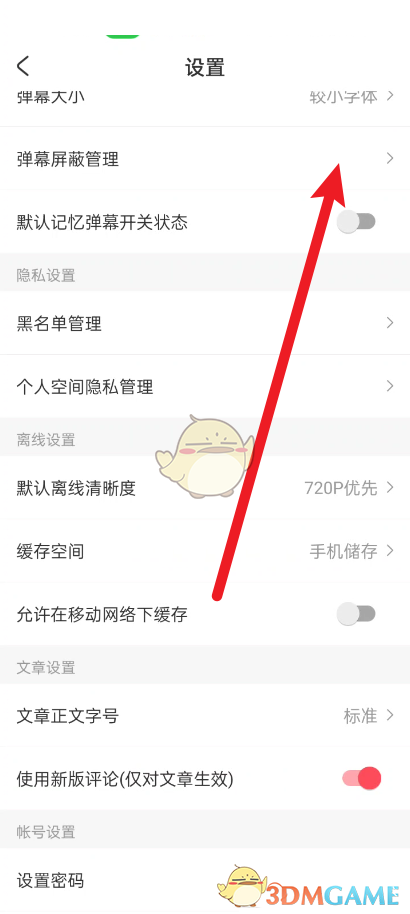
4. Finally, you can set the keywords for the barrage here.

The above is the editor’s guide on how to block barrage keywords at site a? How to set acfun barrage blocking words, and more related information and tutorials, please pay attention to this website.