
WeGame is a game platform created by Tencent for players. Do you know how to delete WeGame updates?

1. First open wegame and log in to your account
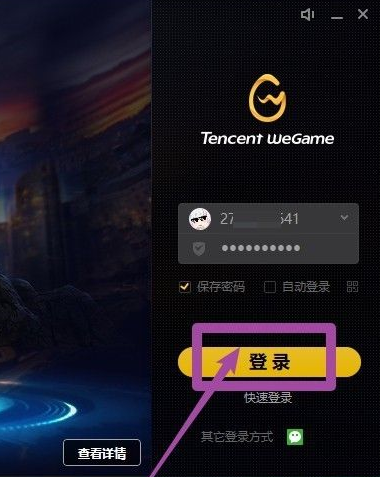
2. After entering wegame, click [Avatar]

3. You can see the published updates, click the [three dots] on the right; as shown in the picture

4. When the option appears, select [Delete]

5. When prompted whether you want to delete this update, click [Confirm] to successfully complete the deletion of the update.
