
Many friends want to know how to turn on network acceleration when using WeGame?

1. First open the [WeGame] software on your computer.

2. Then click the [Menu] icon in the upper right corner.
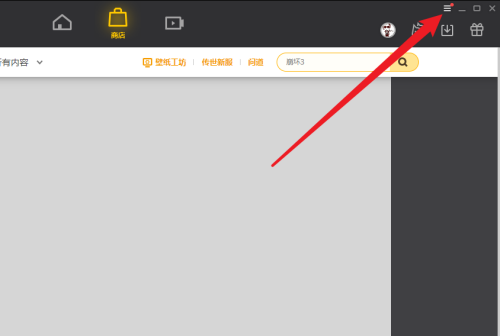
3. Click the [Auxiliary Tools] option in the menu.

4. Finally, in the auxiliary tool setting interface, click to turn on the [Network Acceleration] function.
