RaycastVisualization
v2.3.1

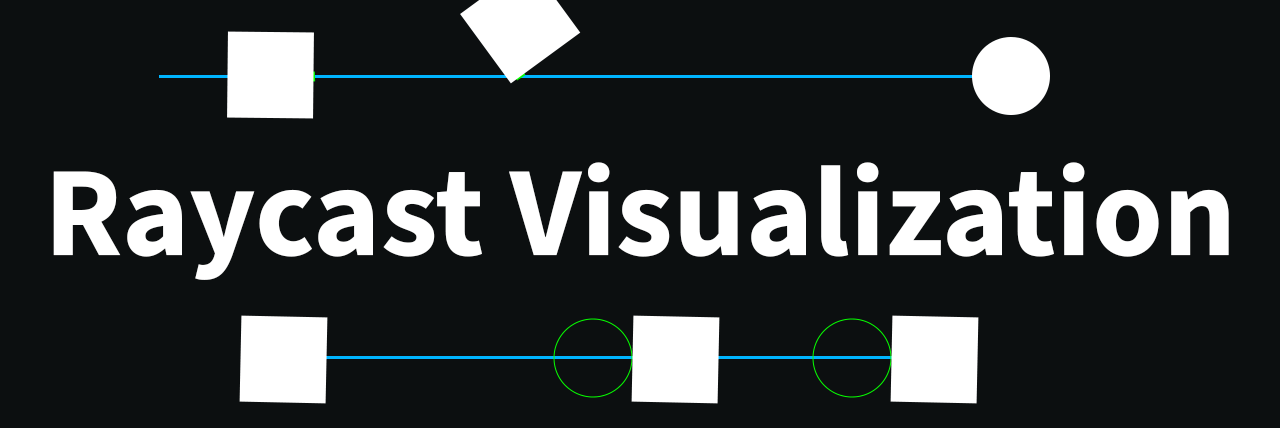
สินทรัพย์นี้ช่วยให้ผู้ใช้สามารถดู Raycasts เป็นผู้ใช้ยิงได้
รองรับทั้ง 2D และ 3D API
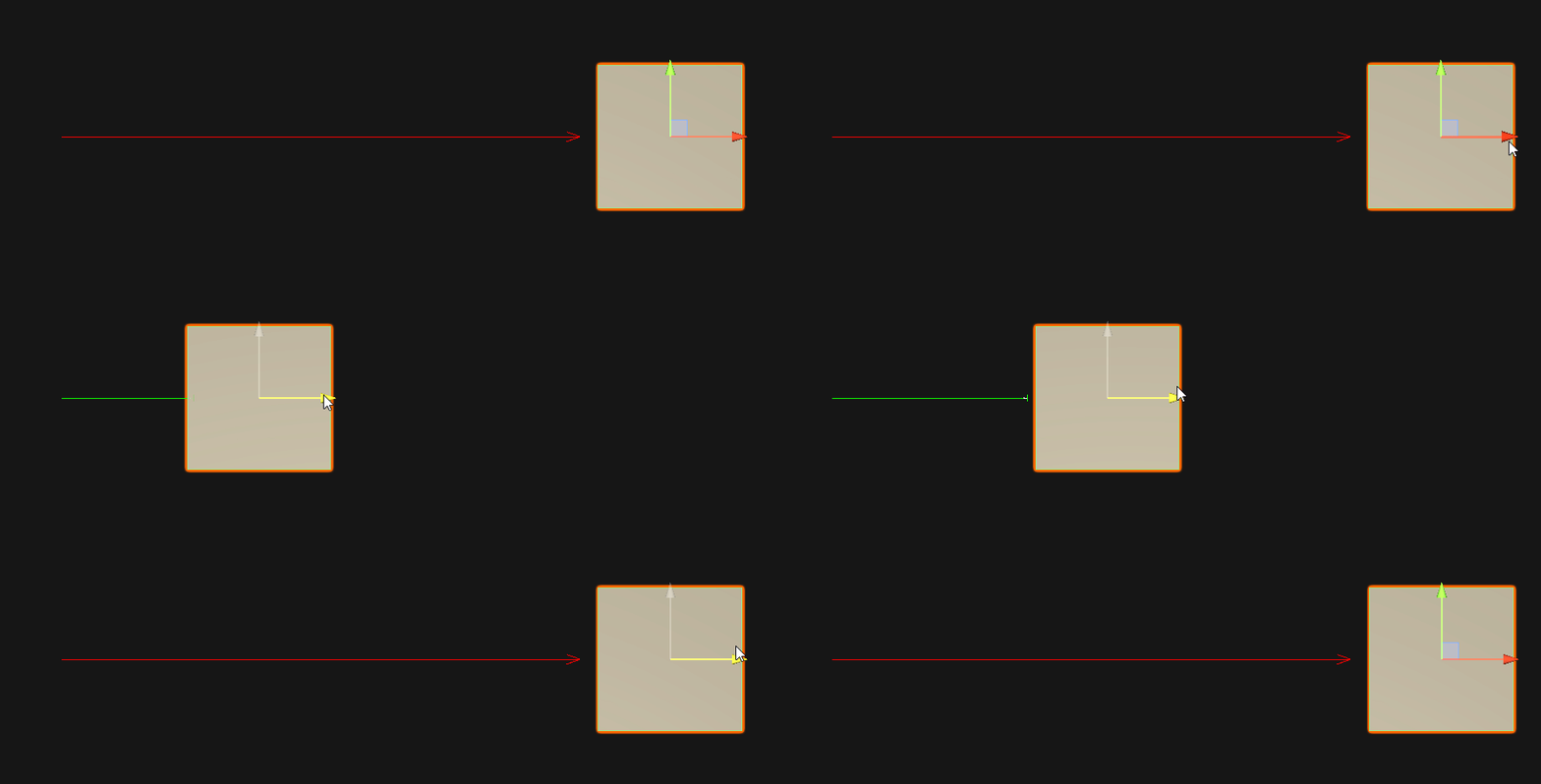
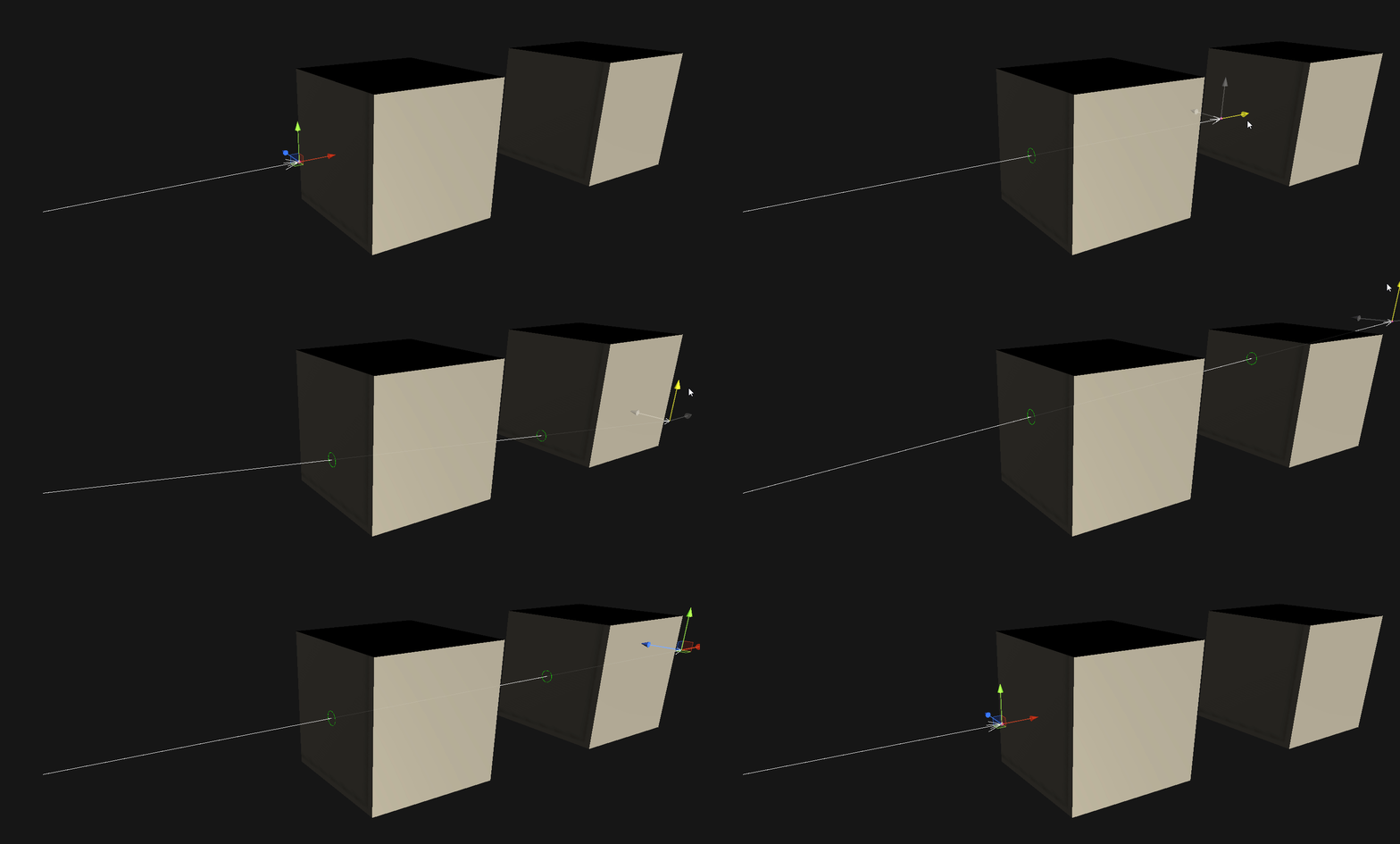
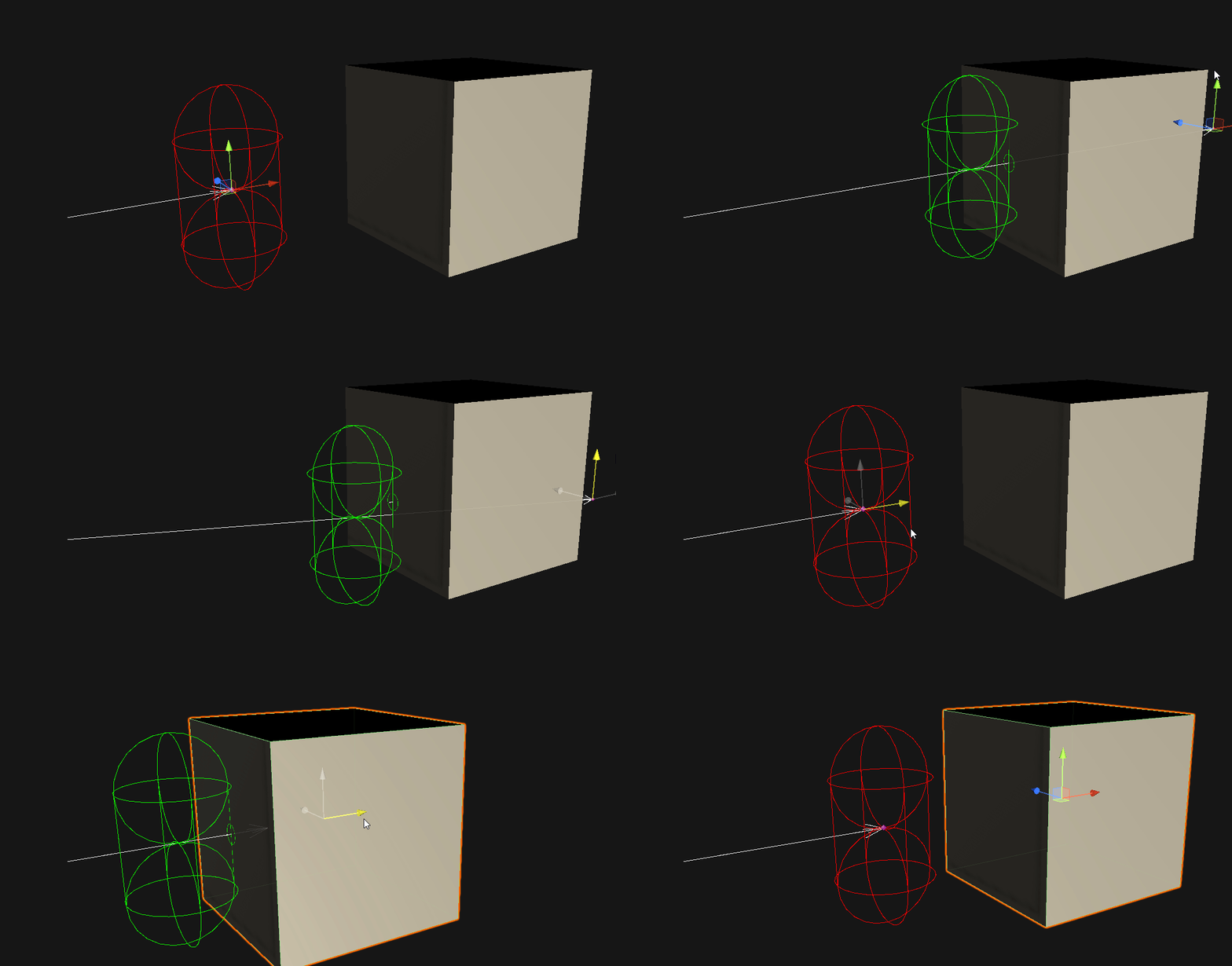
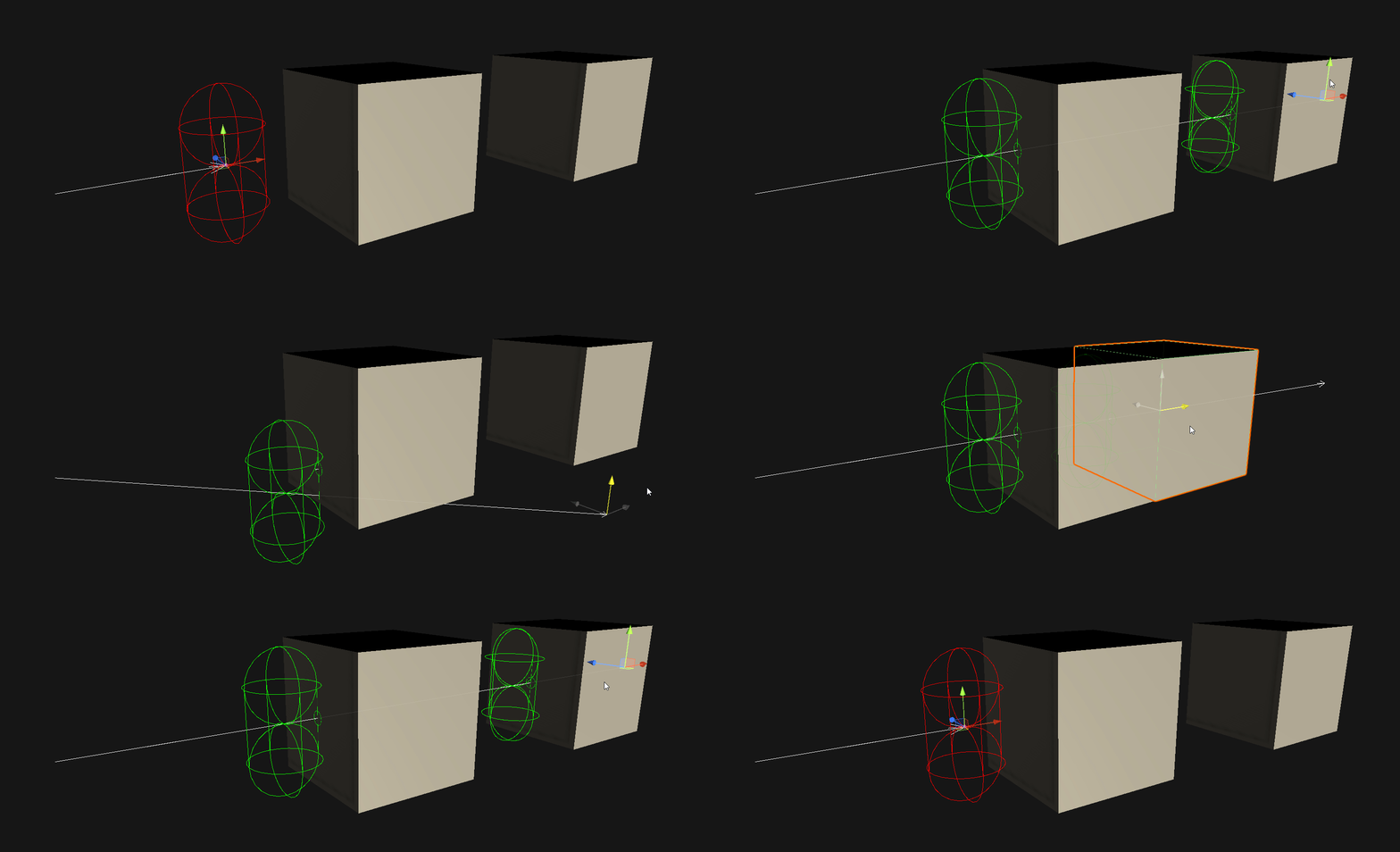
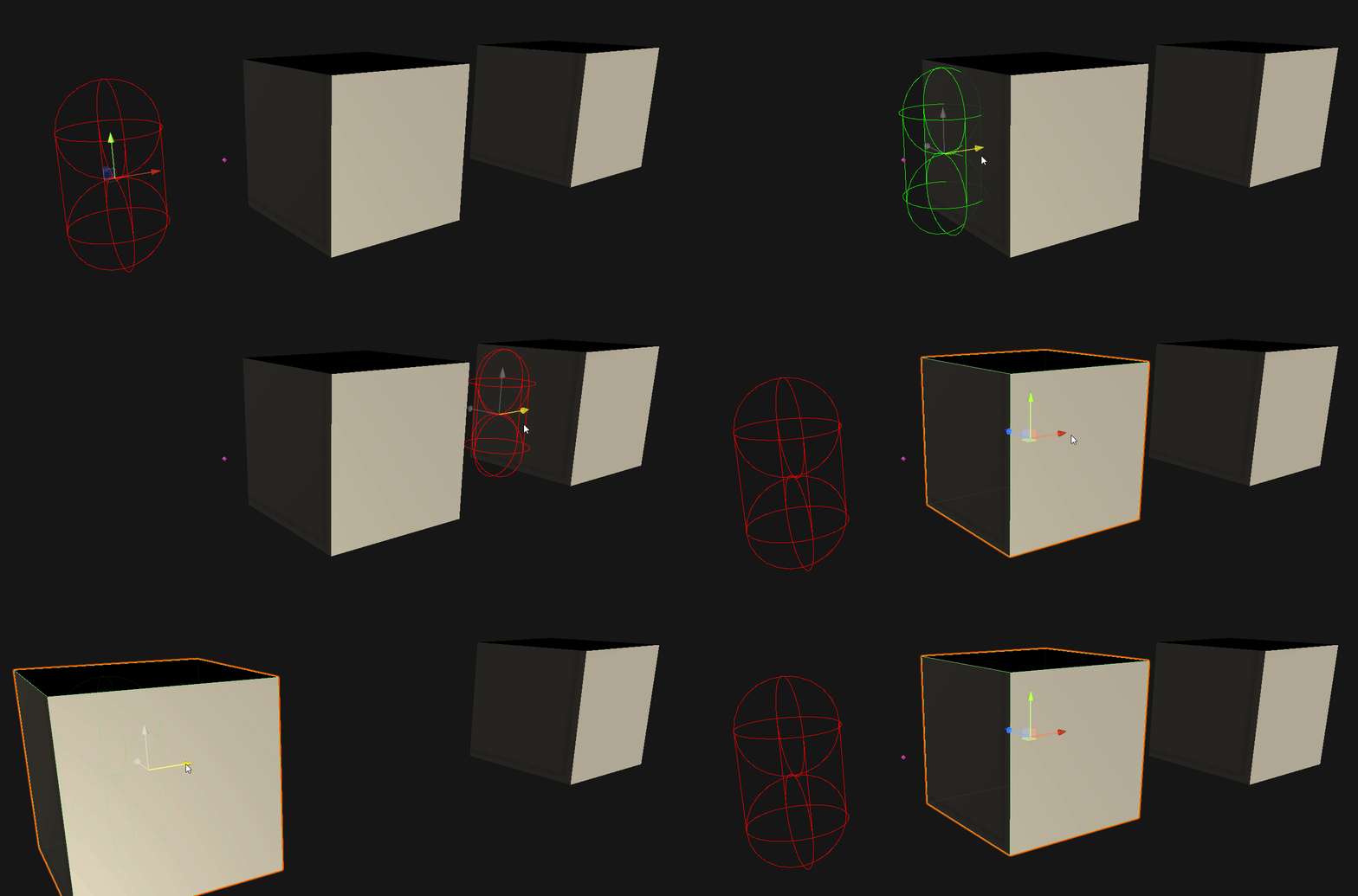
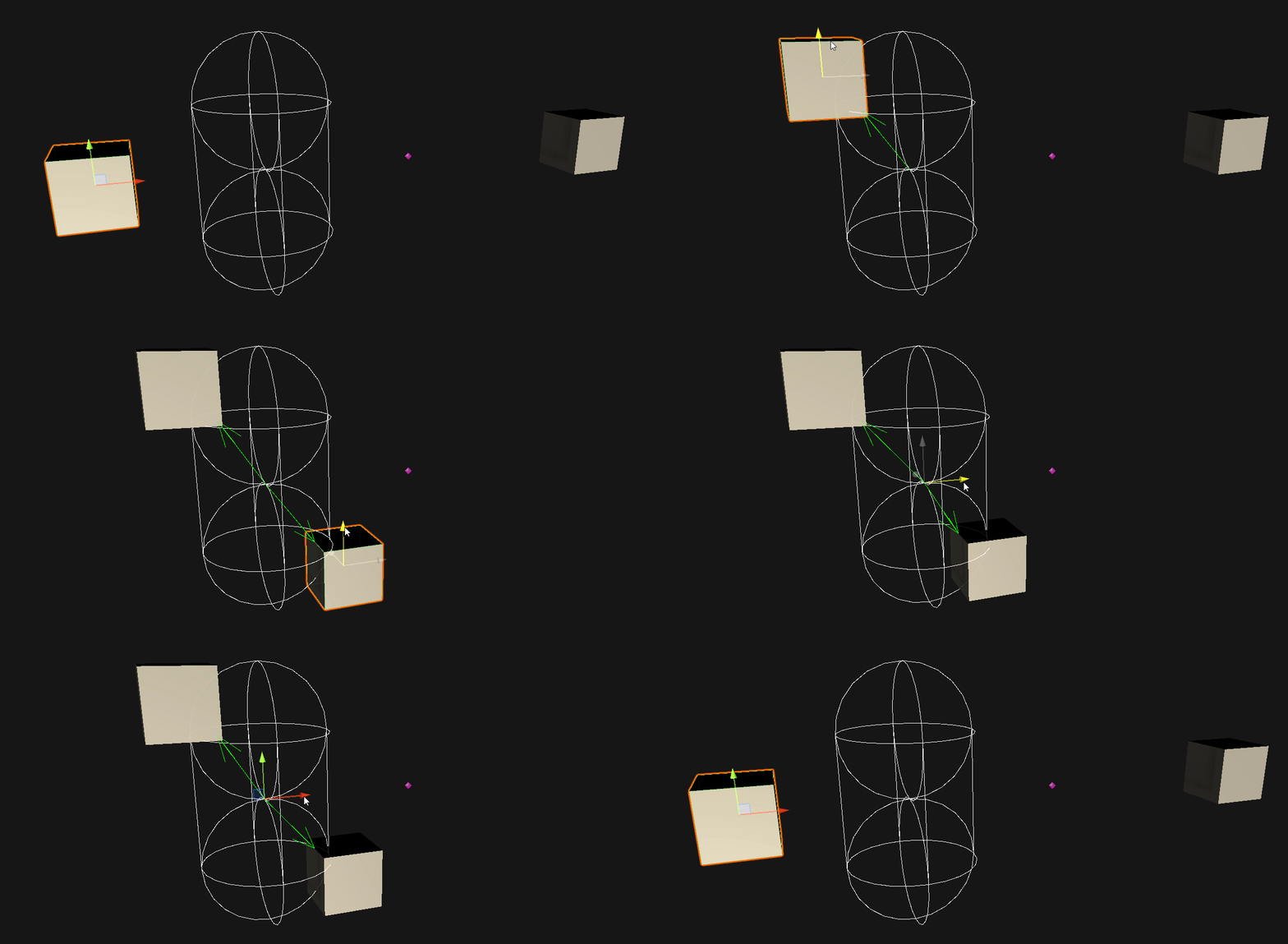
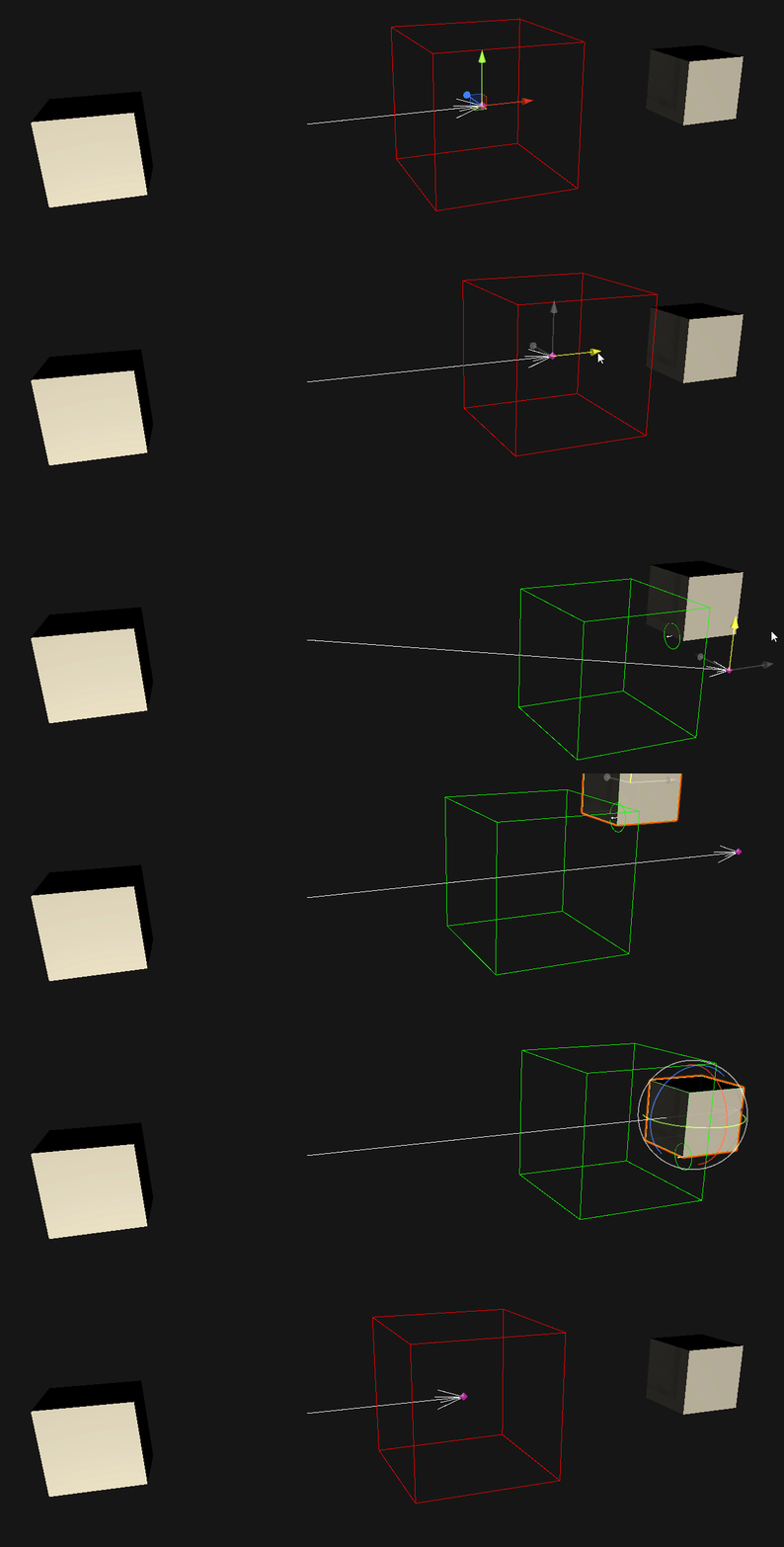
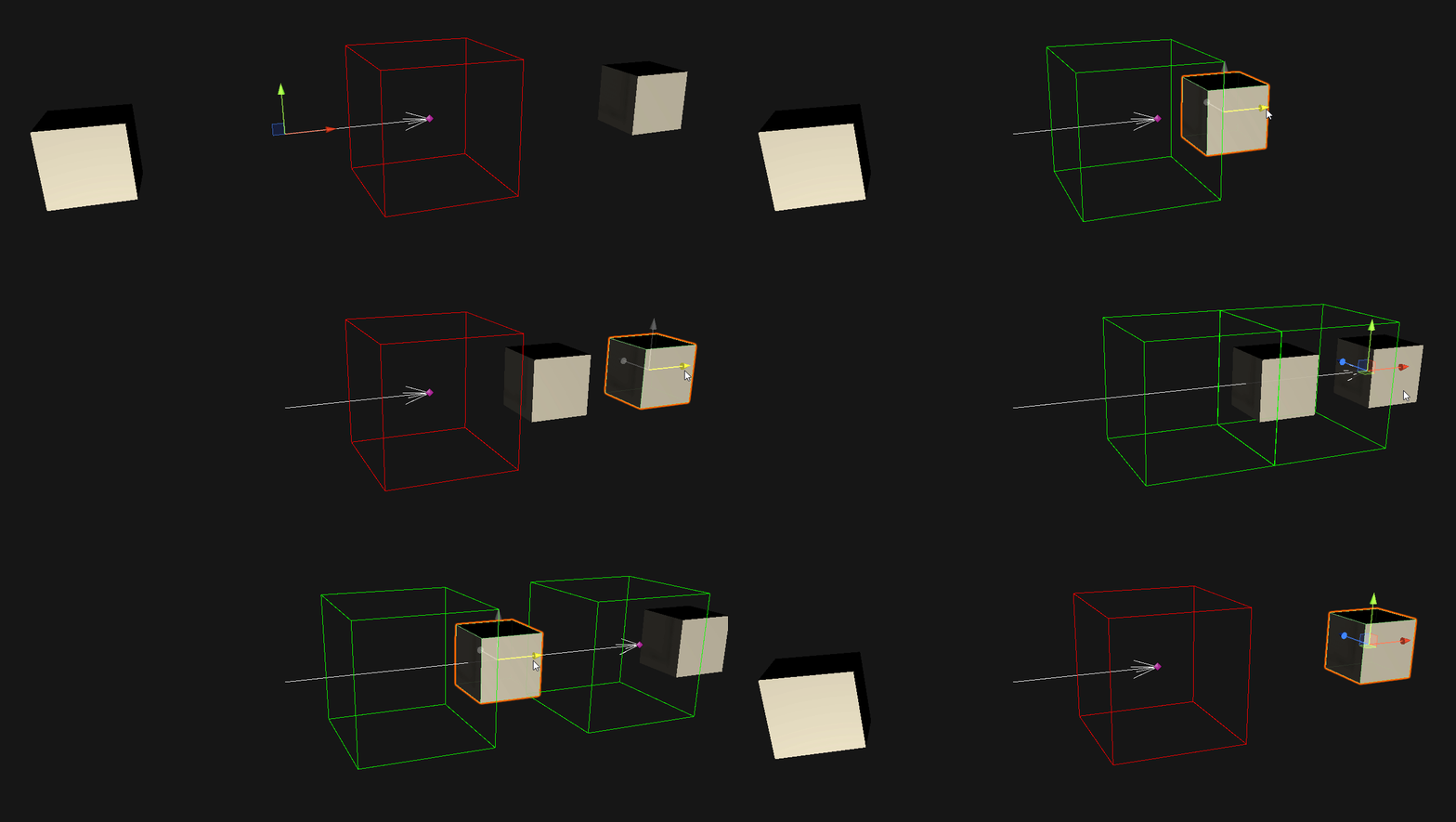
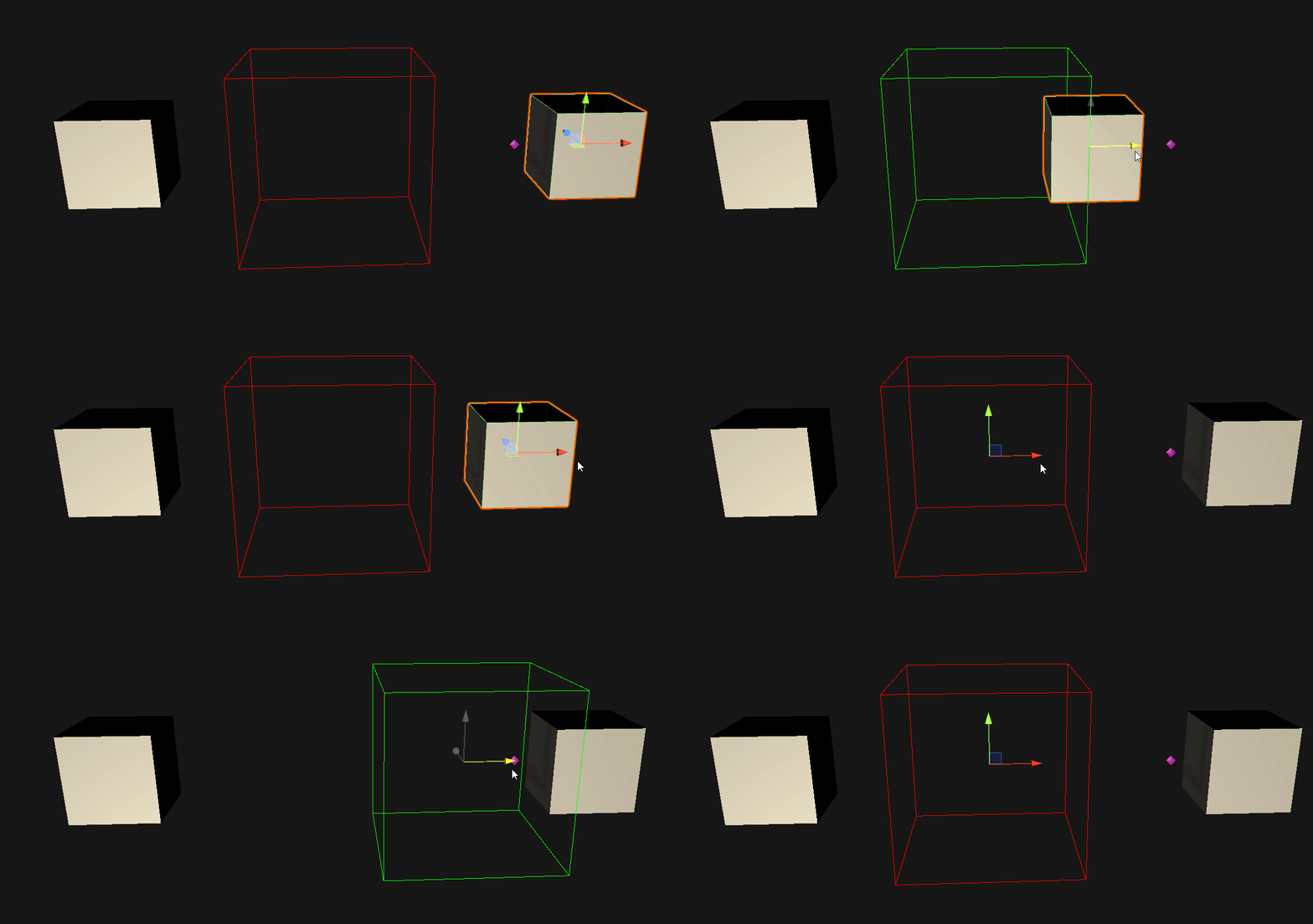
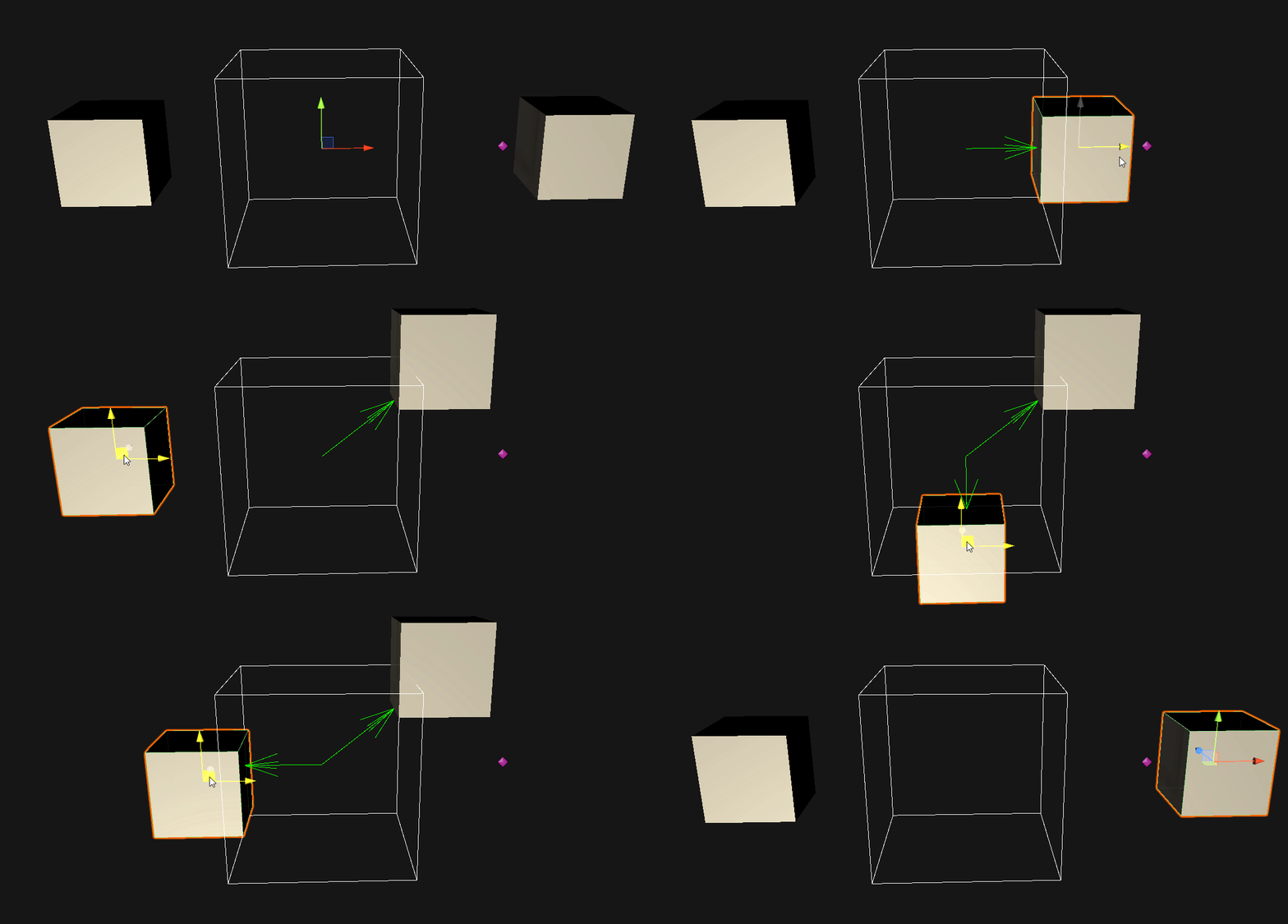
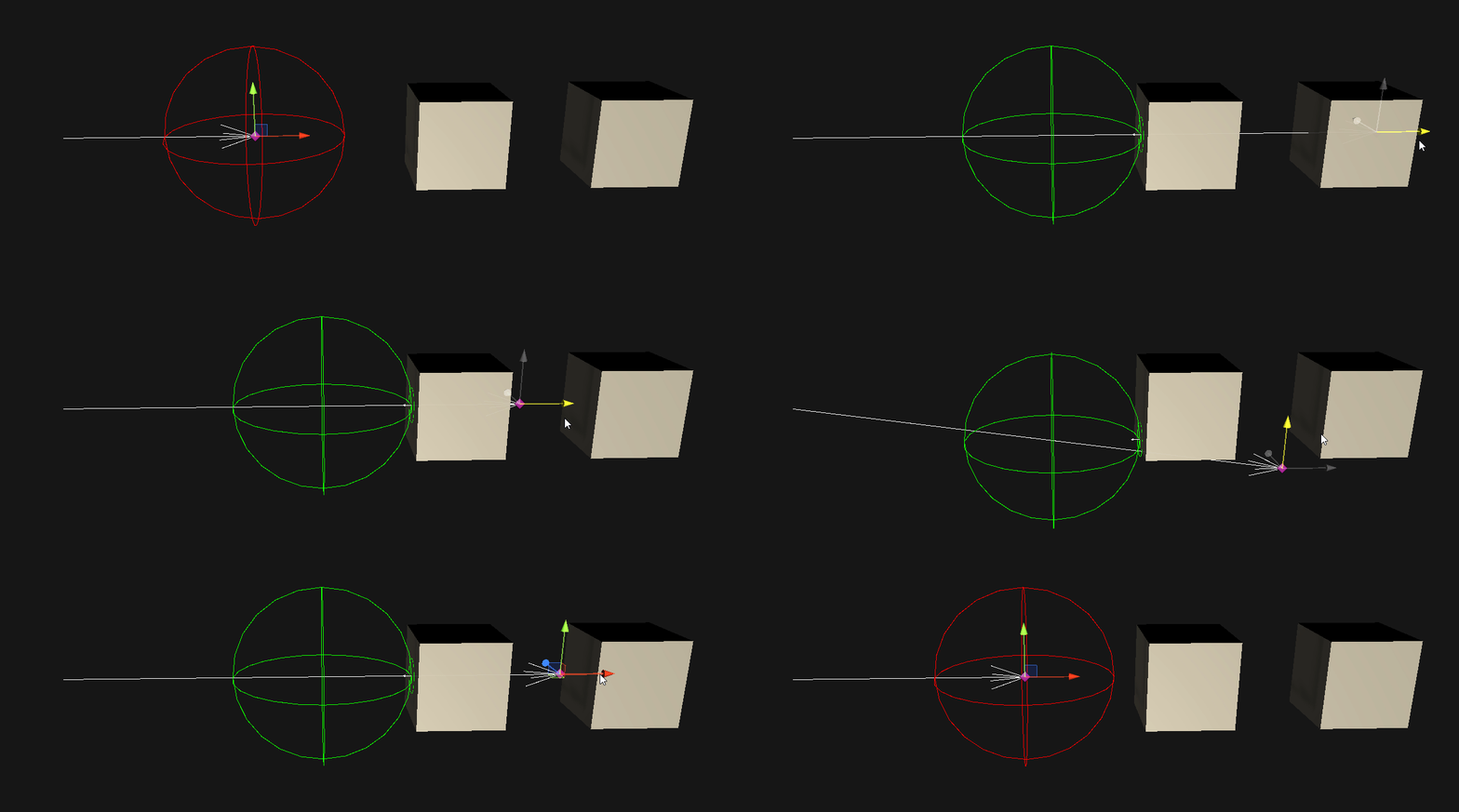
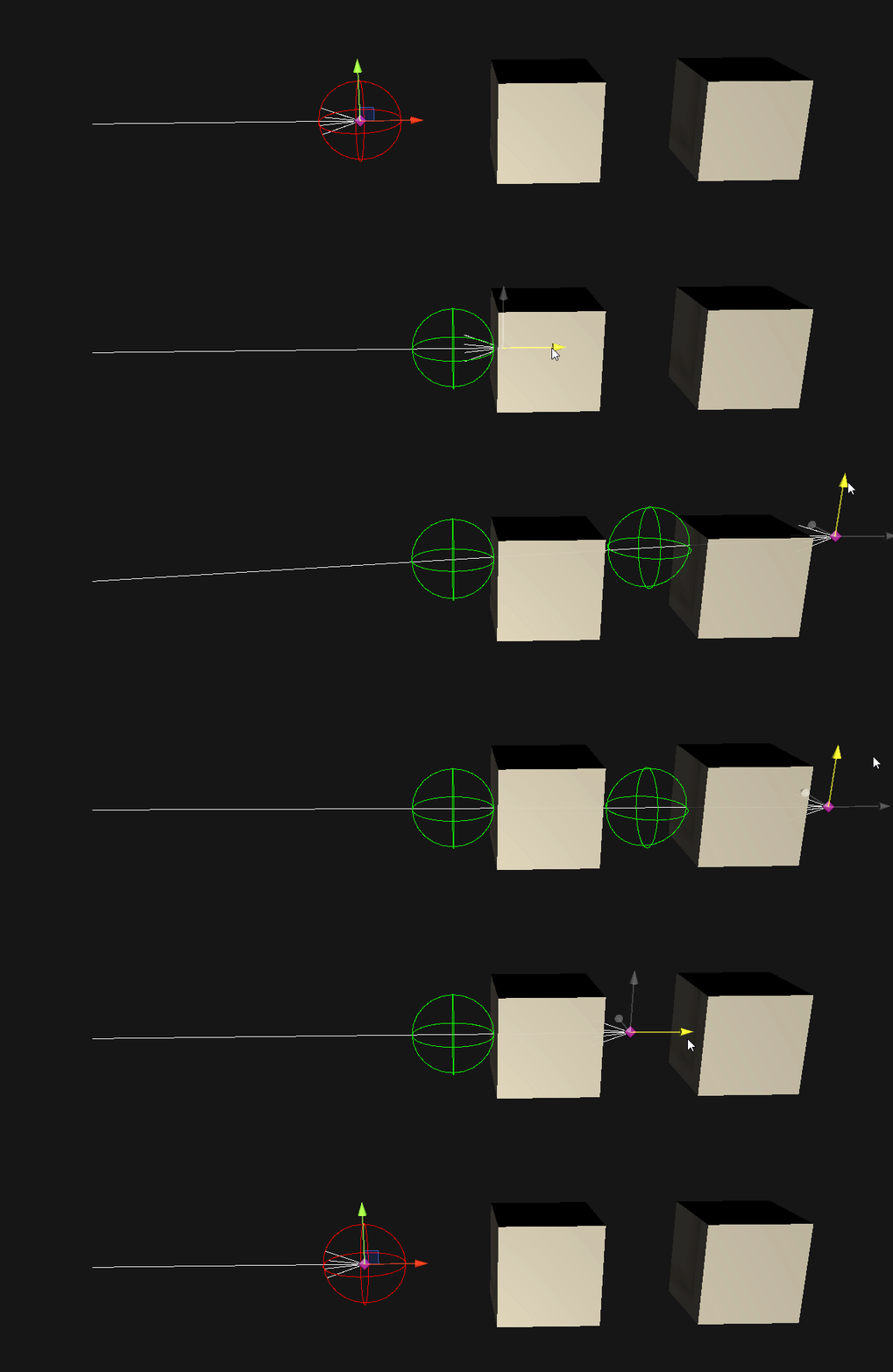
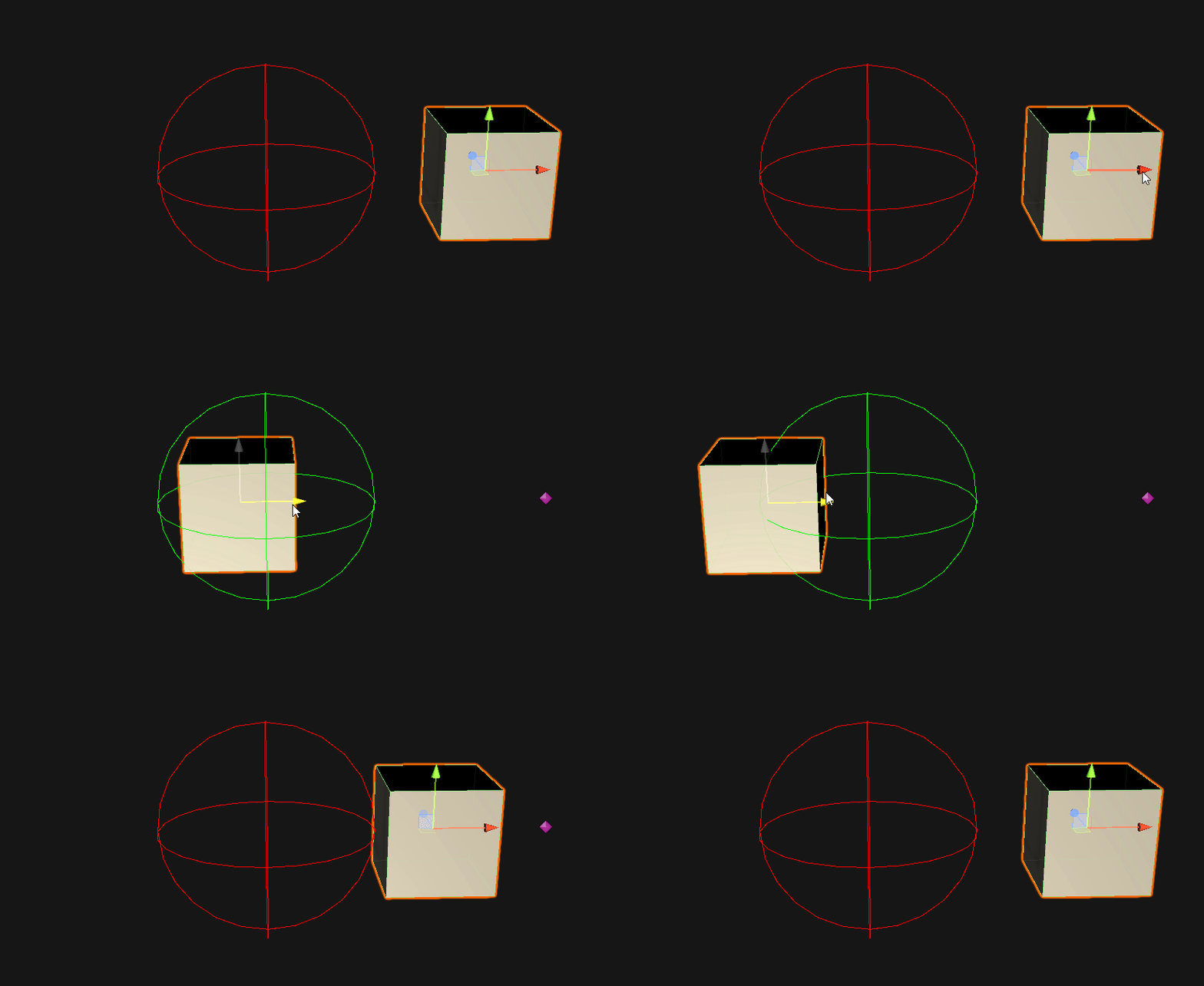
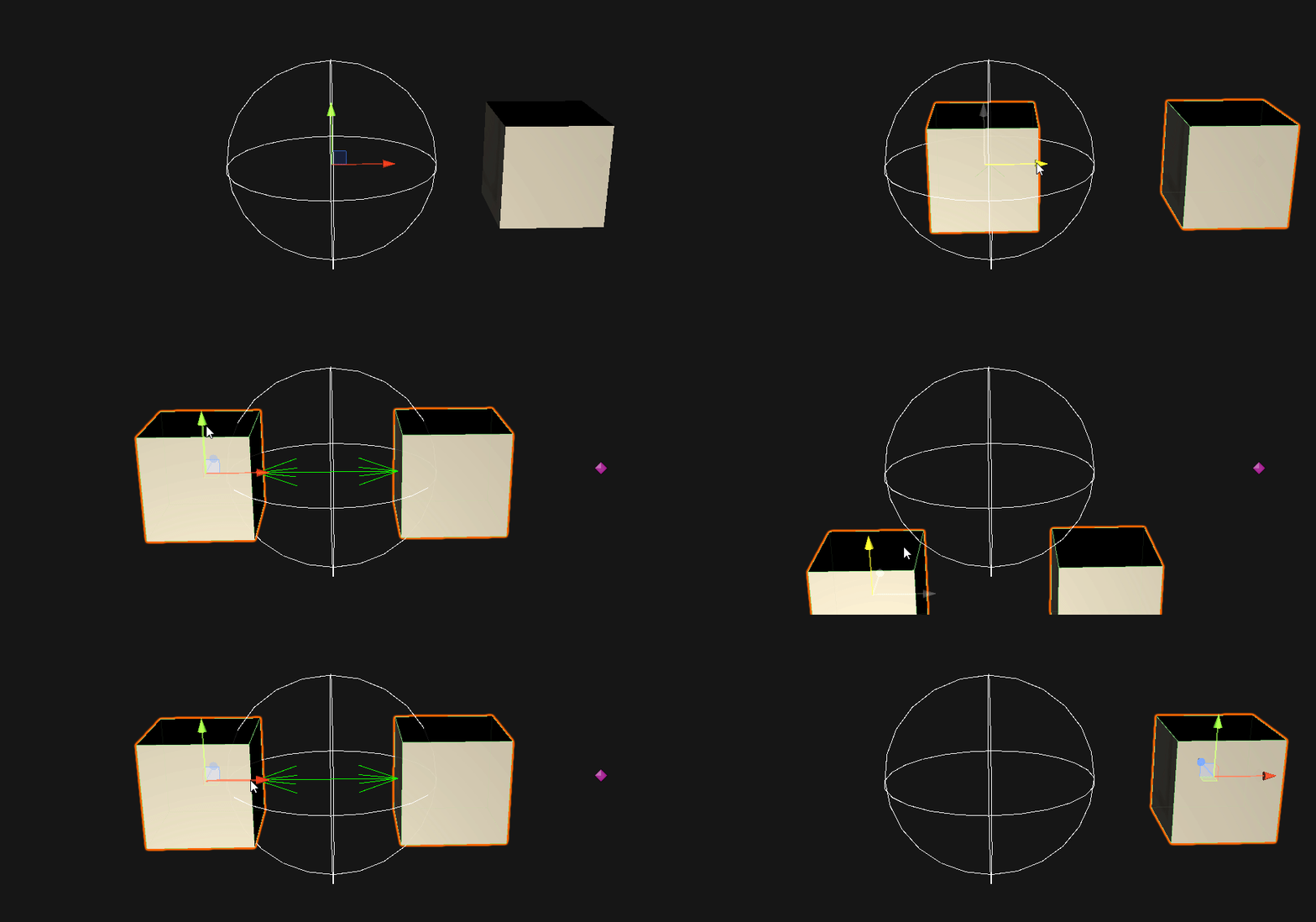
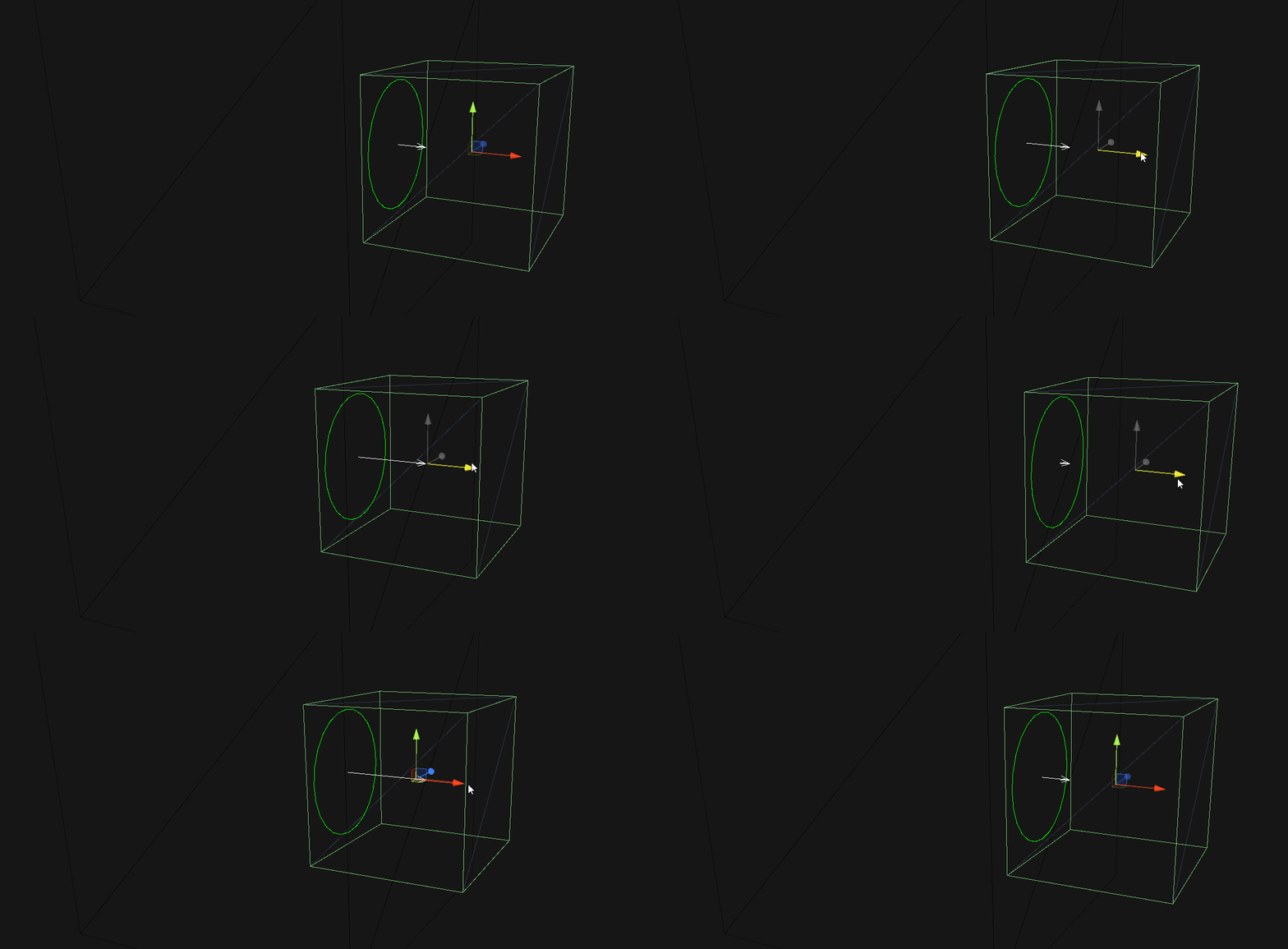
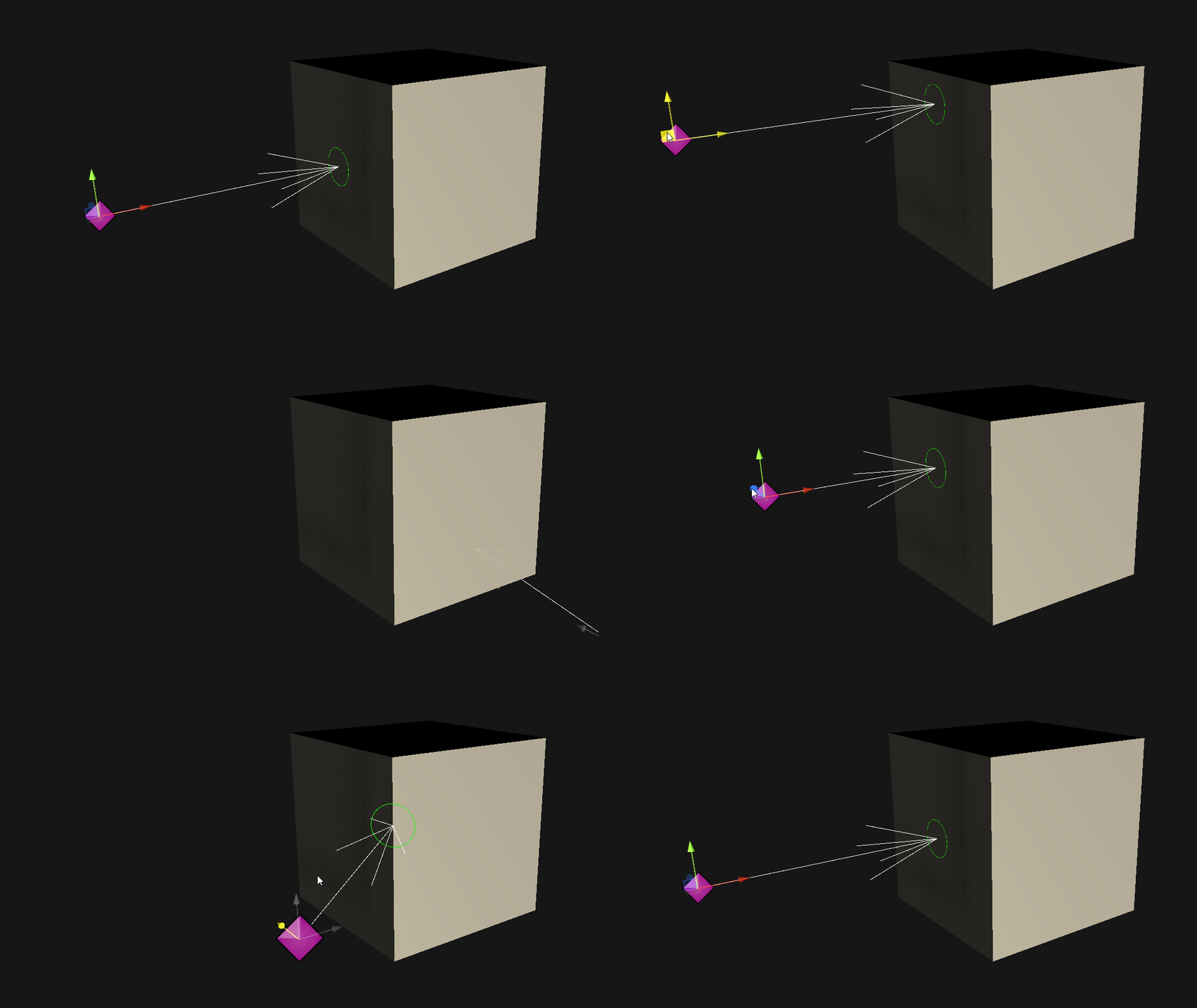
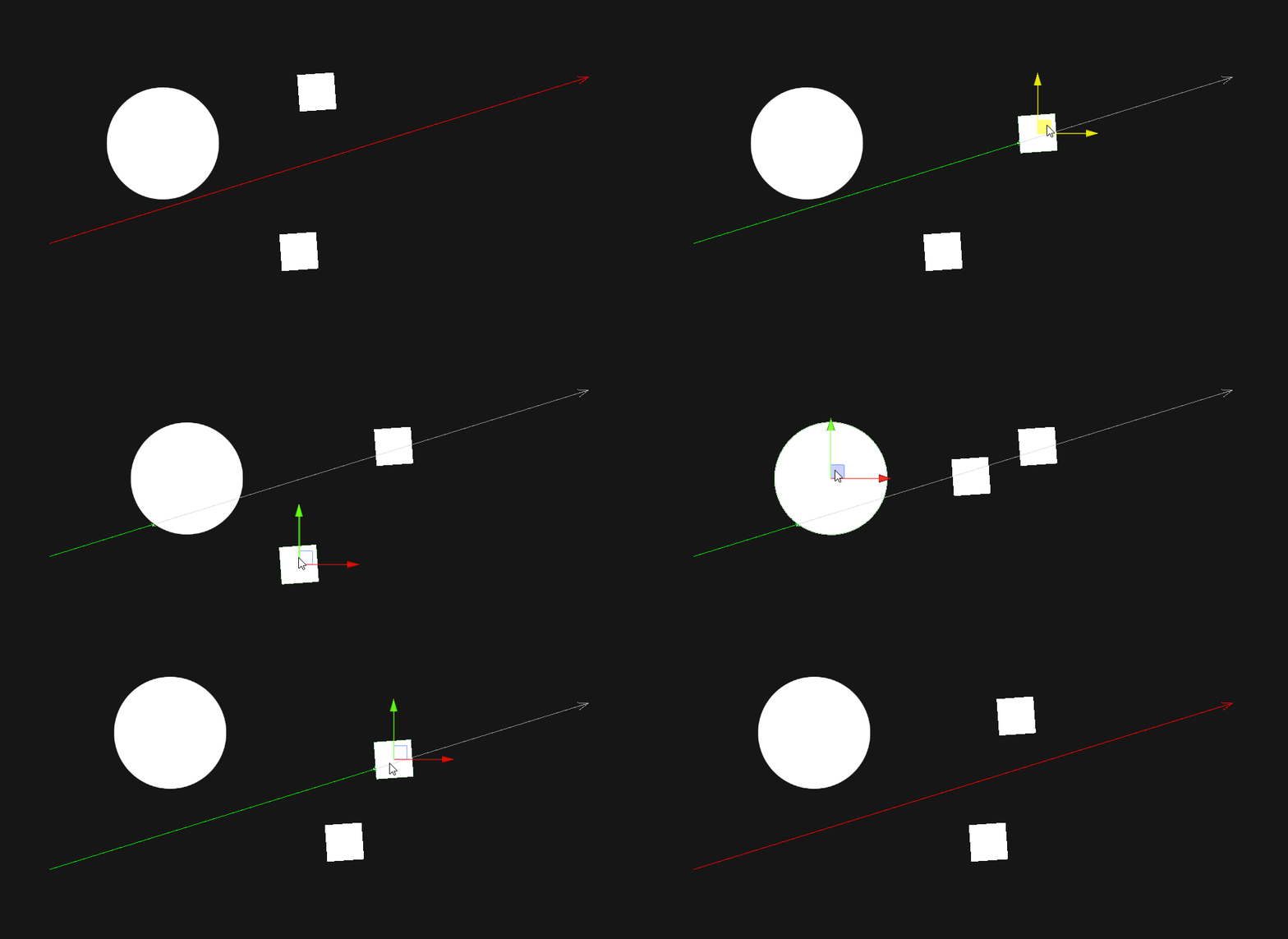
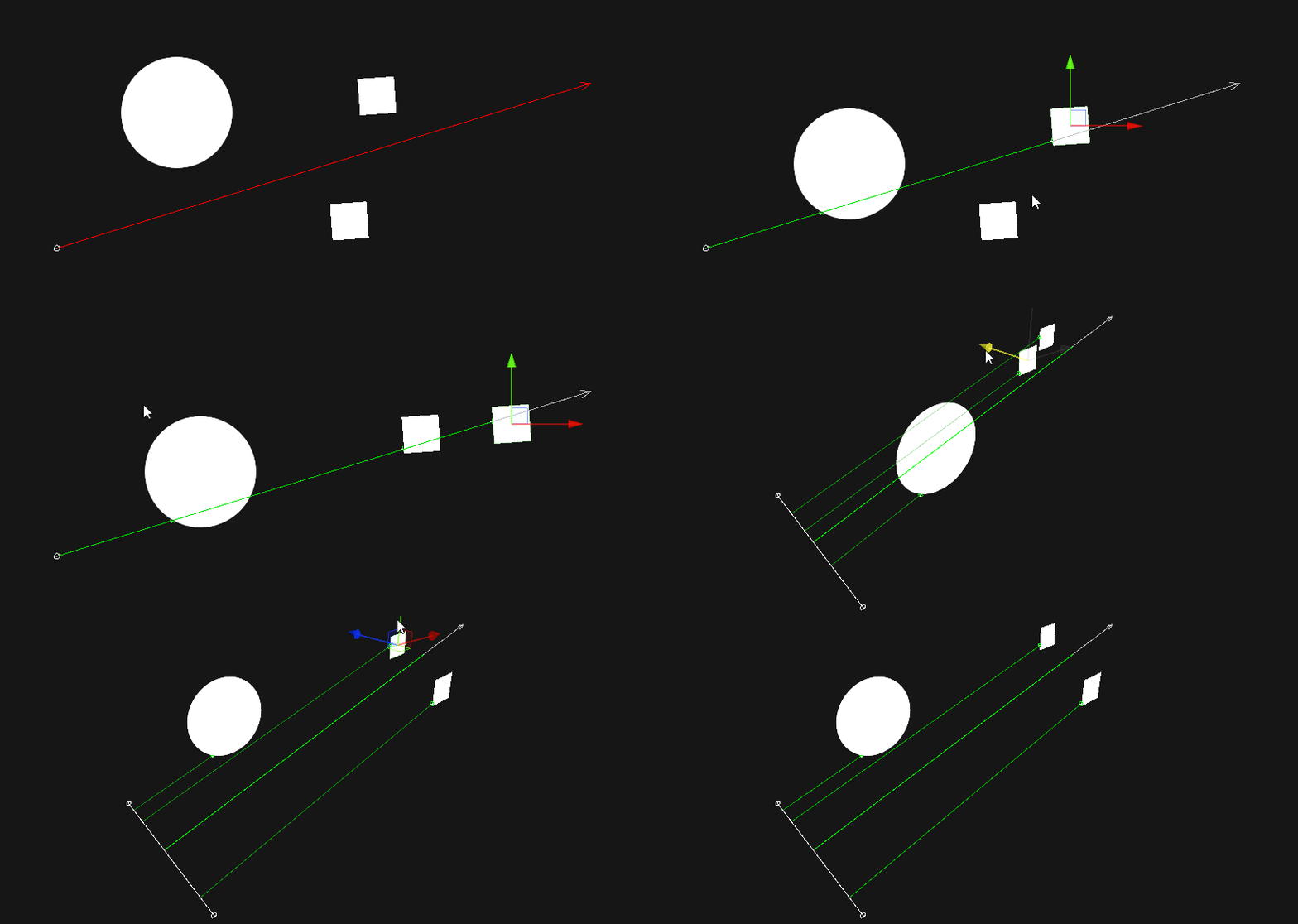
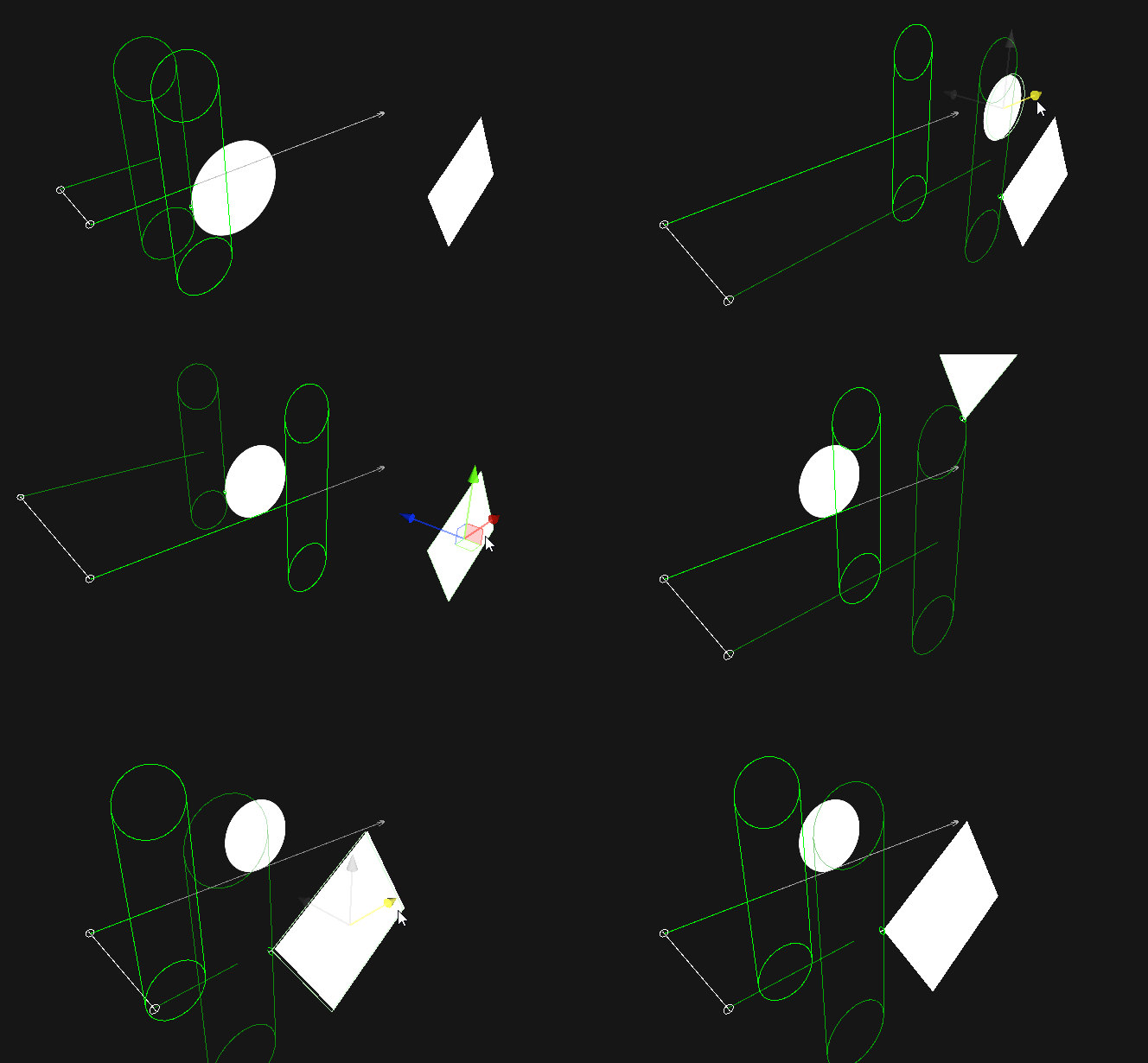
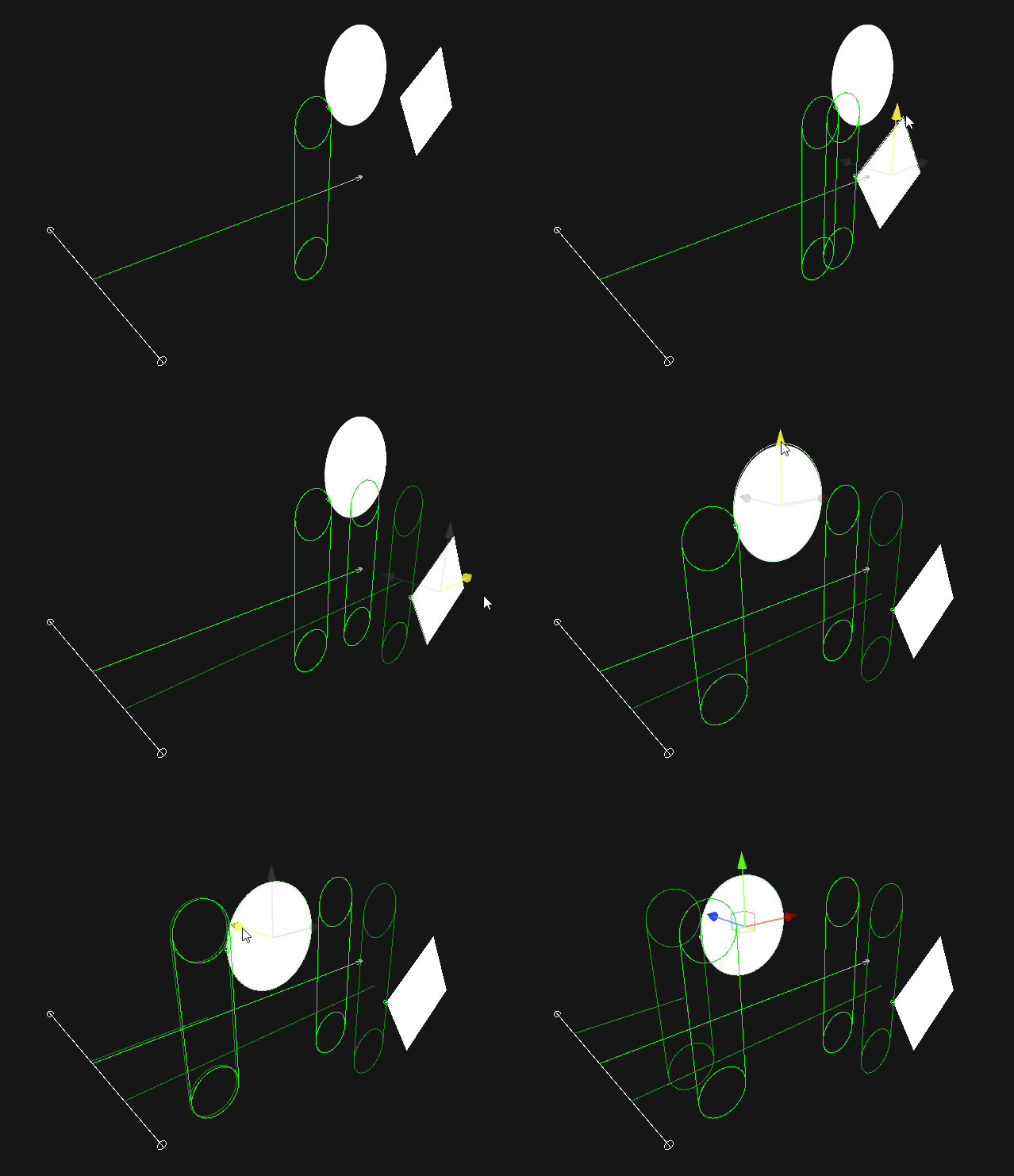
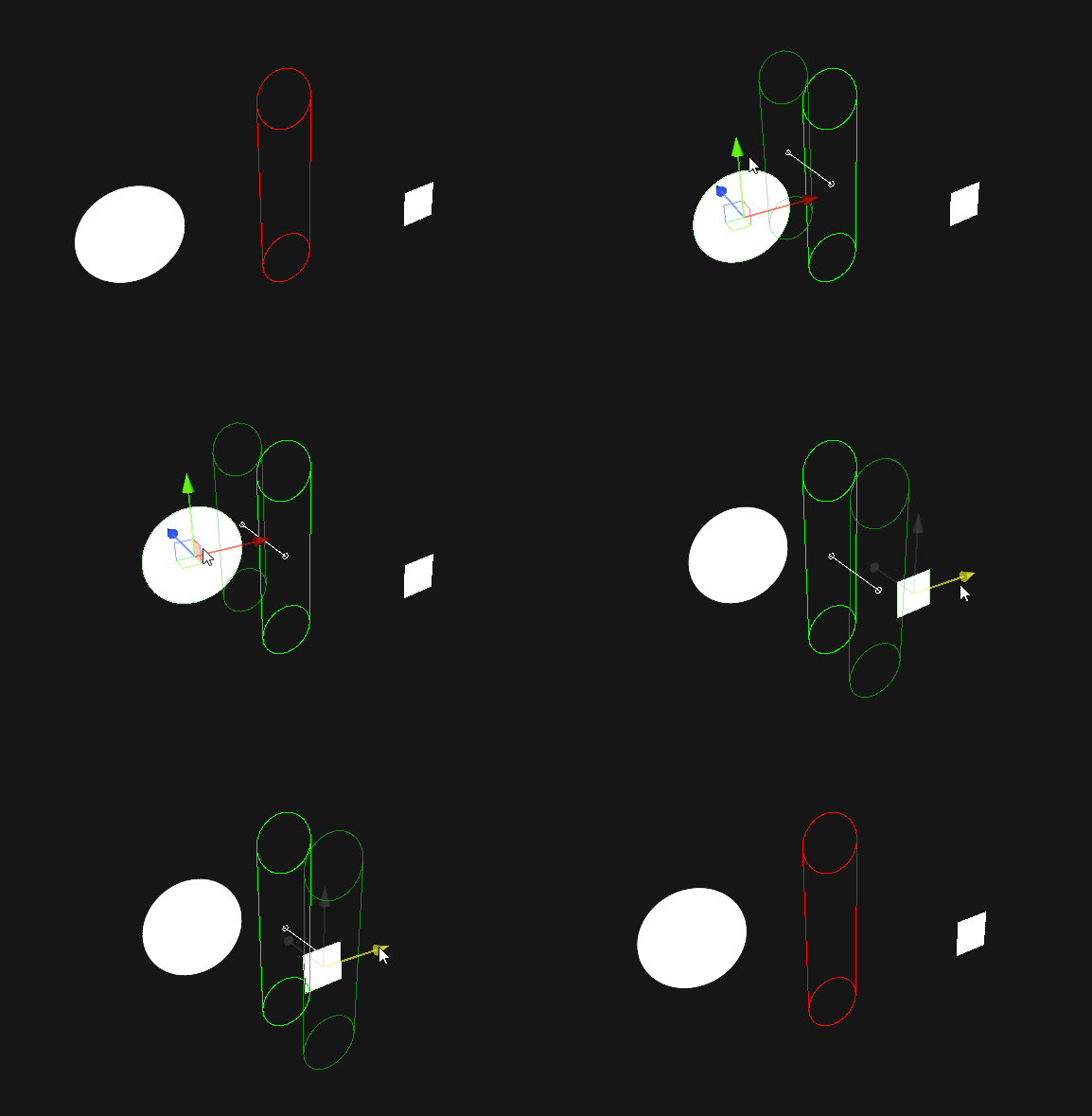
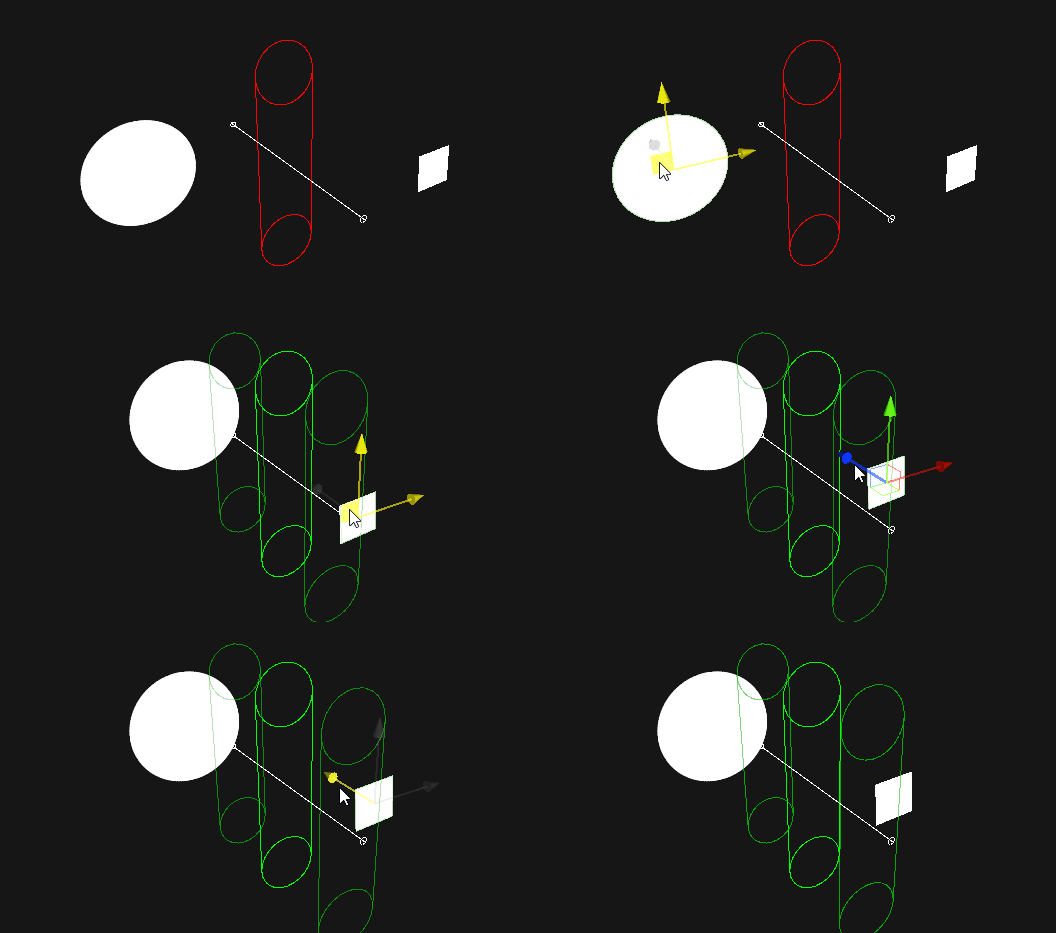
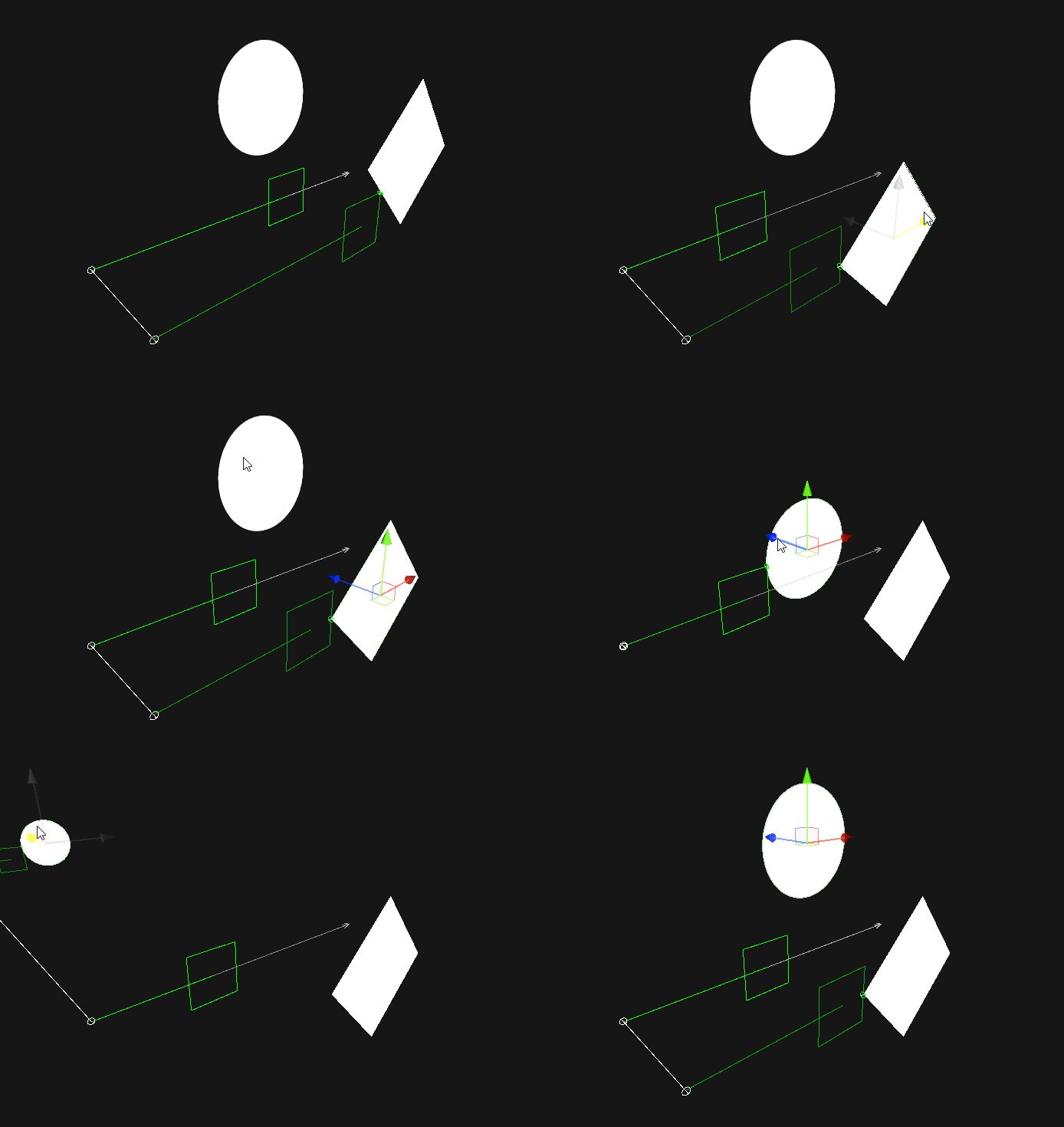
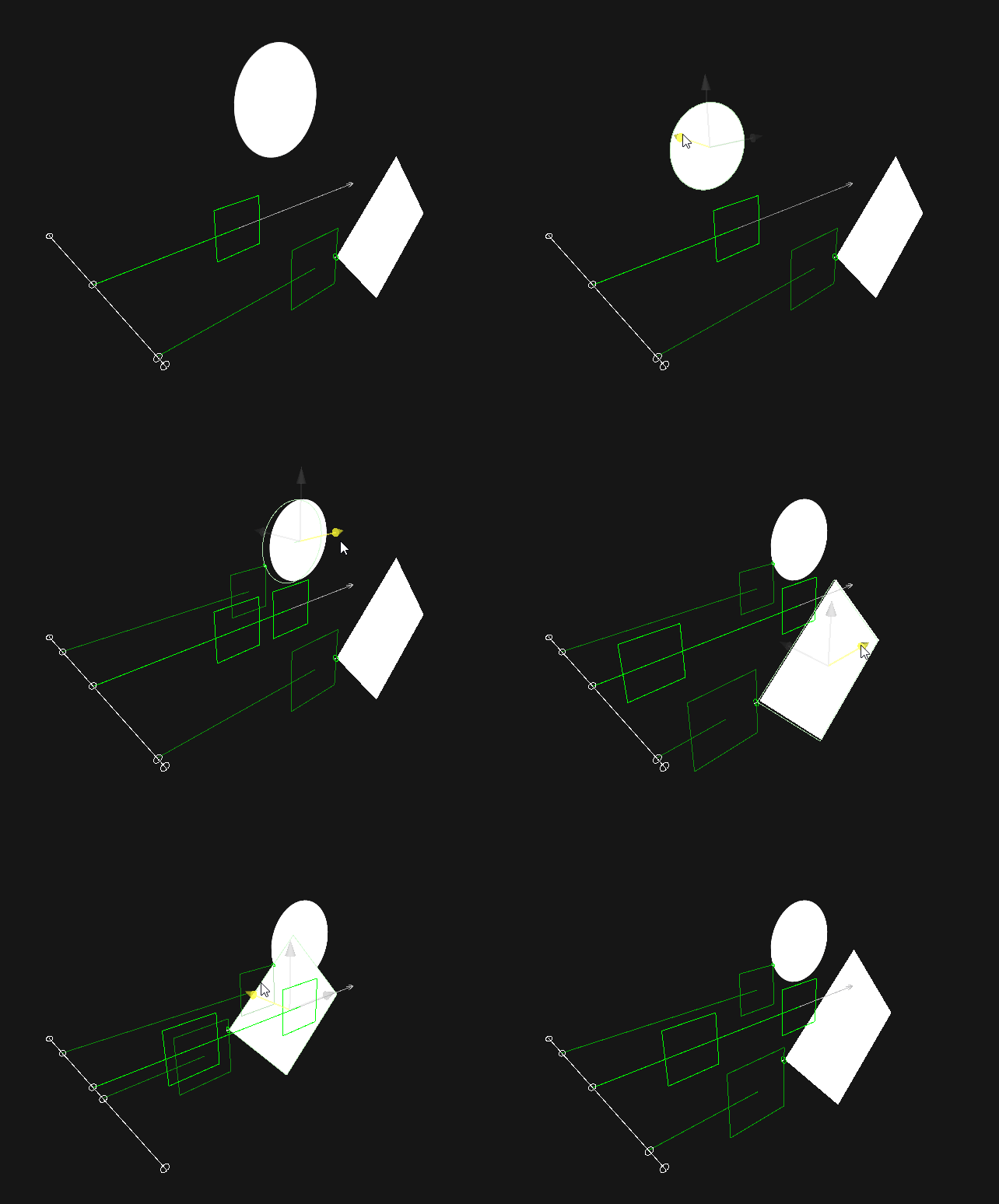
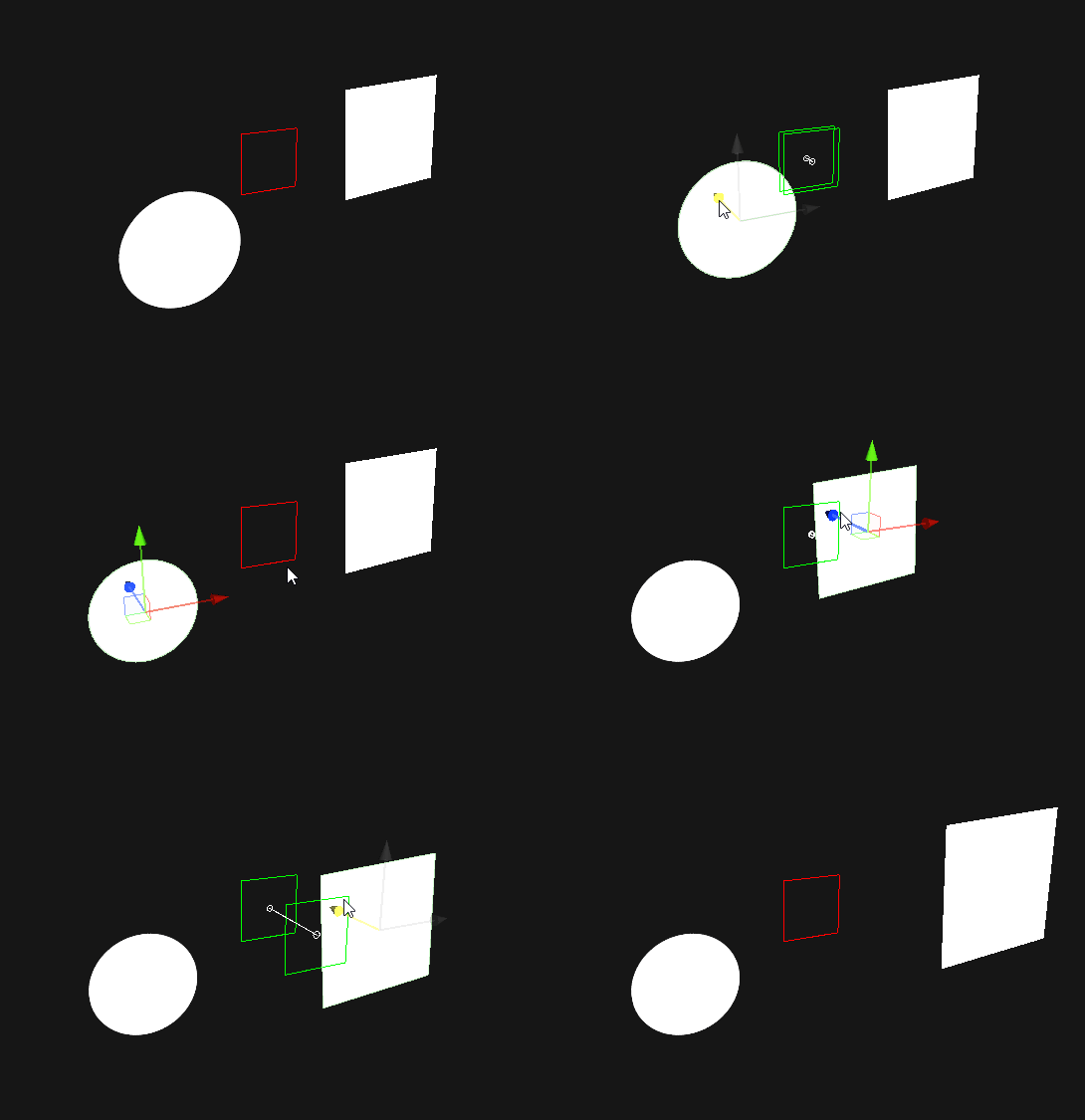
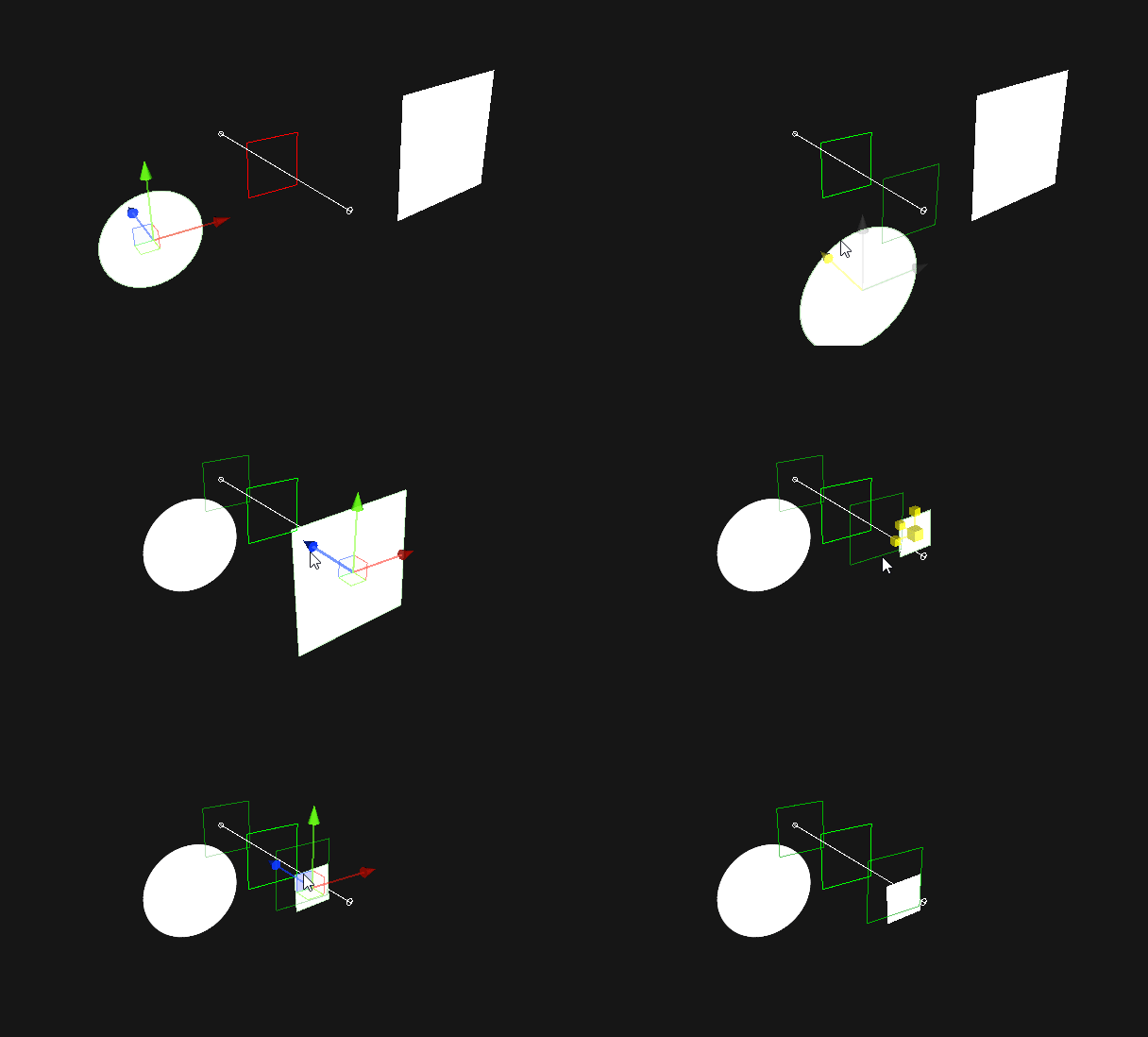
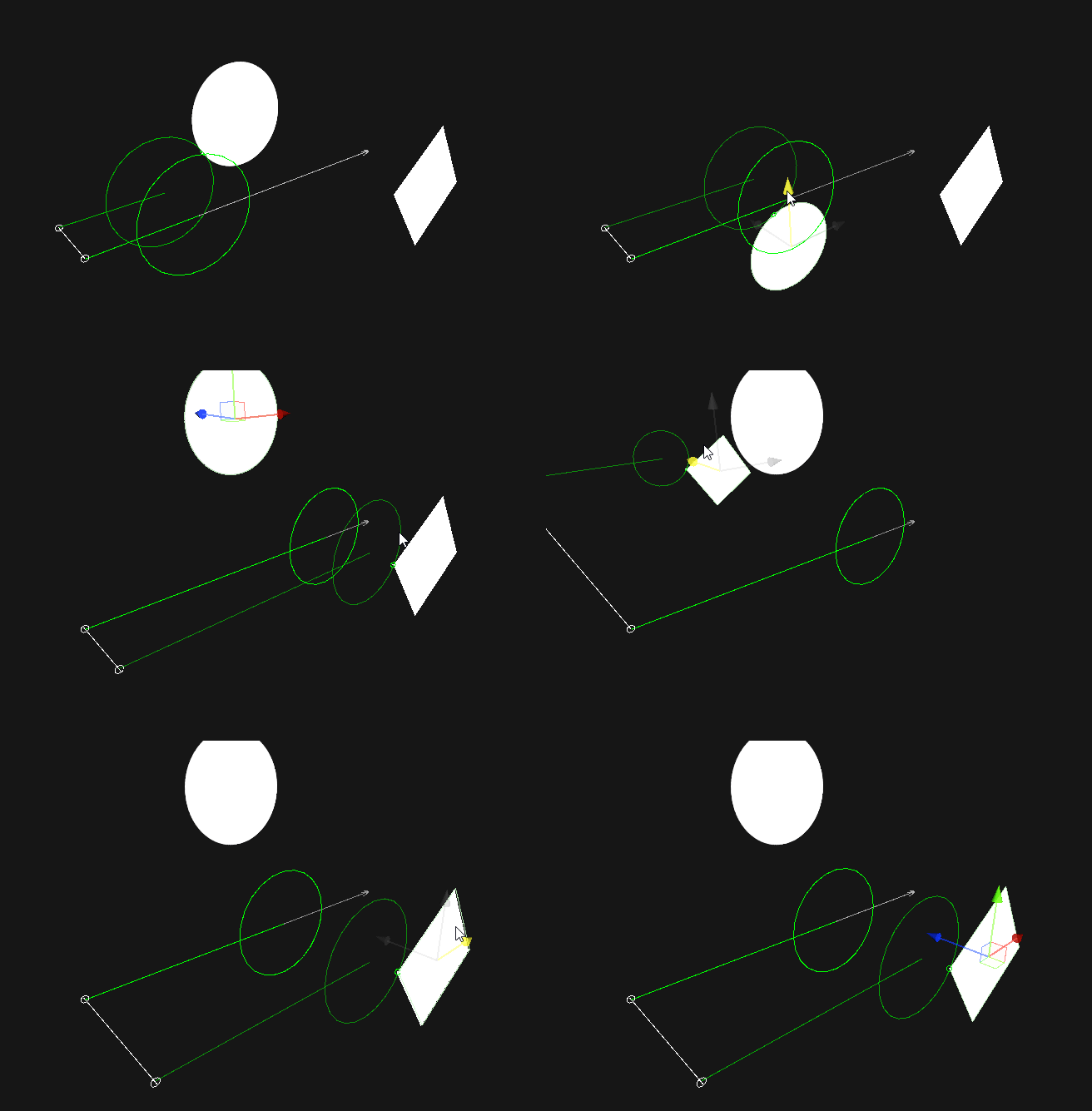
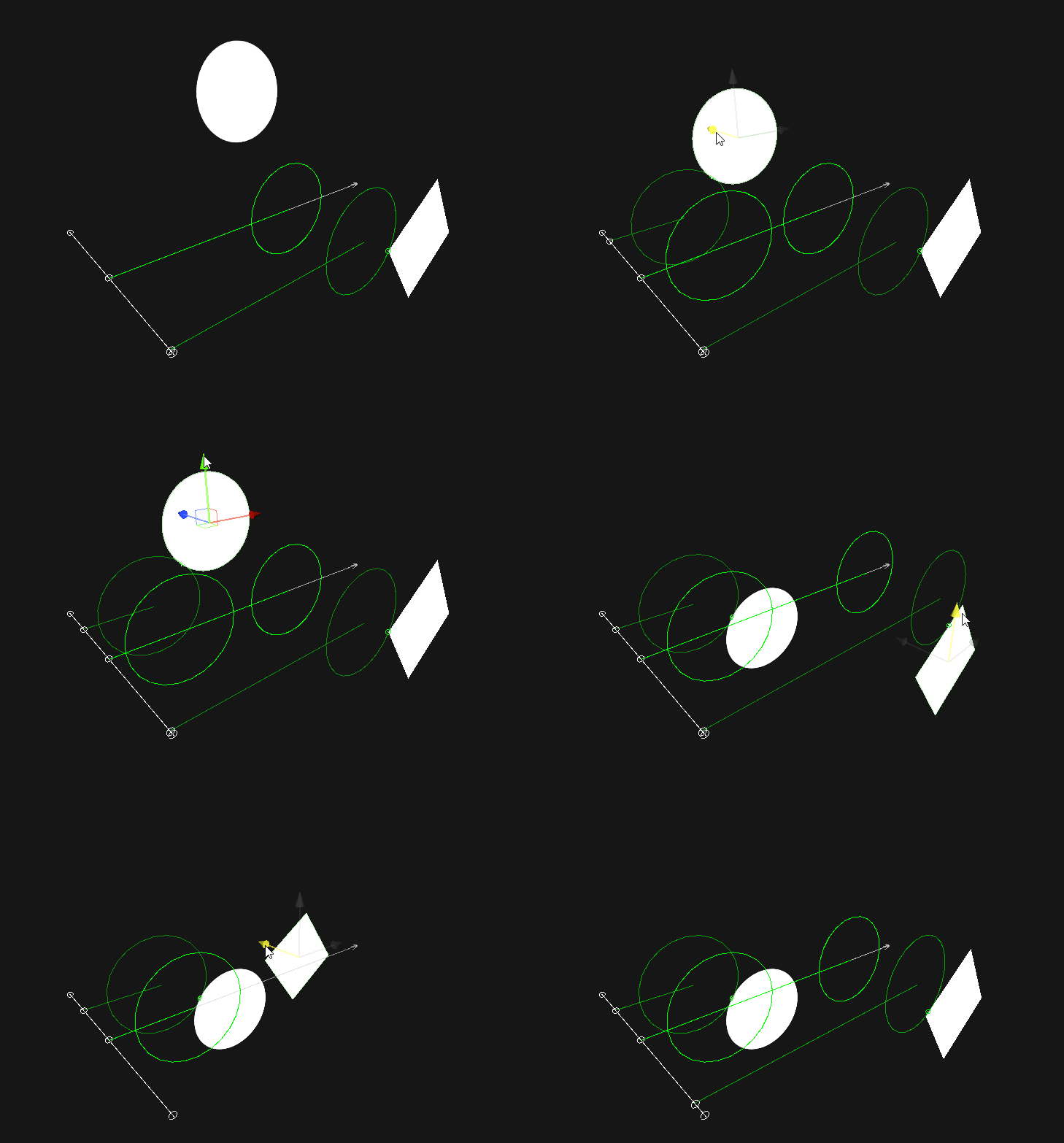

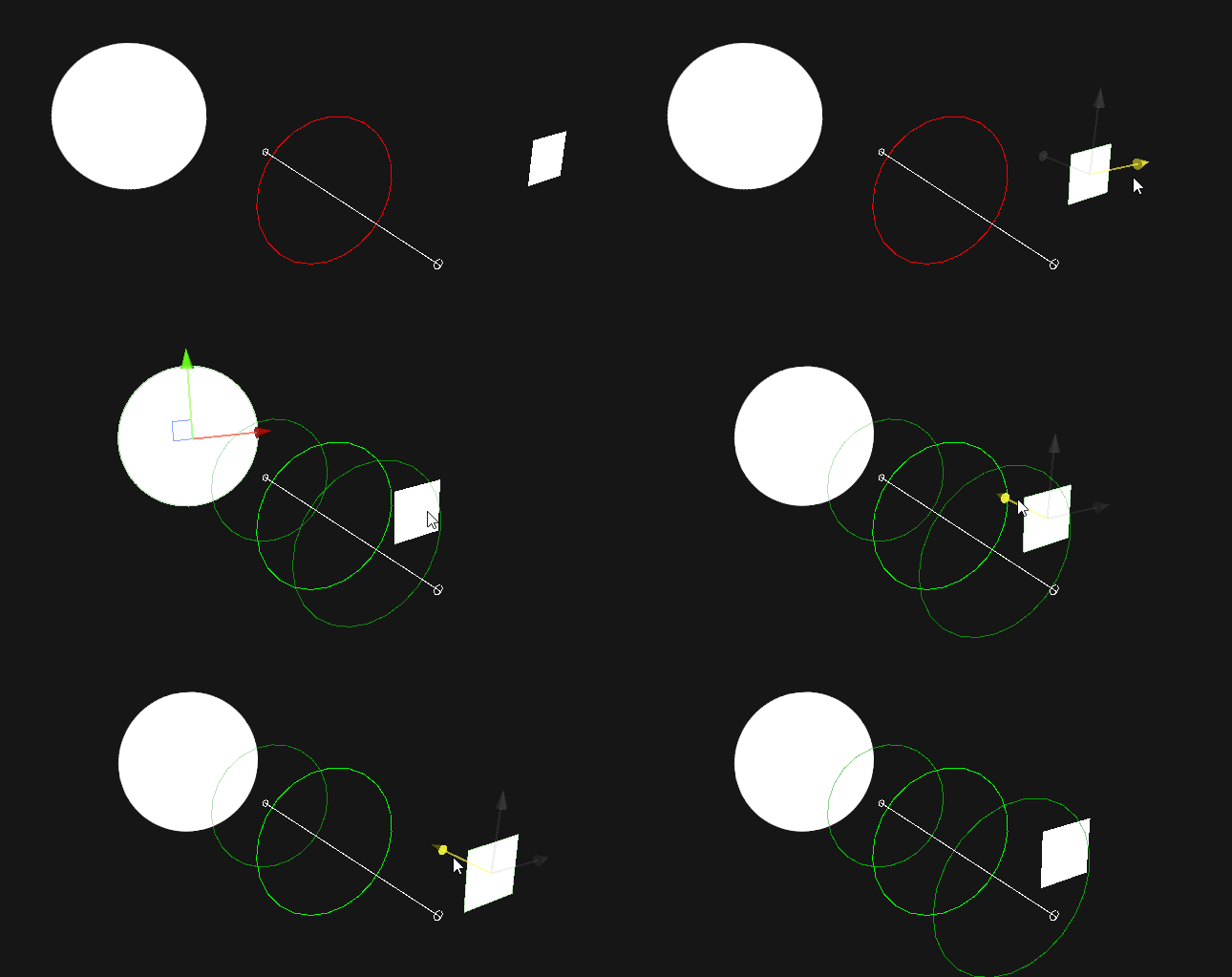
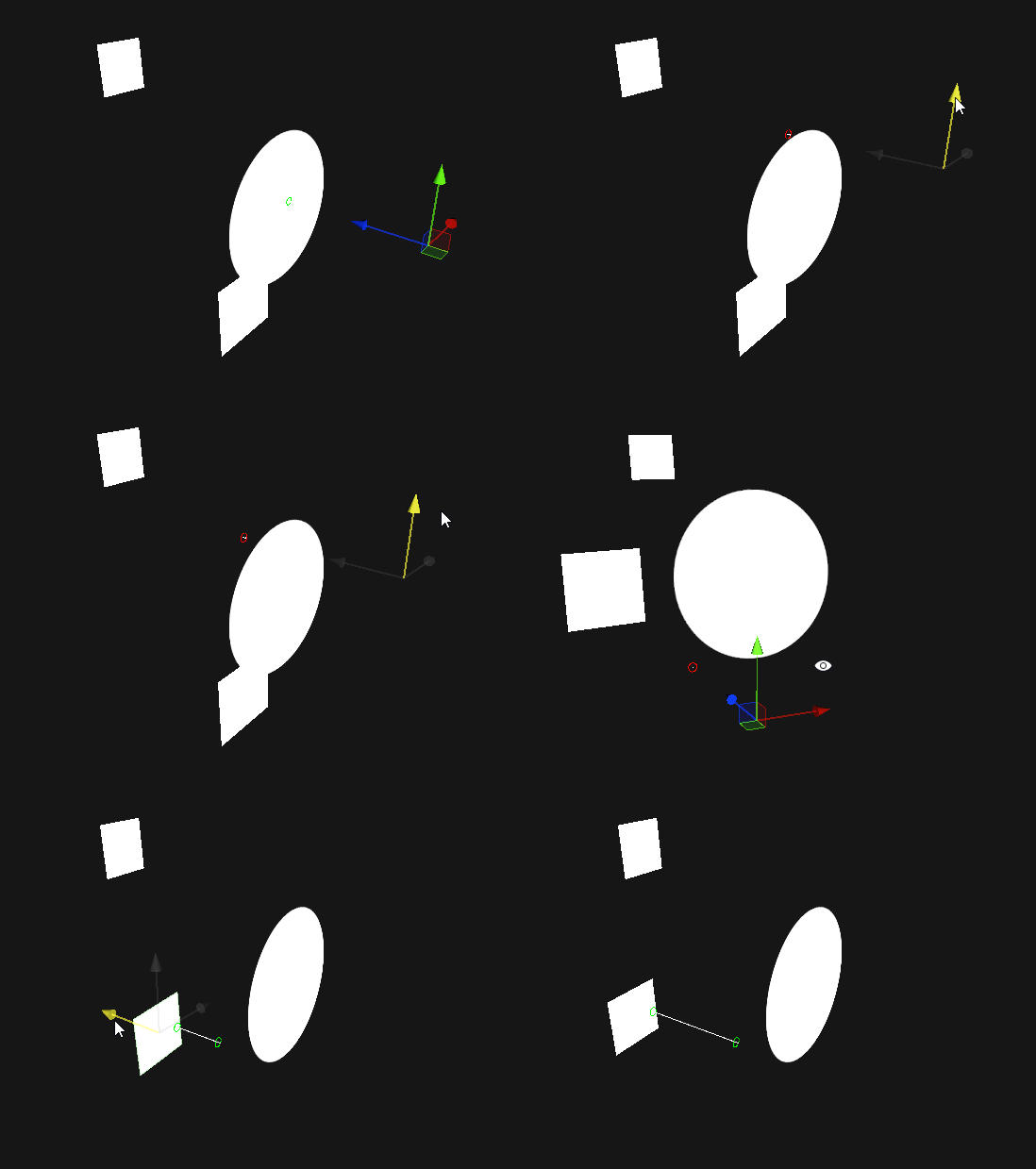
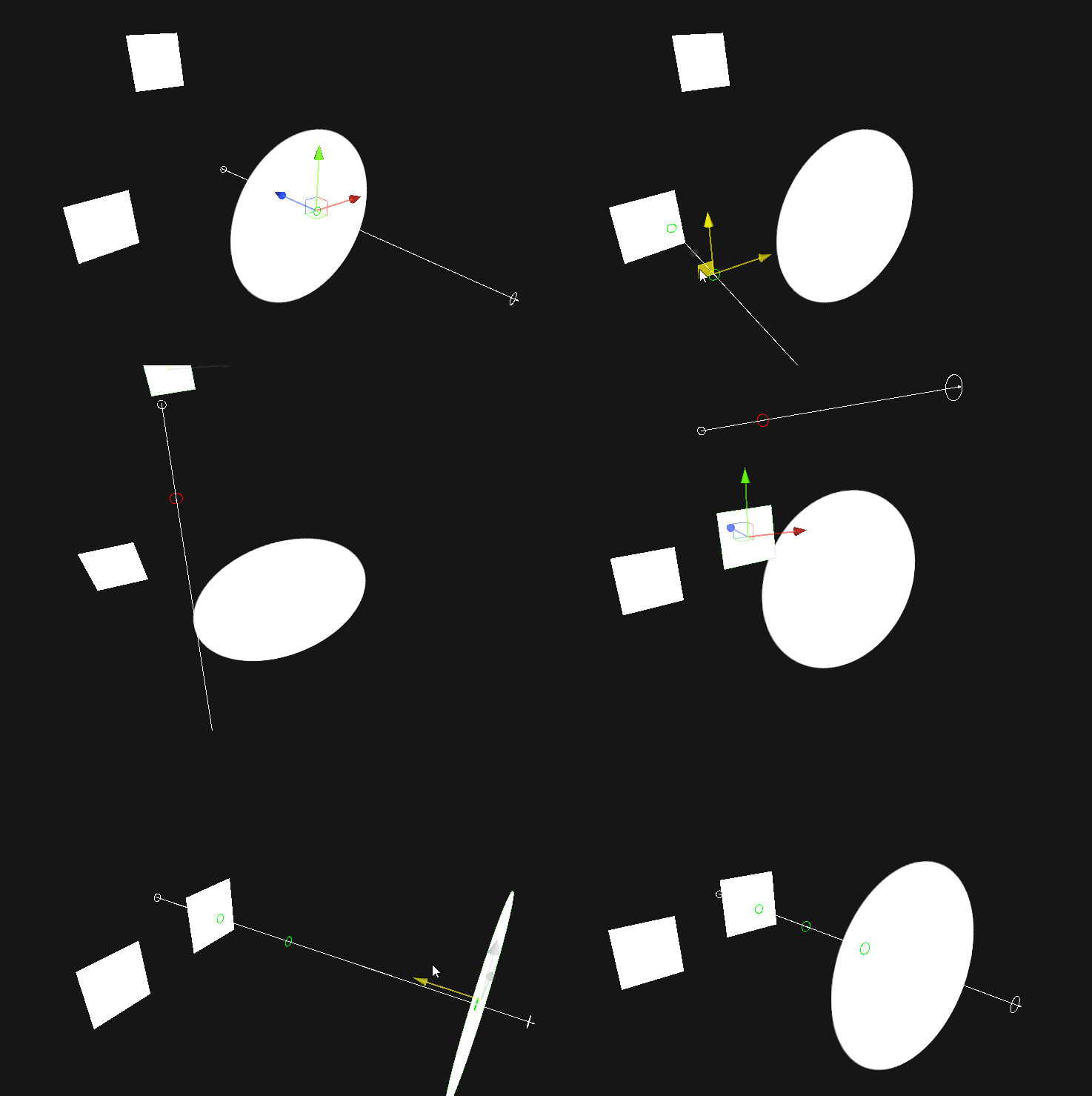
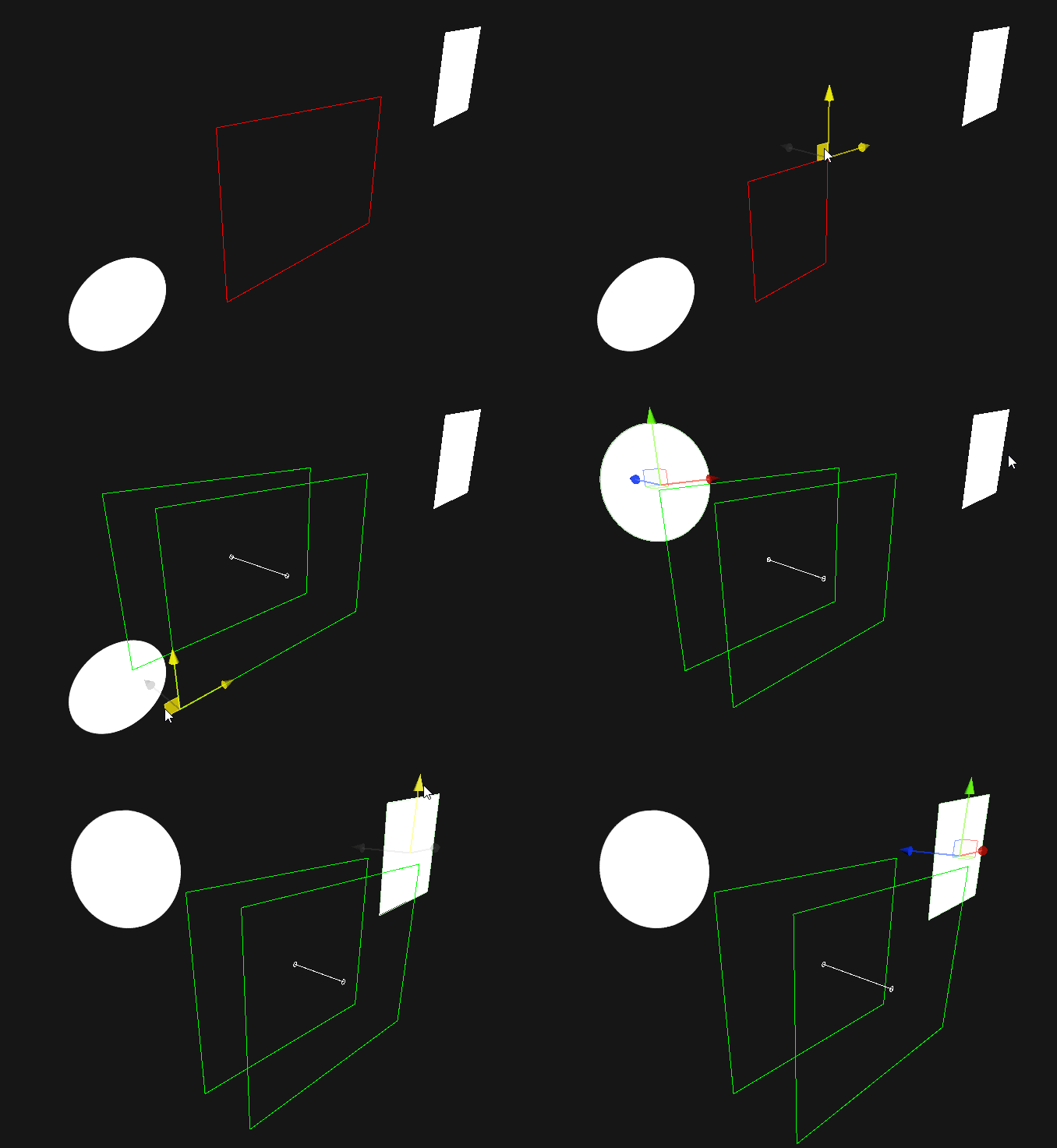
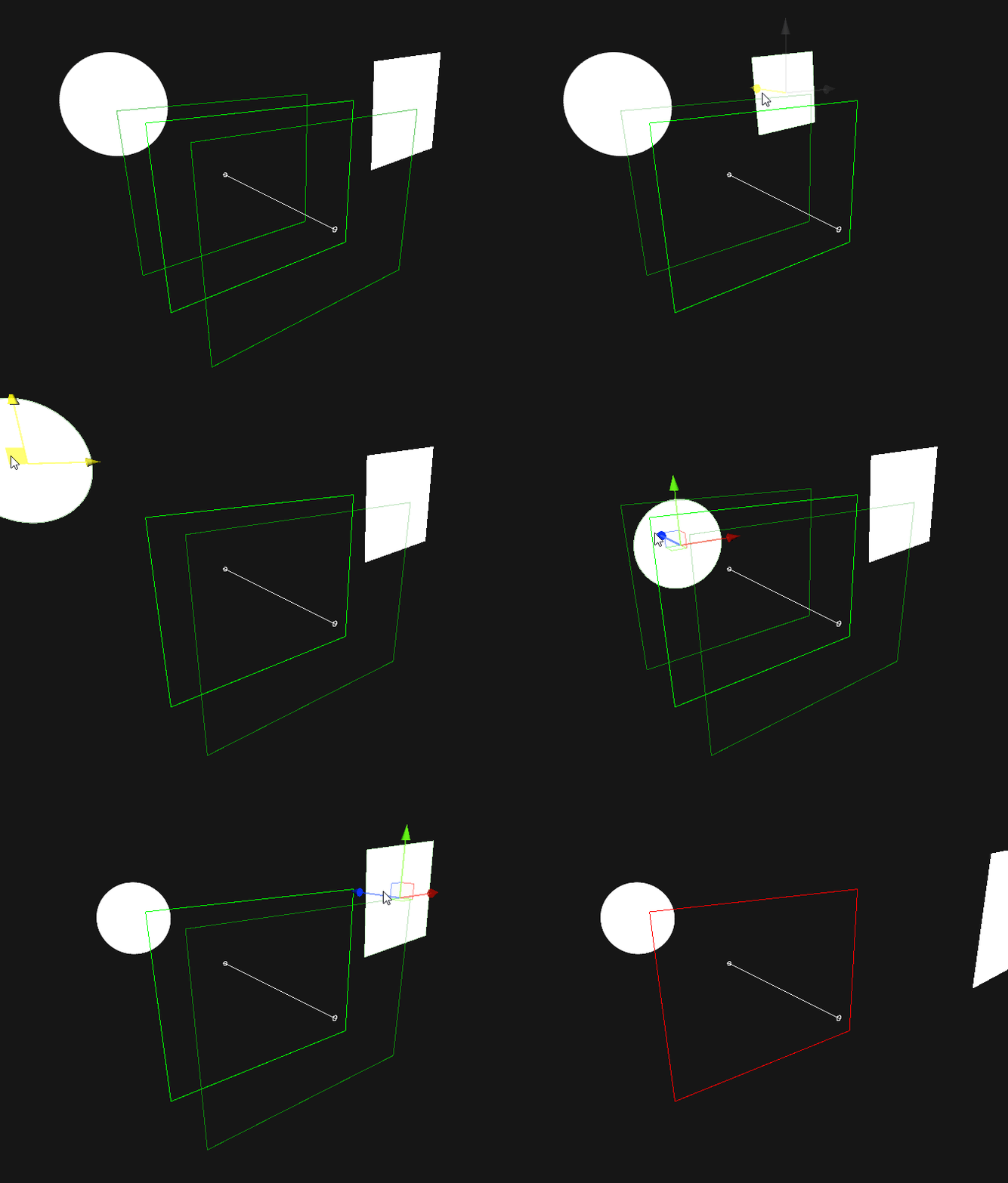
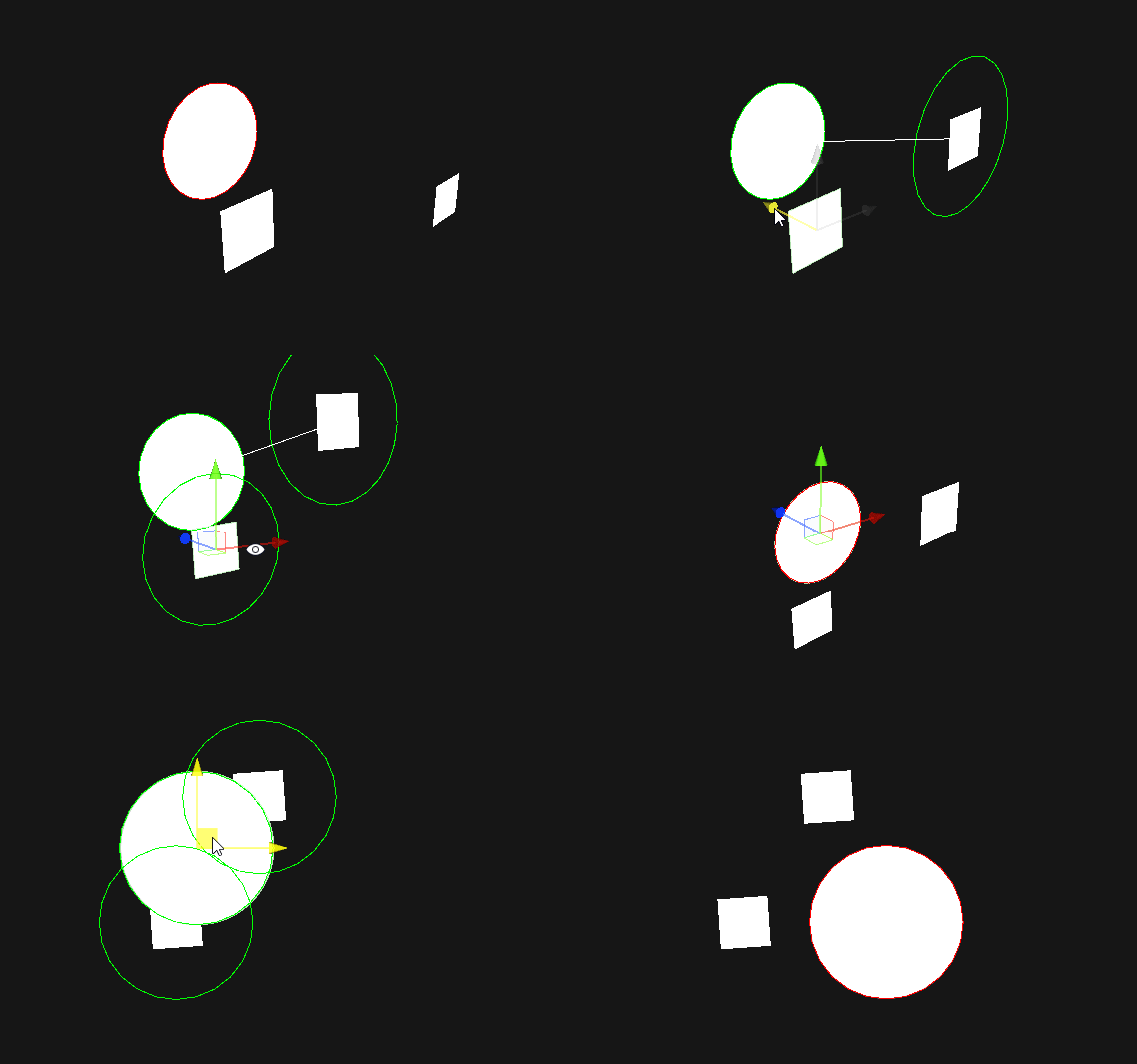
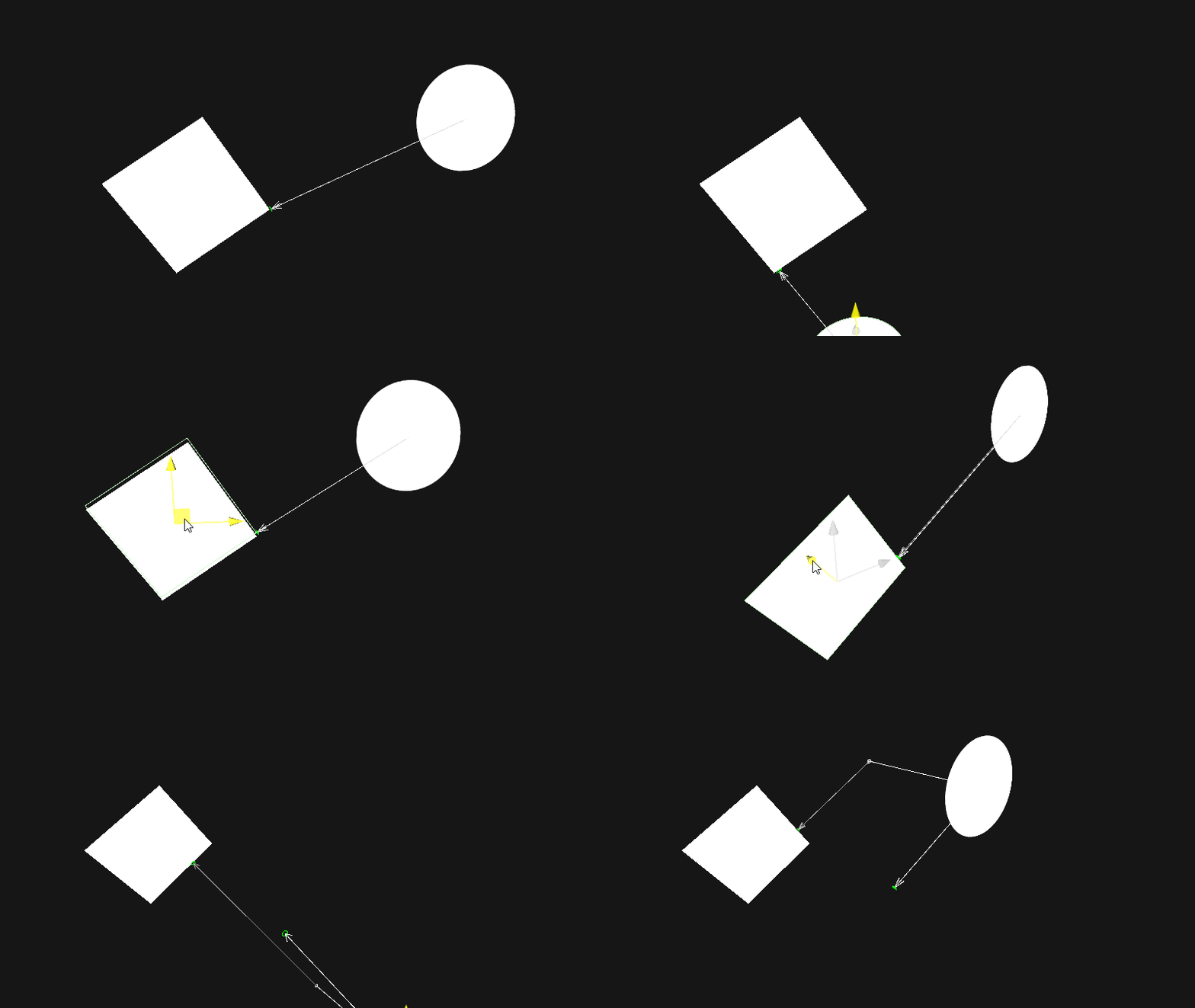
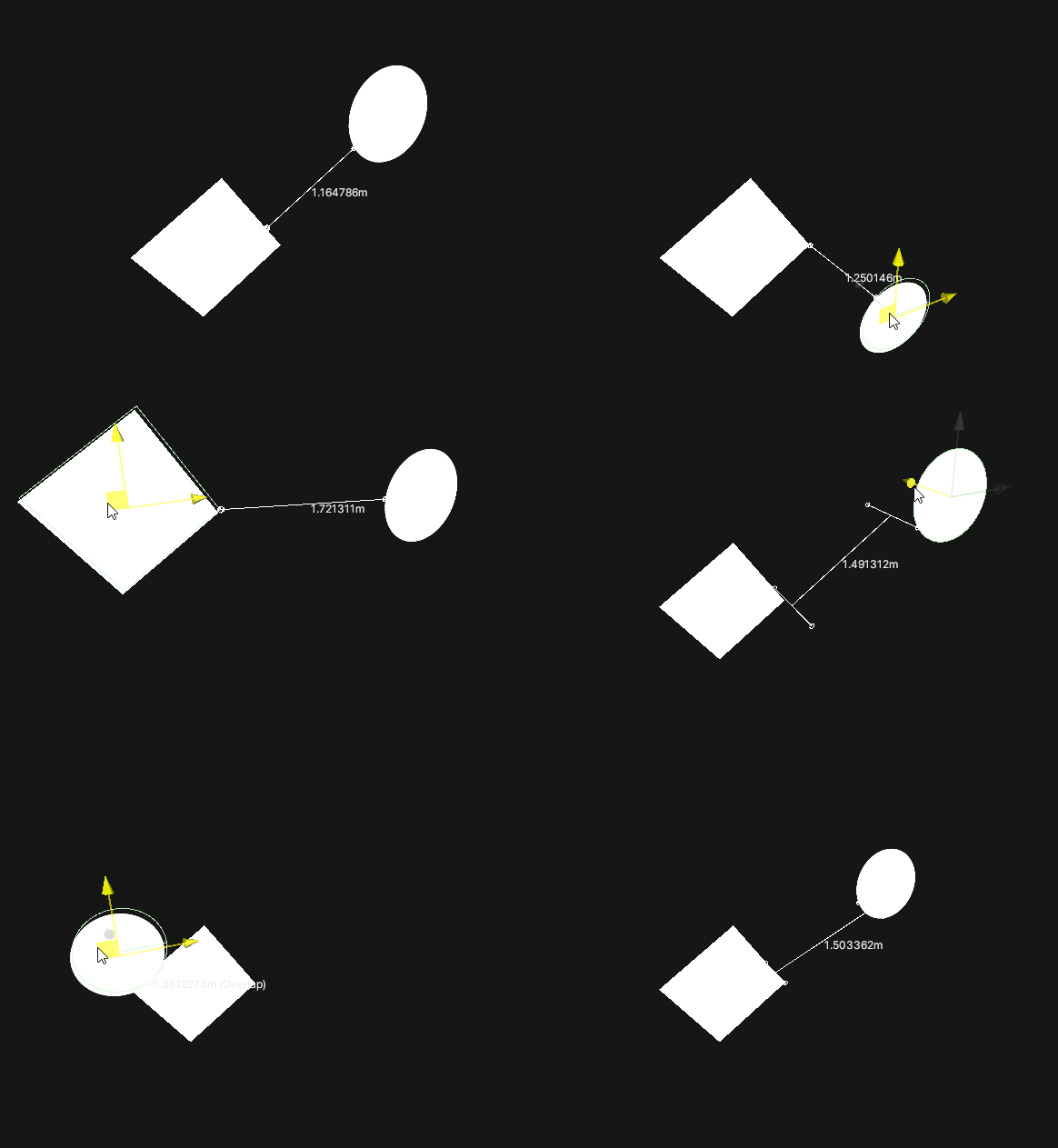
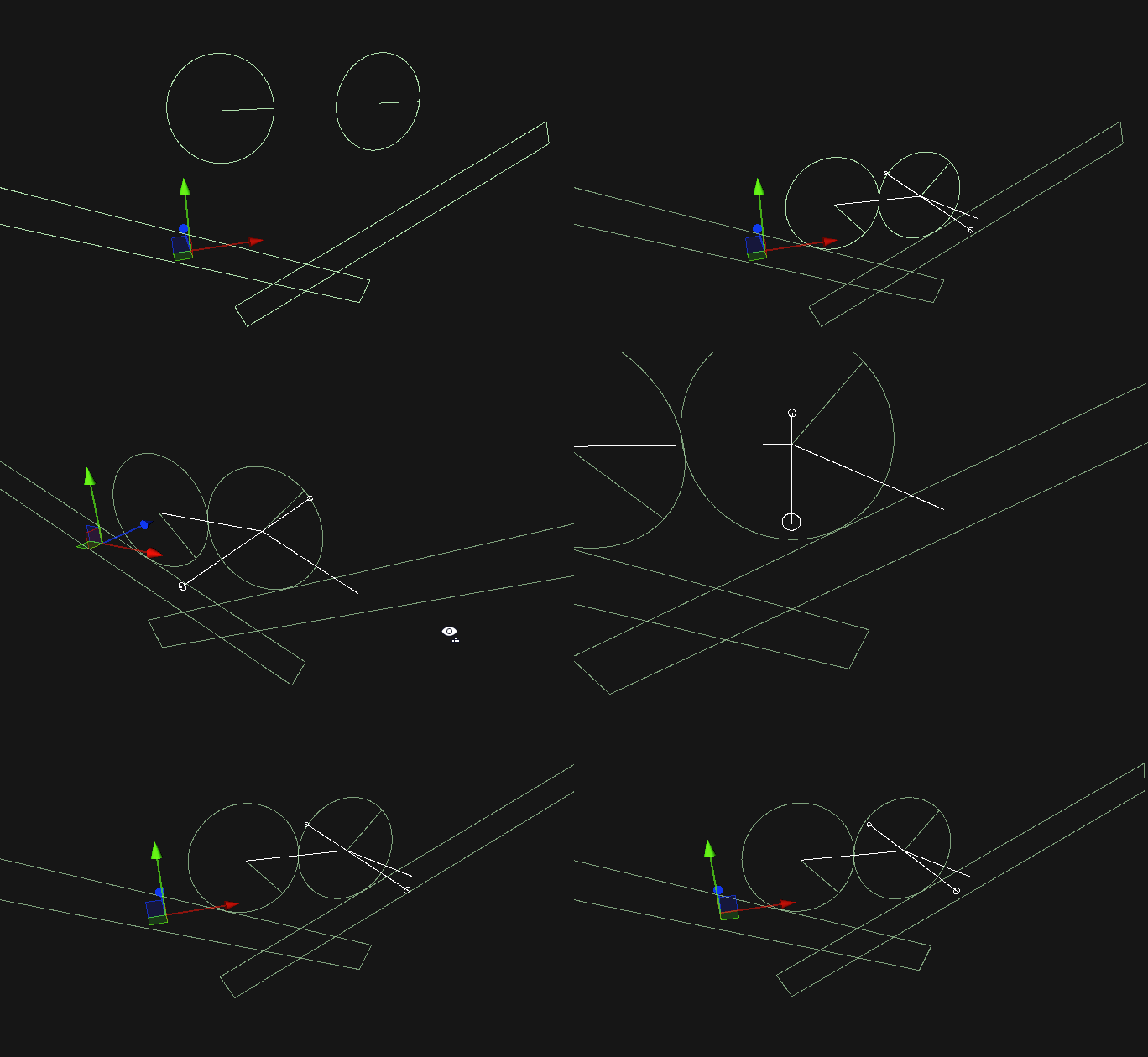

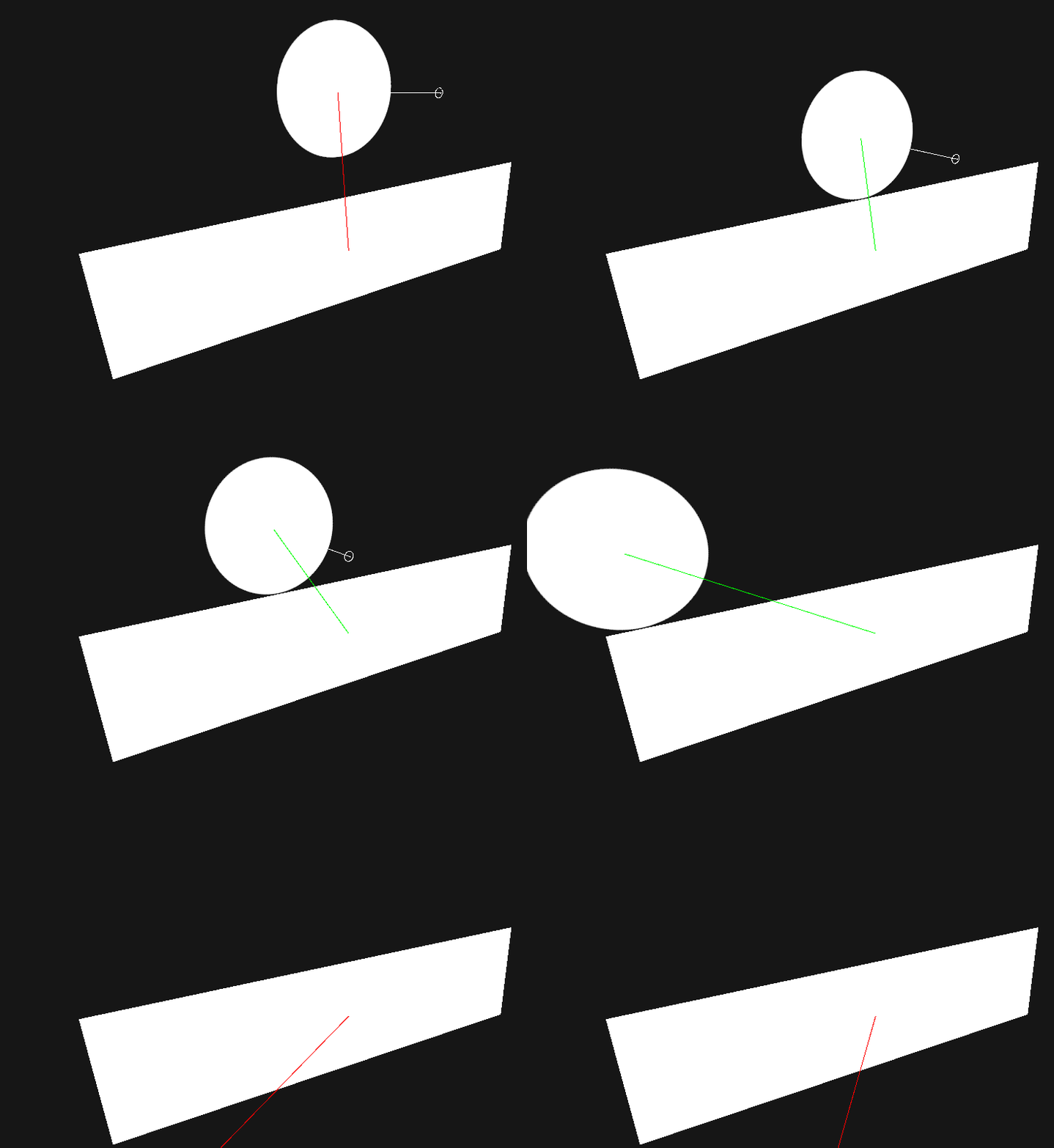
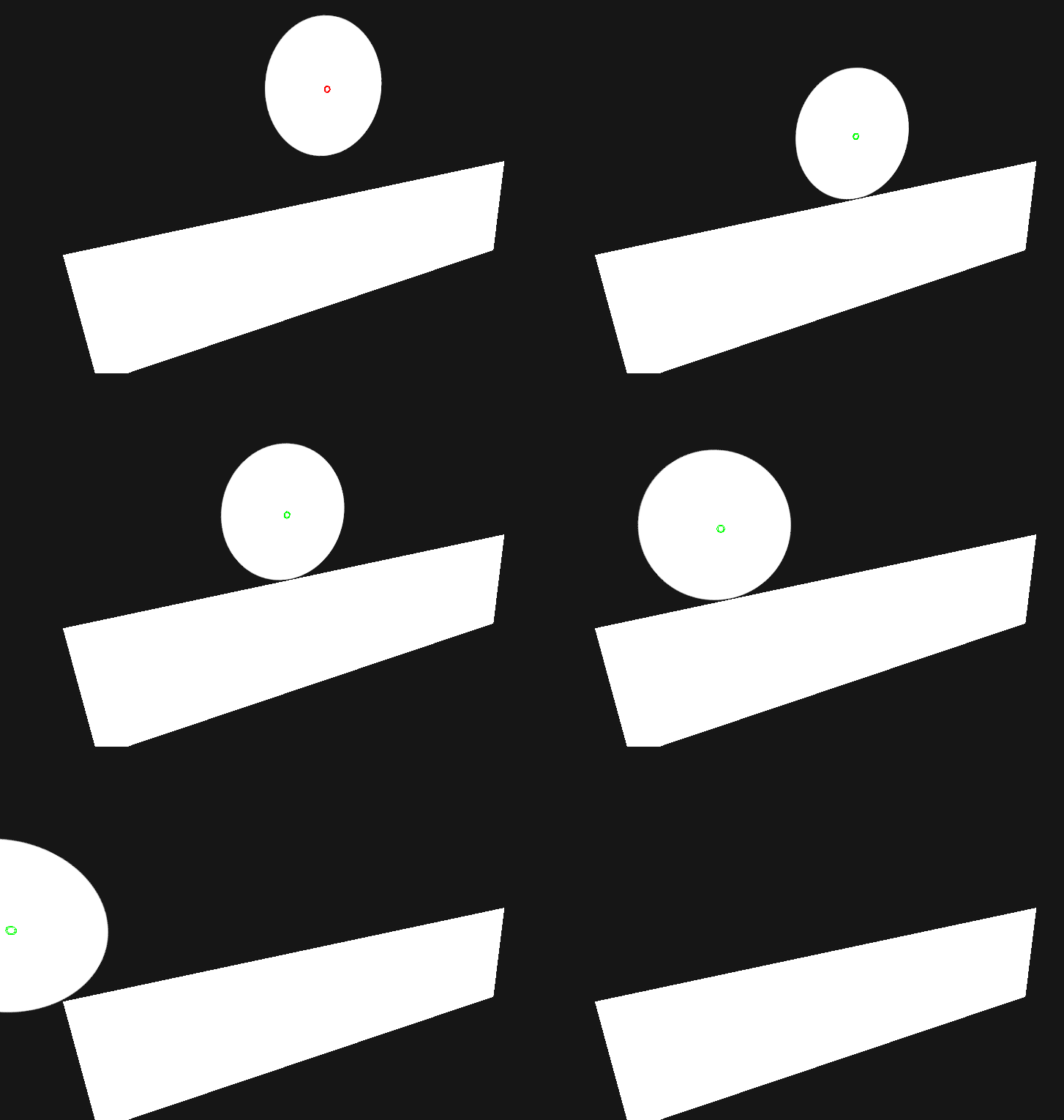
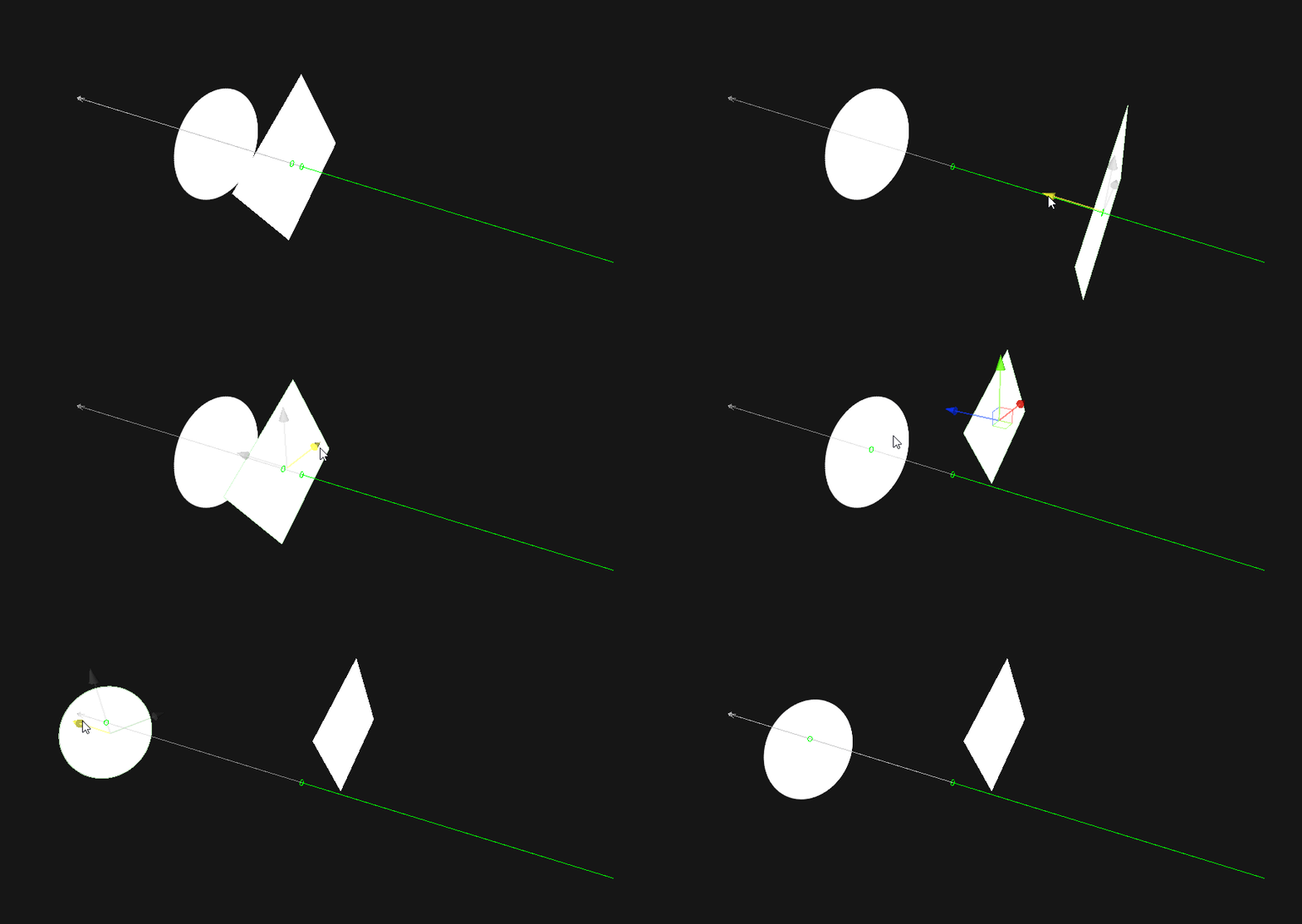
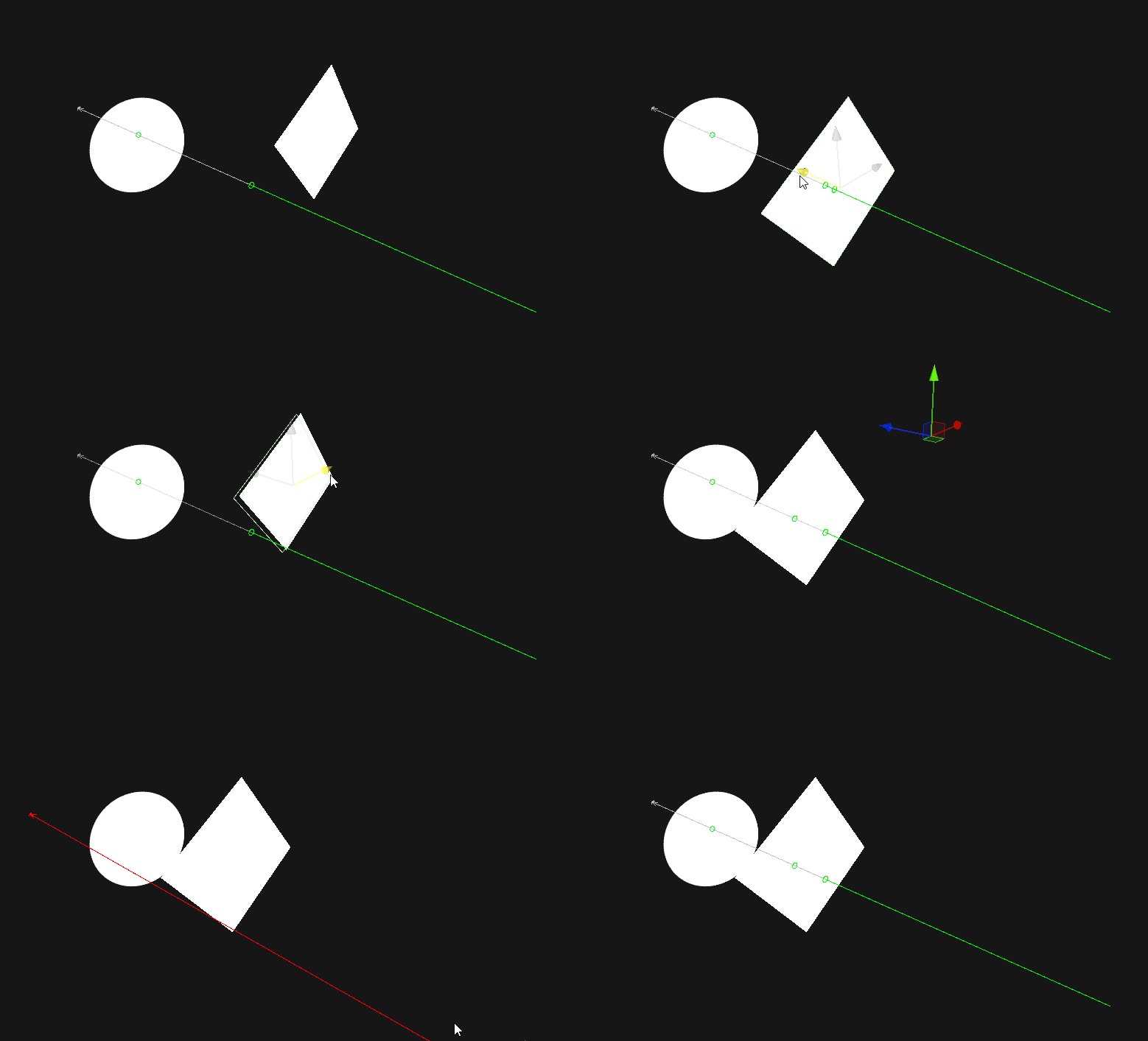
Window/Package Managerเพื่อให้ได้ภาพเพื่อแสดงการโทรทางฟิสิกส์เพียงทำสิ่งต่อไปนี้:
Physics. ด้วย VisualPhysics. - Physics2D. ด้วย VisualPhysics2D. - // Example
void SomeFunction ( ) {
if ( VisualPhysics . Raycast ( position , direction ) ) {
Debug . Log ( "Hit!" ) ;
}
} นอกจากนี้คุณยังสามารถใช้เคล็ดลับในการสลับระหว่าง API ทั้งสองโดยอัตโนมัติ (มีประโยชน์สำหรับเมื่อคุณต้องการใช้ API Visual ในตัวแก้ไข แต่ API ปกติในการสร้าง):
VisualPhysics ในการสร้างจะใช้ API Physics ปกติอย่างไรก็ตามการโทรวิธีอาจไม่ได้ถูก จำกัด ขึ้นอยู่กับอารมณ์ของคอมไพเลอร์ #if UNITY_EDITOR
using Physics = Nomnom . RaycastVisualization . VisualPhysics ;
#else
using Physics = UnityEngine . Physics ;
#endif
void SomeFunction ( ) {
if ( Physics . Raycast ( position , direction ) ) {
Debug . Log ( "Hit!" ) ;
}
} การใช้ VisualLifetime.Create(seconds) คุณสามารถกำหนดระยะเวลาที่นักแสดงจะแสดงสำหรับ:
 // will display the raycast for a second, rather than a single frame
using ( VisualLifetime . Create ( 1f ) ) {
    if ( VisualPhysics . Raycast ( position , direction ) ) {
        Debug . Log ( "Hit" ) ;
    }
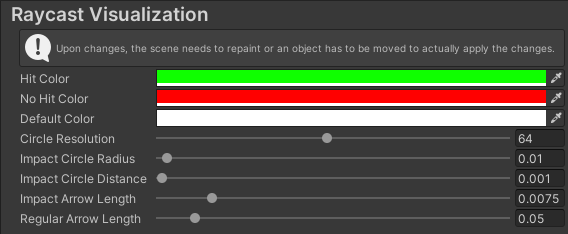
} ตัวเลือกผู้ใช้อยู่ภายใต้ Edit/Preferences/RaycastVisualization