RaycastVisualization
v2.3.1

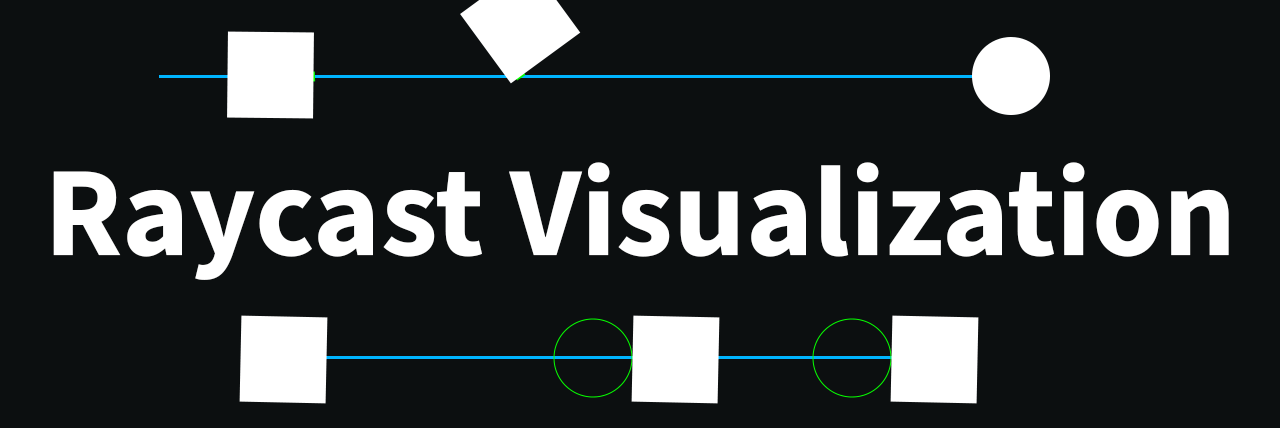
This asset allows users to view raycasts as the user fires them.
Supports both the 2D and 3D api.
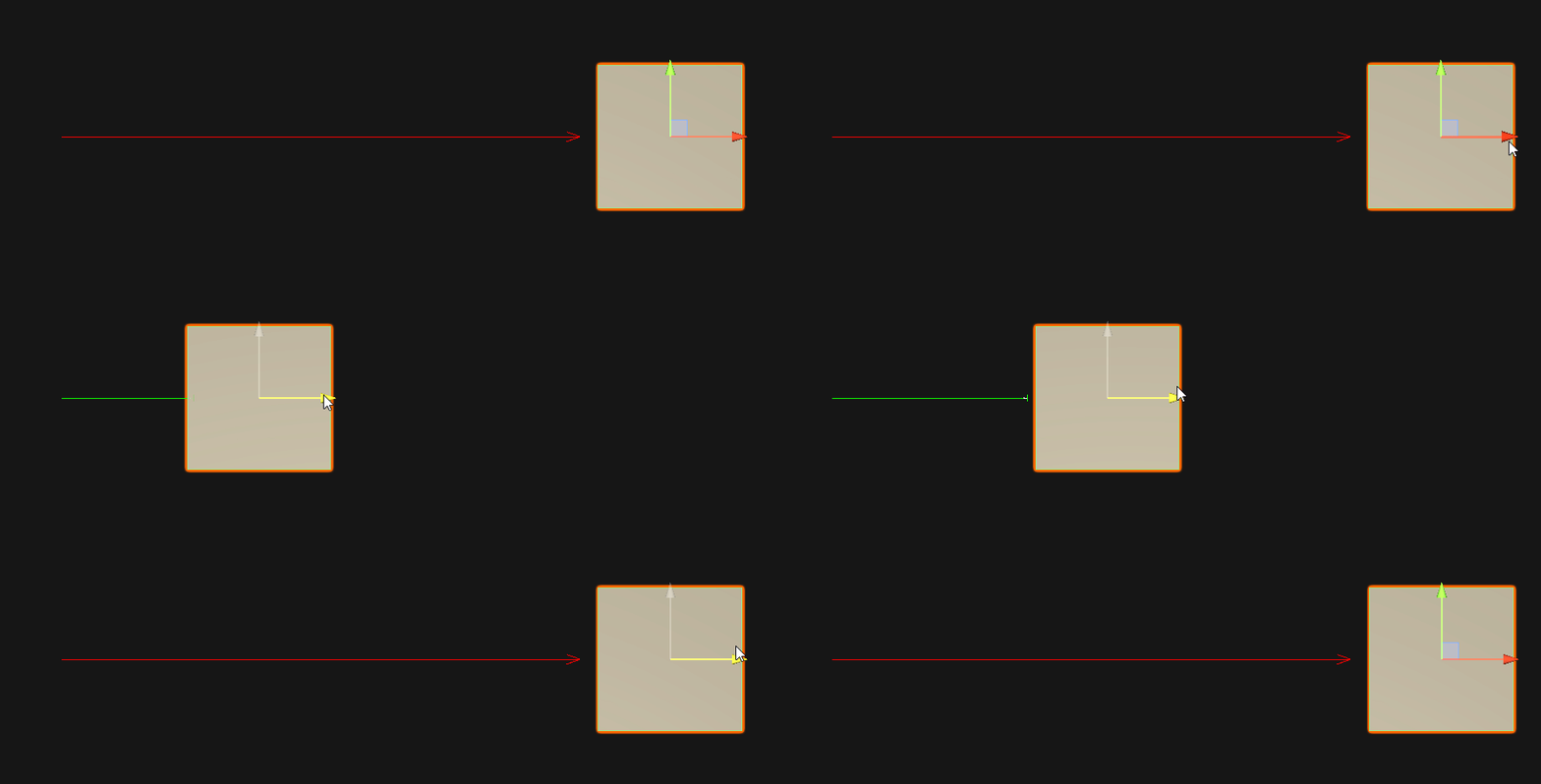
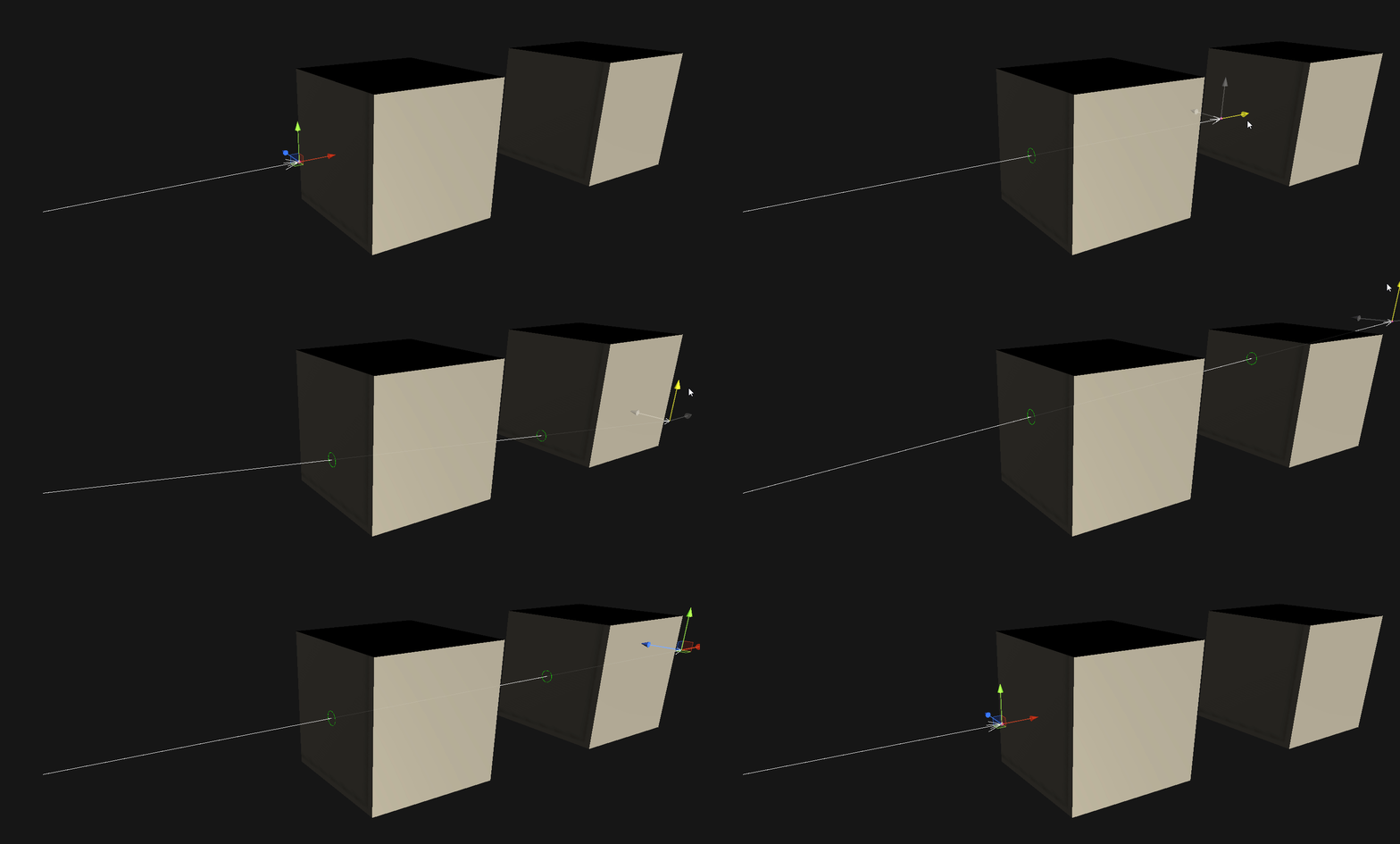
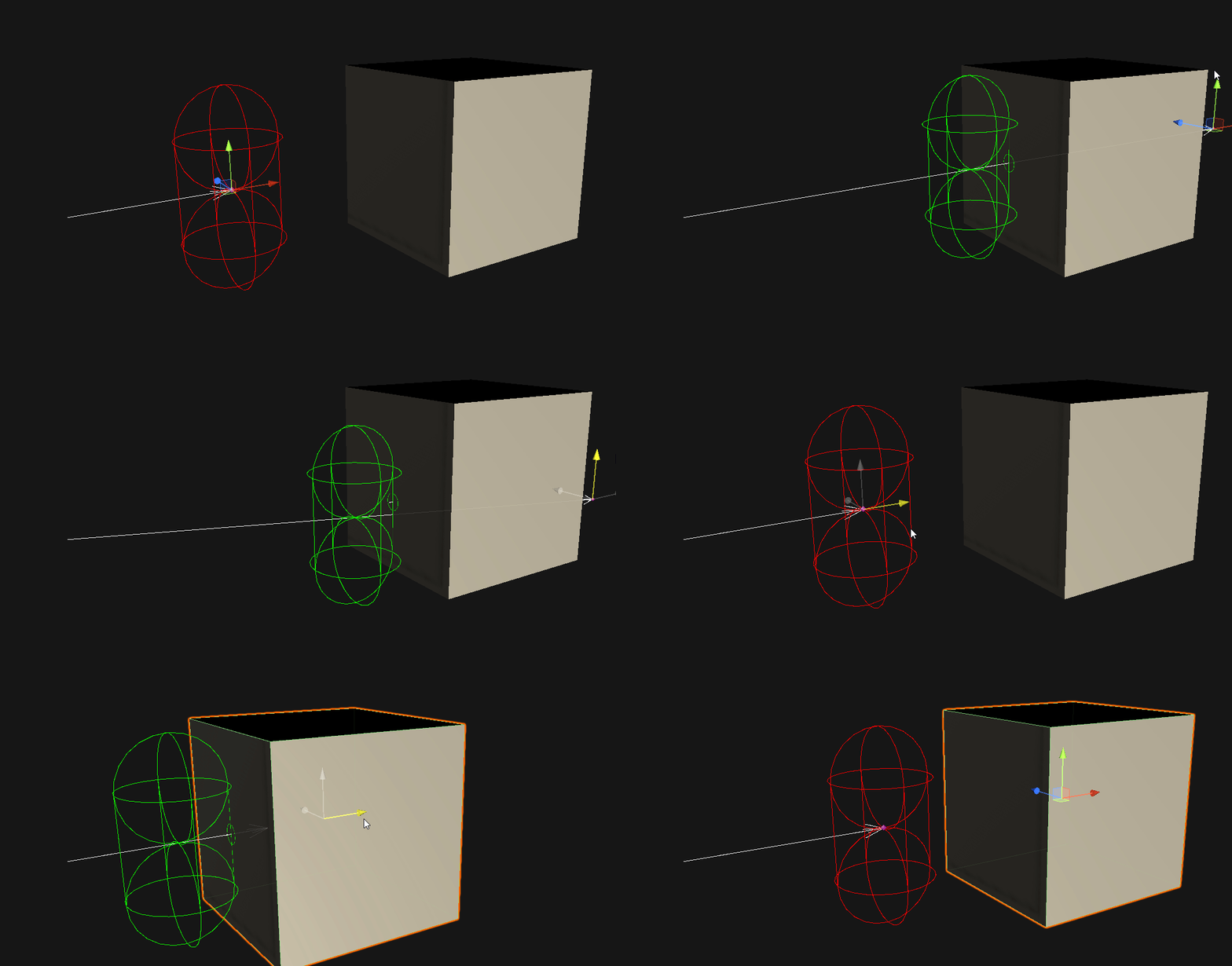
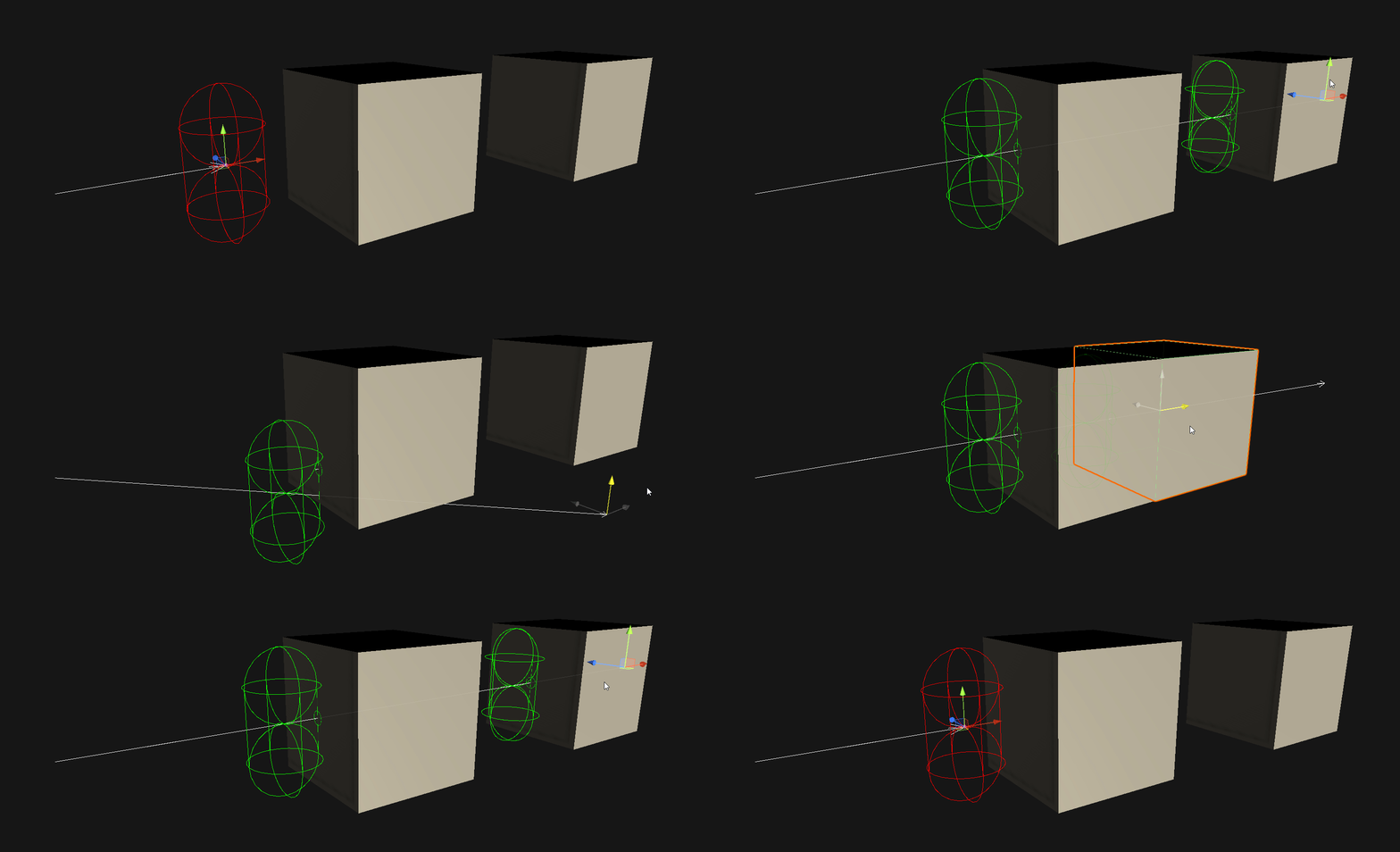
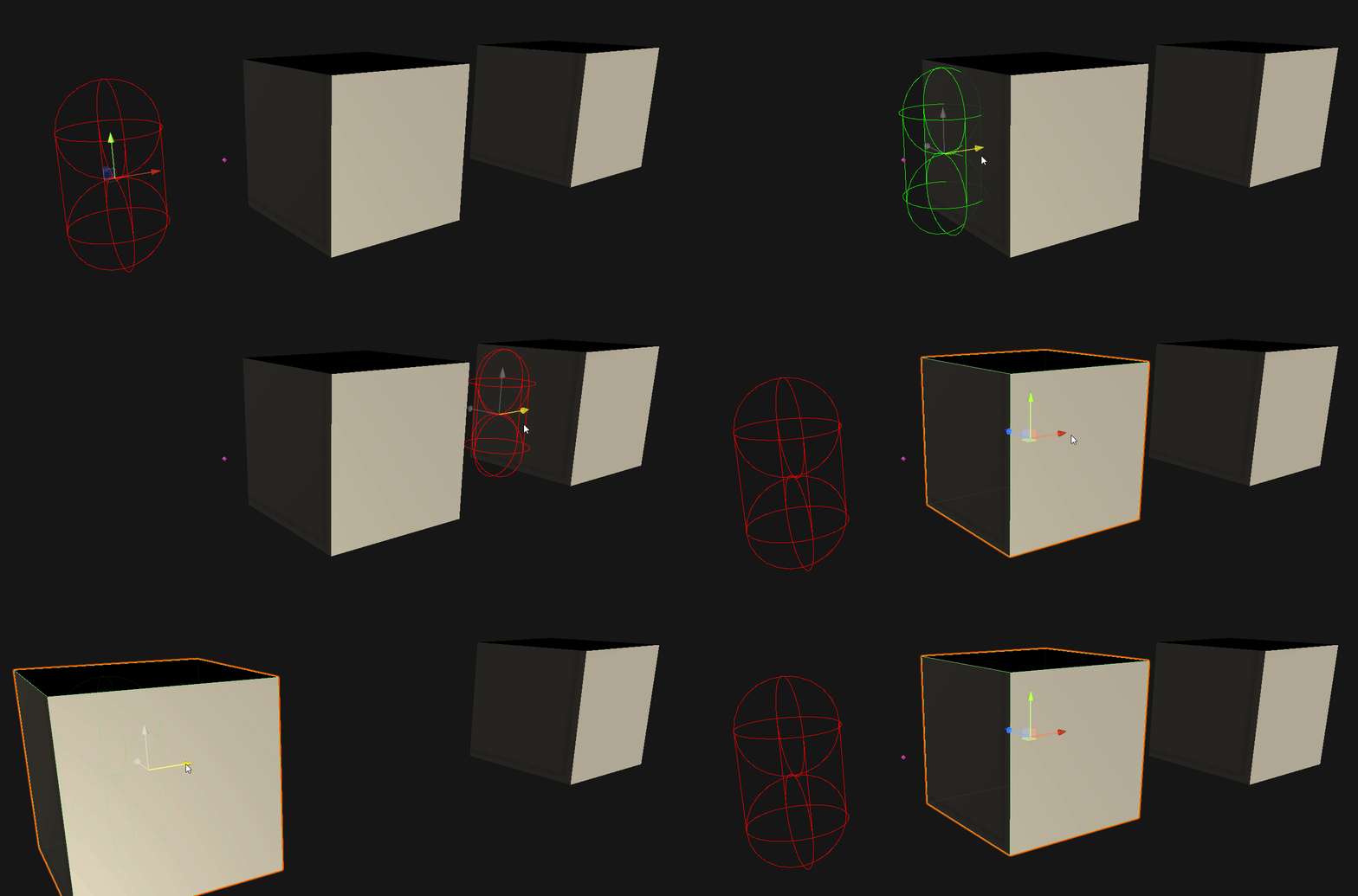
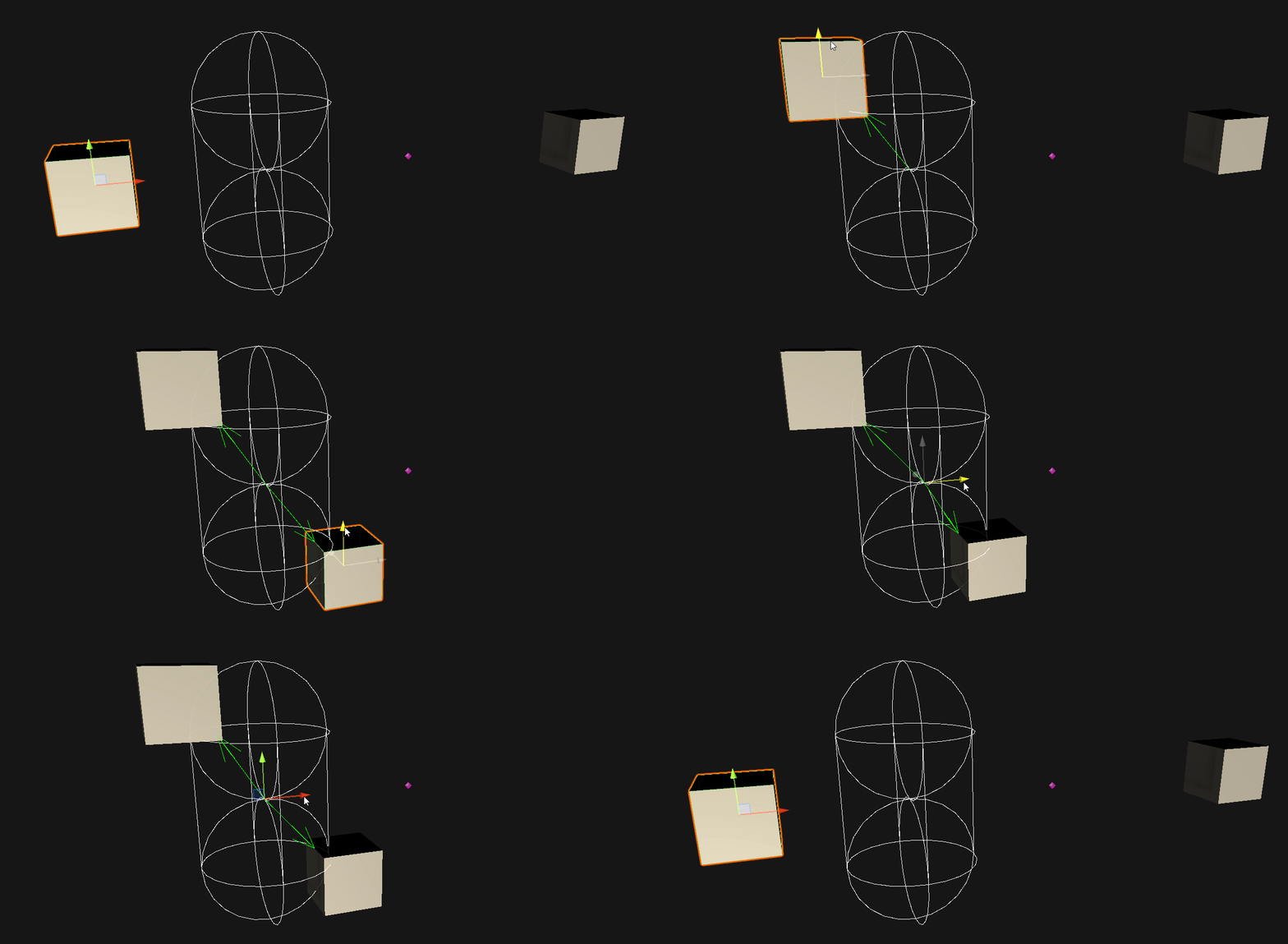
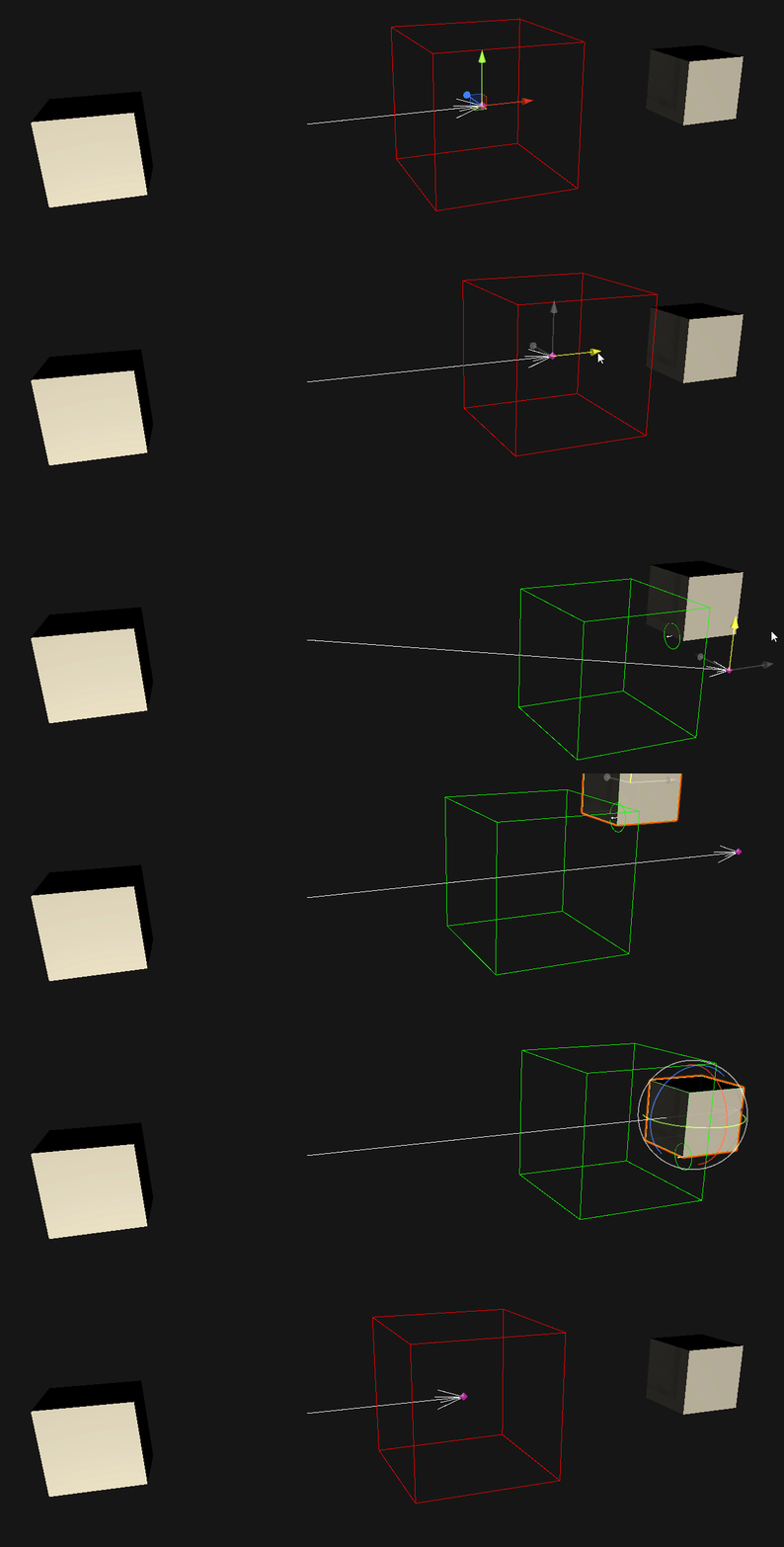
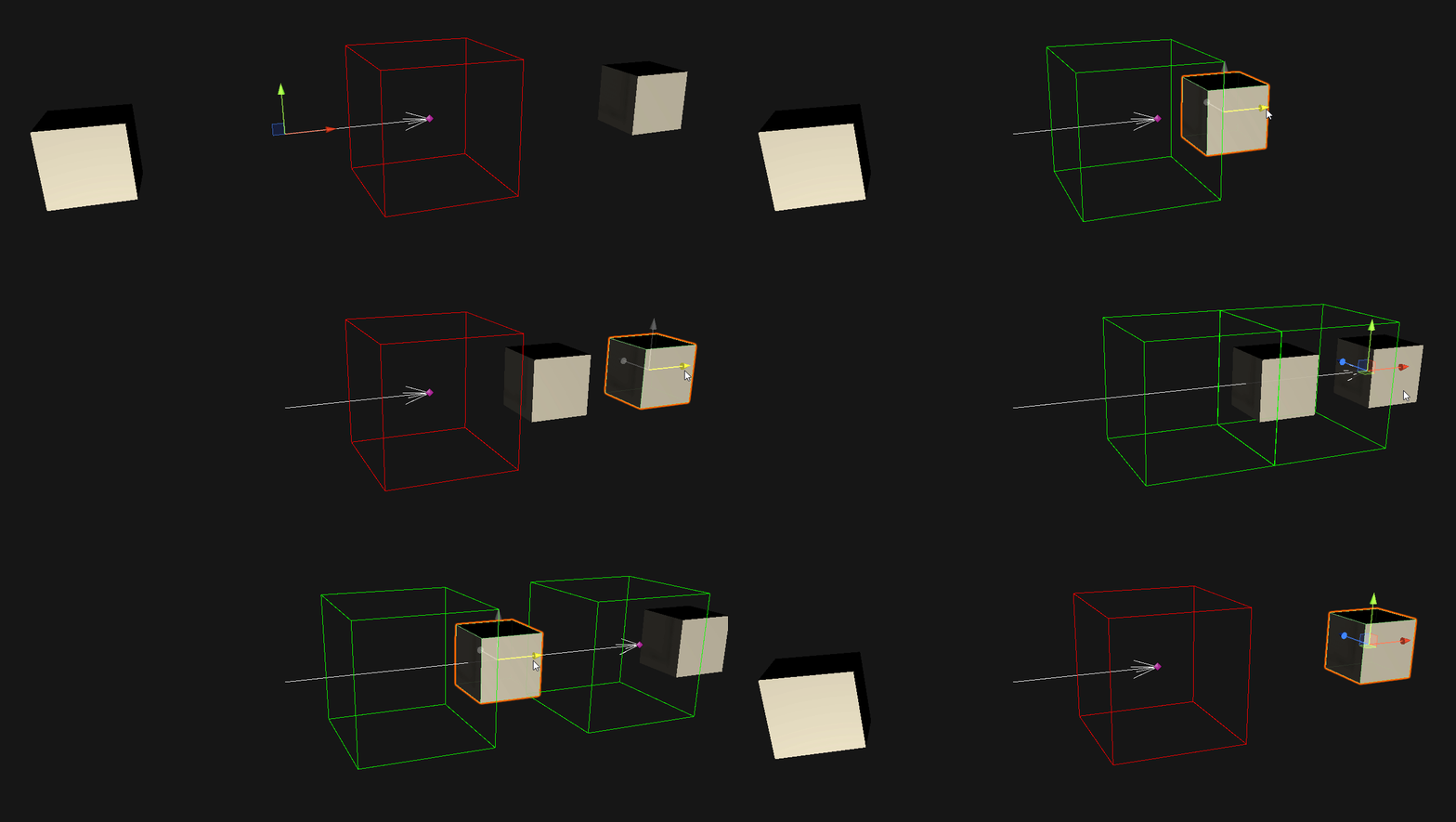
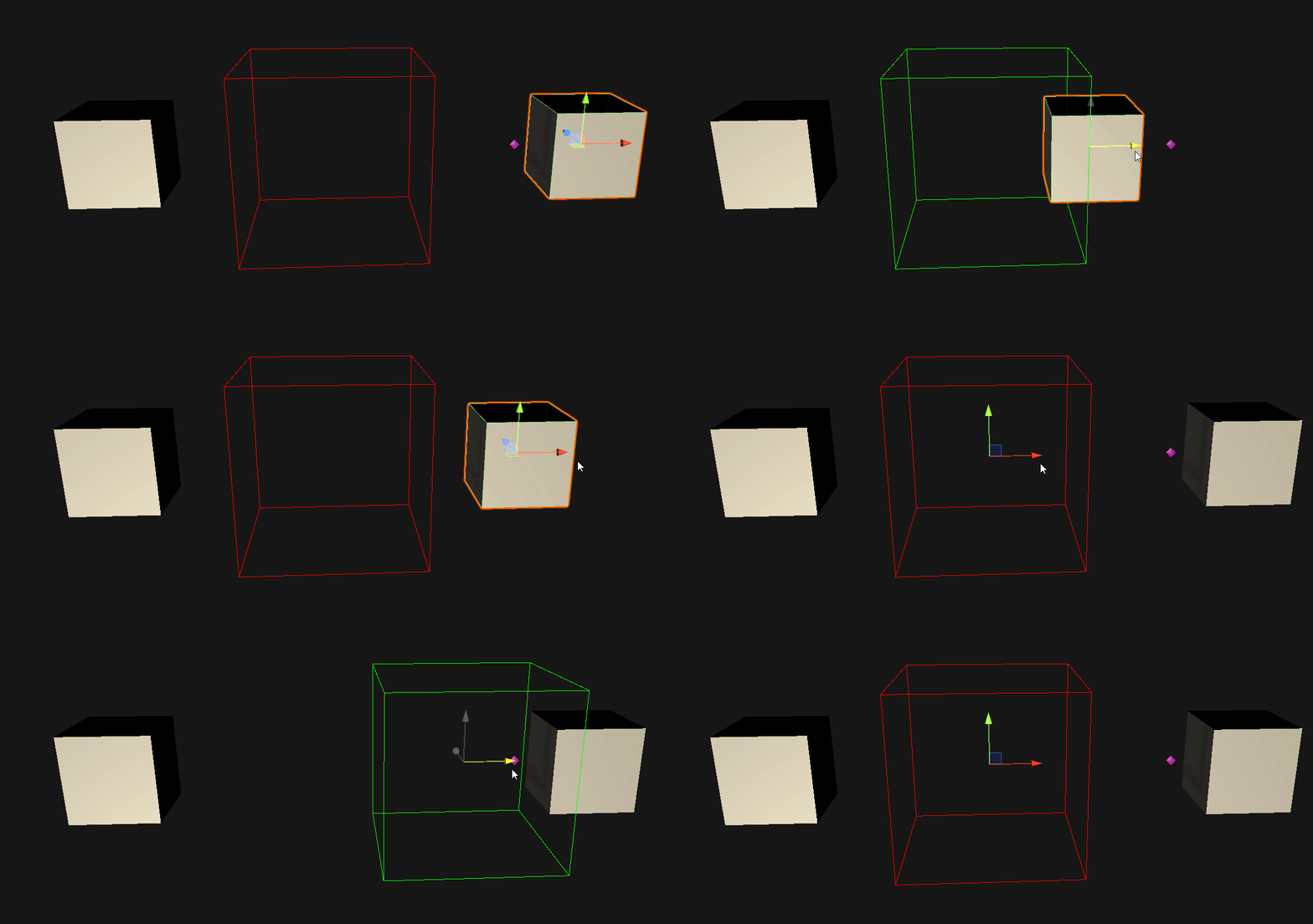
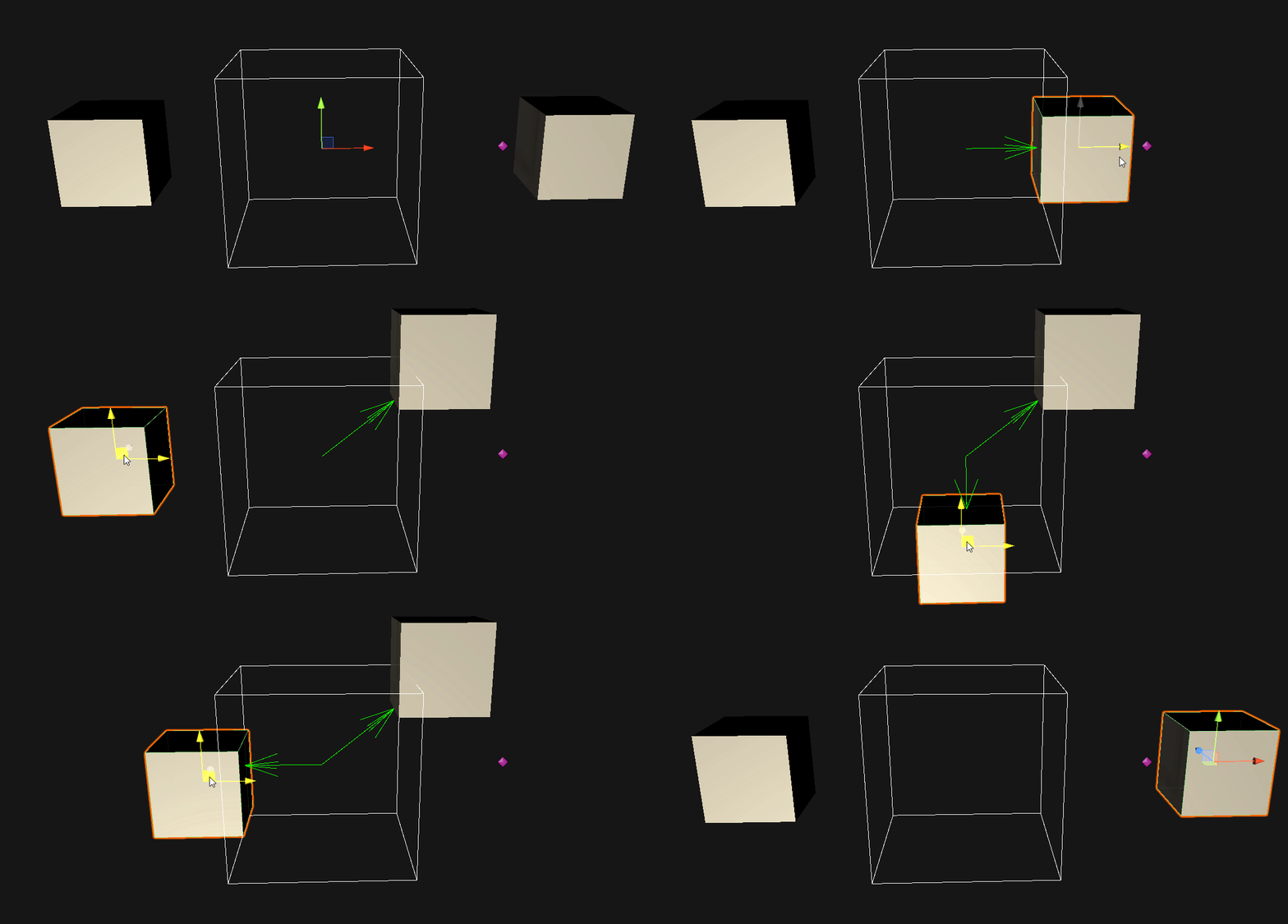
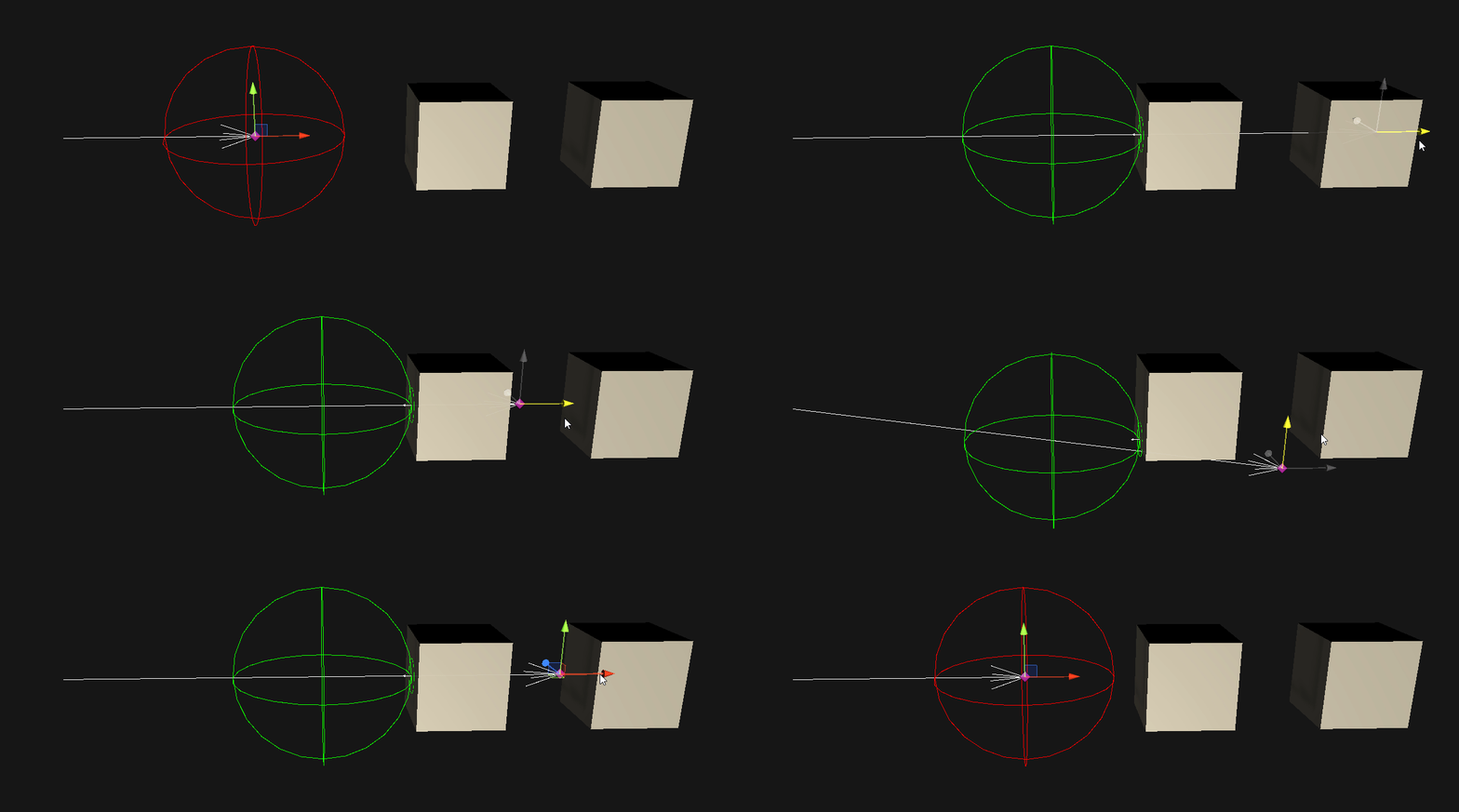
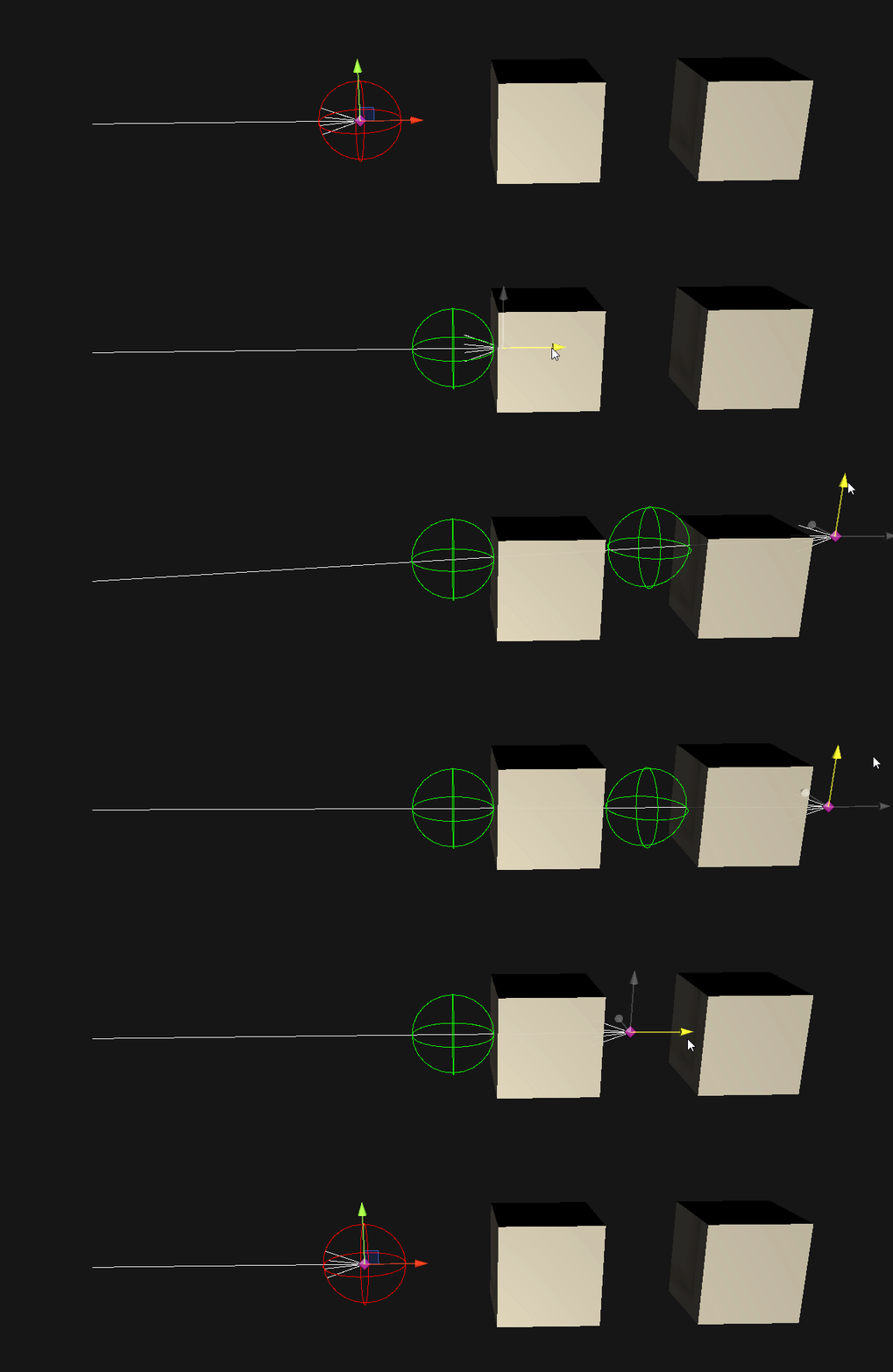
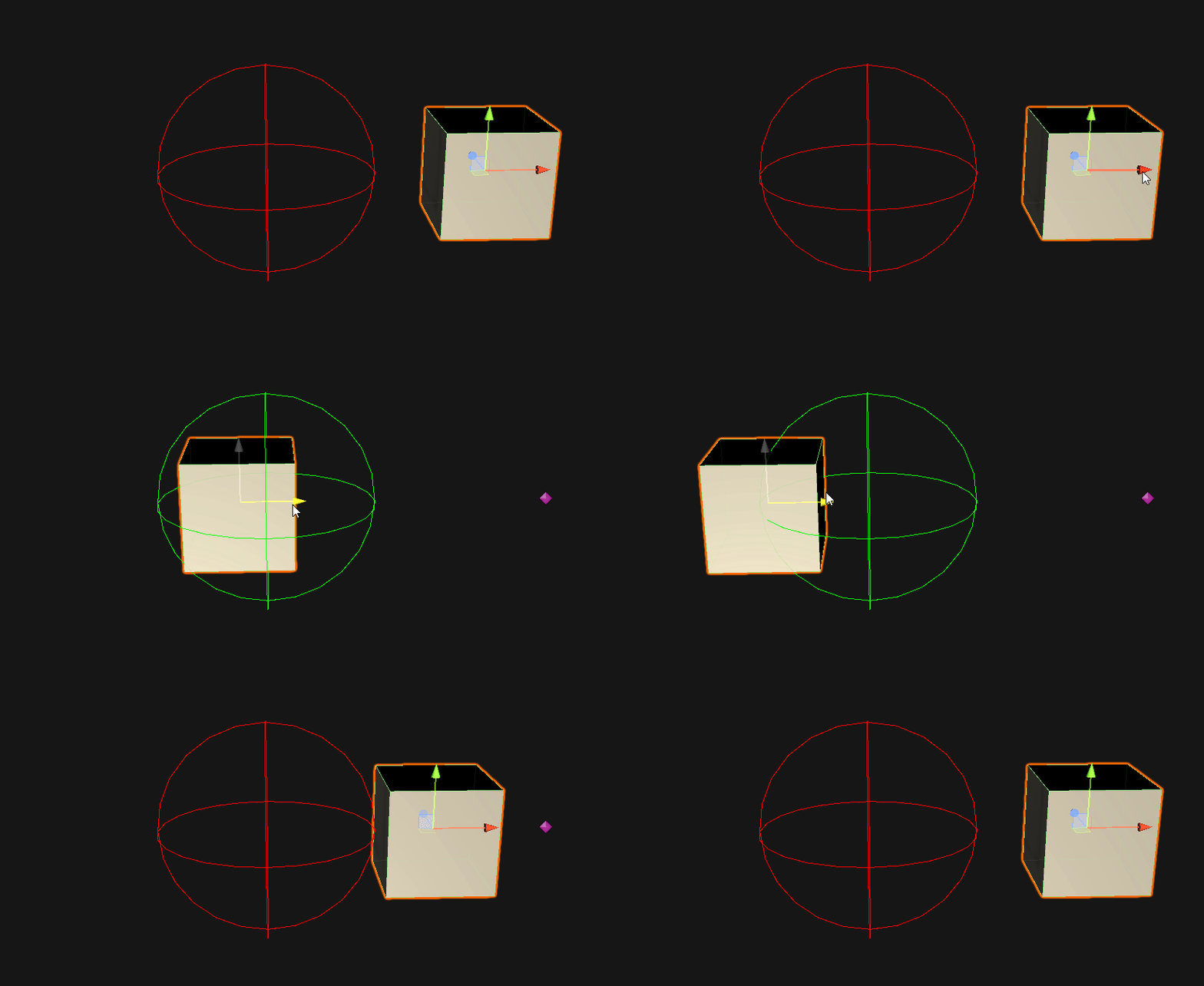
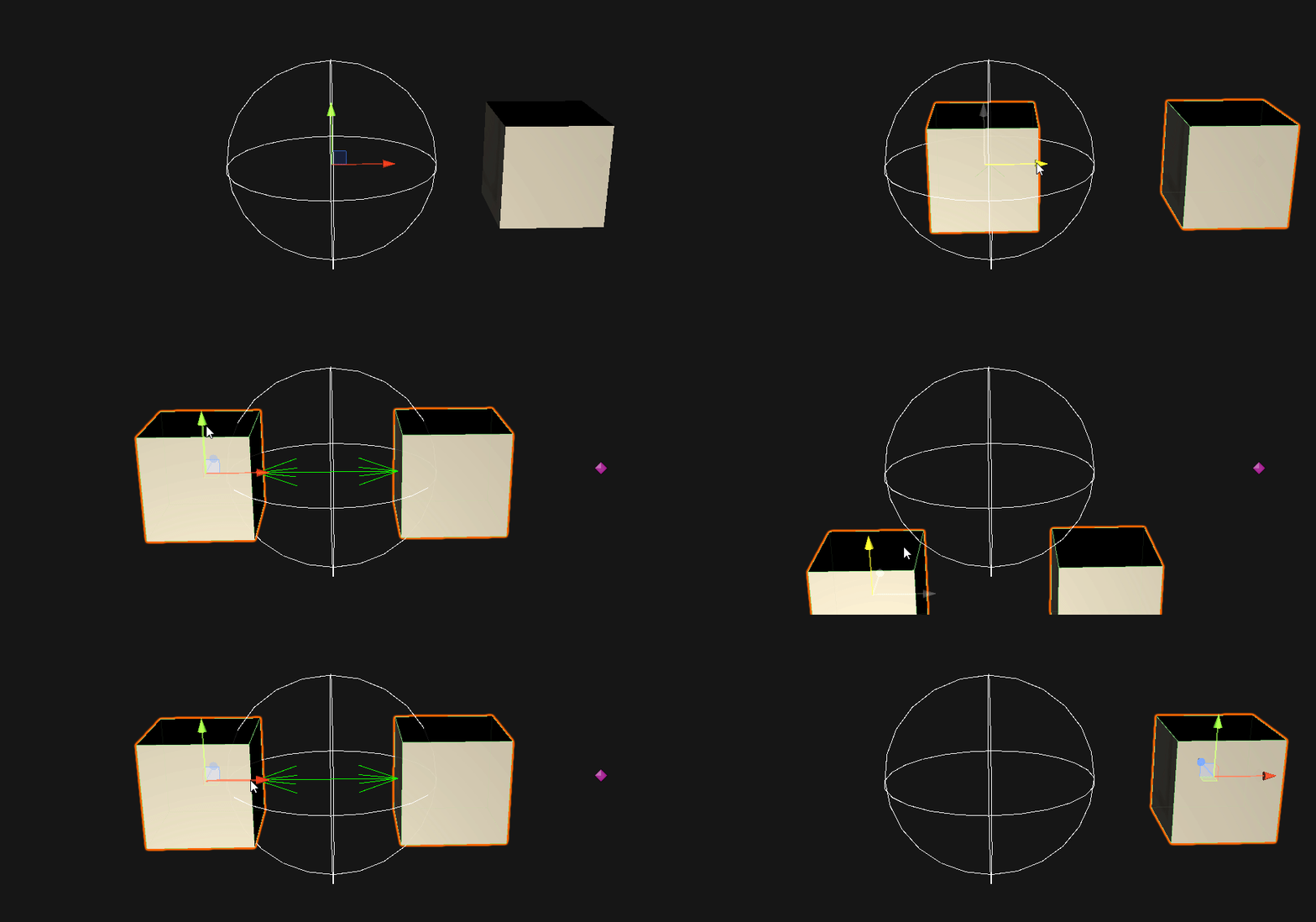
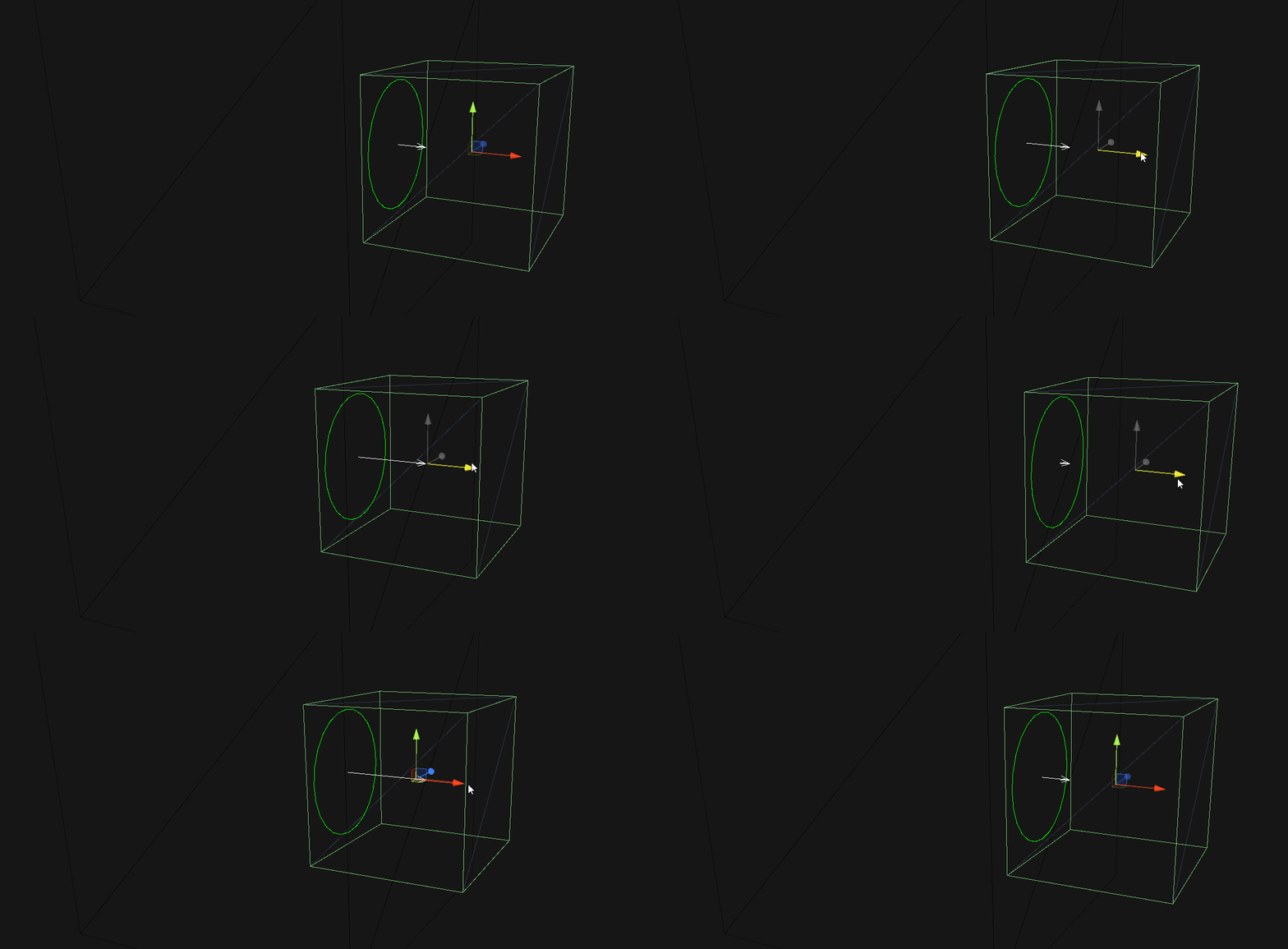
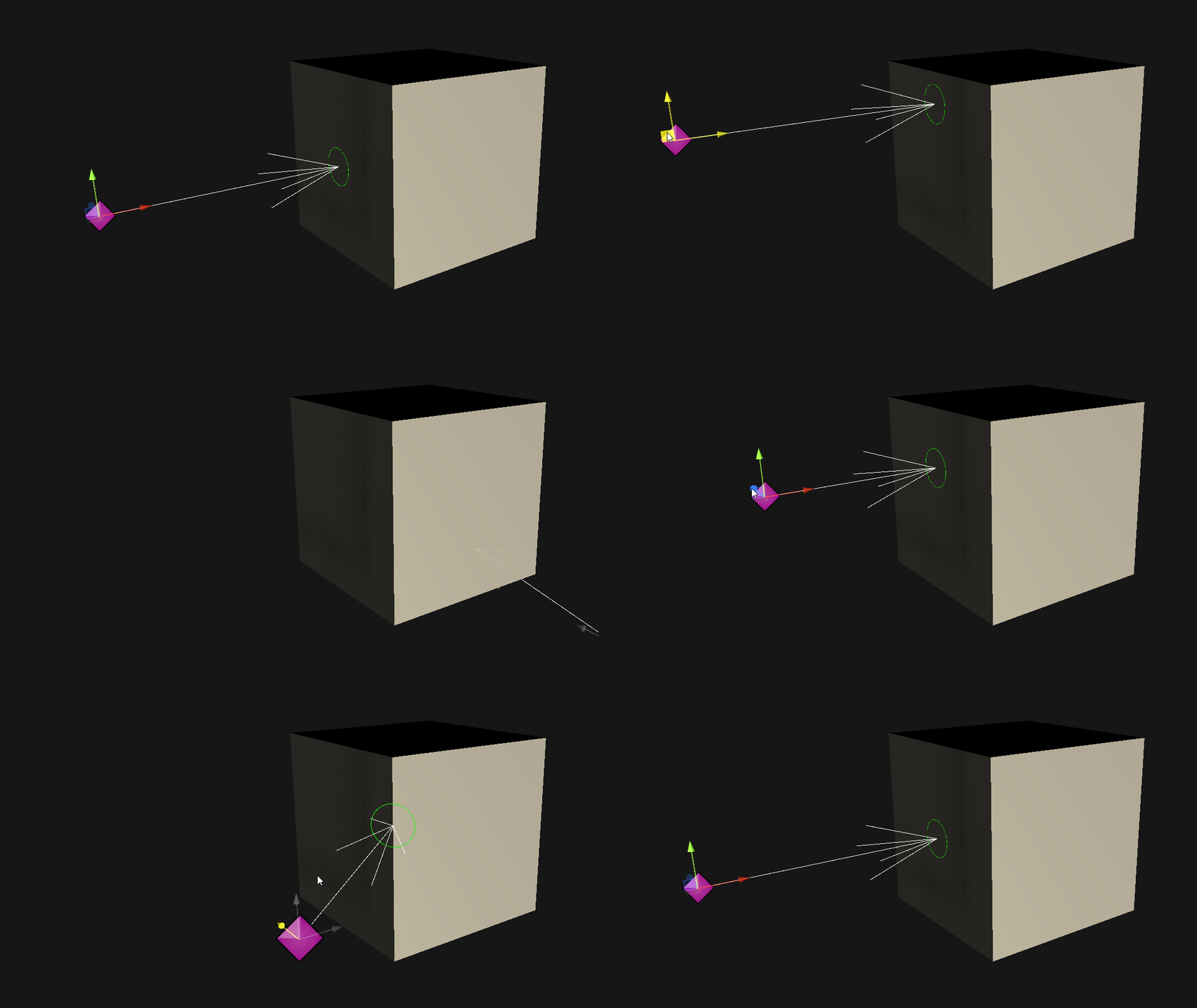
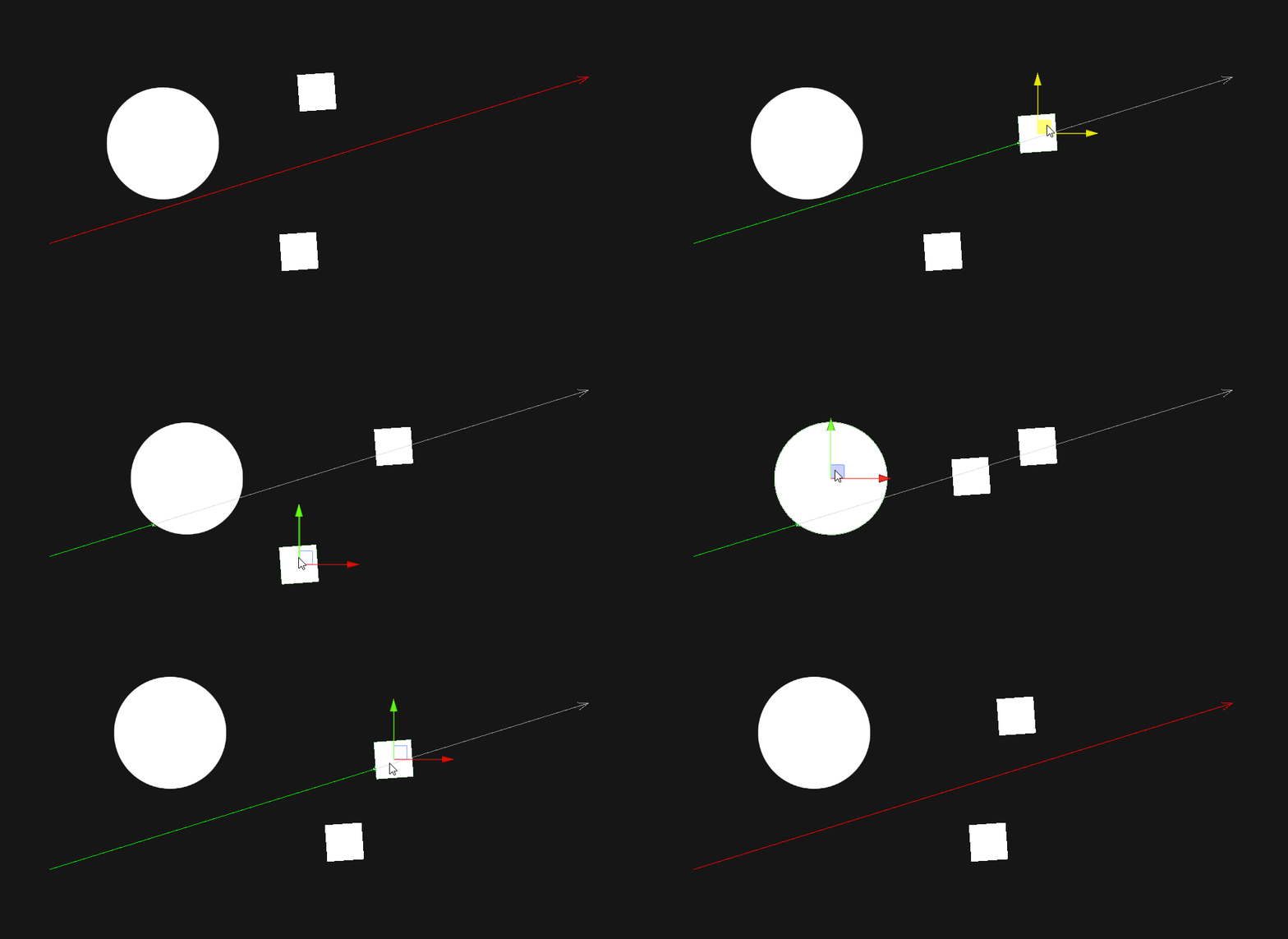
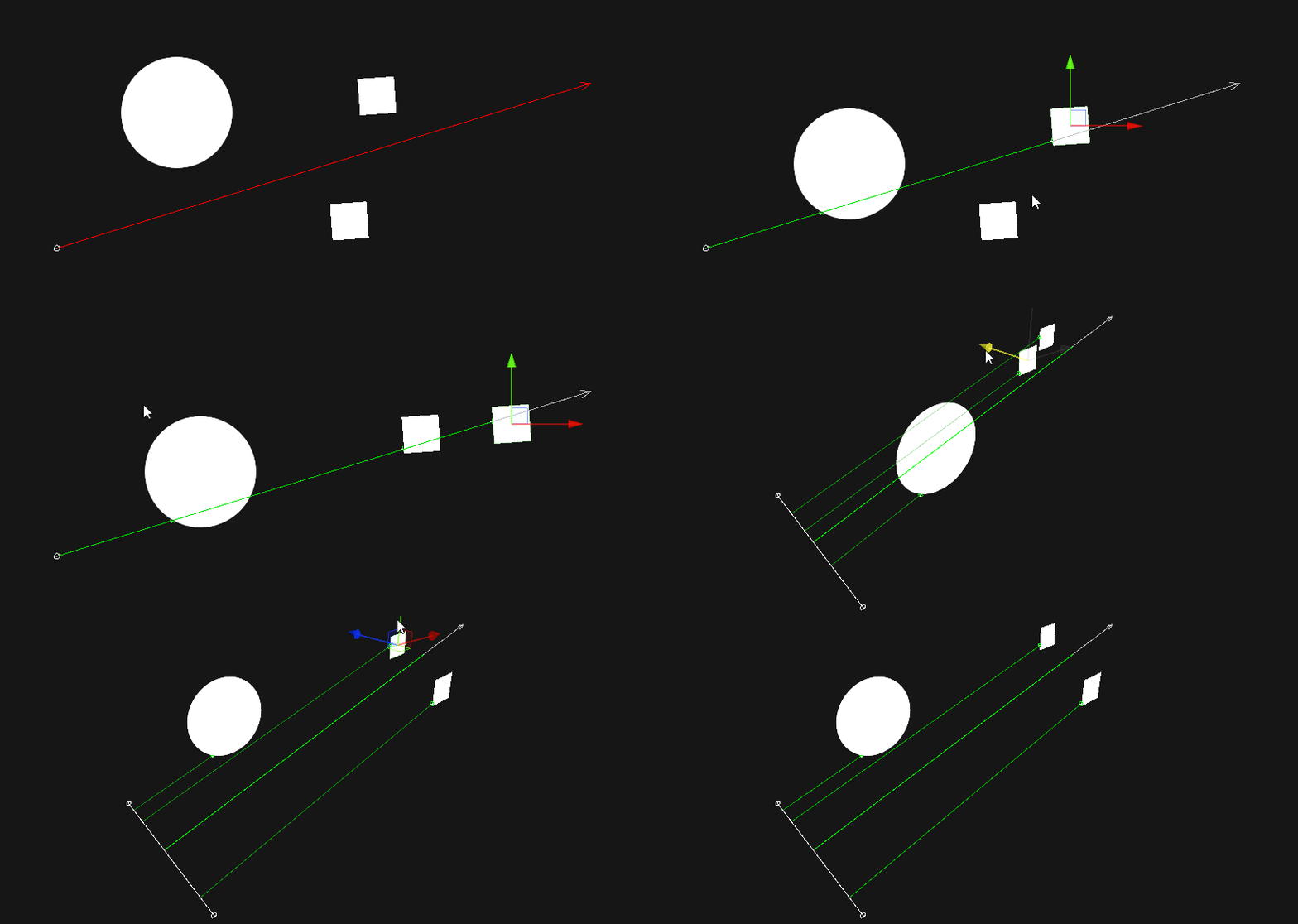
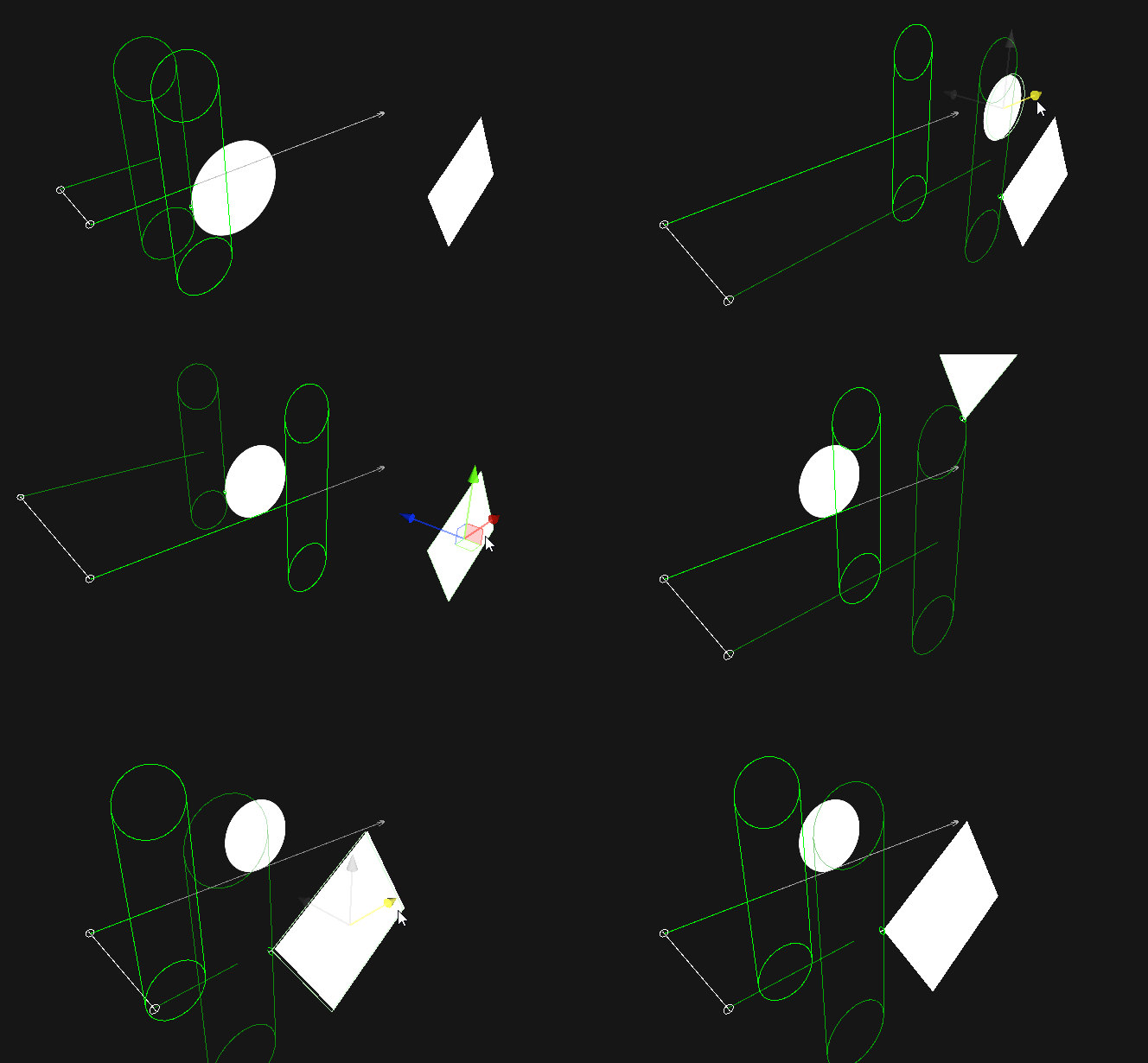
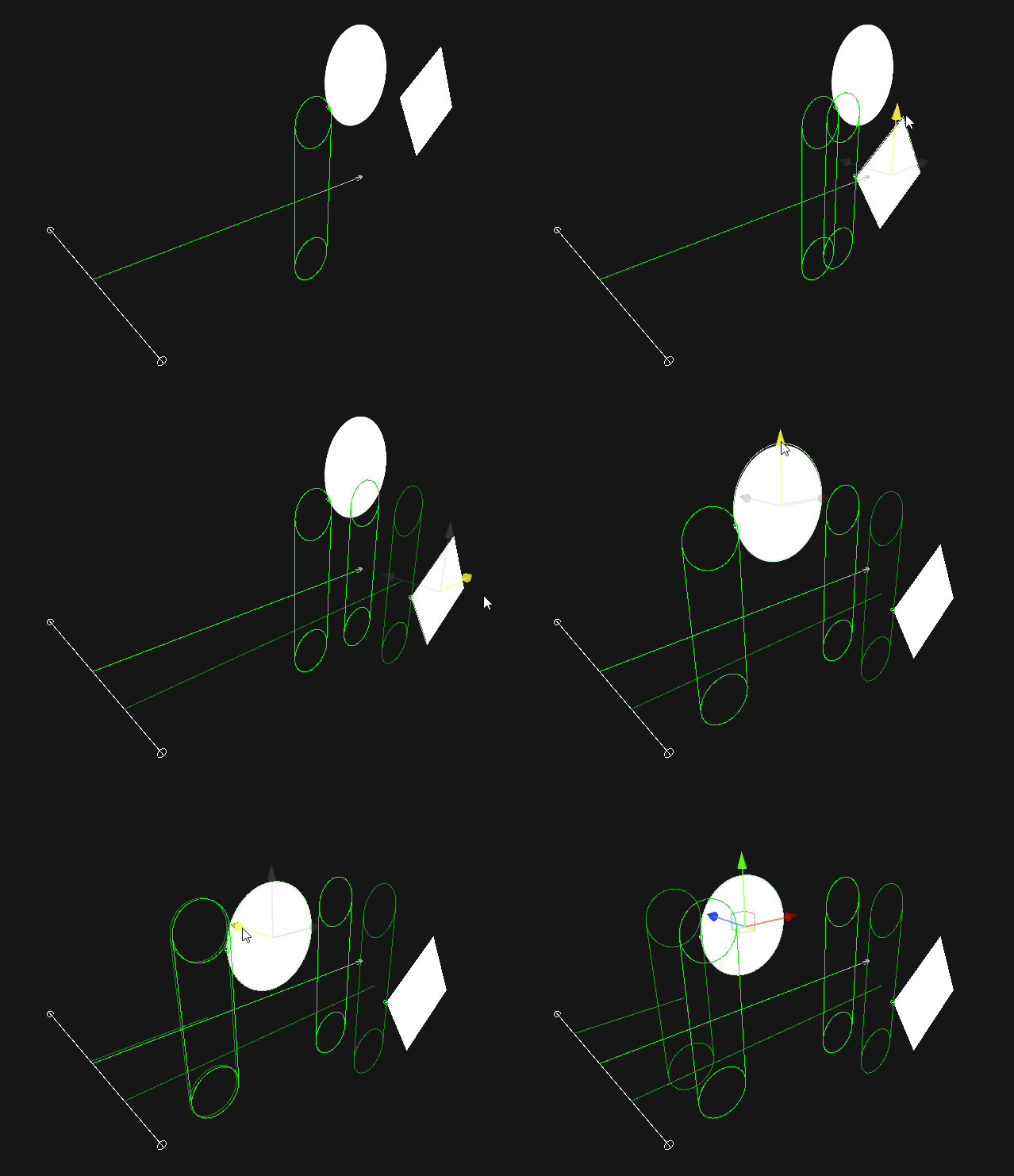
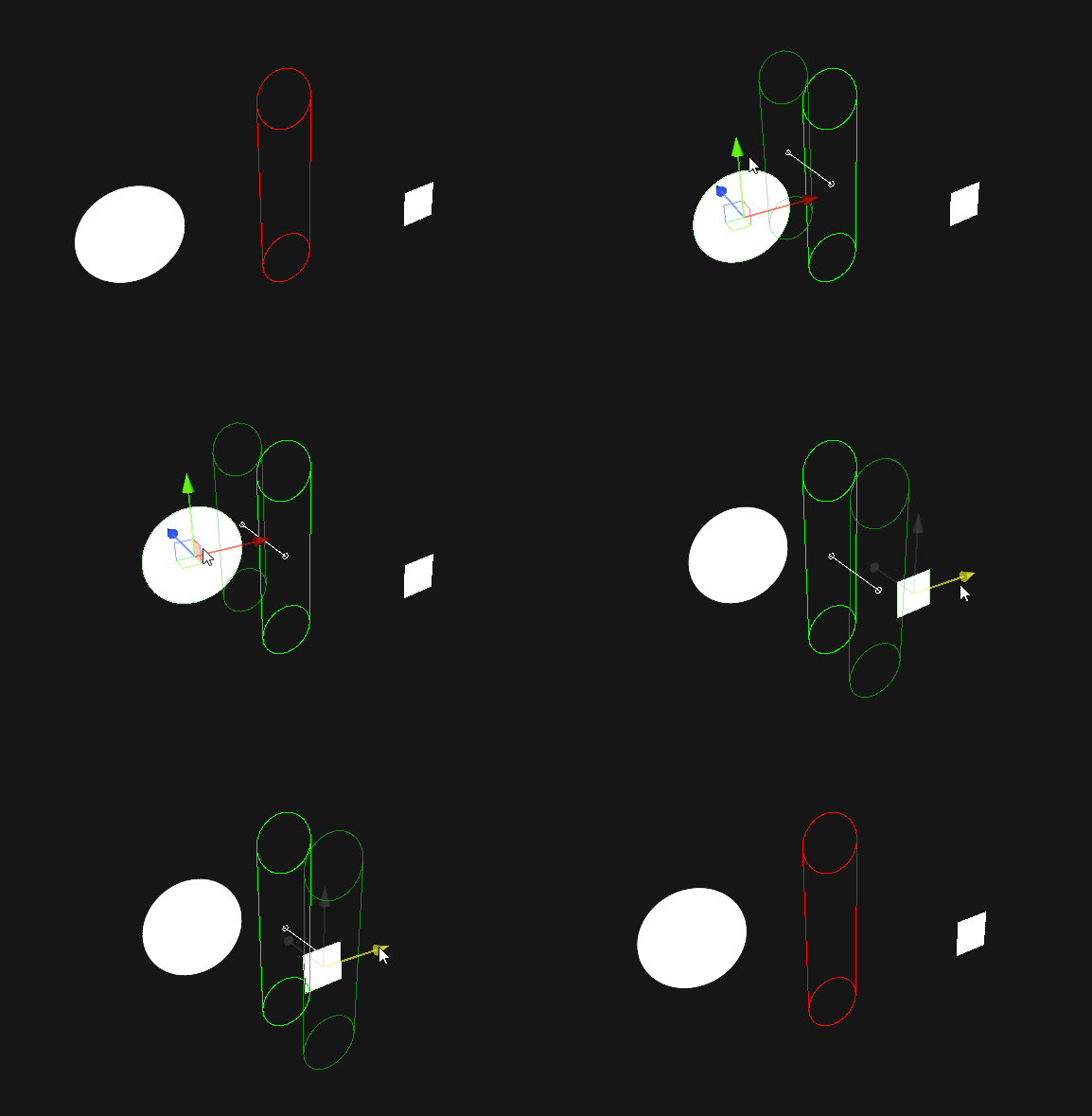
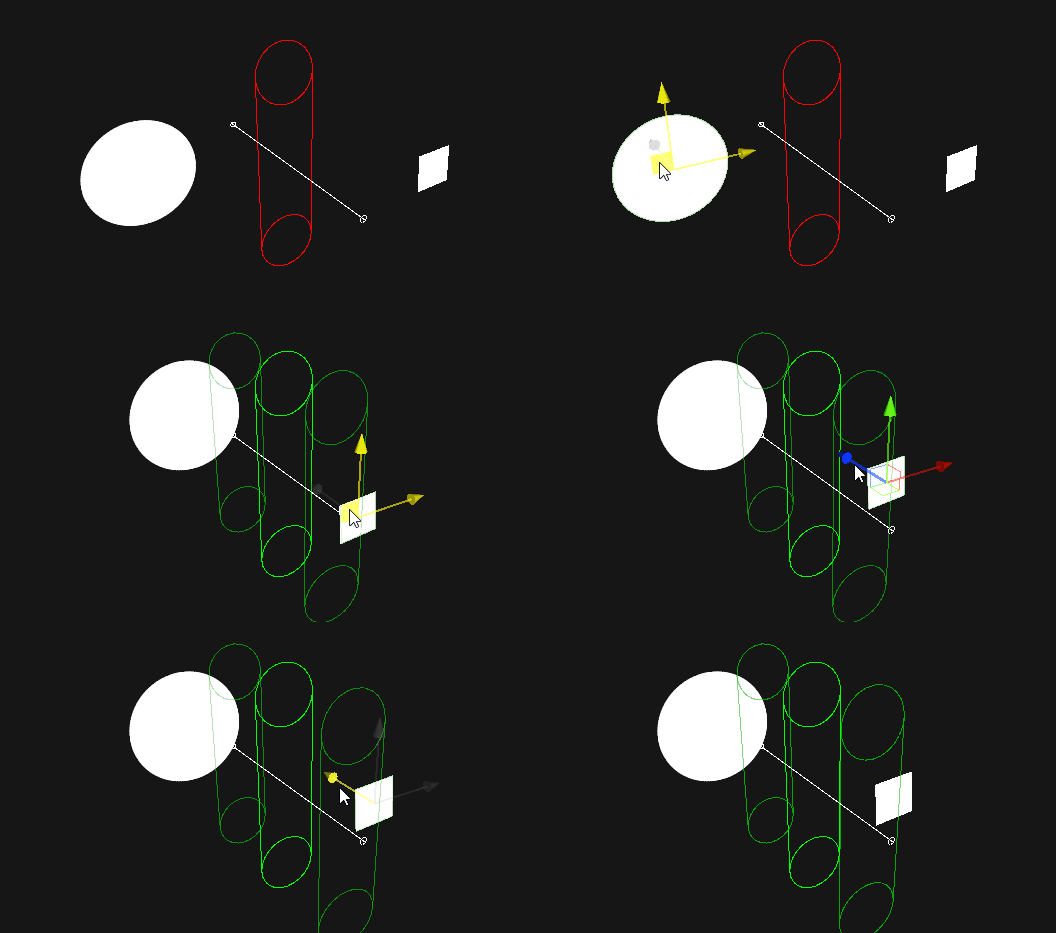
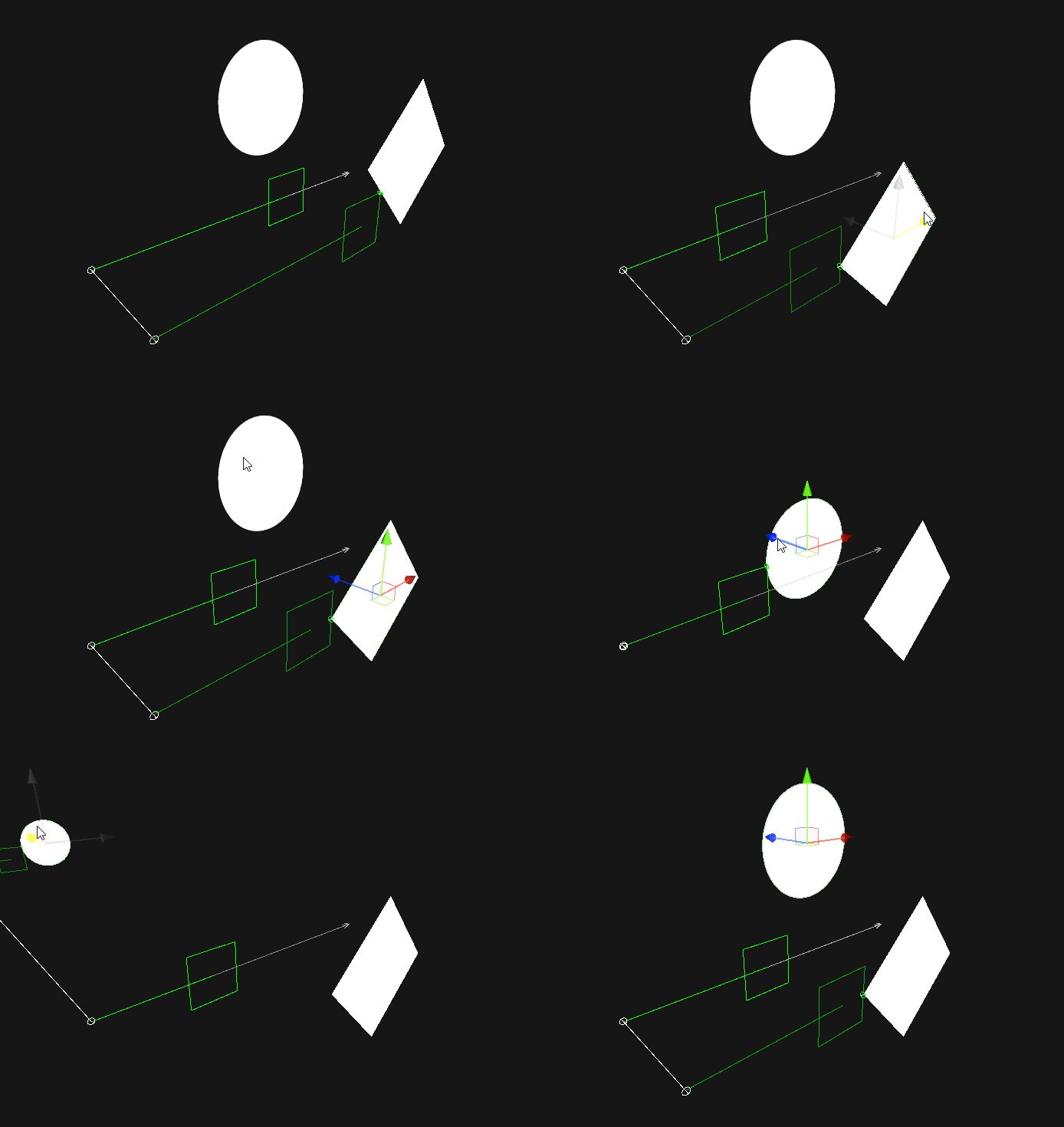
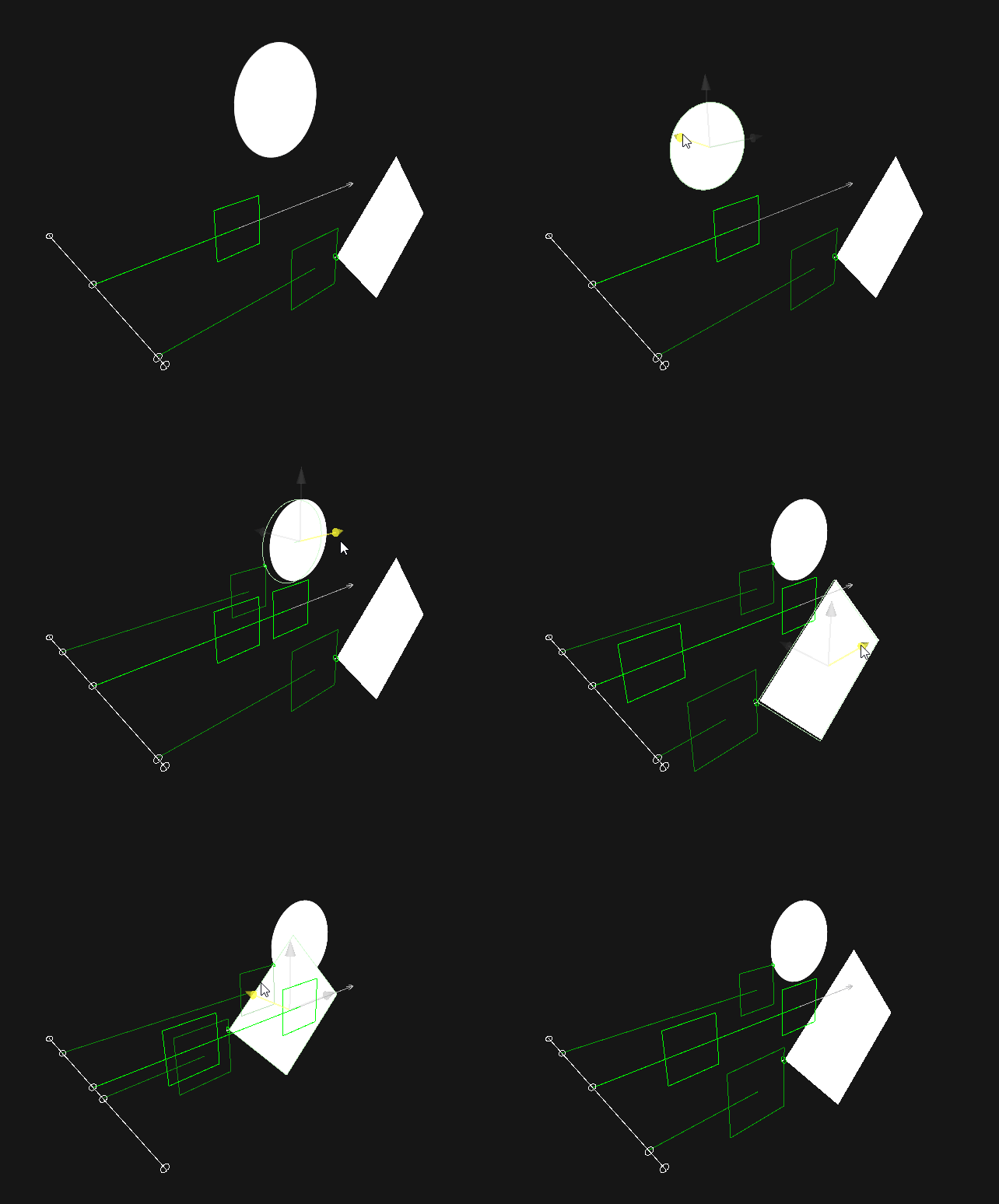
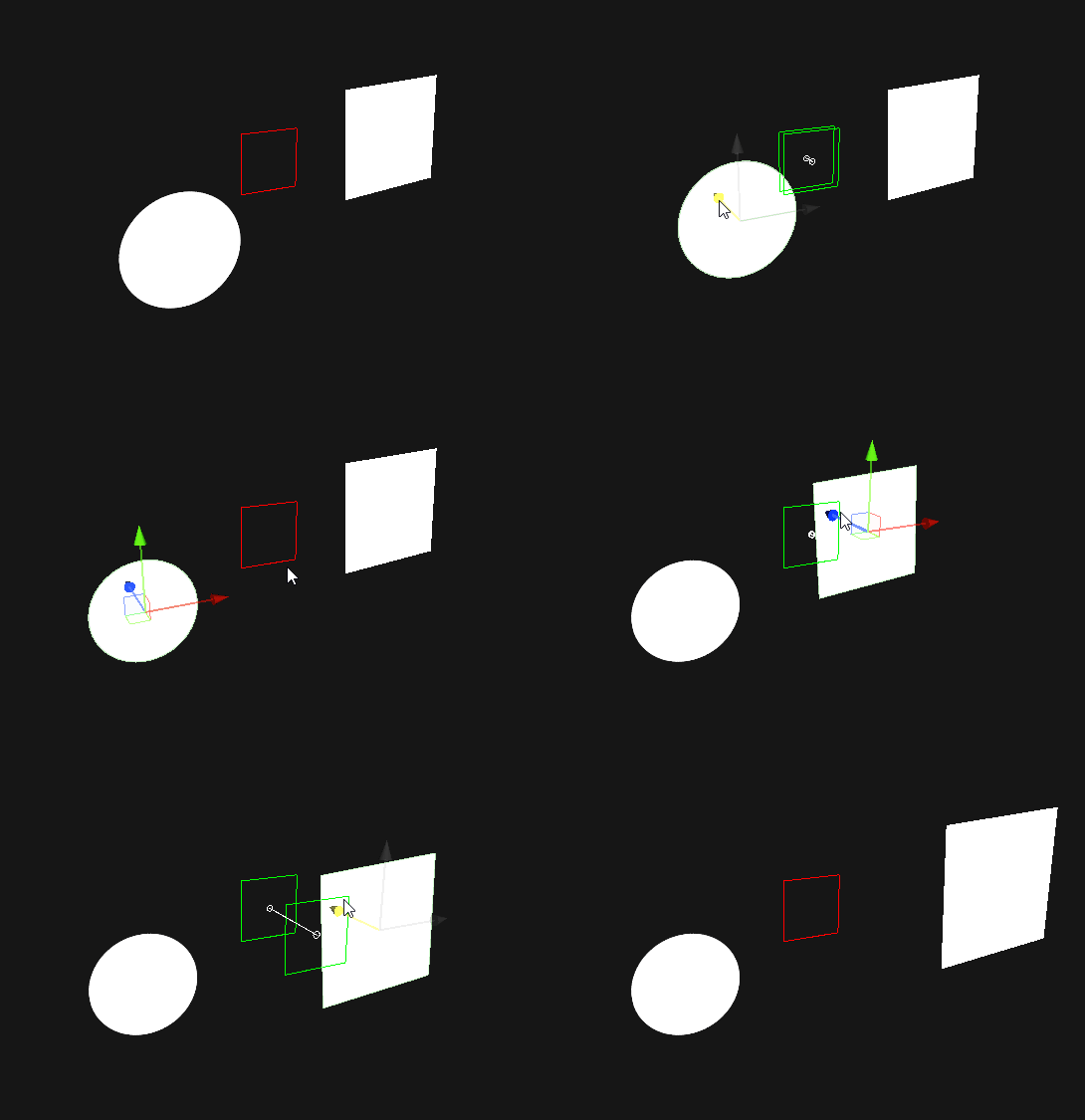
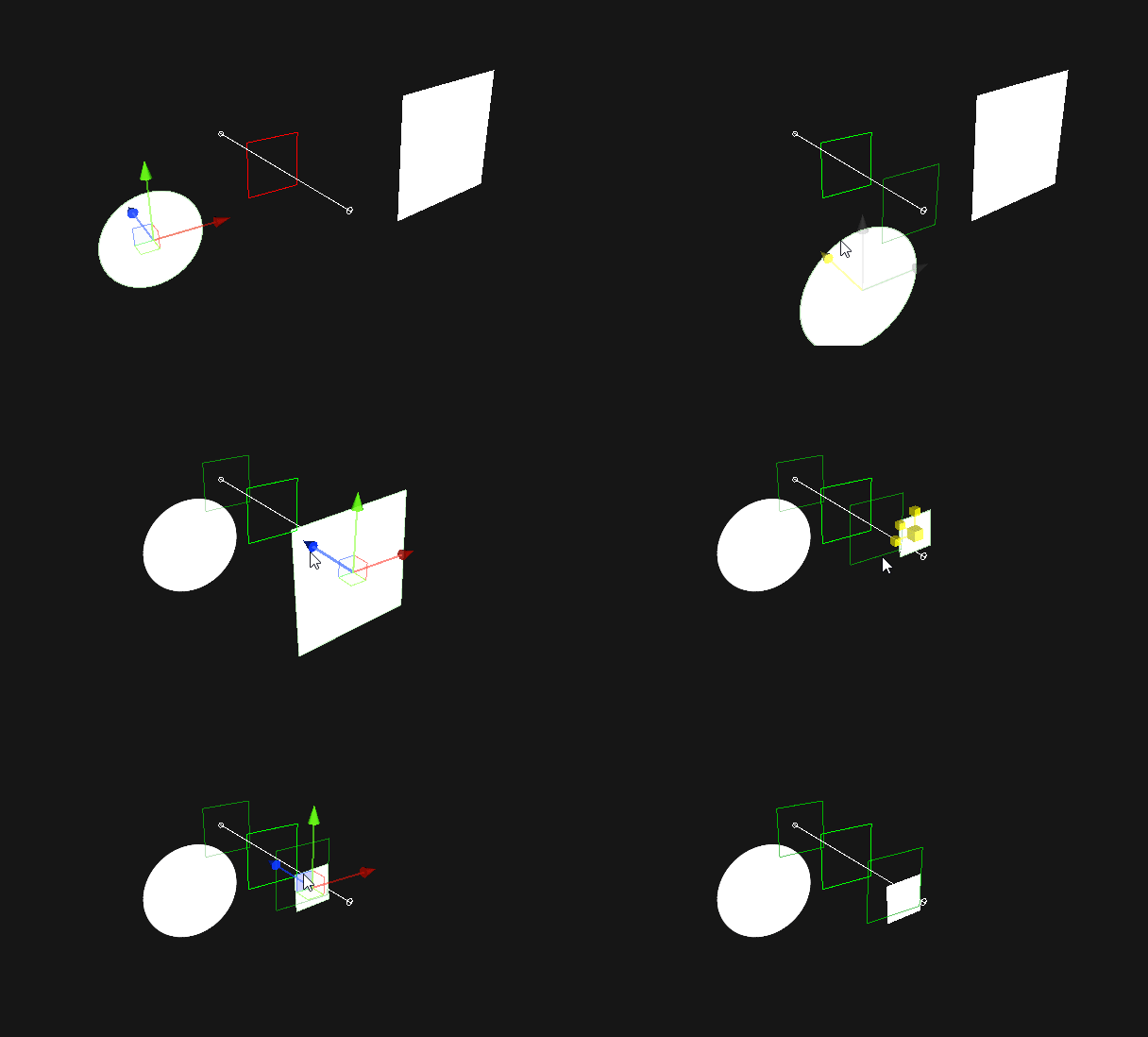
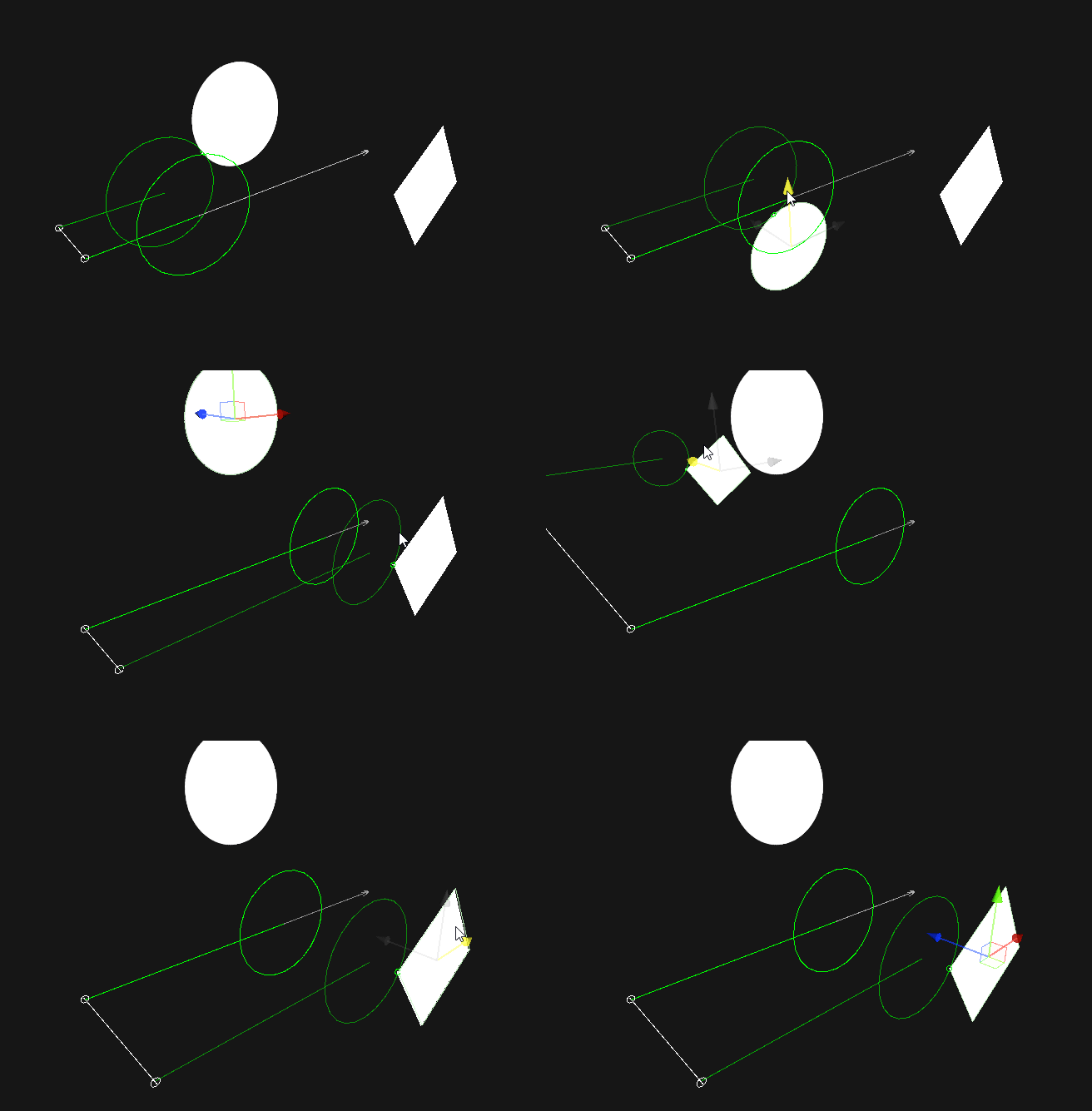
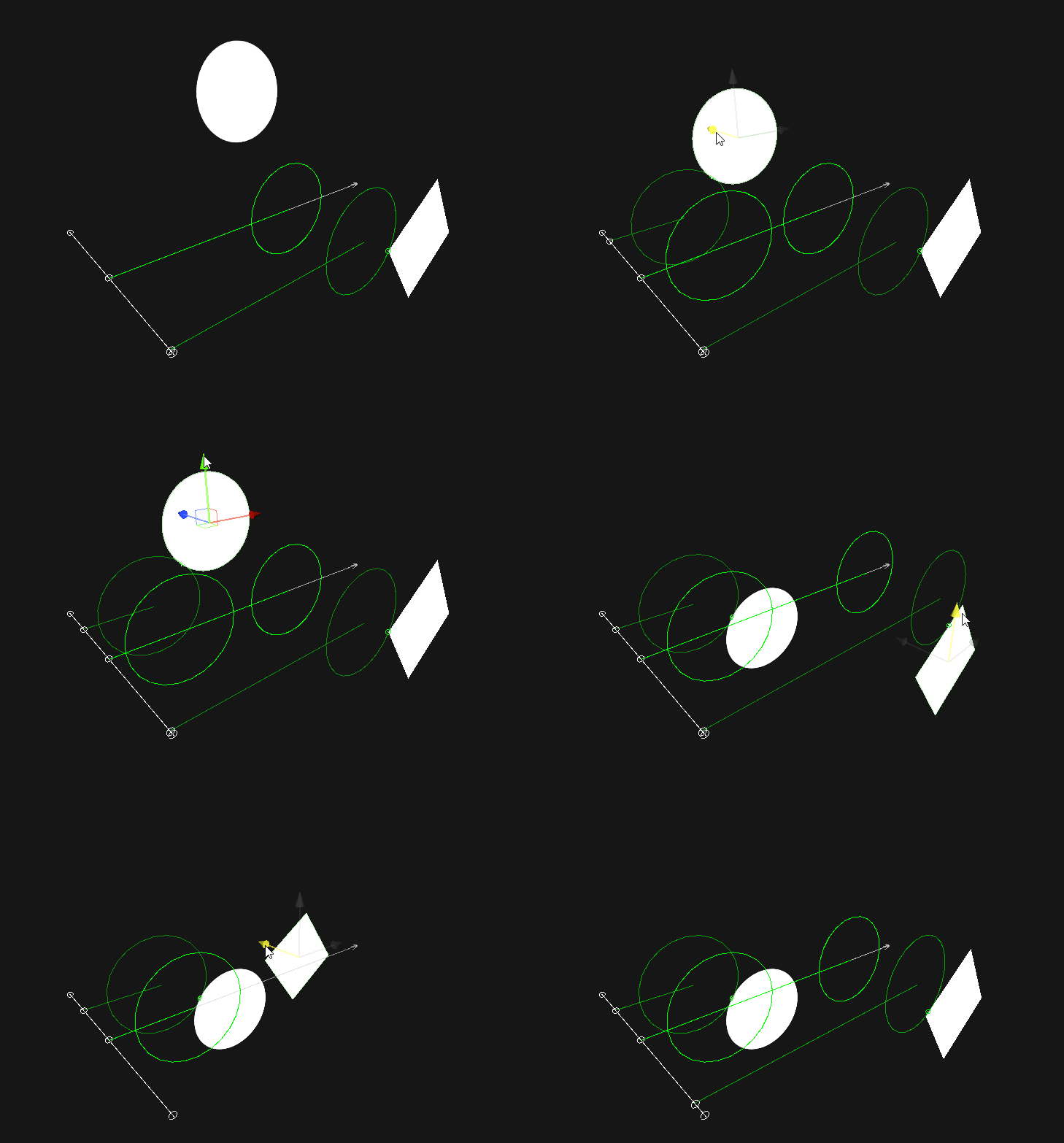
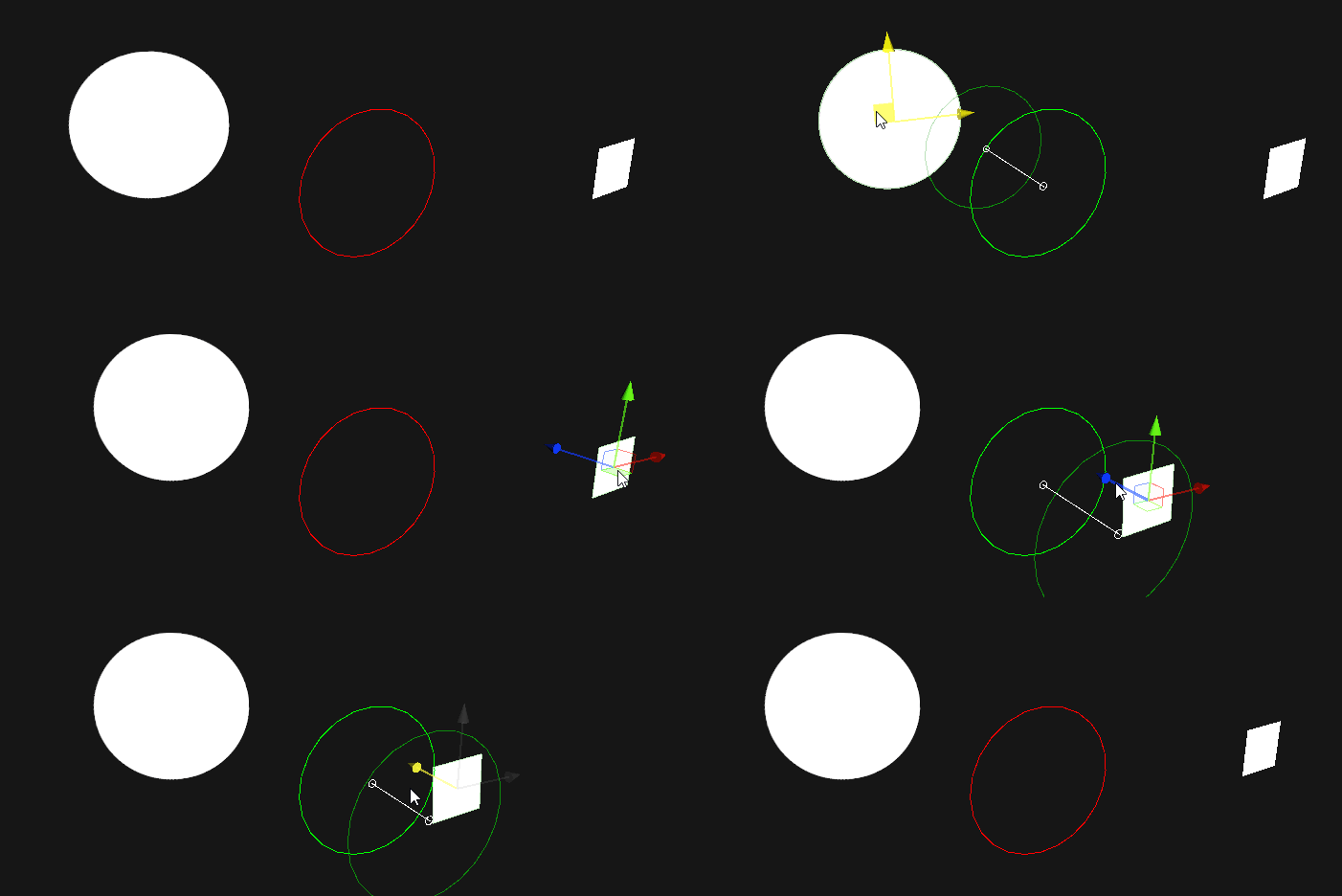
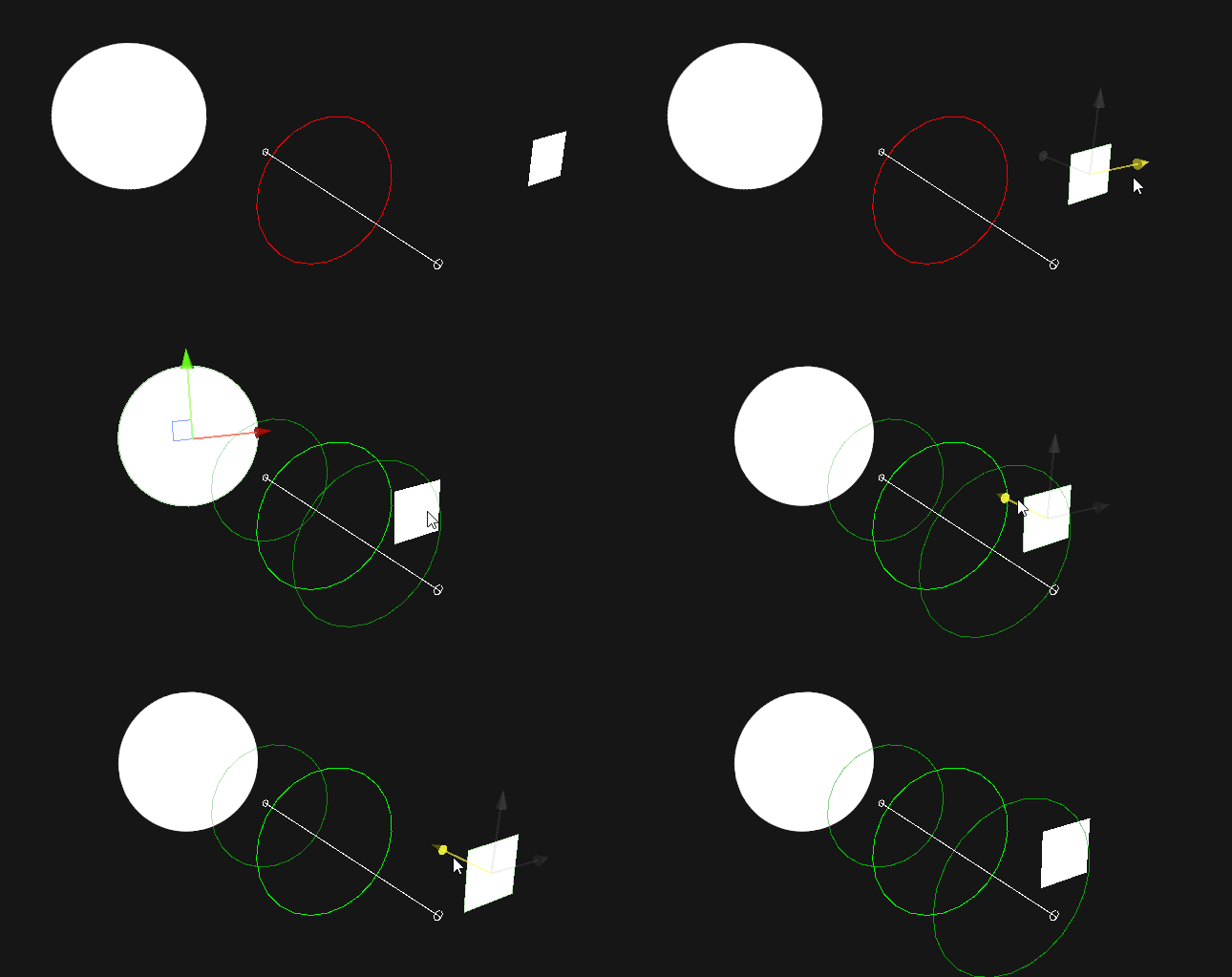
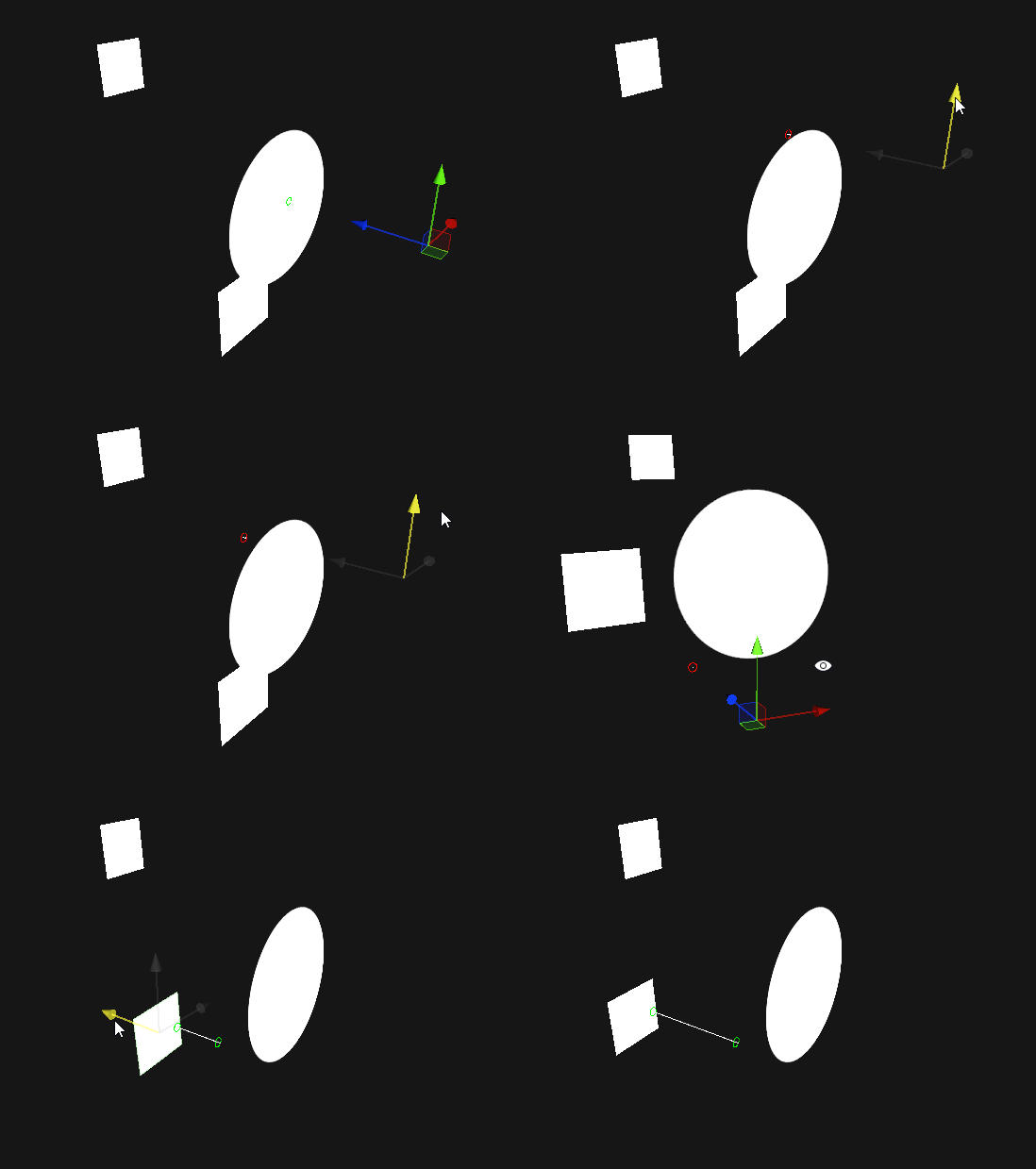
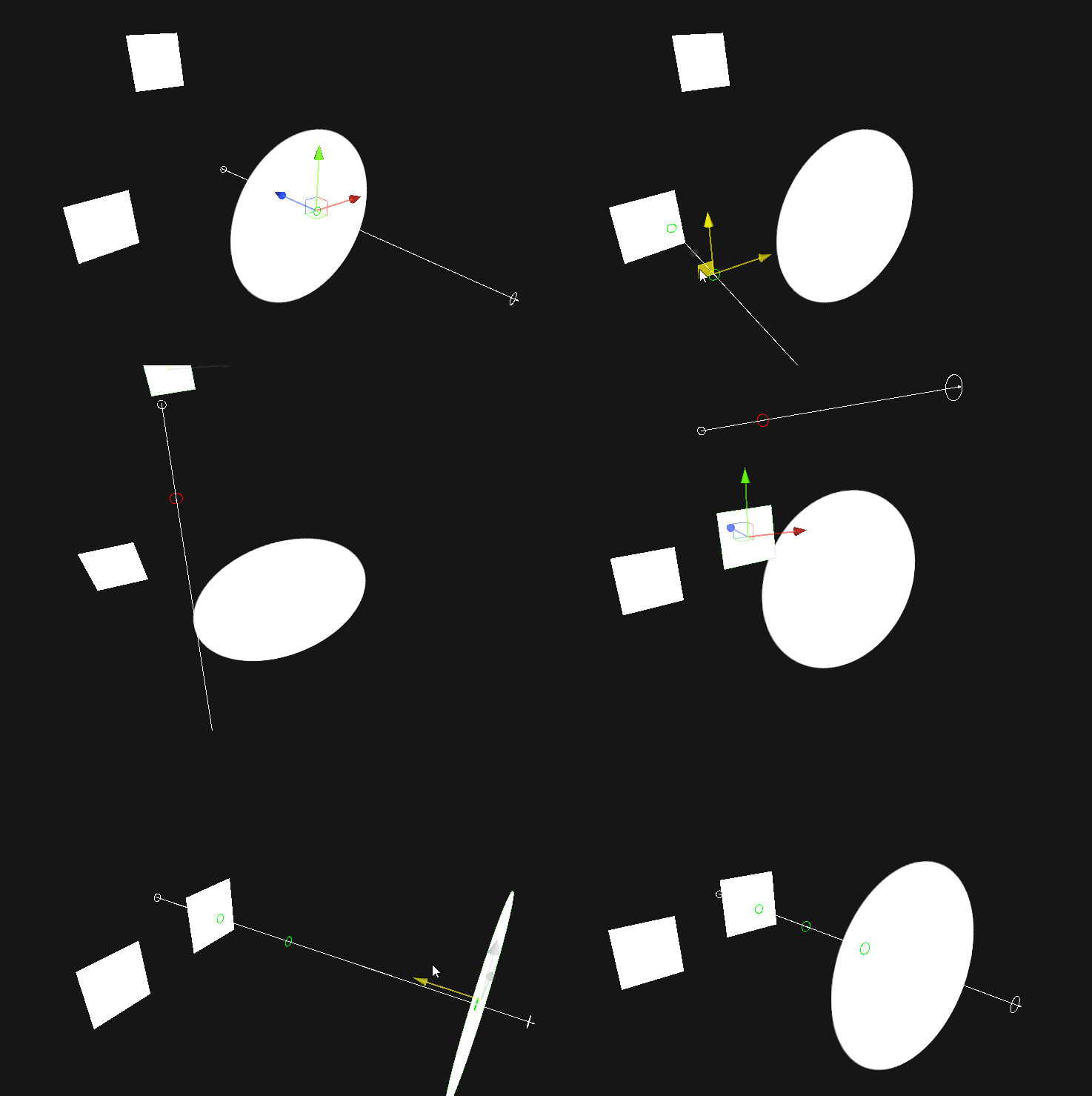
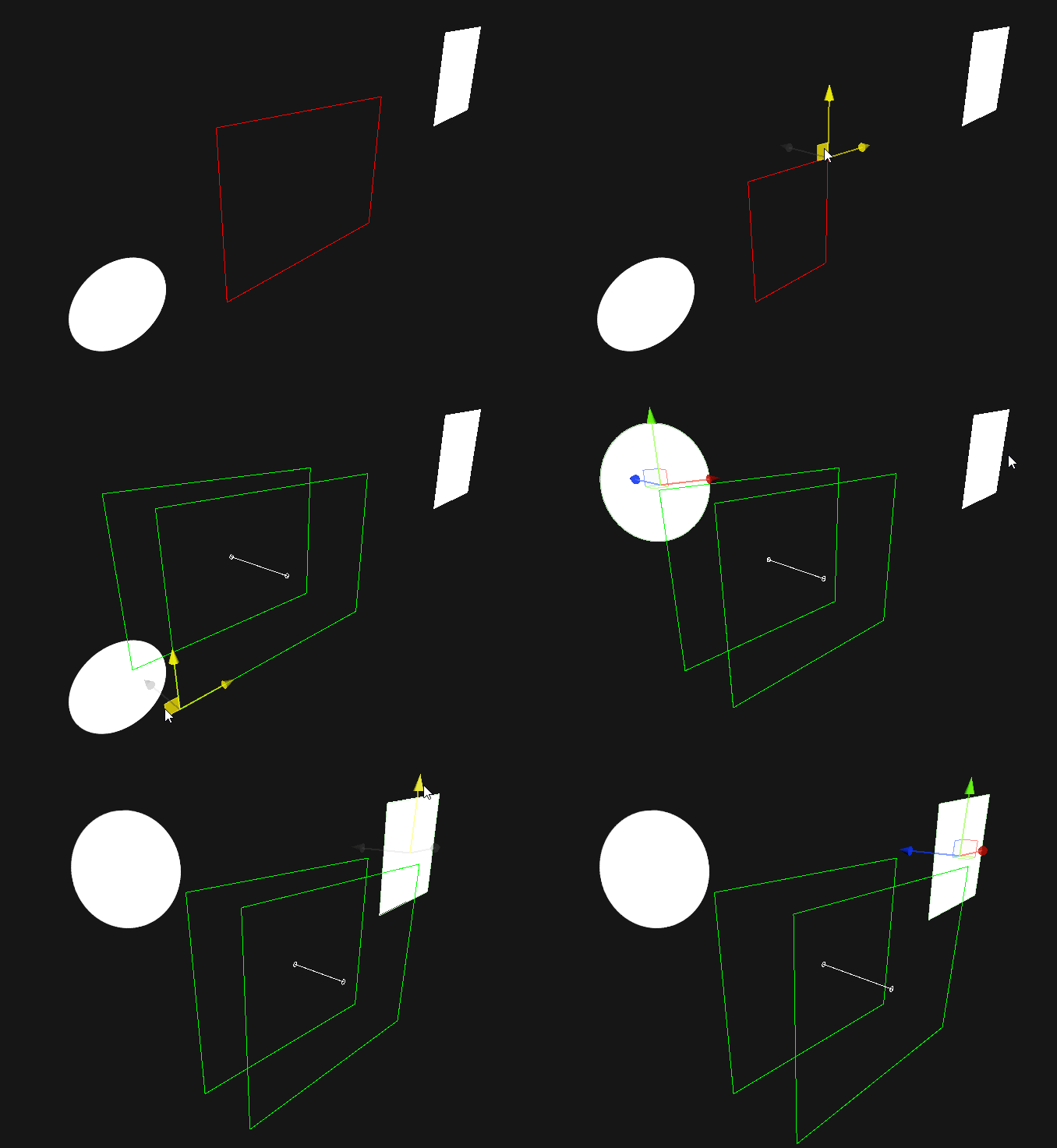
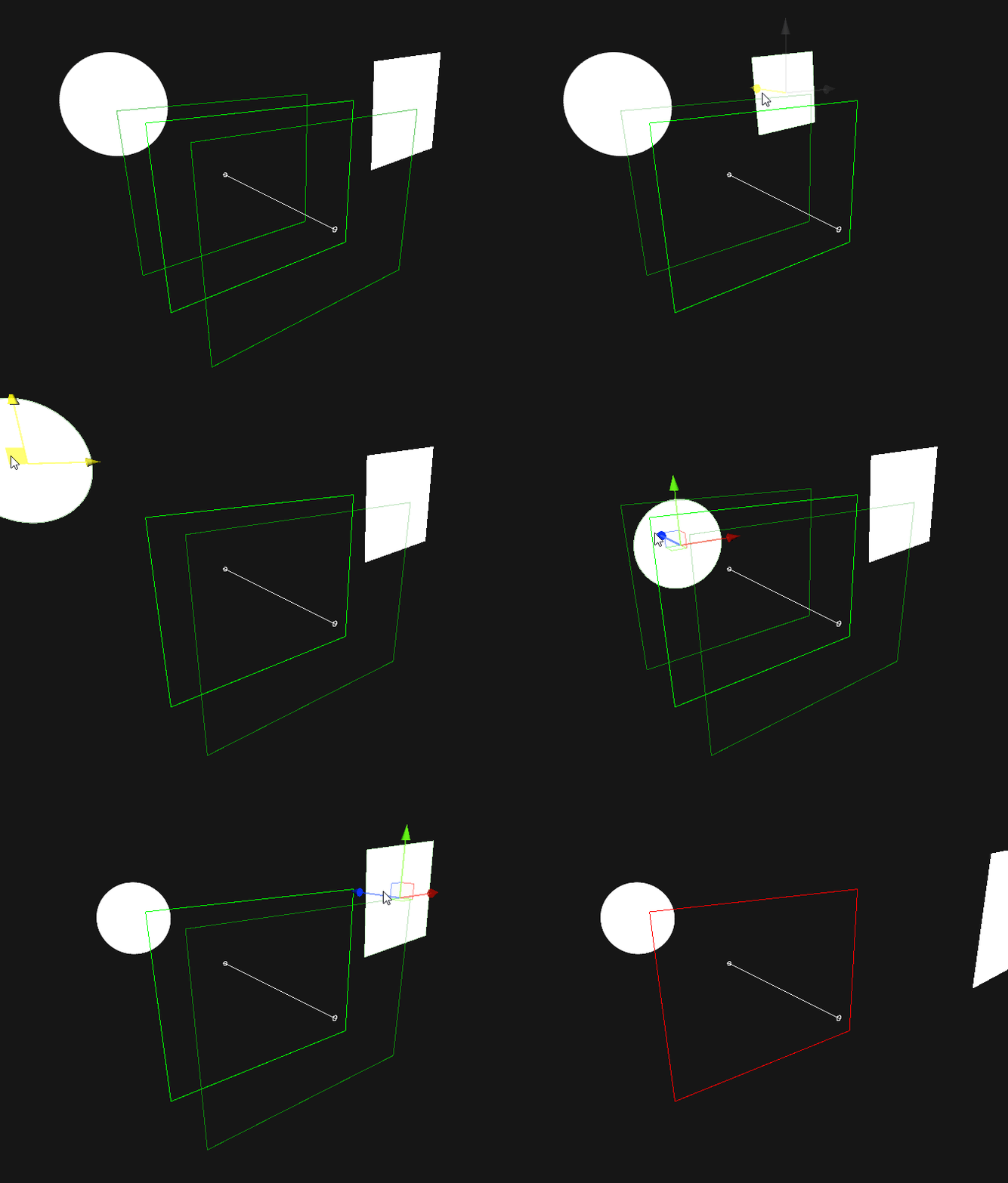
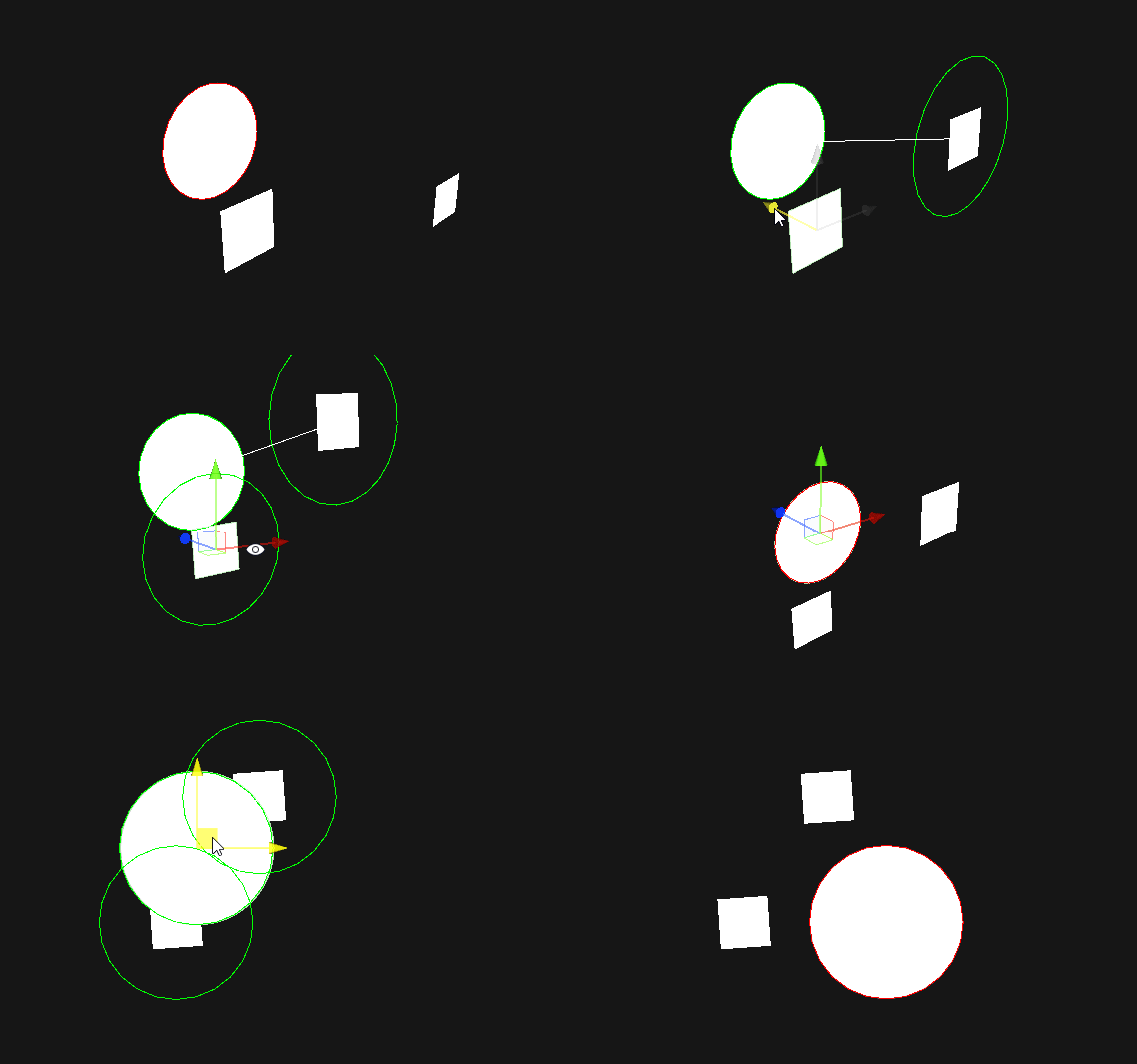
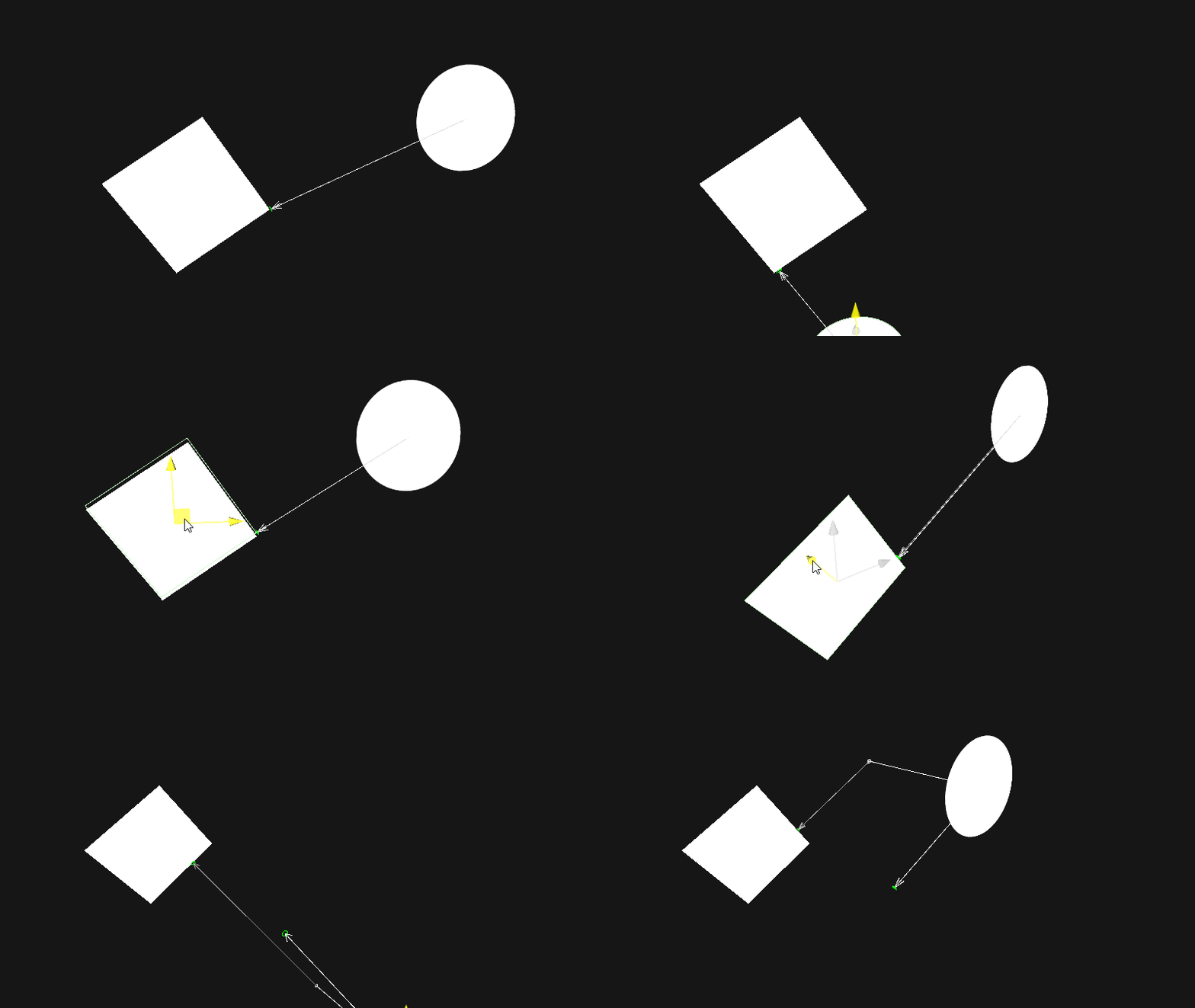
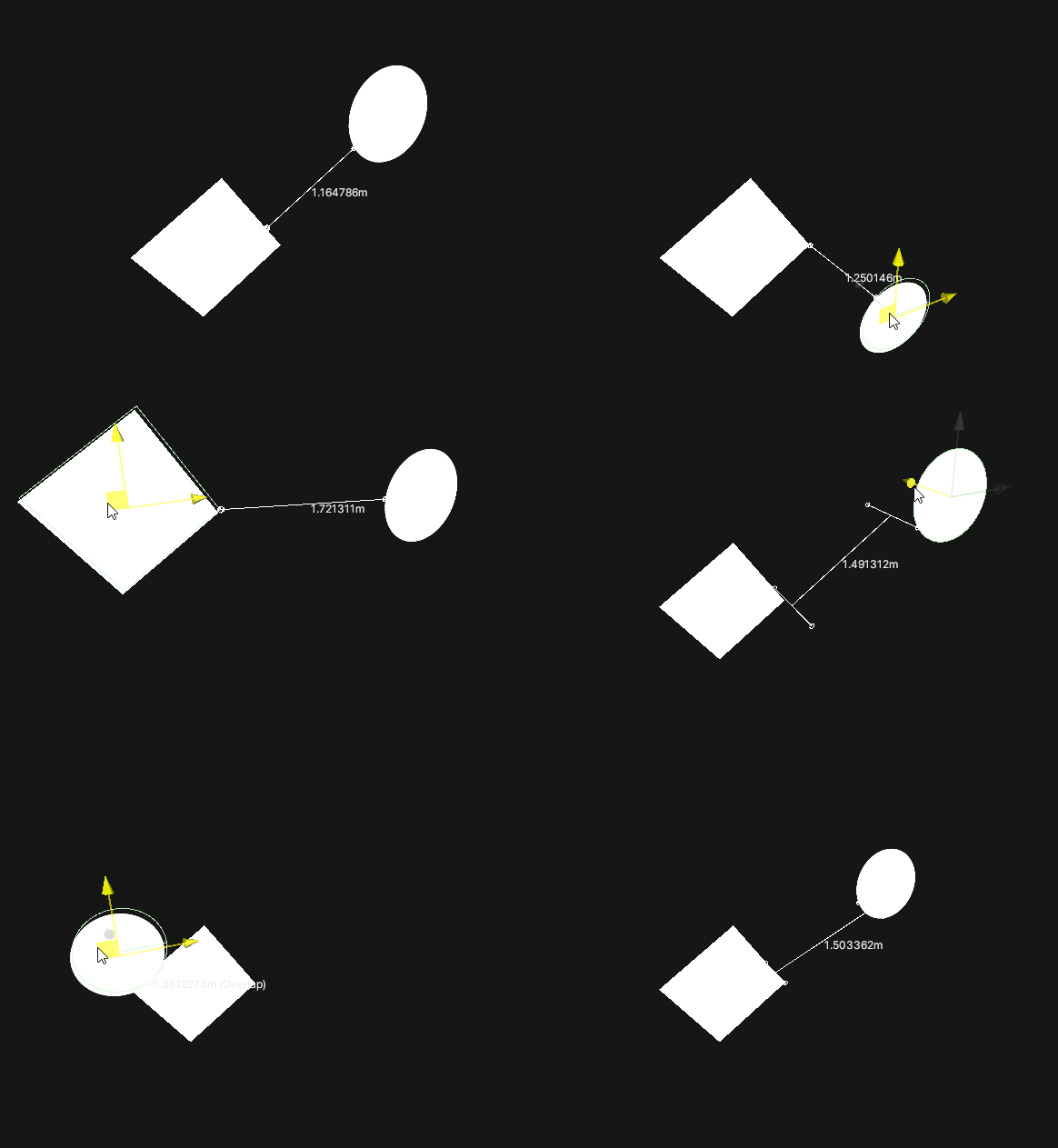
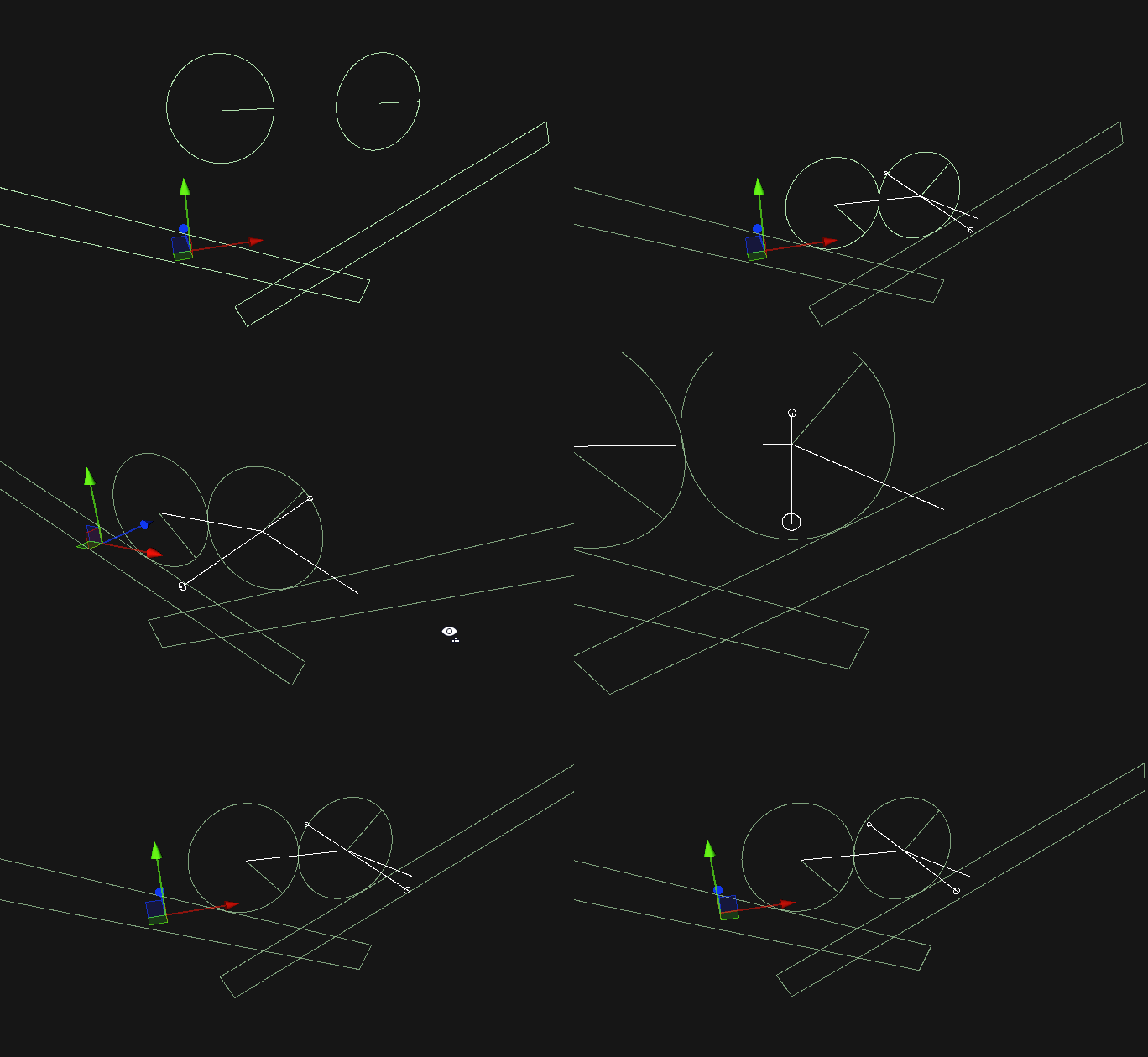

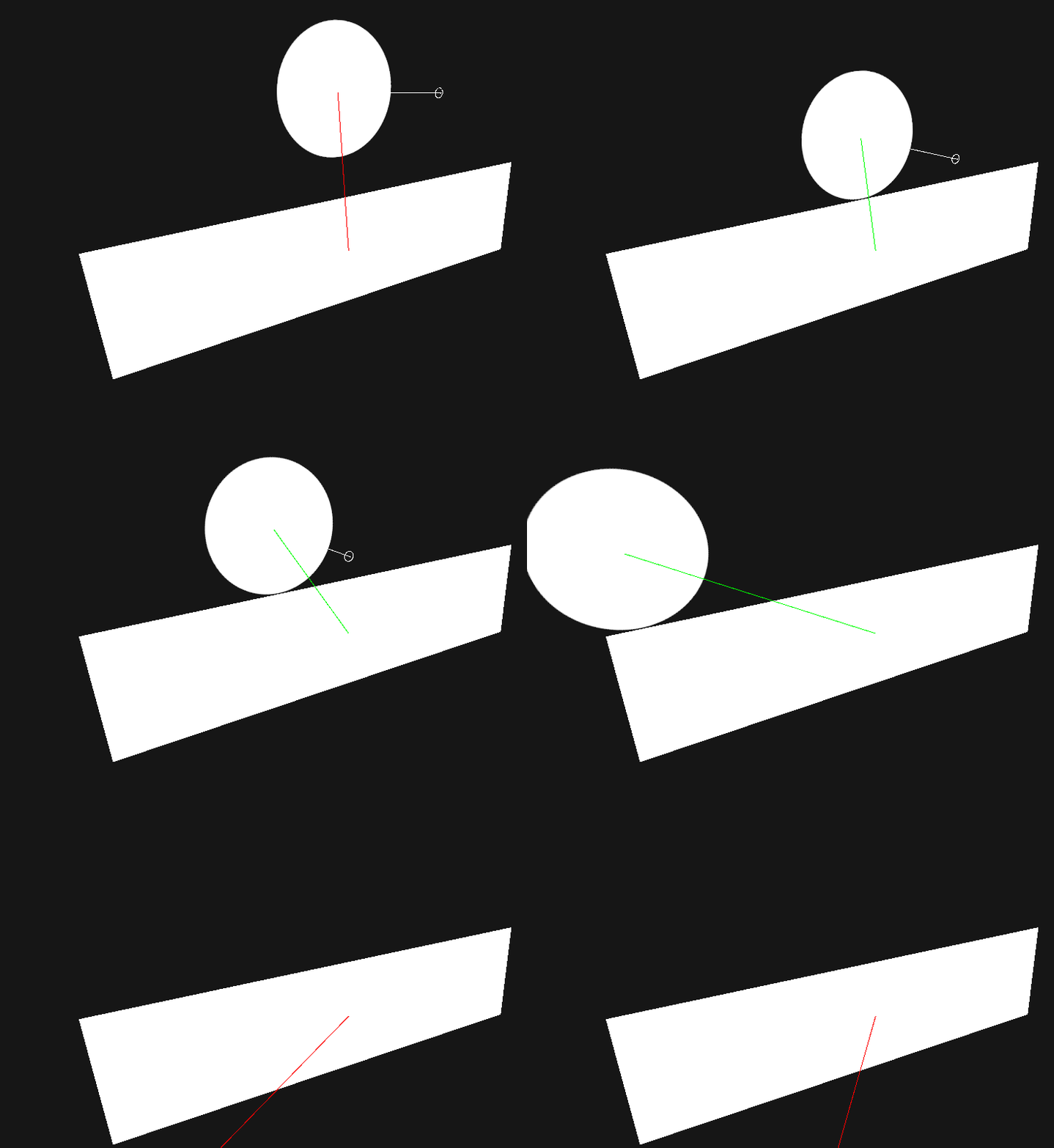
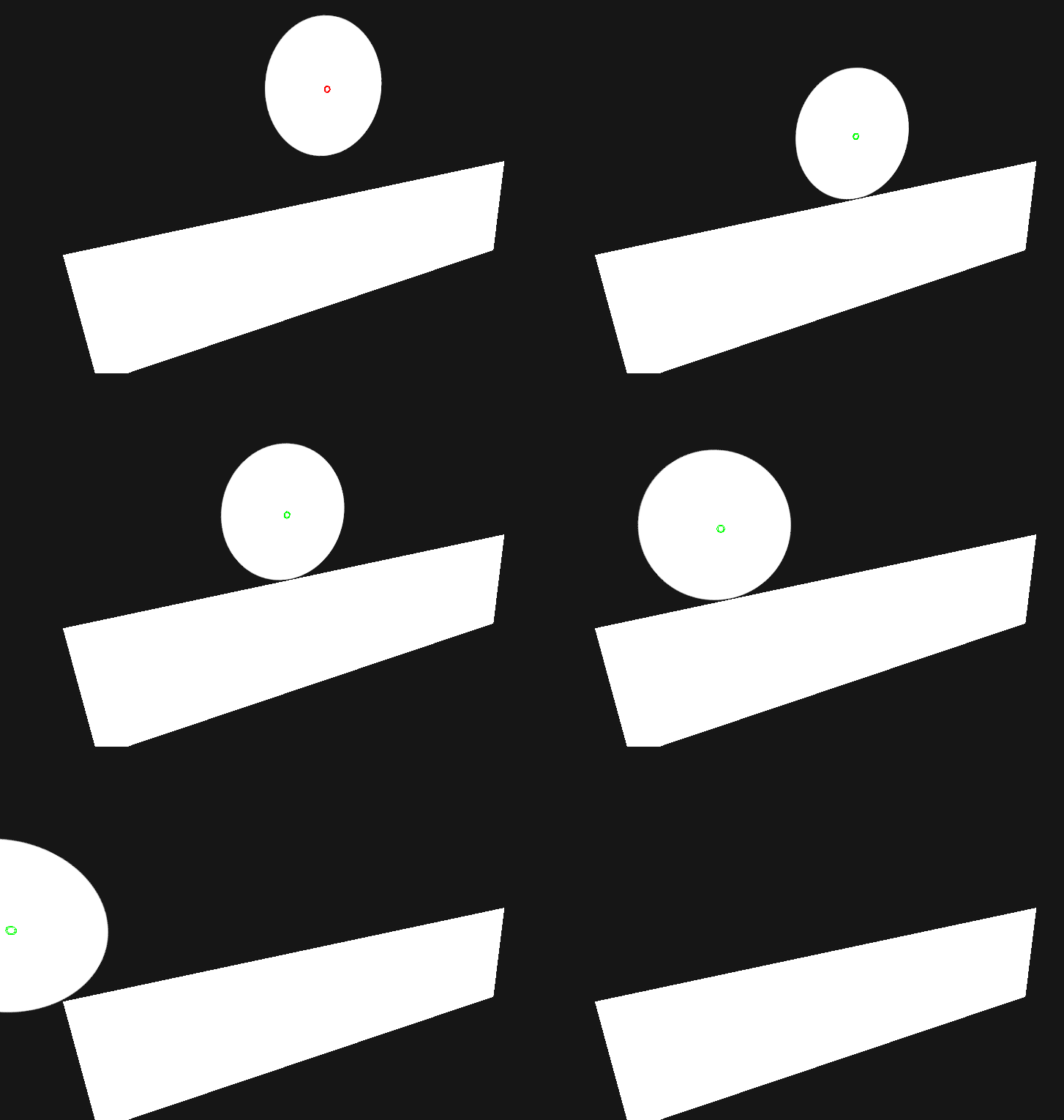
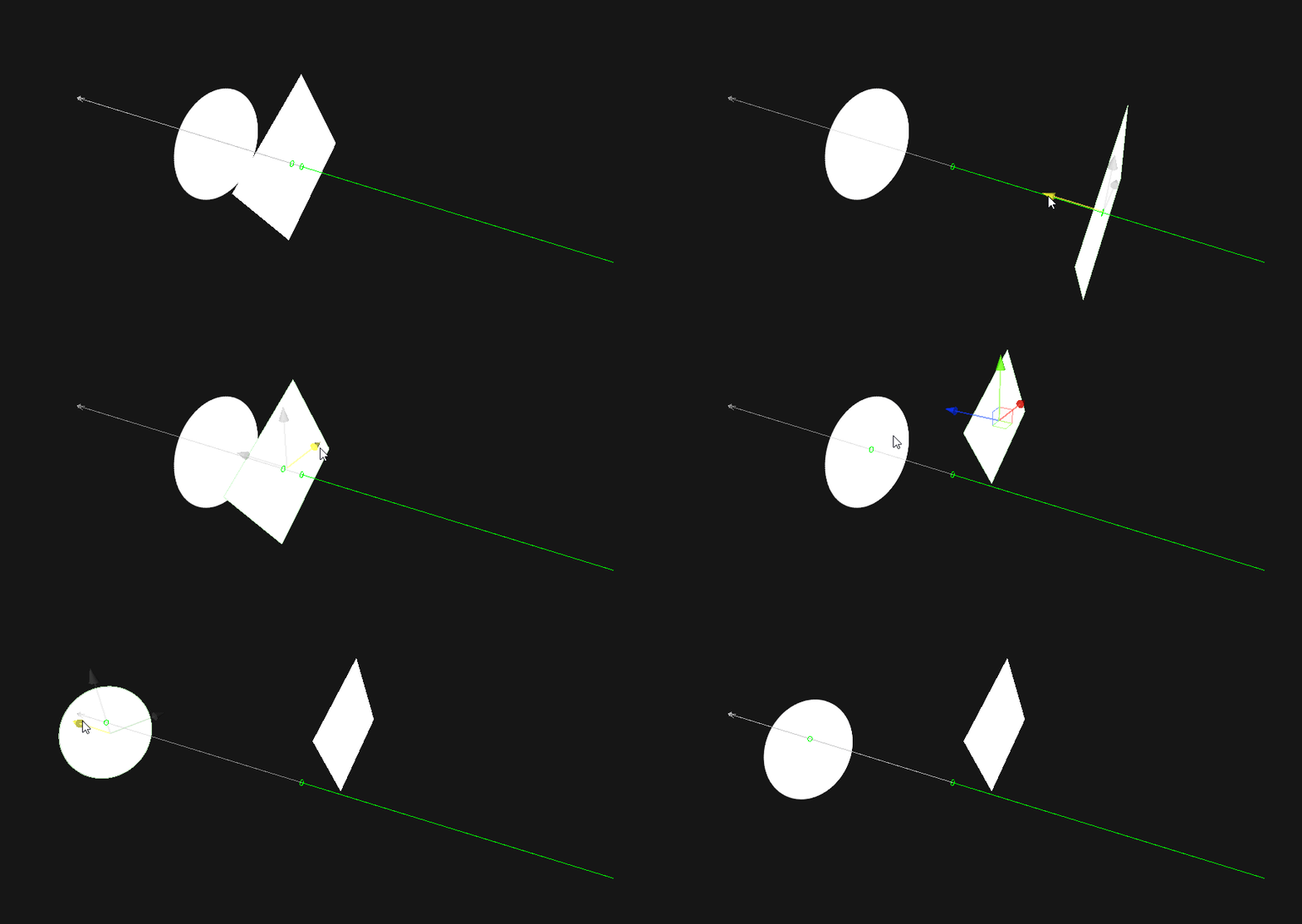
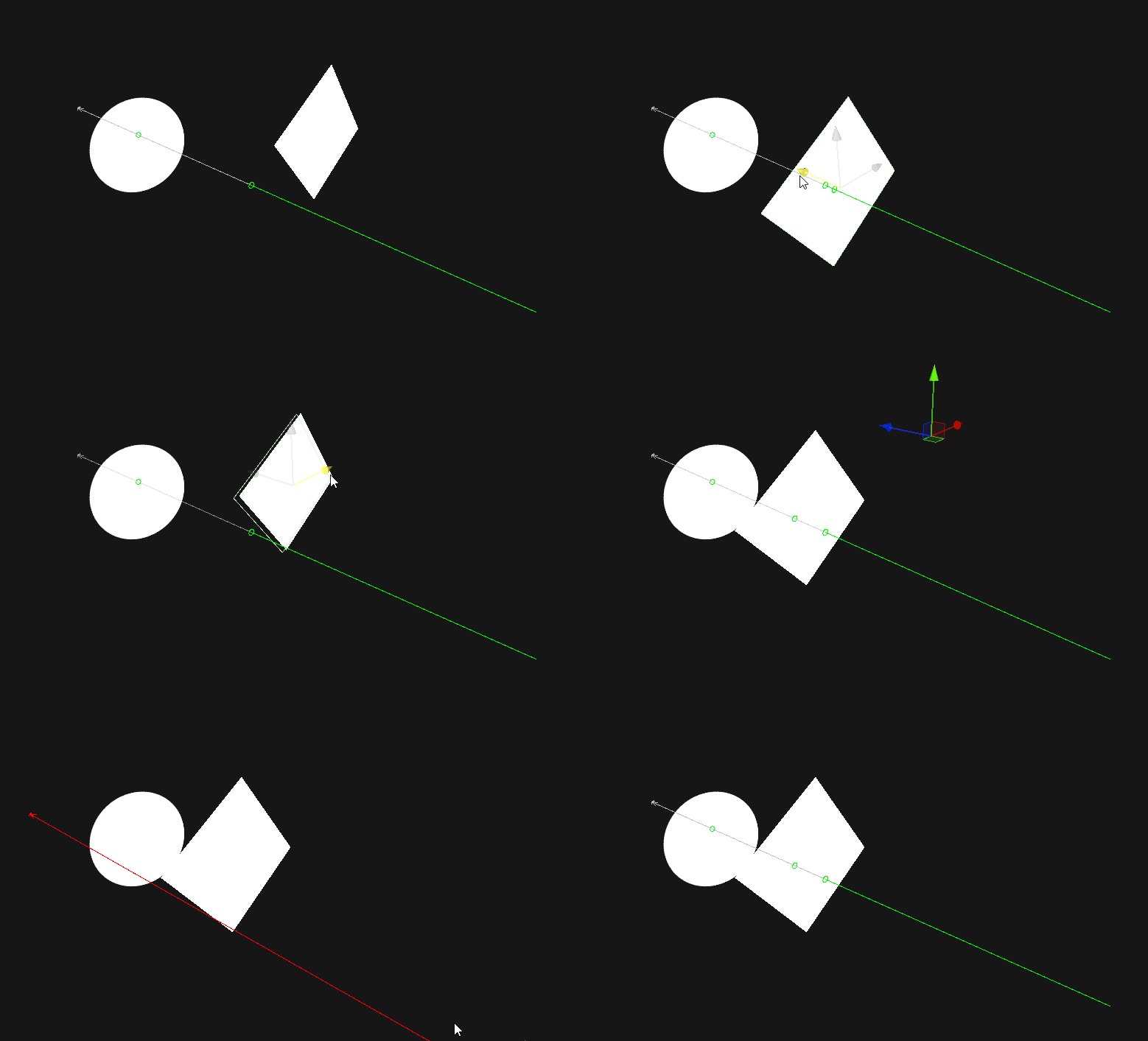
Window/Package ManagerTo get a visual to show up for a physics call simply do the following:
Physics. with VisualPhysics..Physics2D. with VisualPhysics2D..// Example
void SomeFunction() {
if (VisualPhysics.Raycast(position, direction)) {
Debug.Log("Hit!");
}
}You can also use a trick to automatically swap between the two APIs (useful for when you want to use the visual API in the editor, but the normal API in builds):
VisualPhysics in a build will use the normal Physics API, however the method call may not be inlined depending on the compiler's mood.#if UNITY_EDITOR
using Physics = Nomnom.RaycastVisualization.VisualPhysics;
#else
using Physics = UnityEngine.Physics;
#endif
void SomeFunction() {
if (Physics.Raycast(position, direction)) {
Debug.Log("Hit!");
}
}Using VisualLifetime.Create(seconds) you can define how long a cast will display for:
// will display the raycast for a second, rather than a single frame
using (VisualLifetime.Create(1f)) {
    if (VisualPhysics.Raycast(position, direction)) {
        Debug.Log("Hit");
    }
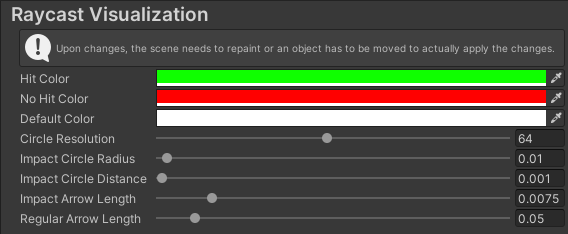
}The user options are located under Edit/Preferences/RaycastVisualization