vue editor js
Can change holder ID

Vue-editor-JS เป็นองค์ประกอบ wrapper EditorJS
โปรดตรวจสอบสิ่งนี้ก่อน https://editorjs.io/
ปลั๊กอินนี้เป็นส่วนประกอบ wrapper สำหรับ editorJs หากคุณต้องการใช้ปลั๊กอินสำหรับ editor.js จากนั้นนำเข้าและตั้งค่าคุณสมบัติกำหนดค่า
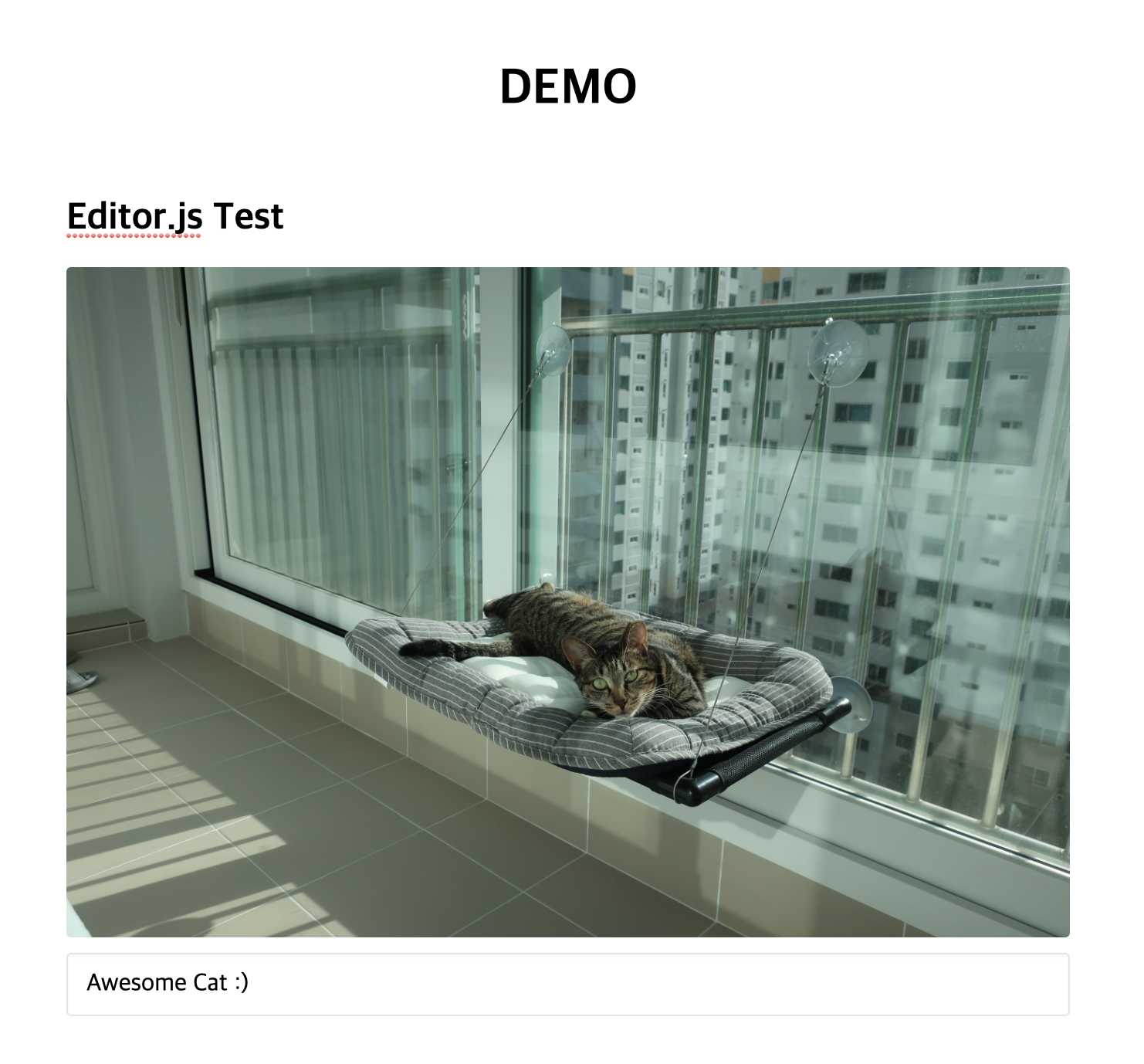
โปรดดู demo.vue
โปรดใช้ Vue.use vue-editor-js ใน main.js
 # NPM
npm install --save vue-editor-js

# or Yarn
yarn add vue-editor-js // ...
import Editor from 'vue-editor-js'
Vue . use ( Editor )
// ... // in nuxt.config.js
plugins: [
{
src : '~/plugins/vue-editor.js' , ssr : false
}
] ,
// in ~/plugins/vue-editor.js
import Vue from 'vue'
import Editor from 'vue-editor-js'
Vue . use ( Editor ) < editor ref="editor" : config = " config " : initialized = " onInitialized " />กำหนดฟังก์ชันการเริ่มต้นเพื่อรับอินสแตนซ์ของ editor.js เมื่อเริ่มต้น
หากคุณสับสนกับการใช้มันกับ Nuxt โปรดดูที่นี่
หากคุณต้องการนำเข้าเครื่องมือแก้ไขบนองค์ประกอบเดียวคุณสามารถทำได้โดยทำตามคำแนะนำด้านล่าง
@vue/composition-api # NPM
npm i --save @vue/composition-api
# or Yarn
yarn add @vue/composition-api import Vue from 'vue'
import VueCompositionApi from '@vue/composition-api'
Vue . use ( VueCompositionApi )'vue-editor-js' ใน main.js import { Editor } from 'vue-editor-js'
export default {
// ...
components : {
Editor ,
} ,
// ...
} เหมือนกับในปลั๊กอินที่รองรับ แต่มีการตั้งชื่อที่แตกต่างกัน
 # NPM
npm install --save @editorjs/header

# or Yarn
yarn add @editorjs/header< editor
...
: config = " {
tools: {
header: require ( ' @editorjs/header ' )
}
} "
/>< template >
< div id = " app " >
< Editor ref = " editor " :config = " config " />
< button @click = " invokeSave " >Save</ button >
</ div >
</ template >
< script >
export default {
methods : {
invokeSave () {
this . $refs . editor . _data . state . editor . save ()
. then (( data ) => {
// Do what you want with the data here
console . log (data)
})
. catch ( err => { console . log (err) })
}
},
}
</ script > สำหรับการอัปโหลดรูปภาพคุณจะต้องแบ็กเอนด์สำหรับการประมวลผลภาพ Vue-editor-JS จัดเตรียม config พิเศษเพื่อความสะดวก หากคุณกำลังทดสอบเซิร์ฟเวอร์ของคุณเพื่ออัปโหลดรูปภาพโปรดดูตัวอย่างเซิร์ฟเวอร์
< editor : config = " config " />

< script >
...
data () {
  return {
      config : {
        image : {
          // Like in https://github.com/editor-js/image#config-params
          endpoints : {
            byFile : ' http://localhost:8090/image ' ,
            byUrl : ' http://localhost:8090/image-by-url ' ,
          },
          field : ' image ' ,
          types : ' image/* ' ,
        },
      }
  }
}
</ script > config: {
personality: {
endpoints: 'http://localhost:8090/image'
} 
สนุกกับ editorjs ด้วยโครงการ vue.js?
หรือ
ผู้มีส่วนร่วมที่เก็บข้อมูลนี้สามารถใช้ใบอนุญาต Wallaby.js OSS เพื่อรับผลการทดสอบทันทีที่คุณพิมพ์และดูผลลัพธ์ในโปรแกรมแก้ไขของคุณติดกับรหัสของคุณ






