vue editor js
Can change holder ID

vue-editor-js는 editorjs 래퍼 구성 요소입니다.
먼저 검토하십시오. https://editorjs.io/
이 플러그인은 editorjs의 래퍼 구성 요소입니다. editor.js에 플러그인을 사용해야하는 경우 가져 와서 구성 속성을 설정하십시오.
Demo.Vue를 참조하십시오
main.js에서 Vue.use vue-editor-js를 사용하십시오.
 # NPM
npm install --save vue-editor-js

# or Yarn
yarn add vue-editor-js // ...
import Editor from 'vue-editor-js'
Vue . use ( Editor )
// ... // in nuxt.config.js
plugins: [
{
src : '~/plugins/vue-editor.js' , ssr : false
}
] ,
// in ~/plugins/vue-editor.js
import Vue from 'vue'
import Editor from 'vue-editor-js'
Vue . use ( Editor ) < editor ref="editor" : config = " config " : initialized = " onInitialized " />초기화 함수를 정의하여 초기화 할 때 editor.js의 인스턴스를 얻으십시오.
nuxt와 함께 사용하는 것과 혼동되면 여기를 참조하십시오.
단일 구성 요소에서 편집기를 가져 오려면 아래 지시 사항을 따르면 그렇게 할 수 있습니다.
@vue/composition-api 를 설치하십시오 # NPM
npm i --save @vue/composition-api
# or Yarn
yarn add @vue/composition-api import Vue from 'vue'
import VueCompositionApi from '@vue/composition-api'
Vue . use ( VueCompositionApi )'vue-editor-js' 에서 아무것도 가져 오지 마십시오 import { Editor } from 'vue-editor-js'
export default {
// ...
components : {
Editor ,
} ,
// ...
} 지원되는 플러그인과 동일하지만 이름 지정이 다릅니다
 # NPM
npm install --save @editorjs/header

# or Yarn
yarn add @editorjs/header< editor
...
: config = " {
tools: {
header: require ( ' @editorjs/header ' )
}
} "
/>< template >
< div id = " app " >
< Editor ref = " editor " :config = " config " />
< button @click = " invokeSave " >Save</ button >
</ div >
</ template >
< script >
export default {
methods : {
invokeSave () {
this . $refs . editor . _data . state . editor . save ()
. then (( data ) => {
// Do what you want with the data here
console . log (data)
})
. catch ( err => { console . log (err) })
}
},
}
</ script > 이미지를 업로드하려면 이미지를 처리하려면 백엔드가 필요합니다. vue-editor-js는 완화 가능성을위한 특수 config 소품을 제공합니다. 이미지를 업로드하기 위해 서버를 테스트하는 경우 서버 예제를 참조하십시오.
< editor : config = " config " />

< script >
...
data () {
  return {
      config : {
        image : {
          // Like in https://github.com/editor-js/image#config-params
          endpoints : {
            byFile : ' http://localhost:8090/image ' ,
            byUrl : ' http://localhost:8090/image-by-url ' ,
          },
          field : ' image ' ,
          types : ' image/* ' ,
        },
      }
  }
}
</ script > config: {
personality: {
endpoints: 'http://localhost:8090/image'
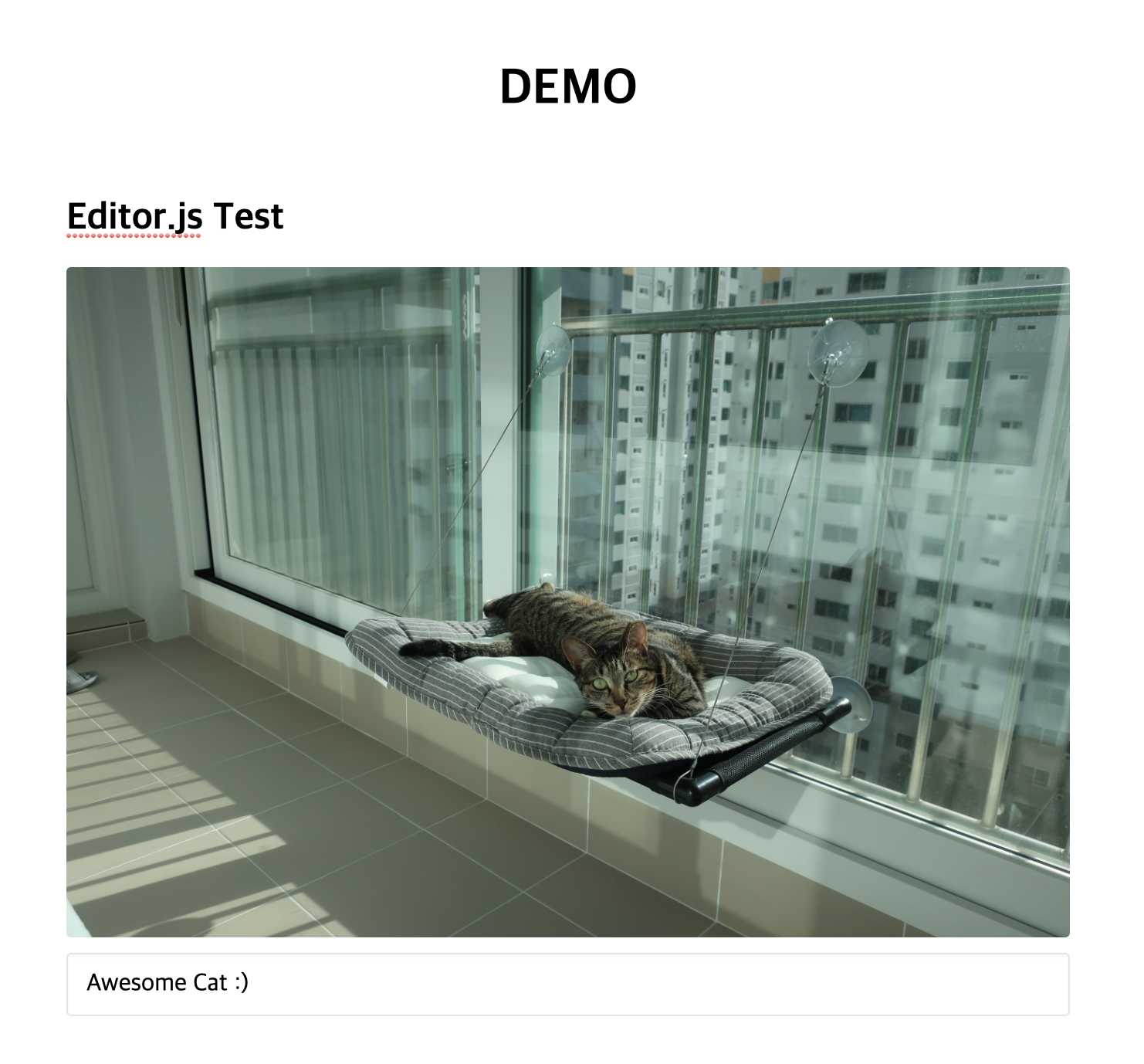
} 
vue.js 프로젝트와 함께 편집자를 즐기십니까?
또는
이 저장소 기고자는 wallaby.js OSS 라이센스를 사용하여 즉시 테스트 결과를 입력하고 코드 바로 옆에있는 편집자의 결과를 볼 수 있습니다.






