insider
3.0.0

เอกสารนี้ยังมีอยู่ใน Portuguese
Insider เป็นโครงการ OSS CLI จากทีมรักษาความปลอดภัยของแอปพลิเคชันภายในสำหรับชุมชน
Insider มุ่งเน้นไปที่การครอบคลุม OWASP TOP 10 เพื่อทำการวิเคราะห์ซอร์สโค้ดเพื่อค้นหาช่องโหว่ที่เหมาะสมในซอร์สโค้ดโดยมุ่งเน้นไปที่ซอฟต์แวร์ที่คล่องตัวและง่ายต่อการใช้งานภายในไปป์ไลน์ DevOps ของคุณ
ขณะนี้เราสนับสนุนเทคโนโลยีต่อไปนี้: Java (Maven และ Android), Kotlin (Android), Swift (iOS), .NET Full Framework, C#และ JavaScript (node.js)
มีการกระทำของ GitHub ที่อนุญาตให้คุณปกป้องที่เก็บข้อมูลของคุณด้วยวงในฟรีง่ายต่อการรวมและไม่มีแรงเสียดทาน มันเป็นวิธีที่ง่ายที่สุดในการปกป้องรหัสของคุณโดยตรงบนที่เก็บของคุณ ลองดู - การกระทำภายใน
คุณสามารถติดตั้งวงในโดยใช้ไบนารีที่รวบรวมไว้ล่วงหน้าหรือจากแหล่งที่มา
เรามีไบนารีที่รวบรวมไว้ล่วงหน้าสำหรับระบบปฏิบัติการ Linux, Windows และ MacOS ที่คุณสามารถหาได้ที่นี่
มีความสุข!
 insider is the CLI project from the Insider Application Security Team for the community

Usage:
  -exclude value
        Patterns to exclude directory or files to analyze. Can be used multiple times
  -jobs int
        Number of analysis to execute in parallel (default 4)
  -no-html
        Skips the report generation in the HTML format
  -no-json
        Skips the report generation in the JSON format
  -quiet
        No output logs of execution
  -security float
        Set the Security level, values between 0 and 100 (default 0)
  -target string
        Specify where to look for files to run the specific ruleset
  -tech string
        Specify which technology ruleset to load
  -v    Enable verbose output
  -version
        Show version and quit with exit code 0

Supported technologies:
        android
        java
        ios
        javascript
        csharp

Example of use:
        # Run JavaScript analysis on specific directoty
        insider -tech javascript -target <directory>

        # Run Android analysis on specific directoty and ignore html and json report
        insider -tech android -target <directory> -no-html -no-json

        # Run Java analysis on specific directoty with a base security value to fail
        insider -tech java -target <directory> -security 20

        # Run JavaScript analysis on specific directoty and exclude node_modules and test files
        insider -tech javascript -target <directory> -exclude tests/* -exclude node_modules/*
 # Check the correct release for your environment
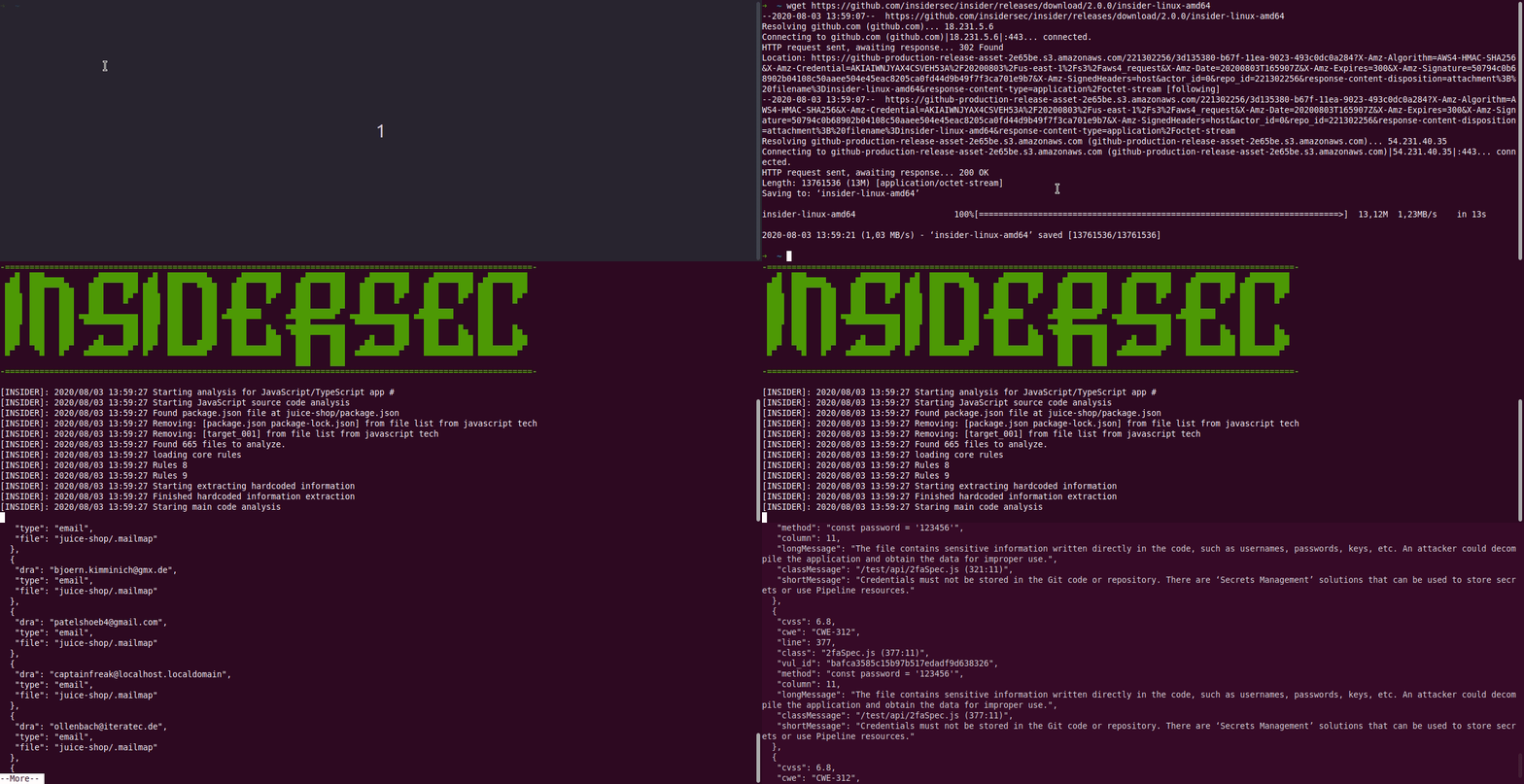
$ wget https://github.com/insidersec/insider/releases/download/2.1.0/insider_2.1.0_linux_x86_64.tar.gz
$ tar -xf insider_2.1.0_linux_x86_64.tar.gz
$ chmod +x insider
$ ./insider --tech javascript --target < projectfolder > คุณยังสามารถเรียกใช้ insider ในในภาชนะ คุณจะต้องติดตั้งเป้าหมายเป็นระดับเสียงเท่านั้น:
$ docker run --rm -v $( pwd ) :/target-project insidersec/insider -tech < tech > -target /target-project
ในการสร้างวงในจากแหล่งที่มาคุณต้องใช้เวลาอย่างน้อยเวอร์ชัน 1.13
$ go get github.com/insidersec/insider/cmd/insider






