insider
3.0.0

이 문서는 Portuguese 로도 제공됩니다.
내부자는 커뮤니티의 내부자 애플리케이션 보안 팀의 OSS CLI 프로젝트입니다.
Insider는 OWASP Top 10을 다루는 데 중점을 두어 소스 코드 분석을 통해 소스 코드에서 취약점을 찾아 DevOps 파이프 라인 내에서 민첩하고 쉽게 구현할 수있는 소프트웨어에 중점을 둡니다.
우리는 현재 Java (Maven and Android), Kotlin (Android), Swift (iOS), .NET Full Framework, C#및 JavaScript (node.js)의 다음 기술을 지원합니다.
내부자로 저장소를 보호하고 무료, 통합하기 쉽고 마찰이없는 GitHub 동작이 있습니다. 저장소에서 직접 코드를 보호하는 가장 쉬운 방법입니다. 살펴보십시오 - 내부자 - 액션
사전 컴파일 된 바이너리 또는 소스에서 내부자를 설치할 수 있습니다.
Linux, Windows 및 MacOS 운영 시스템을위한 사전 컴파일 된 바이너리가 있습니다.
재미있게 보내세요!
 insider is the CLI project from the Insider Application Security Team for the community

Usage:
  -exclude value
        Patterns to exclude directory or files to analyze. Can be used multiple times
  -jobs int
        Number of analysis to execute in parallel (default 4)
  -no-html
        Skips the report generation in the HTML format
  -no-json
        Skips the report generation in the JSON format
  -quiet
        No output logs of execution
  -security float
        Set the Security level, values between 0 and 100 (default 0)
  -target string
        Specify where to look for files to run the specific ruleset
  -tech string
        Specify which technology ruleset to load
  -v    Enable verbose output
  -version
        Show version and quit with exit code 0

Supported technologies:
        android
        java
        ios
        javascript
        csharp

Example of use:
        # Run JavaScript analysis on specific directoty
        insider -tech javascript -target <directory>

        # Run Android analysis on specific directoty and ignore html and json report
        insider -tech android -target <directory> -no-html -no-json

        # Run Java analysis on specific directoty with a base security value to fail
        insider -tech java -target <directory> -security 20

        # Run JavaScript analysis on specific directoty and exclude node_modules and test files
        insider -tech javascript -target <directory> -exclude tests/* -exclude node_modules/*
 # Check the correct release for your environment
$ wget https://github.com/insidersec/insider/releases/download/2.1.0/insider_2.1.0_linux_x86_64.tar.gz
$ tar -xf insider_2.1.0_linux_x86_64.tar.gz
$ chmod +x insider
$ ./insider --tech javascript --target < projectfolder > 컨테이너에서 insider 실행할 수도 있습니다. 대상을 볼륨에만 장착하면됩니다.
$ docker run --rm -v $( pwd ) :/target-project insidersec/insider -tech < tech > -target /target-project
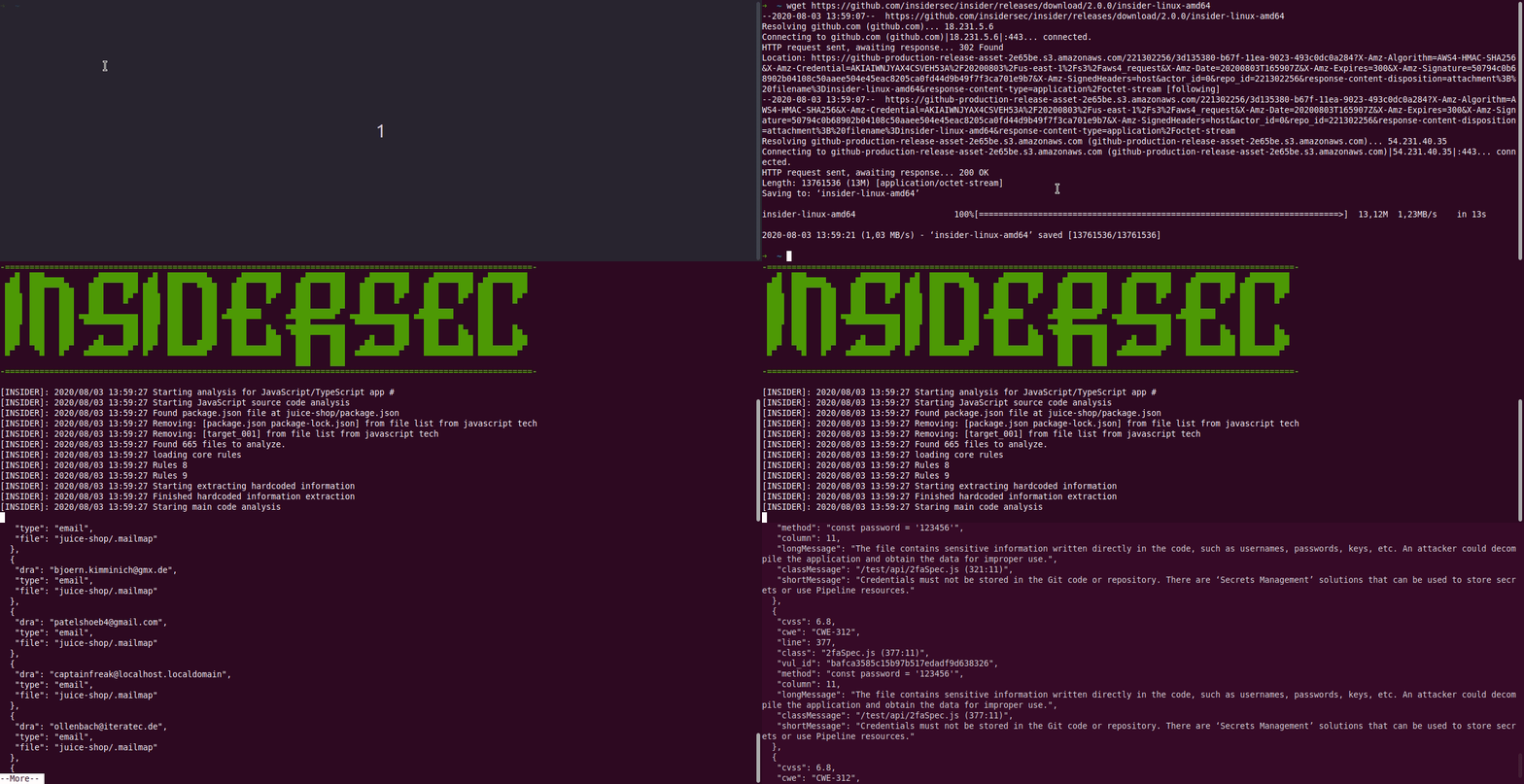
소스에서 내부자를 구축하려면 최소한 버전 1.13 작업이 필요합니다.
$ go get github.com/insidersec/insider/cmd/insider






