darkmatter
1.0.0

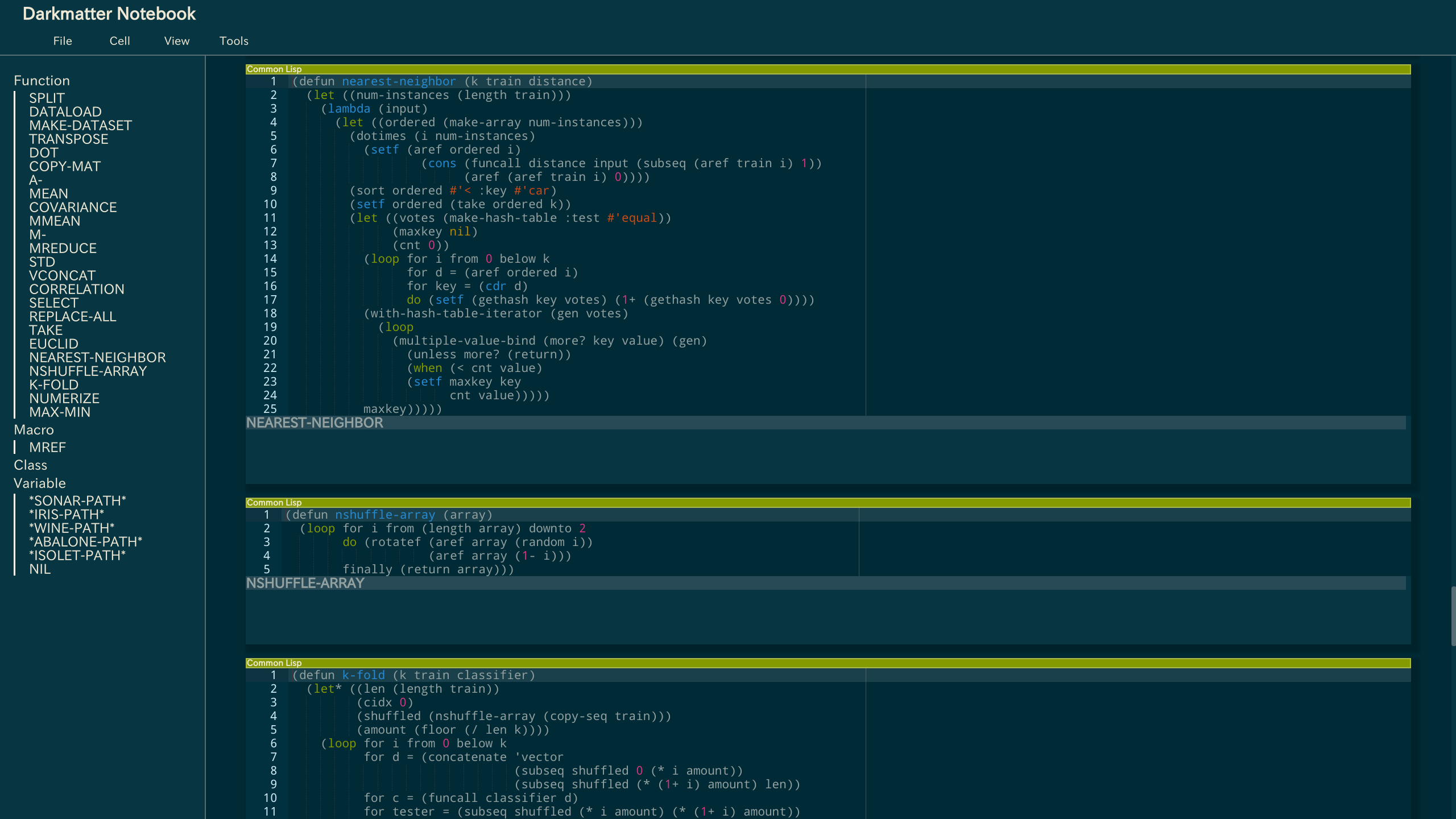
Veja também Guia de instalação para Roswell.
Instale os requisitos e Roswell.
 # for macOS
$ brew install libev roswell

# for Ubuntu/Debian
$ apt-get install libev-dev
# and build roswell from source!

# for Arch Linux
$ yaourt -S libev roswell
Adicione o caminho no arquivo de inicialização (como ~/.bashrc) para usar o comando darkm mais tarde.
export PATH=$PATH:~/.roswell/bin
Instale o DarkMatter.
$ ros install tamamu/darkmatter
DarkMatter começa no diretório atual.
 # change the current directory to the one starting Darkmatter from
$ cd ~/path/to/root-directory

# start Darkmatter
$ darkm
# Open localhost:8888/browse/file.lisp in your browser!
 *current-directory*
;; The path where the file exists

(enable-infix-syntax)
;; #f(#f(9 + 8 * 2) / 5)

(runtask init-form &body body)
;; Run asynchronous alertable task.
;; The result of body will be alerted finally.

  (checkpoint tmp-form kill-form)
  ;; You can use this form only in runtask.
  ;; If the task should kill, then kill-form will be alerted; otherwise tmp-form will be alerted.
Você pode regar o plug -in com o arquivo de configuração ($ home/.darkmatter.conf) para adicionar caminhos do arquivo do plug -in.
Veja o exemplo.
Veja também exemplos, exemplos/plugtest.lisp ou plot.lisp e lispplot.js.
Copyright (c) 2017 Eddie ([email protected])
Licenciado sob a licença do MIT.






