darkmatter
1.0.0

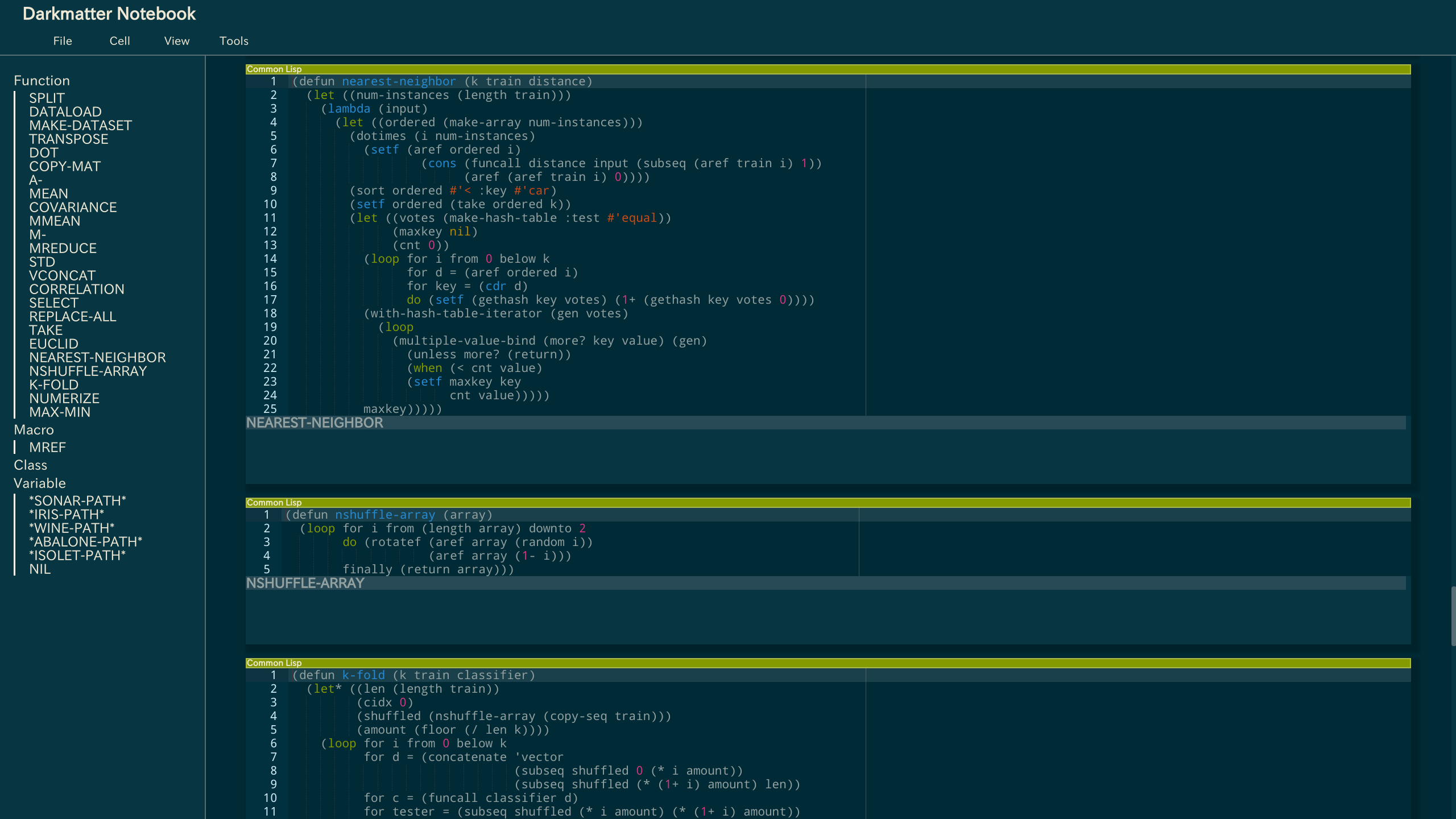
ロズウェルのインストールガイドも参照してください。
要件とロスウェルをインストールします。
 # for macOS
$ brew install libev roswell

# for Ubuntu/Debian
$ apt-get install libev-dev
# and build roswell from source!

# for Arch Linux
$ yaourt -S libev roswell
初期化ファイル(〜/.bashrcなど)のパスを追加して、後でdarkmコマンドを使用します。
export PATH=$PATH:~/.roswell/bin
DarkMatterをインストールします。
$ ros install tamamu/darkmatter
DarkMatterは現在のディレクトリから始まります。
 # change the current directory to the one starting Darkmatter from
$ cd ~/path/to/root-directory

# start Darkmatter
$ darkm
# Open localhost:8888/browse/file.lisp in your browser!
 *current-directory*
;; The path where the file exists

(enable-infix-syntax)
;; #f(#f(9 + 8 * 2) / 5)

(runtask init-form &body body)
;; Run asynchronous alertable task.
;; The result of body will be alerted finally.

  (checkpoint tmp-form kill-form)
  ;; You can use this form only in runtask.
  ;; If the task should kill, then kill-form will be alerted; otherwise tmp-form will be alerted.
configファイル($ home/.darkmatter.conf)を備えたRegistプラグインを使用して、プラグインファイルパスを追加できます。
例を参照してください。
例、例、examples/plugtest.lispまたはplot.lispおよびlispplot.jsも参照してください。
Copyright(c)2017 Eddie([email protected])
MITライセンスに基づいてライセンスされています。






