fyne font example
1.0.0

영어 / 日本語
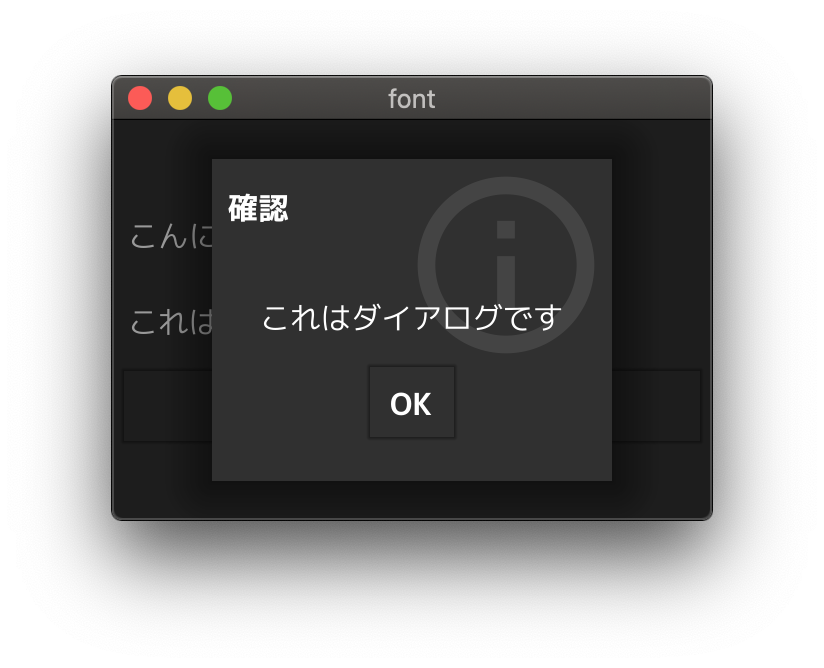
Fyne에서 다른 글꼴을 사용하는 샘플 응용 프로그램.
중요한
이것은 Fyne v2.x에 대한 설명입니다. Fyne v1.x 이하를 알고 싶다면 V1 디렉토리를 참조하십시오.
팁
? GUI와 함께 일하는 것을 선호합니까? Fyne-Theme-Generator를 사용해보십시오!
fyne 명령을 설치하십시오 $ go get fyne.io/fyne/v2/cmd/fyne
$ fyne
Usage: fyne [command] [parameters], where command is one of:
...
fyne bundle 명령을 실행하십시오. $ fyne bundle mplus-1c-regular.ttf > bundle.go
$ head -n 9 bundle.go
// auto-generated
package main
import "fyne.io/fyne/v2"
var resourceMplus1cRegularTtf = &fyne.StaticResource{
StaticName: "mplus-1c-regular.ttf",
StaticContent: []byte{
./v2/bundle.go를 참조하십시오.
경고
파일 크기는 매우 큽니다
 type myTheme struct {}

func ( * myTheme ) Font ( s fyne. TextStyle ) fyne. Resource {
	if s . Monospace {
		return theme . DefaultTheme (). Font ( s )
	}
	if s . Bold {
		if s . Italic {
			return theme . DefaultTheme (). Font ( s )
		}
		return resourceMplus1cBoldTtf
	}
	if s . Italic {
		return theme . DefaultTheme (). Font ( s )
	}
	return resourceMplus1cRegularTtf
}
...
./v2/theme.go를 참조하십시오.
 ...
	a := app . New ()
	a . Settings (). SetTheme ( & myTheme {})
...
./v2/main.go를 참조하십시오.
bundle.go fyne 명령을 사용하여 생성됩니다.
 $ fyne bundle mplus-1c-regular.ttf > bundle.go
$ fyne bundle -append mplus-1c-bold.ttf >> bundle.go
자세한 내용은 아래 블로그를 참조하십시오. (일본어)
fyne 명령에 대해리소스 번들링에 공식 튜토리얼도 추가되었습니다.
M+ 글꼴이 포함되어 샘플 글꼴 파일로 사용됩니다.
https://mplusfonts.github.io








