fyne font example
1.0.0

英語 /日本語
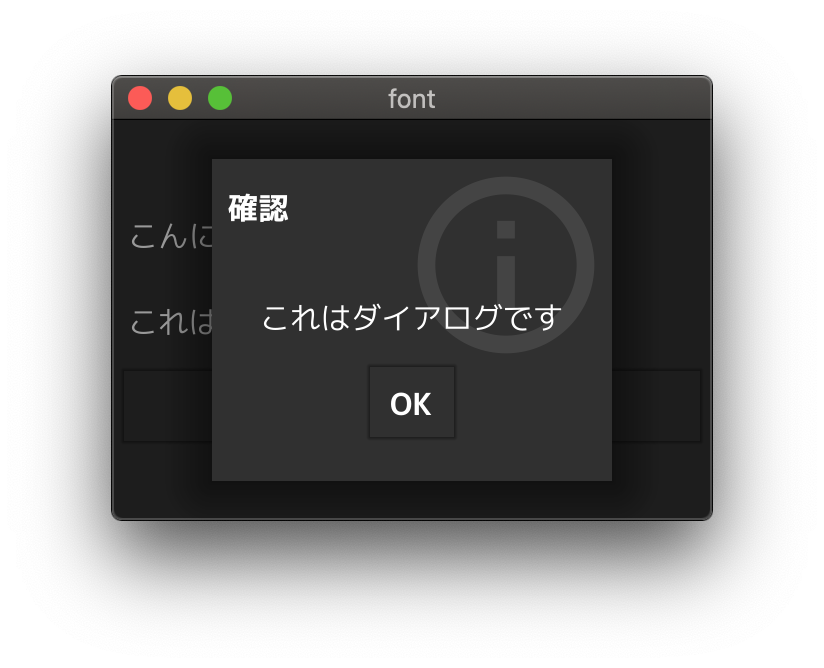
Fyneで異なるフォントを使用するサンプルアプリケーション。
重要
これは、Fyne V2.Xの説明です。 Fyne V1.x以前を知りたい場合は、V1ディレクトリを参照してください。
ヒント
? GUIで作業することを好みますか? Fyne-Theme-Generatorをお試しください!
fyneコマンドをインストールします $ go get fyne.io/fyne/v2/cmd/fyne
$ fyne
Usage: fyne [command] [parameters], where command is one of:
...
fyne bundleコマンドを実行します $ fyne bundle mplus-1c-regular.ttf > bundle.go
$ head -n 9 bundle.go
// auto-generated
package main
import "fyne.io/fyne/v2"
var resourceMplus1cRegularTtf = &fyne.StaticResource{
StaticName: "mplus-1c-regular.ttf",
StaticContent: []byte{
./v2/bundle.goを参照してください。
警告
ファイルサイズは非常に大きいです
 type myTheme struct {}

func ( * myTheme ) Font ( s fyne. TextStyle ) fyne. Resource {
	if s . Monospace {
		return theme . DefaultTheme (). Font ( s )
	}
	if s . Bold {
		if s . Italic {
			return theme . DefaultTheme (). Font ( s )
		}
		return resourceMplus1cBoldTtf
	}
	if s . Italic {
		return theme . DefaultTheme (). Font ( s )
	}
	return resourceMplus1cRegularTtf
}
...
./v2/theme.goを参照してください。
 ...
	a := app . New ()
	a . Settings (). SetTheme ( & myTheme {})
...
./v2/main.goを参照してください。
bundle.go 、Fyneコマンドを使用して生成されます。
 $ fyne bundle mplus-1c-regular.ttf > bundle.go
$ fyne bundle -append mplus-1c-bold.ttf >> bundle.go
詳細については、以下のブログを参照してください。 (日本語)
fyneコマンドについてリソースバンドリングに関する公式チュートリアルも追加されています。
M+フォントが含まれ、サンプルフォントファイルとして使用されます。
https://mplusfonts.github.io








