wgpu text
v0.8.5

wgpu-text wgpu 의 빠르고 쉬운 텍스트 렌더링을 위해 glyph-brush 의 래퍼입니다. .otf 및 .ttf 글꼴을 지원합니다.
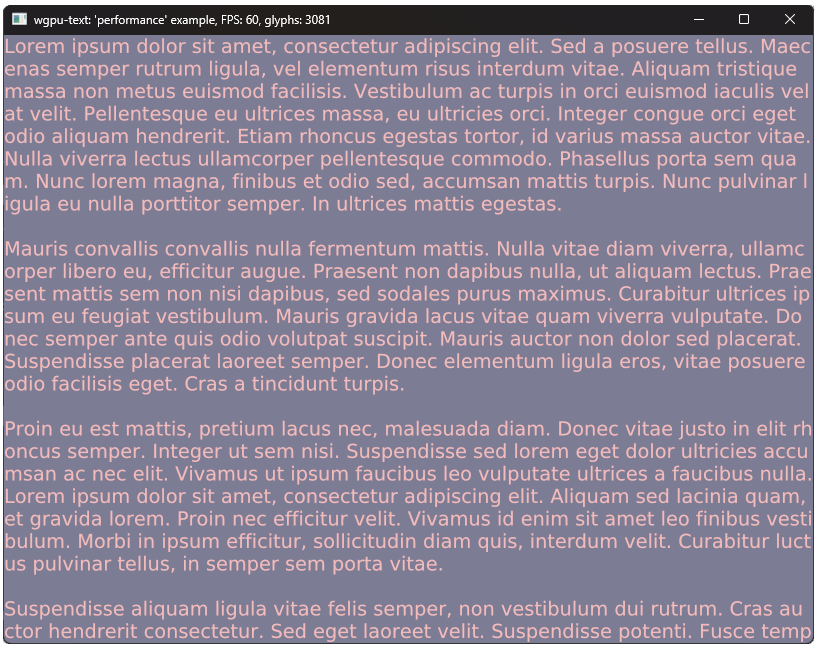
이 프로젝트는 wgpu_glyph 에서 영감을 얻었으며 유사하지만 추가 기능이 있으며 더 간단합니다. 또한 프로젝트에 Glyph-Brush를 포함시킬 필요가 없습니다.
Glyph-Brush 상자가 다시출되어 크게 의존하고 있으므로 텍스트 관리 및 추가에 대한 이해를 높이기 위해 섹션 문서 및 섹션 예제를 살펴 보는 것이 좋습니다.
Cargo.toml 파일에 다음을 추가하십시오.
[ dependencies ]
wgpu_text = " 0.9.1 " use wgpu_text :: { glyph_brush :: { Section as TextSection , Text } , BrushBuilder , TextBrush } ;
let brush = BrushBuilder :: using_font_bytes ( font ) . unwrap ( )
/* .initial_cache_size((16_384, 16_384))) */ // use this to avoid resizing cache texture
. build ( & device , config . width , config . height , config . format ) ;
// Directly implemented from glyph_brush.
let section = TextSection :: default ( ) . add_text ( Text :: new ( "Hello World" ) ) ;
// on window resize:
brush . resize_view ( config . width as f32 , config . height as f32 , & queue ) ;
// window event loop:
winit :: event :: Event :: RedrawRequested ( _ ) => {
// Before are created Encoder and frame TextureView.
// Crashes if inner cache exceeds limits.
brush . queue ( & device , & queue , [ & section , .. . ] ) . unwrap ( ) ;
{
let mut rpass = encoder . begin_render_pass ( .. . ) ;
brush . draw ( & mut rpass ) ;
}
queue . submit ( [ encoder . finish ( ) ] ) ;
frame . present ( ) ;
} 자세한 예제는 예를 살펴보십시오.
cargo run --example <example-name> 정확한 성능을 위해 --release 로 예제를 실행하십시오.
기본 텍스트 렌더링 및 글리프 브러시 기능 외에도 일부 기능은 사용자 정의를 추가합니다.
모든 종류의 기여를 환영합니다.








