wgpu text
v0.8.5

wgpu-text adalah pembungkus di atas glyph-brush untuk rendering teks yang cepat dan mudah oleh wgpu . Itu mendukung font .otf dan .ttf .
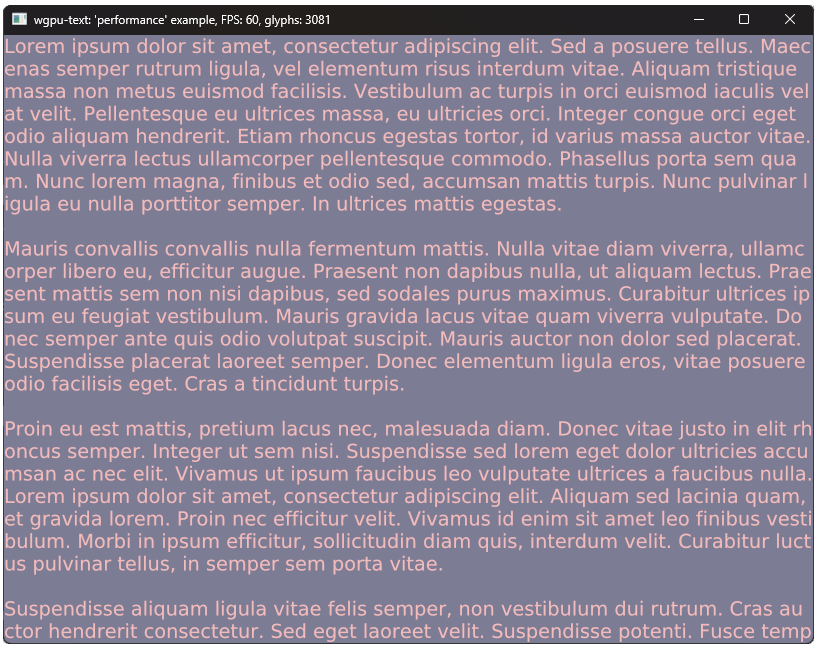
Proyek ini terinspirasi oleh dan mirip dengan wgpu_glyph tetapi memiliki fitur tambahan dan lebih mudah. Juga, tidak perlu memasukkan glyph-brush dalam proyek Anda.
Karena peti glyph-brush diekspor kembali dan sangat bergantung pada, disarankan untuk melalui bagian dokumen dan contoh bagian untuk pemahaman yang lebih baik tentang mengelola dan menambahkan teks.
Tambahkan yang berikut ke file Cargo.toml Anda:
[ dependencies ]
wgpu_text = " 0.9.1 " use wgpu_text :: { glyph_brush :: { Section as TextSection , Text } , BrushBuilder , TextBrush } ;
let brush = BrushBuilder :: using_font_bytes ( font ) . unwrap ( )
/* .initial_cache_size((16_384, 16_384))) */ // use this to avoid resizing cache texture
. build ( & device , config . width , config . height , config . format ) ;
// Directly implemented from glyph_brush.
let section = TextSection :: default ( ) . add_text ( Text :: new ( "Hello World" ) ) ;
// on window resize:
brush . resize_view ( config . width as f32 , config . height as f32 , & queue ) ;
// window event loop:
winit :: event :: Event :: RedrawRequested ( _ ) => {
// Before are created Encoder and frame TextureView.
// Crashes if inner cache exceeds limits.
brush . queue ( & device , & queue , [ & section , .. . ] ) . unwrap ( ) ;
{
let mut rpass = encoder . begin_render_pass ( .. . ) ;
brush . draw ( & mut rpass ) ;
}
queue . submit ( [ encoder . finish ( ) ] ) ;
frame . present ( ) ;
} Untuk contoh yang lebih rinci, lihat contoh.
cargo run --example <example-name> Jalankan contoh dengan --release untuk kinerja yang akurat.
Selain rendering teks dasar dan fitur glyph-brush , beberapa fitur menambahkan kustomisasi:
Semua jenis kontribusi dipersilakan.








