ai wallpaper
1.0.0

매일 신선하고 개인적인 AI 페인트 배경 화면을 얻으십시오
pip install ai-wallpaper && KHOJ_API_KEY= < YOU_KHOJ_API_KEY > aiwall| 낮 | 밤 |
|---|---|
 |  |
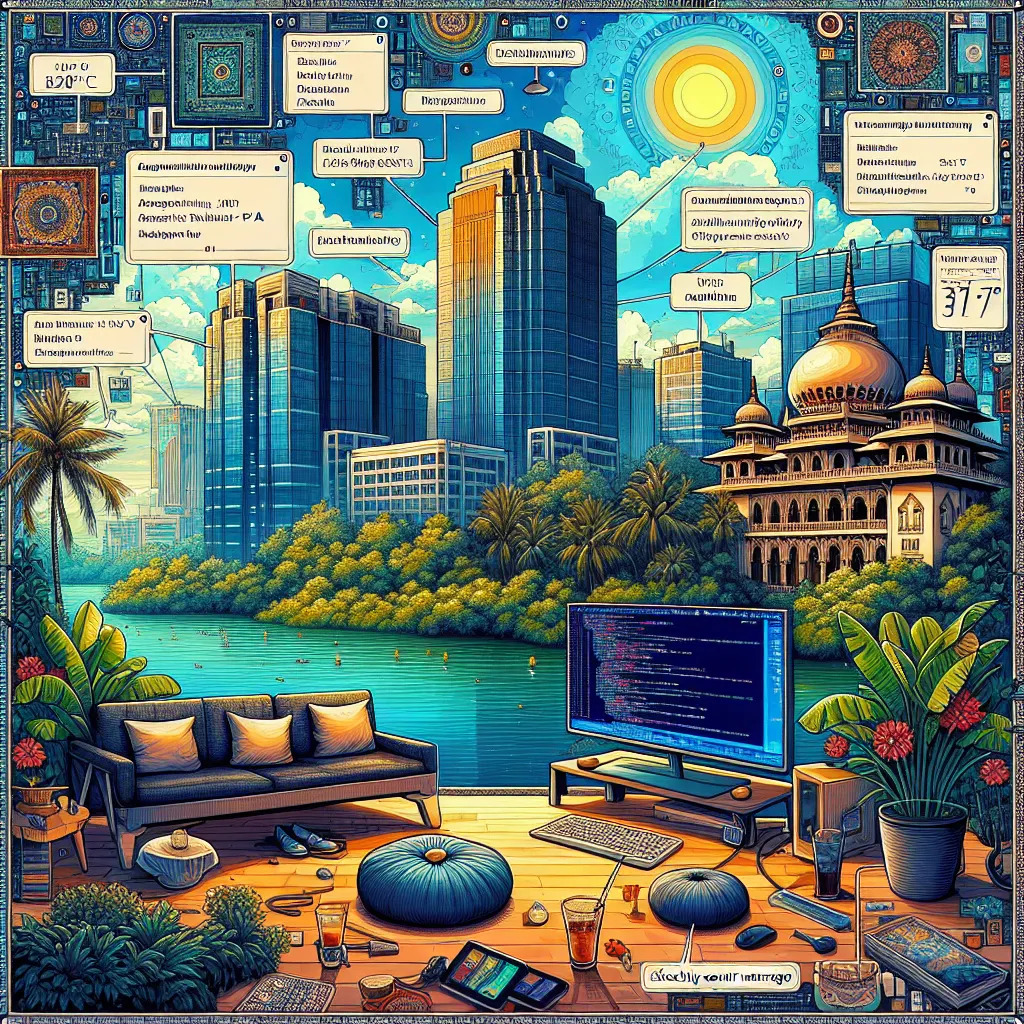 | 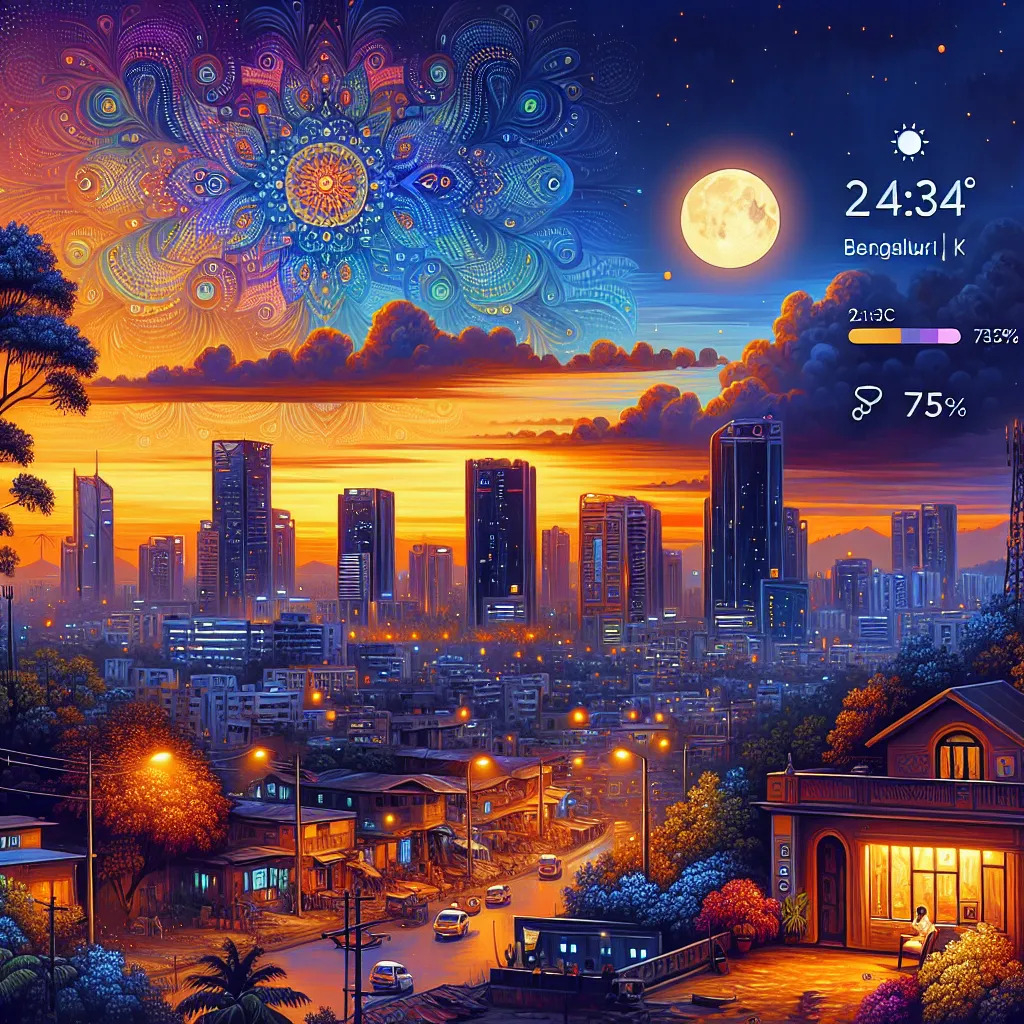 |
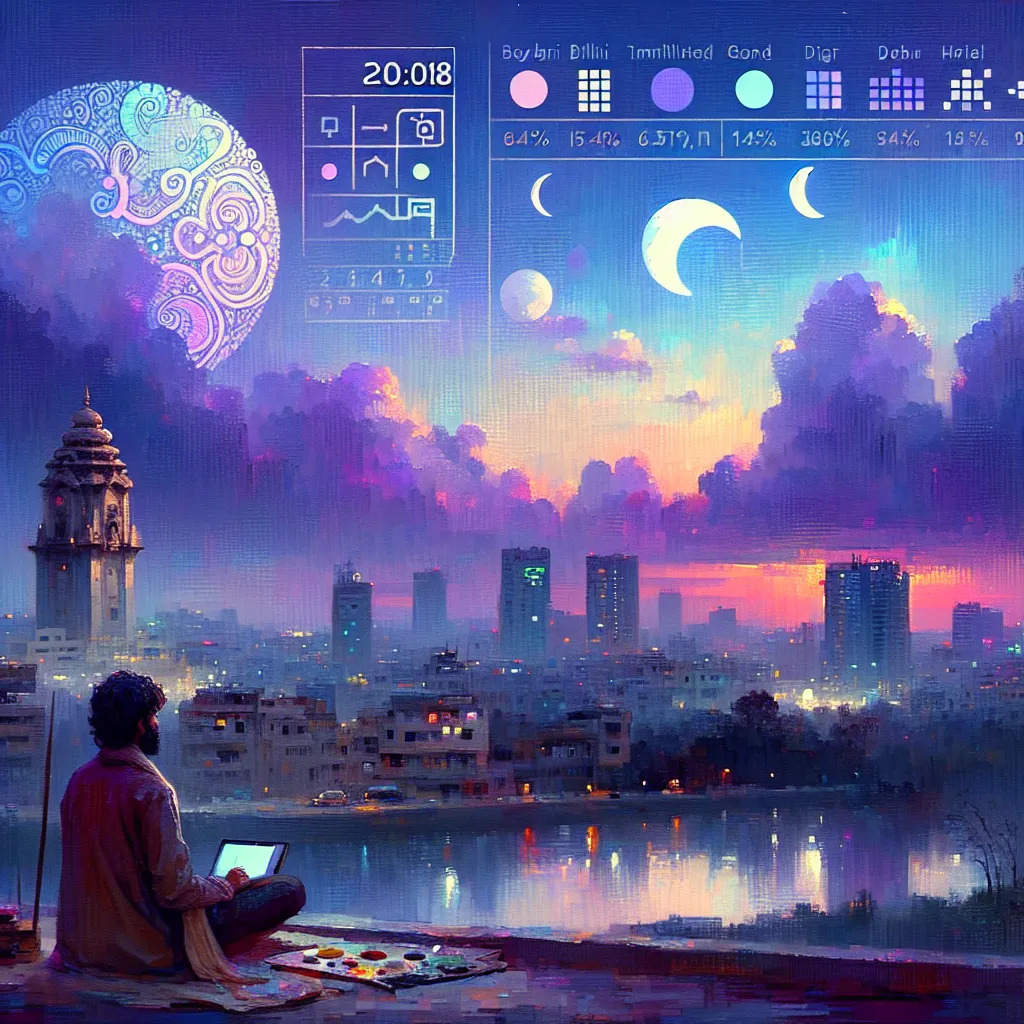 |  |
KHOJ_API_KEY= < YOUR_KHOJ_API_KEY > aiwall KHOJ_API_KEY= < YOUR_KHOJ_API_KEY > aiwall " Generate a wallpaper based on the latest news here " KHOJ_API_KEY= < YOUR_KHOJ_API_KEY > WALLPAPER_PATH= " ~/Pictures/wallpaper.png " aiwall KHOJ_HOST= " http://localhost:42100 " aiwall echo " #!/bin/shnKHOJ_API_KEY=<YOUR_KHOJ_API_KEY> aiwall " > wallpaper.sh
chmod +x wallpaper.sh # Install termux-job-scheduler to trigger script at a regular interval
pkg install termux-job-scheduler
# Make Khoj paint you a new wallpaper every 12 hours
termux-job-scheduler -s aiwall --period-ms 43200000 --persisted true
# Optional, check that the script is active
# termux-job-scheduler -p # Open crontab in edit mode
crontab -e
# Add below snippet to your crontab
# 0 */12 * * /path/to/ai/wallpaper/folder/wallpaper.sh
# Optional, check that the script is active
# crontab -lAI 벽지 스크립트는 메모의 최근 경험을 그림에 자동으로 통합 할 수 있습니다. 이것을 사용하려면 노트를 Khoj와 동기화해야합니다.
다운로드 및 설치
 # Clone the repository
 git clone https://github.com/debajum/ai-wallpaper

 # Install dependencies
 cd ai-wallpaper && pip install .
응용 프로그램 편집
업데이트 된 응용 프로그램을 사용하여 페인트하는 다음 명령을 실행하십시오.
 # Minimal
KHOJ_API_KEY= < YOUR_KHOJ_API_KEY > python src/aiwall/paper.py

# With Custom Prompt
KHOJ_API_KEY= < YOUR_KHOJ_API_KEY > python src/aiwall/paper.py " Generate a wallpaper based on the latest news here "

# With Custom Wallpaper File Path
KHOJ_API_KEY= < YOUR_KHOJ_API_KEY > WALLPAPER_PATH= " ~/Pictures/wallpaper.png " python src/aiwall/paper.py

# With Self-hosted Khoj
KHOJ_HOST= " http://localhost:42100 " python src/aiwall/paper.py이 프로그램은 무료 소프트웨어입니다. GNU 일반 공개 라이센스 v3에 따라 배포됩니다.
GPLV3 © Debanjum





