ai wallpaper
1.0.0

Holen Sie sich täglich frische, persönliche KI bemalt
pip install ai-wallpaper && KHOJ_API_KEY= < YOU_KHOJ_API_KEY > aiwall| Tag | Nacht |
|---|---|
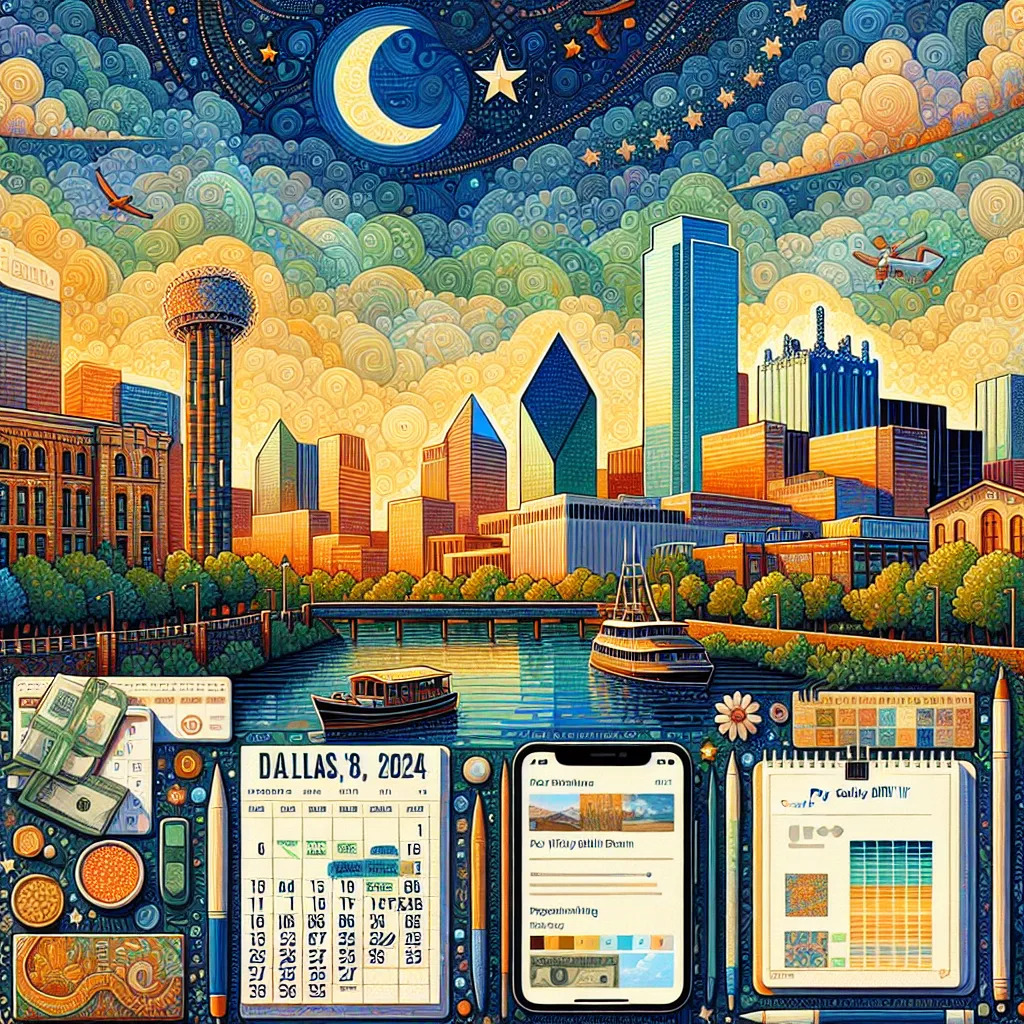 |  |
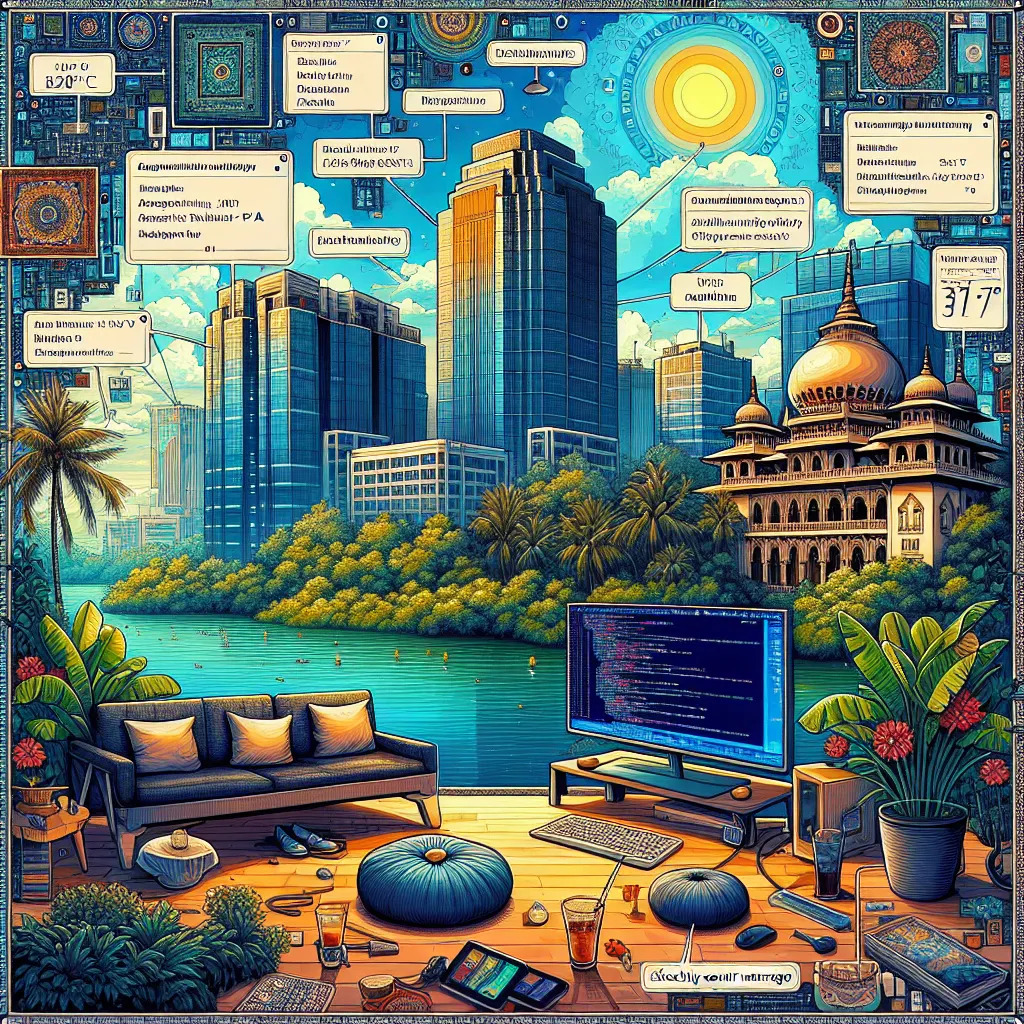 | 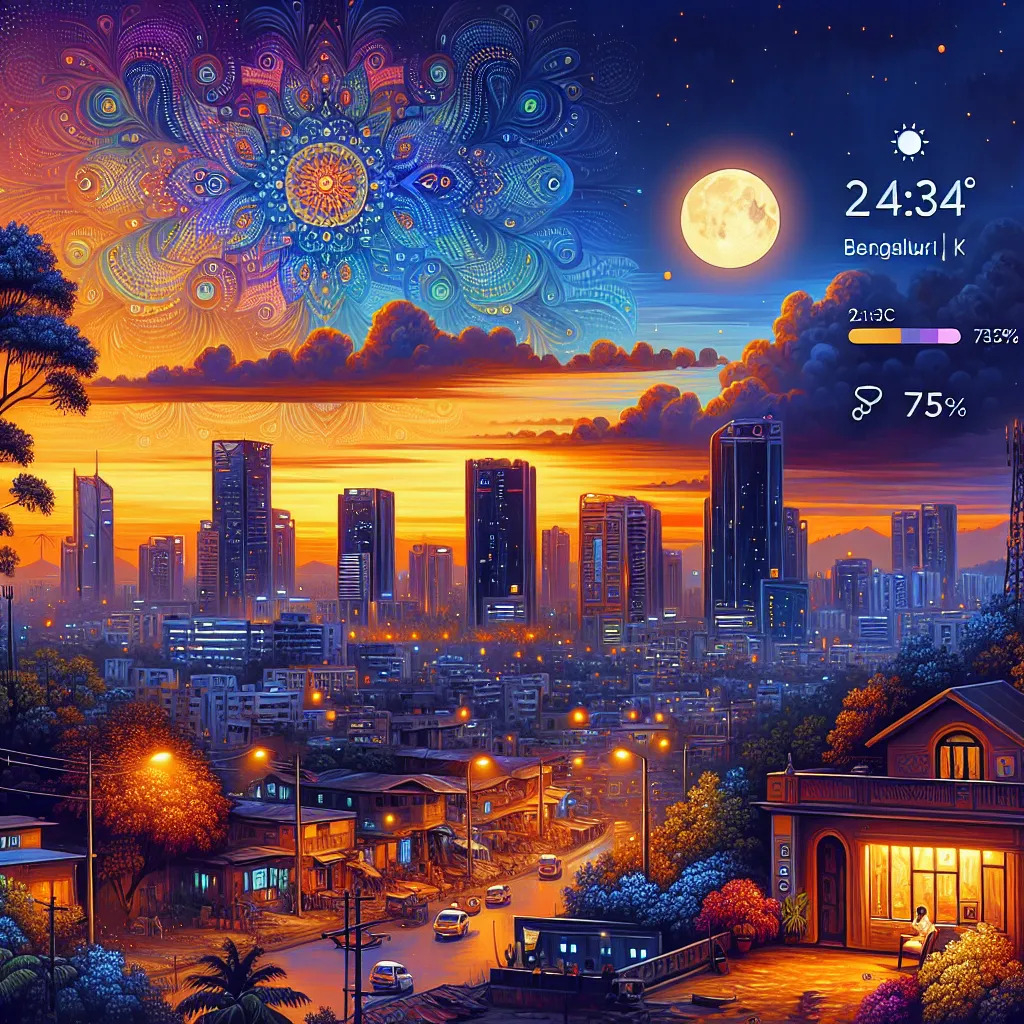 |
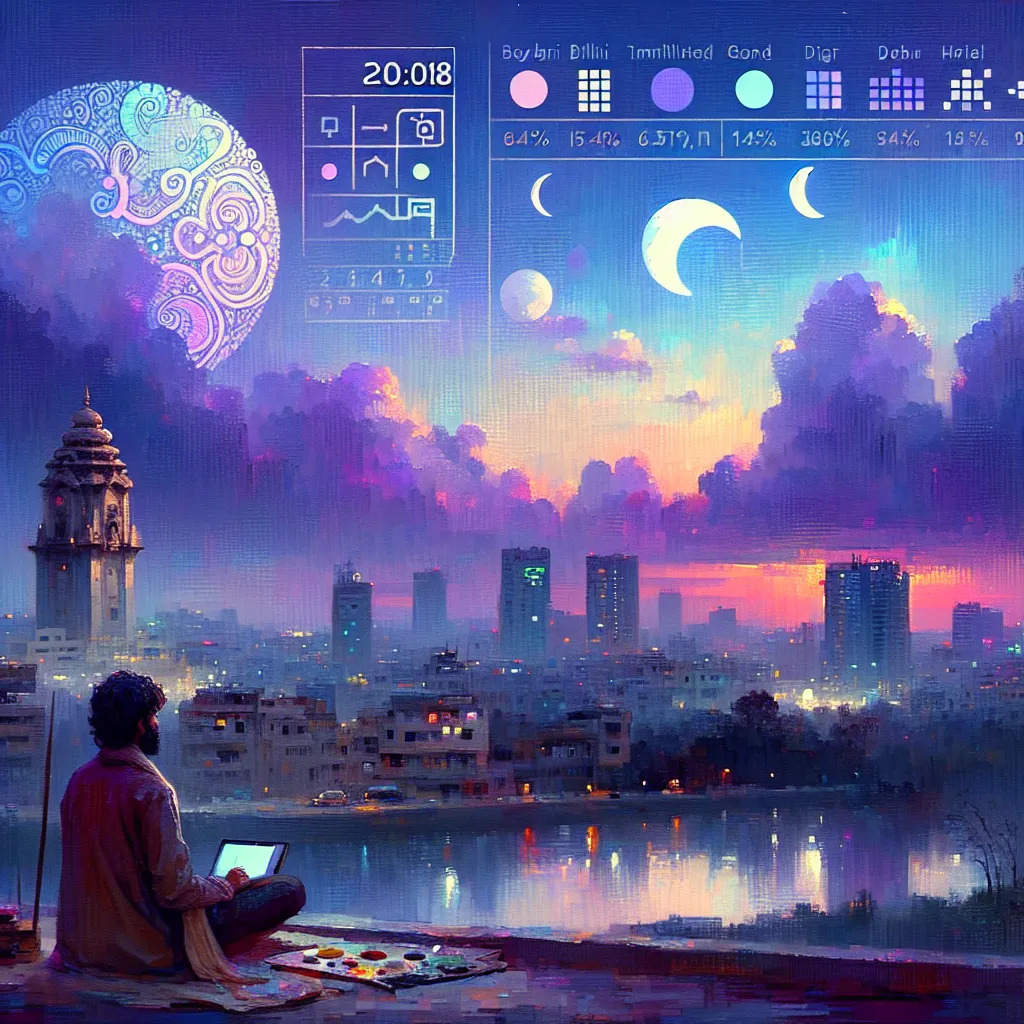 |  |
KHOJ_API_KEY= < YOUR_KHOJ_API_KEY > aiwall KHOJ_API_KEY= < YOUR_KHOJ_API_KEY > aiwall " Generate a wallpaper based on the latest news here " KHOJ_API_KEY= < YOUR_KHOJ_API_KEY > WALLPAPER_PATH= " ~/Pictures/wallpaper.png " aiwall KHOJ_HOST= " http://localhost:42100 " aiwall echo " #!/bin/shnKHOJ_API_KEY=<YOUR_KHOJ_API_KEY> aiwall " > wallpaper.sh
chmod +x wallpaper.sh # Install termux-job-scheduler to trigger script at a regular interval
pkg install termux-job-scheduler
# Make Khoj paint you a new wallpaper every 12 hours
termux-job-scheduler -s aiwall --period-ms 43200000 --persisted true
# Optional, check that the script is active
# termux-job-scheduler -p # Open crontab in edit mode
crontab -e
# Add below snippet to your crontab
# 0 */12 * * /path/to/ai/wallpaper/folder/wallpaper.sh
# Optional, check that the script is active
# crontab -lDas KI -Wallpaper -Skript kann automatisch alle jüngsten Erfahrungen aus Ihren Notizen in seine Gemälde einbeziehen. Um dies zu verwenden, müssen Sie Ihre Notizen mit Khoj synchronisieren.
Herunterladen und installieren
 # Clone the repository
 git clone https://github.com/debajum/ai-wallpaper

 # Install dependencies
 cd ai-wallpaper && pip install .
Anwendung bearbeiten
Führen Sie eine der folgenden Befehle mithilfe Ihrer aktualisierten Anwendung aus, um zu malen
 # Minimal
KHOJ_API_KEY= < YOUR_KHOJ_API_KEY > python src/aiwall/paper.py

# With Custom Prompt
KHOJ_API_KEY= < YOUR_KHOJ_API_KEY > python src/aiwall/paper.py " Generate a wallpaper based on the latest news here "

# With Custom Wallpaper File Path
KHOJ_API_KEY= < YOUR_KHOJ_API_KEY > WALLPAPER_PATH= " ~/Pictures/wallpaper.png " python src/aiwall/paper.py

# With Self-hosted Khoj
KHOJ_HOST= " http://localhost:42100 " python src/aiwall/paper.pyDieses Programm ist kostenlose Software; Es wird unter der GNU General Public Lizenz V3 verteilt.
GPLV3 © Debanjum





