epaper
(https://github.com/waveshare/e-paper)、https://kapusta.cc/2018/03/31/epd/、https://github.com/mcauser/micropython-waveshe-epaper
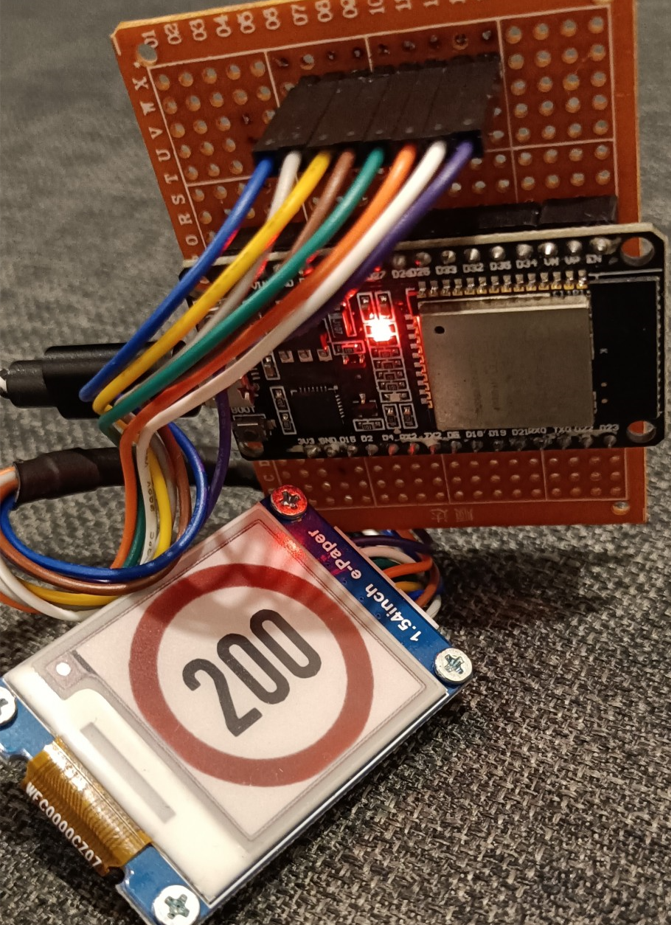
Main.pyには、ディスプレイに印刷するいくつかのオプションを紹介する小さなデモが含まれています。
フォントを使用するには:
- https://www.fontsquirrel.com/のようなWebサイトからフォントを入手してください
- fontforgeにロードし、要素メニューから必要なグリフを選択し、使用可能なビットマップストライクを選択してサイズを設定します。 [ファイル]メニューから、[フォントの生成]を選択します。[アウトラインフォントとbdf]を選択しますhttps://learn.adadadfruit.com/custom-fonts-for-pyportal-circuitpython-display/conversion
- font_to_font.pyを使用して、エクスポートされたフォントをpythonファイルに変換しますfont-to-py.py sourcefont.bdf size outfount.py https://github.com/peterhinch/micropython-font-to-py









