epaper
My version of the 1.54inch epaper driver for ESP32 running micropython, based on (https://github.com/waveshare/e-Paper), https://kapusta.cc/2018/03/31/epd/ and https://github.com/mcauser/micropython-waveshare-epaper
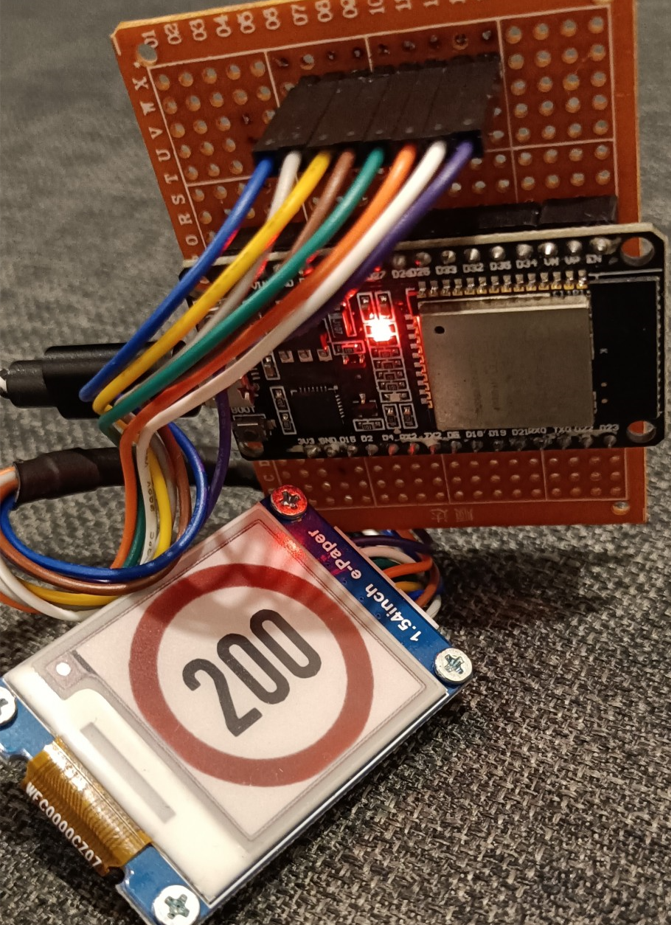
main.py contains a small demo that goes over a few options to print on the display.
To work with fonts:
- Get a font from a website like https://www.fontsquirrel.com/
- load it in Fontforge and select the glyphs required
From the element menu, select Bitmap Strikes Available and set the size.
From the file menu, select generate fonts
select No Outline Font and BDF
more info below
https://learn.adafruit.com/custom-fonts-for-pyportal-circuitpython-display/conversion
- Use font_to_font.py to convert the exported font to a python file
font-to-py.py sourcefont.bdf size outfount.py
https://github.com/peterhinch/micropython-font-to-py









