react native element timer
Release 2.1.2

Reactネイティブのタイマーとカウントダウンを表示するコンポーネント。 React-Native-Background-Timerを使用して実装しました
npm install react - native - element - timer -- saveまたは
yarn add react - native - element - timer 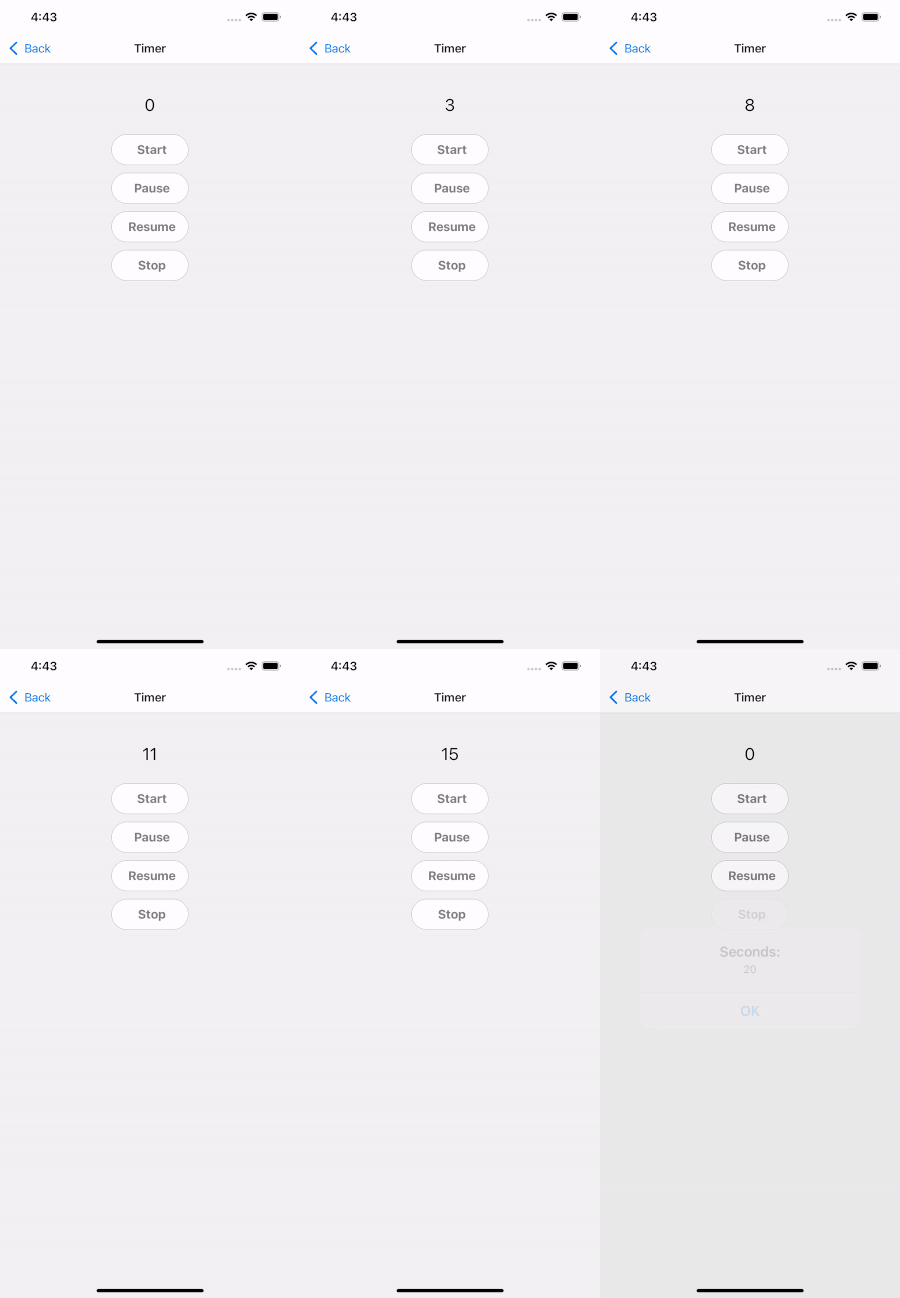
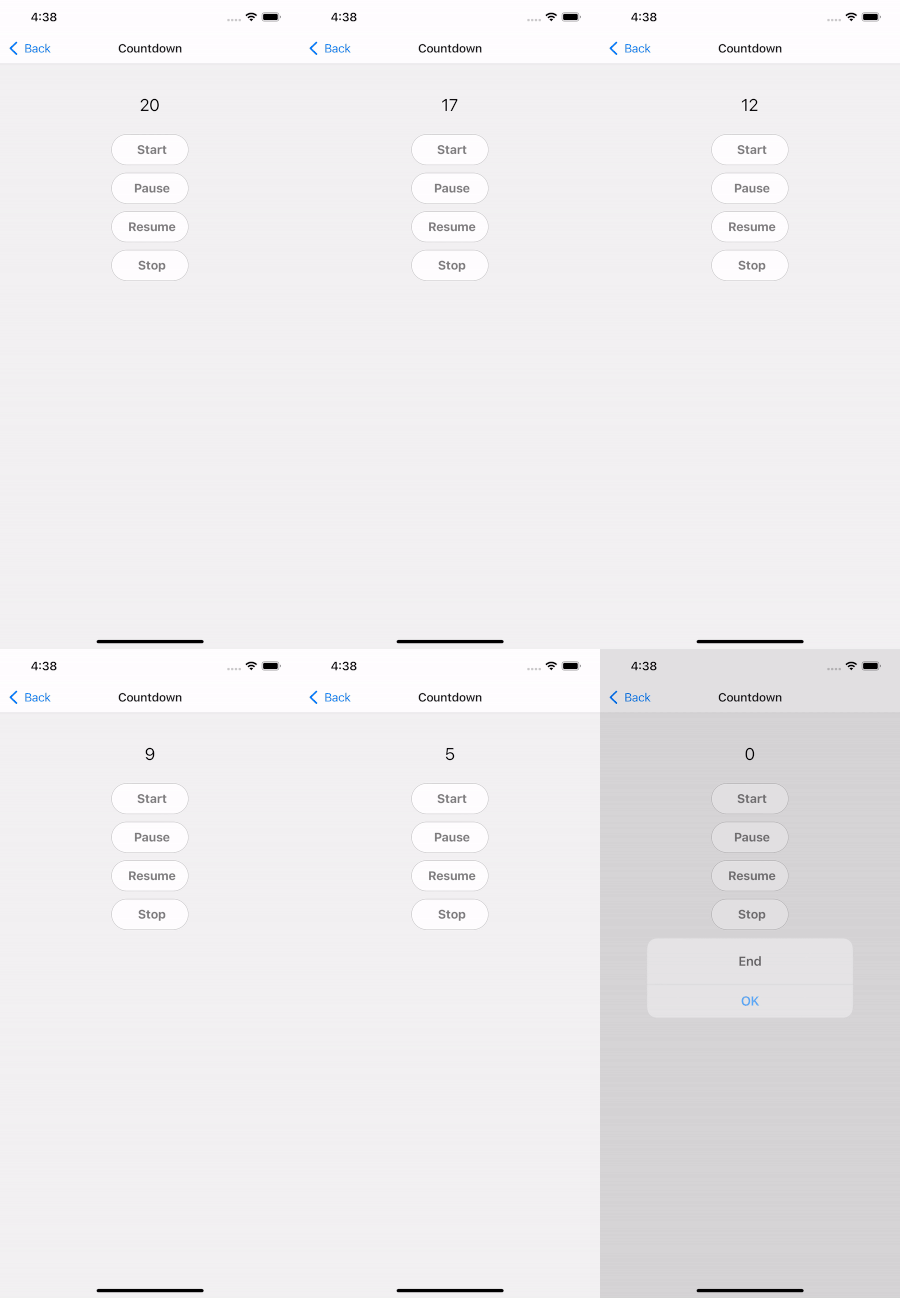
| 小道具 | タイプ | isRequire | 説明 |
|---|---|---|---|
| イニシャルセカンド | 番号 | いいえ | 最初の秒、defalutは0です |
| AutoStart | ブール | いいえ | 自動開始タイマー |
| 始める | ref.start() | はい | タイマーを開始します |
| 一時停止 | ref.pause() | はい | 一時停止タイマー |
| 再開する | ref.resume() | はい | 履歴書タイマー |
| 停止 | ref.stop() | はい | タイマーを停止します |
| スタイル | viewstyle | いいえ | スタイリングコンテナビュー |
| フォントファミリー | 弦 | いいえ | フォントスタイルをカスタマイズします |
| TextStyle | TextStyle | いいえ | スタイリングテキスト |
| フォーマットタイム | HH:MM:SSまたはSS | いいえ | フォーマット時間 |
| オンタイム | (秒)=> void | いいえ | 実行時のコールバック |
| onpause | (秒)=> void | いいえ | 一時停止イベントが呼び出されたときのコールバック |
| OnEnd | (秒)=> void | いいえ | STOPイベントが呼び出されたときのコールバック |
| 小道具 | タイプ | isRequire | デフォルト |
|---|---|---|---|
| イニシャルセカンド | 番号 | はい | 初期秒 |
| AutoStart | ブール | いいえ | 自動開始タイマー |
| 始める | ref.start() | はい | タイマーを開始します |
| 一時停止 | ref.pause() | はい | 一時停止タイマー |
| 再開する | ref.resume() | はい | 履歴書タイマー |
| 停止 | ref.stop() | はい | タイマーを停止します |
| スタイル | viewstyle | いいえ | スタイリングコンテナビュー |
| フォントファミリー | 弦 | いいえ | フォントスタイルをカスタマイズします |
| TextStyle | TextStyle | いいえ | スタイリングテキスト |
| フォーマットタイム | HH:MM:SSまたはSS | いいえ | フォーマット時間 |
| オンタイム | (秒)=> void | いいえ | 実行時のコールバック |
| onpause | (秒)=> void | いいえ | 一時停止イベントが呼び出されたときのコールバック |
| OnEnd | (秒)=> void | いいえ | STOPイベントが呼び出されたときのコールバック |
    import React , { useRef } from 'react' ;
    import { StyleSheet , Button , Text , SafeAreaView } from 'react-native' ;
    import { Timer , Countdown } from 'react-native-element-timer' ;

    const TimerScreen = _props => {
        const timerRef = useRef ( null ) ;
        const countdownRef = useRef ( null ) ;

        return (
            < SafeAreaView style = { styles . container } >
                < Text style = { styles . text } > Timer: </ Text >
                < Timer
                    ref = { timerRef }
                    style = { styles . timer }
                    textStyle = { styles . timerText }
                    onTimes = { e => { } }
                    onPause = { e => { } }
                    onEnd = { e => { } }
                />
                < Button
                    style = { styles . button }
                    title = { 'Start' }
                    onPress = { ( ) => {
                        timerRef . current . start ( ) ;
                    } }
                />
                < Button
                    style = { styles . button }
                    title = { 'Pause' }
                    onPress = { ( ) => {
                        timerRef . current . pause ( ) ;
                    } }
                />
                < Button
                    style = { styles . button }
                    title = { 'Resume' }
                    onPress = { ( ) => {
                        timerRef . current . resume ( ) ;
                    } }
                />
                < Button
                    style = { styles . button }
                    title = { 'Stop' }
                    onPress = { ( ) => {
                        timerRef . current . stop ( ) ;
                    } }
                />

                < Text style = { styles . text } > Countdown: </ Text >
                < Countdown
                    ref = { countdownRef }
                    style = { styles . timer }
                    textStyle = { styles . timerText }
                    initialSeconds = { 5 }
                    onTimes = { e => { } }
                    onPause = { e => { } }
                    onEnd = { ( e ) => { } }
                />
                < Button
                    style = { styles . button }
                    title = { 'Start' }
                    onPress = { ( ) => {
                        countdownRef . current . start ( ) ;
                    } }
                />
                < Button
                    style = { styles . button }
                    title = { 'Pause' }
                    onPress = { ( ) => {
                        countdownRef . current . pause ( ) ;
                    } }
                />
                < Button
                    style = { styles . button }
                    title = { 'Resume' }
                    onPress = { ( ) => {
                        countdownRef . current . resume ( ) ;
                    } }
                />
                < Button
                    style = { styles . button }
                    title = { 'Stop' }
                    onPress = { ( ) => {
                        countdownRef . current . stop ( ) ;
                    } }
                />
            </ SafeAreaView >
        ) ;
    } ;

    export default TimerScreen ;

    const styles = StyleSheet . create ( {
        container : {
            flex : 1 ,
            alignItems : 'center' ,
            padding : 20 ,
        } ,
        text : {
            fontWeight : 'bold' ,
            fontSize : 16 ,
            marginTop : 40 ,
        } ,
        timer : {
            marginVertical : 10 ,
        } ,
        timerText : {
            fontSize : 20 ,
        } ,
        button : {
            marginVertical : 5 ,
            backgroundColor : 'white' ,
            borderRadius : 24 ,
            width : 100 ,
        } ,
} ) ; メンテナーを寄付でサポートし、活動を続けるのを支援します。








