GATE CS quiz generator
1.0.0

Goの3巻のPyqsに基づくマルチセクションクイズジェネレーター
updateLotsユーティリティを使用して、無言の質問の「ロット」から質問を追加/削除できます。検索ユーティリティを使用している場合は、pypdf2パッケージをインストールします[オプション]
$ pip install PyPDF2
ターミナルでpyqTestを実行するだけです
$ python pyqTest.py
pyqTestの16行目を変更して、これをオンにします。
show_pg_no = True
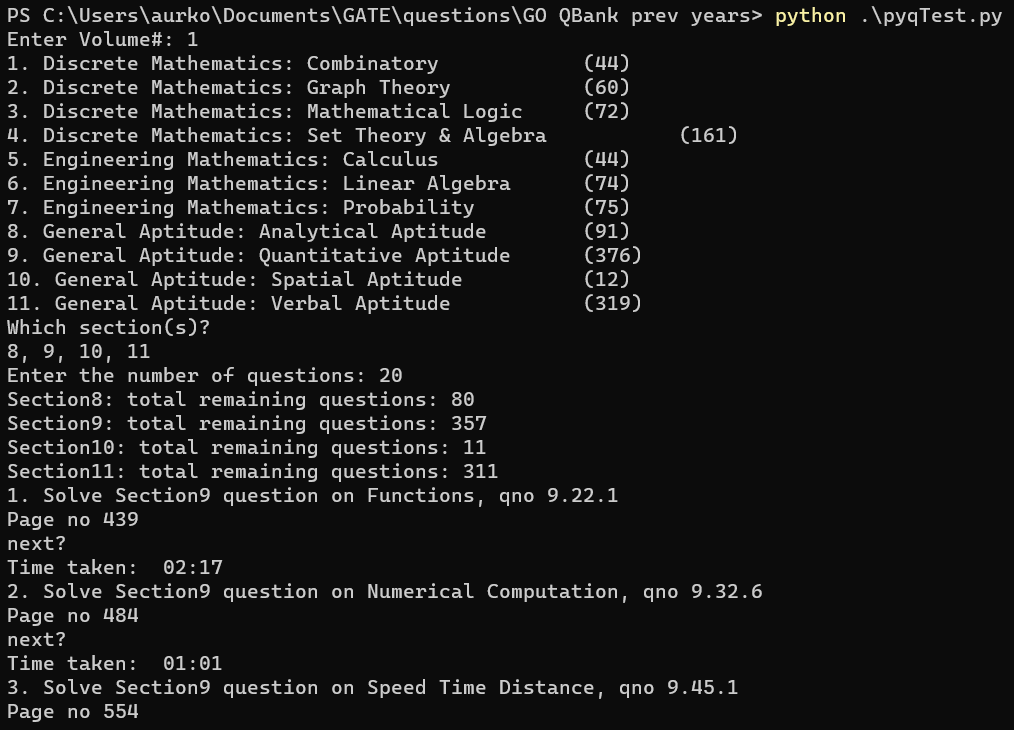
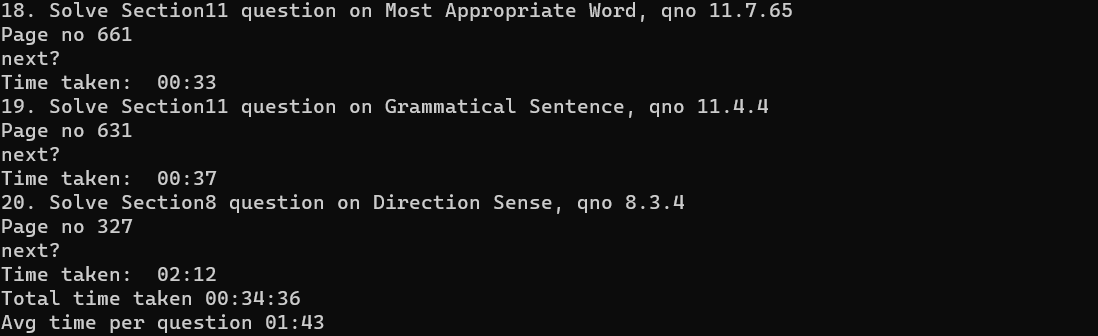
./vol{x}/log/{DATE}_{TIME}.log vol {x }/log/ {date} _ {time} .logにあります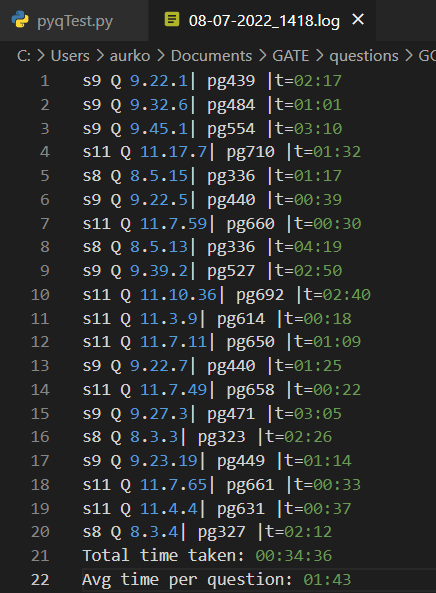
これは、特定の質問と実行の実行に関連するメモを書くためにさらに使用できます
 .
├── vol1                    # Folder with saved data, logs and the vol1 pdf
|    ├── data               # Folder with .dir files (saved page_no searches), and .lot files (the lot of remaining q's to pick from)
|    ├── log                # Folder with saved logs having question number attempted, and timing
|    ├── csv                # Contains all meta information about sections and sub-sections
|    └──Volume-1.pdf        # GO PYQ Volume1 pdf
├── vol2                    # Folder with saved data, logs and the vol2 pdf
|    ...                    # Same as for vol1
|    └──Volume-2.pdf
├── vol3                    # Folder with saved data, logs and the vol3 pdf
|    ...                    # Same as for vol1/2
|    └──Volume-3.pdf
├── __init__.py             # For using read_pdf module
├── extract_meta.py         # Used to extract index page text (meta_index.txt) and open with word processor (preferably vscode)
├── pyqTest.py              # The main test setter, uses the meta.csv and sectionx.csv for q distribution
├── read_pdf.py             # Contains search utility to search for a question's page no. from pdf/ saved dictionary
├── regex_test.py           # Test file to test out the regex [for question(s) extraction from pdf text]
├── updateLots.py           # For adding/removing questions that you've attempted and don't want in the paper/ want to add to unattempted questions
└── README.md





