swaggerjmx
v1.1.1

Document anglais
pip install -U swaggerjmx # -*- coding: utf-8 -*-
from swaggerjmx . convert import conversion
from swaggerjmx . settings import Settings as ST
# swagger_url
ST . swagger_url = 'http://ip:port/v2/api-docs'
# report_path
ST . report_path = 'jmx'
# 开始转换
conversion () # -*- coding: utf-8 -*-
from swaggerjmx . convert import conversion
from swaggerjmx . settings import Settings as ST
# swagger_url_json_path
ST . swagger_url_json_path = 'test.json'
# report_path
ST . report_path = 'jmx'
# 开始转换
conversion ()(venv) lijiawei@bogon swaggerjmx % swaggerjmx -h
usage: swaggerjmx [-h] -i INPUT [-o OUTPUT]
Swagger or YApi convert jmx tool ! Created: Lijiawei. Version 1.1.0
optional arguments:
-h, --help show this help message and exit
-i INPUT, --input INPUT
The input swagger json file or swagger url.
-o OUTPUT, --output OUTPUT
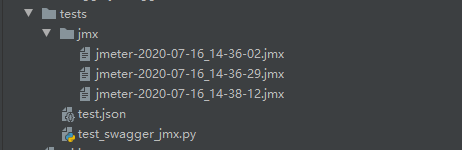
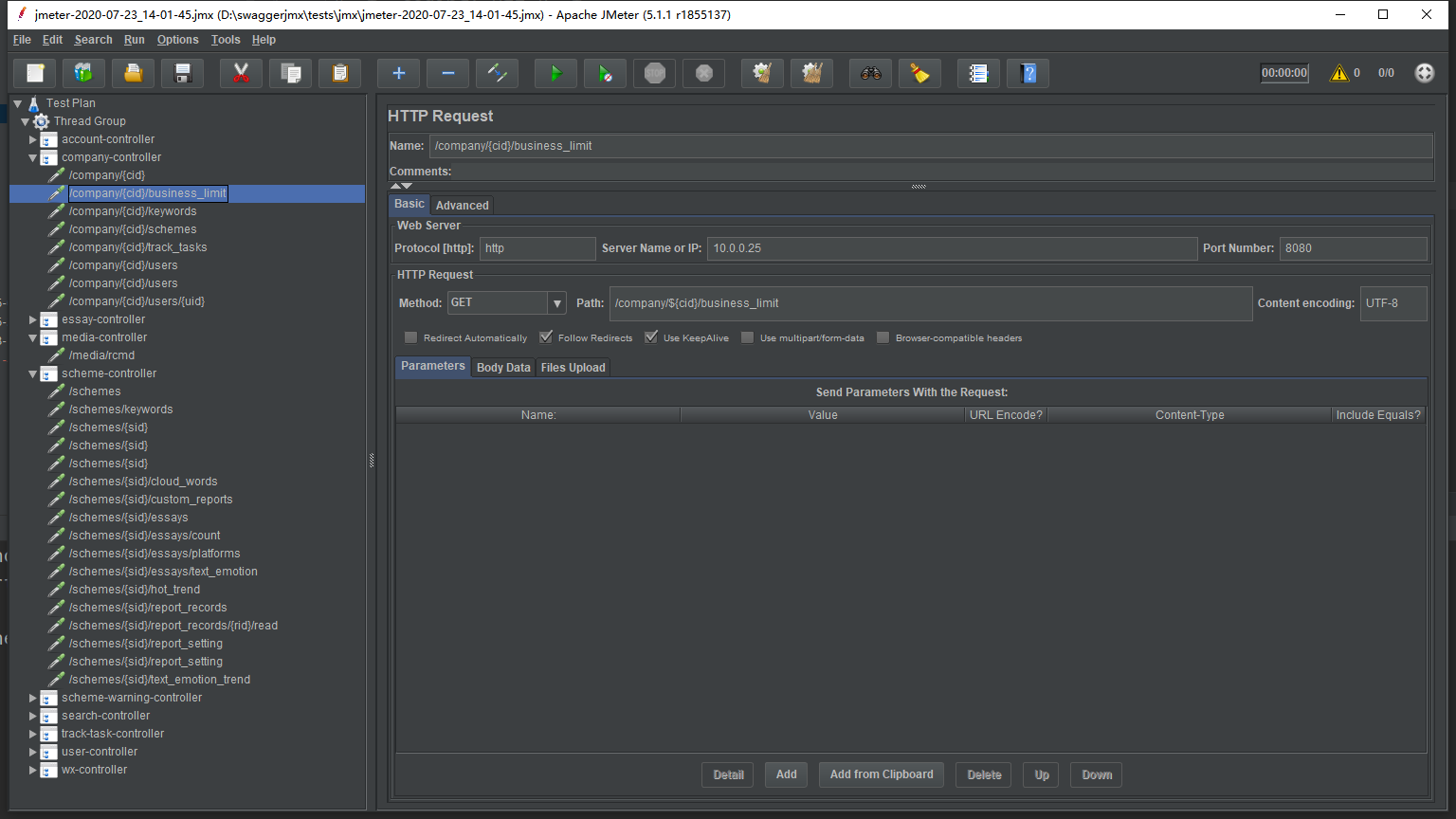
The output jmx file path(default jmx). If it exists, new endpoints will be overwrite.swaggerjmx -i < path_to_swagger_json_or_swagger_url > -o < path_to_output_jmx >swaggerjmx -i tests/data/swagger.json -o jmxswaggerjmx -i https://ip:port/v2/api-docs -o jmx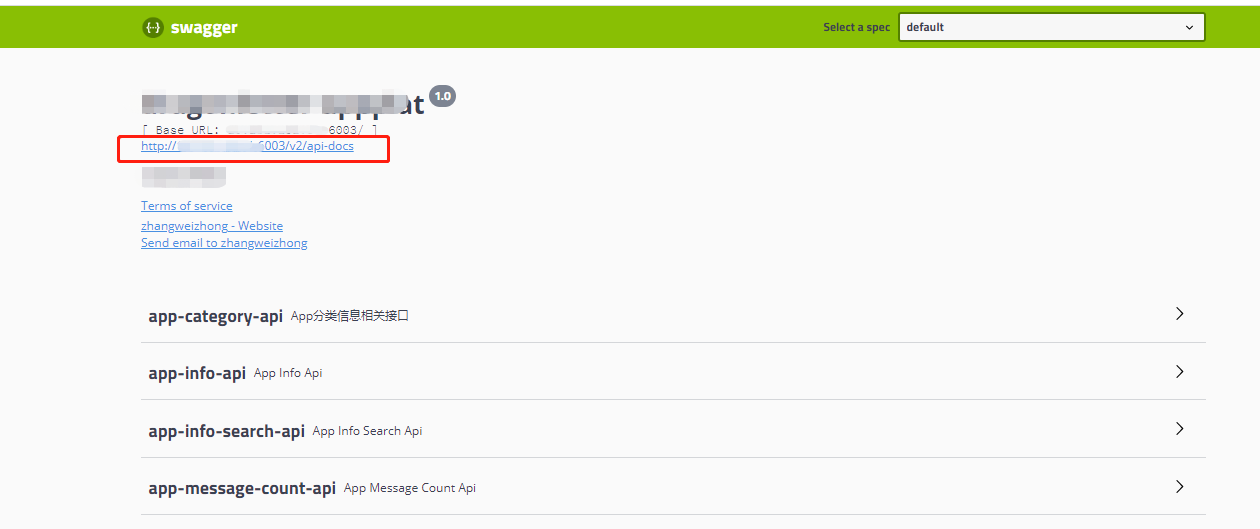
git clone [email protected]:Pactortester/swaggerjmx.git
cd swaggerjmx
pip install -e .
Ce qui précède est une introduction à l'utilisation de base de Swaggerjmx.
Si vous trouvez une erreur, ou si vous avez des suggestions pour Swaggerjmx, bienvenue aux problèmes Swaggerjmx, merci beaucoup pour votre soutien. Vos commentaires et suggestions sont inestimables et espérons que votre implication aidera Swaggerjmx à faire mieux.







